Home »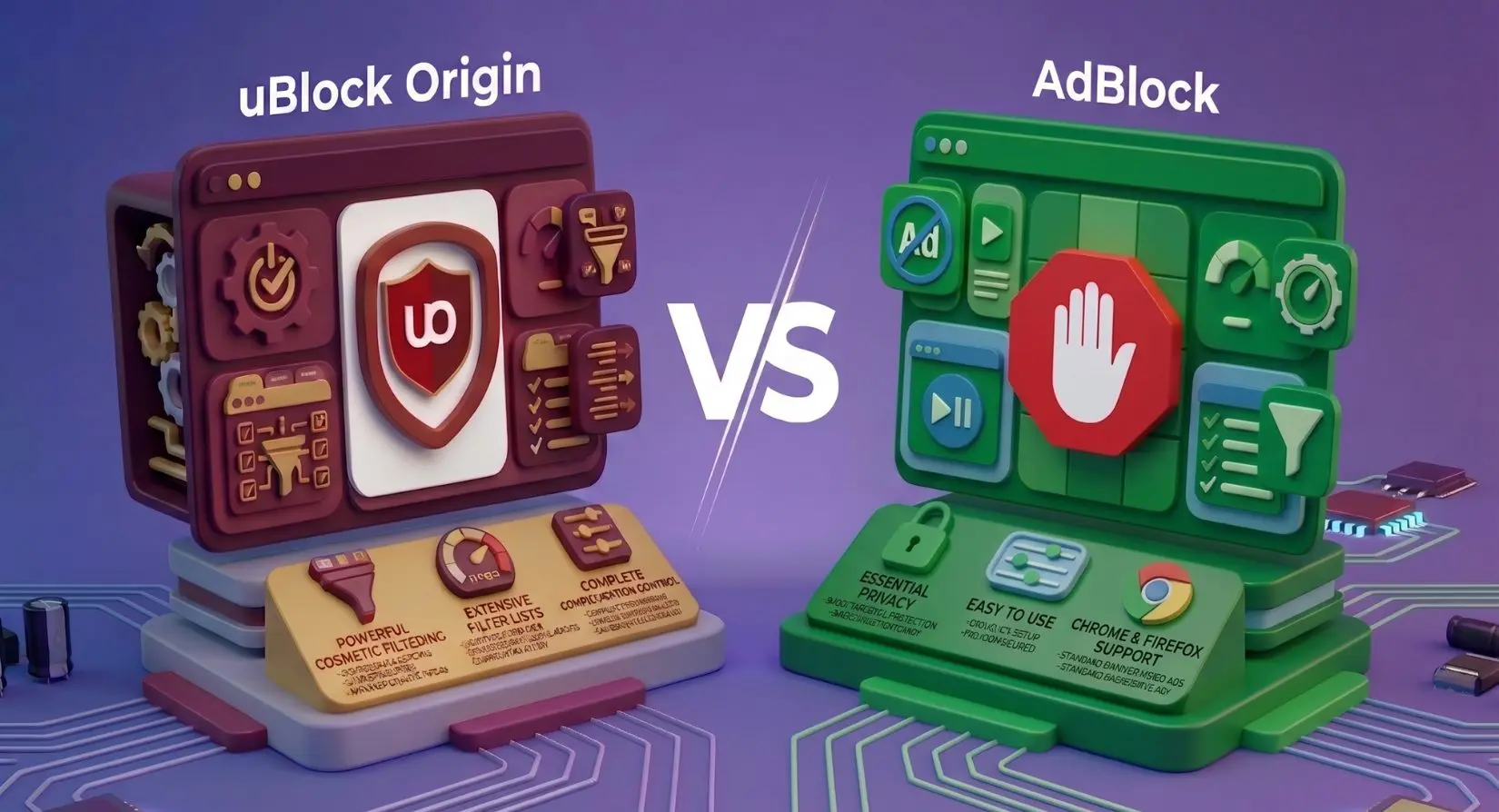
uBlock Origin vs AdBlock?
“To be or not to be,” or better say, “uBlock Origin or AdBlock? :)
Both browser extensions promise cleaner browsing, fewer trackers, and faster page loads. And both block ads on YouTube, stop banner ads, and reduce annoying third-party scripts. But once you look past the marketing, the differences get surprisingly important — especially if you're on Chrome after the Manifest V3 rollout.
Some users want every ad gone with zero compromises. Others are okay with “acceptable ads” if it helps support publishers. Then there's the performance angle: CPU usage, memory consumption, cosmetic filtering, network-level filtering, anti-adblock scripts, and advanced customization all matter if you spend hours online every day.
Anyway, let's get to the point - is uBlock Origin better than AdBlock? Or does AdBlock still make more sense for Chrome users who want a beginner-friendly setup?
Let's check it together!:)
- Quick Verdict: uBlock Origin vs AdBlock
- What's the Difference Between uBlock Origin and AdBlock?
- Acceptable Ads — The Feature That Changes Everything
- Performance Test — uBlock Origin vs AdBlock vs Adblock Plus
- Browser Compatibility — uBlock Origin vs Adblock on Chrome and Firefox
- uBlock Origin Lite vs Adblock — Chrome Alternative Showdown
- Who Should Use uBlock Origin and Who Should Use AdBlock?
- Is uBlock Origin Better Than AdBlock? Final Verdict
- FAQ
Quick Verdict: uBlock Origin vs AdBlock
If you're comparing uBlock Origin vs AdBlock purely on blocking power, uBlock Origin wins. It blocks more ads by default, consumes less CPU and memory, and gives users deeper control over filter lists, cosmetic filtering, and script control.
AdBlock, on the other hand, is easier for beginners and remains fully compatible with Chrome's current extension framework. The tradeoff is that it participates in the Acceptable Ads program, meaning some ads are allowed through unless you manually disable the setting.
The best option depends on your browser, your tolerance for configuration, and whether you want a strict content blocker or a simpler set-it-and-forget-it extension.
| Feature | uBlock Origin | AdBlock |
| Blocks all ads by default | Yes | No |
| Acceptable Ads enabled | No | Yes |
| Open-source | Yes | Partially |
| CPU and memory usage | Lower | Higher |
| Dynamic filtering | Yes | No |
| Chrome MV3 support | Limited via uBlock Origin Lite | Full |
| Beginner-friendly | Moderate | High |
| Advanced customization | Extensive | Basic to moderate |
| Best browser support | Firefox, Brave, Edge | Chrome |
Verdict: If maximum ad blocking and privacy matter most, uBlock Origin is better. If you want a simpler Chrome extension with minimal setup, AdBlock still works well.
What's the Difference Between uBlock Origin and AdBlock?
At first glance, both tools look very similar. They block ads, reduce trackers, hide sponsored content, and improve browsing speed. But the philosophy behind each extension is completely different.
uBlock Origin was built for efficiency and user control. It focuses on lightweight filtering, transparency, and aggressive blocking without monetization tricks. AdBlock was built around accessibility and simplicity, prioritizing an easy setup that works out of the box for mainstream users.
That distinction affects everything from filter behavior to browser compatibility.
uBlock Origin — Open-Source, Zero Compromise
uBlock Origin, often called uBO by longtime users on Reddit and privacy forums, was created by Raymond Hill, also known as gorhill. The extension quickly gained a reputation for being the lightest and most effective ad-blocking tool available.
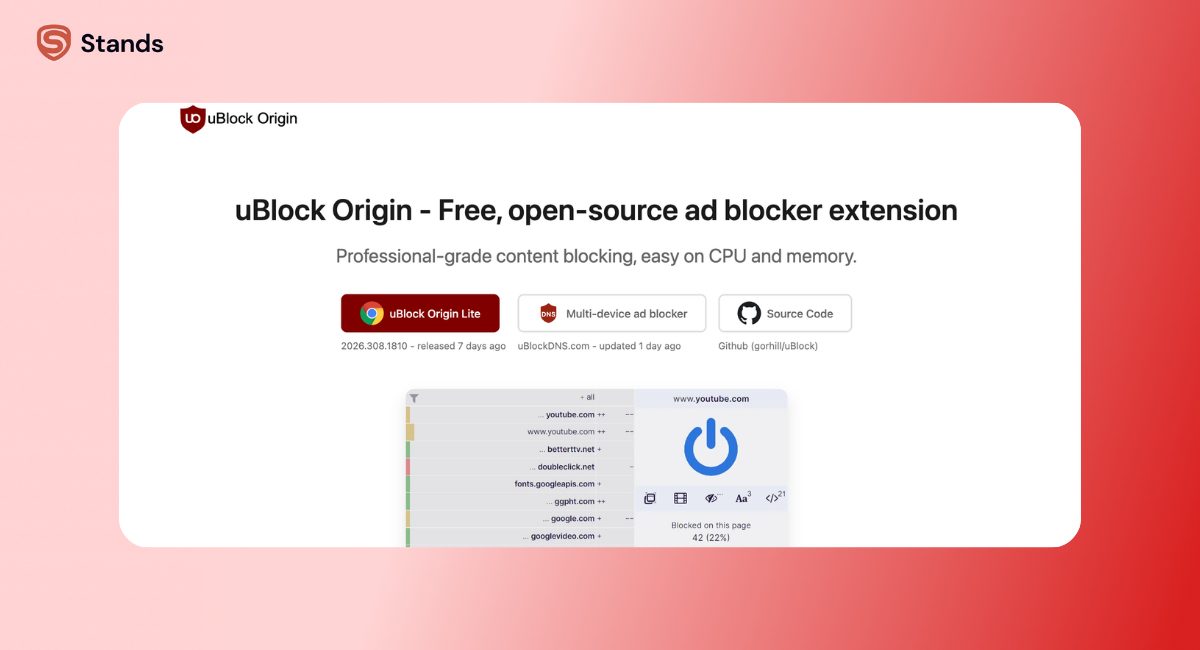
Unlike many browser extensions, uBlock Origin is fully open-source and doesn’t collect unnecessary telemetry. The project avoids commercial partnerships, doesn’t run an Acceptable Ads whitelist, and intentionally keeps resource usage low.
The extension works through highly optimized network request filtering and cosmetic filtering. That means it blocks ad servers before content loads, while also hiding leftover placeholders and page elements.
Its advanced features are where uBlock Origin really separates itself from standard ad blockers:
- Dynamic filtering
- Script control
- Custom filter lists
- Community filter support
- Malware domains blocking
- Anti-adblock script handling
- Element picker tools to block specific elements
- Deep customization for power users
Even with all those features, uBlock Origin remains surprisingly lightweight. On ad-heavy sites filled with floating videos and third-party trackers, it usually consumes less CPU and memory than competing browser extensions.
One reason privacy-focused users prefer it is simple: uBlock Origin blocks all ads by default.
AdBlock and Adblock Plus — Same Parent, Different Products
A lot of users assume AdBlock and Adblock Plus are completely unrelated products. In reality, both now exist under the eyeo ecosystem.
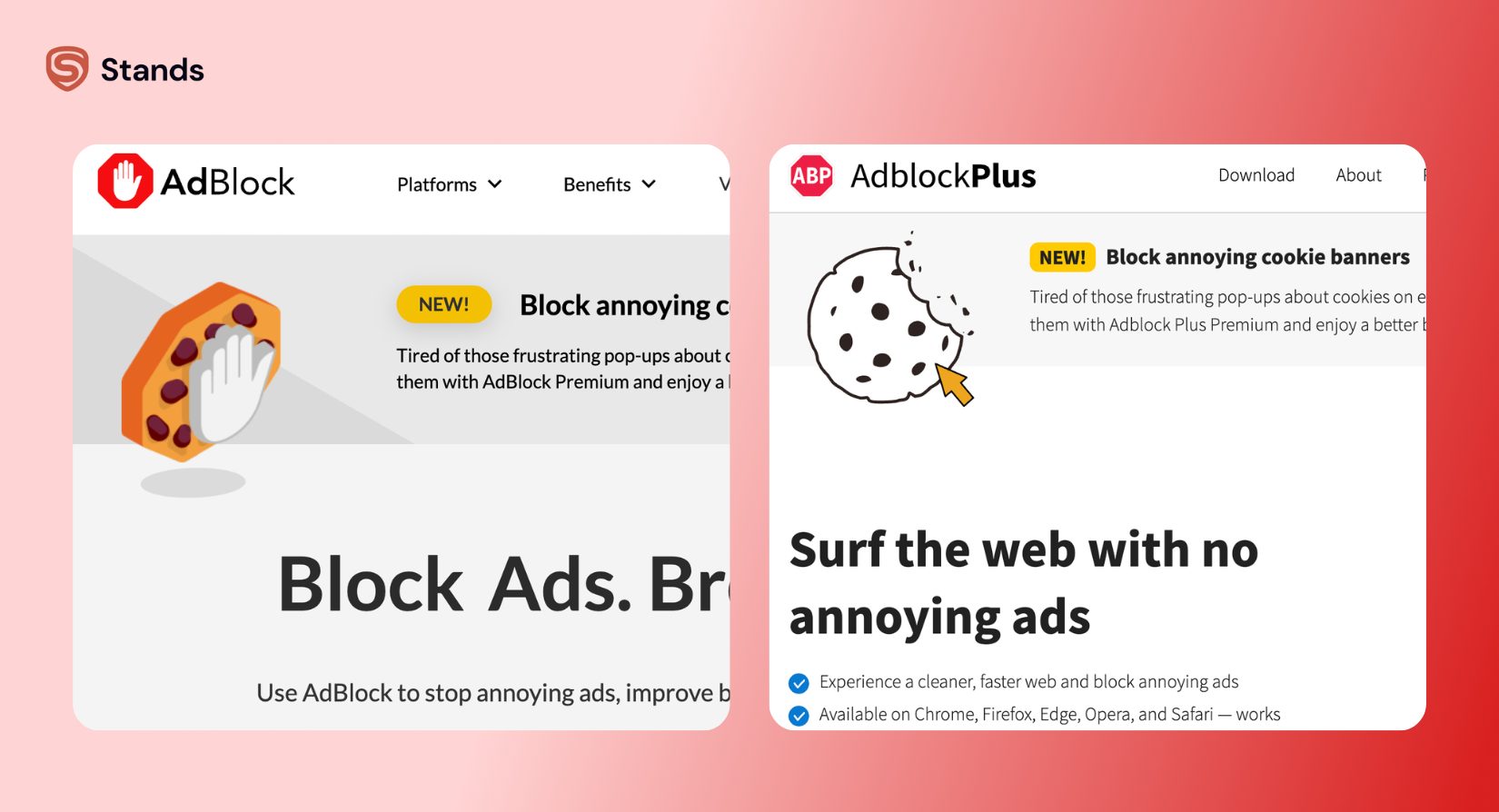
Adblock Plus launched in 2006 for Firefox and became one of the earliest mainstream ad-blocking extensions. AdBlock followed in 2009 and exploded in popularity after Chrome extensions became mainstream.
Today, both products support the Acceptable Ads program.
That means some “non-intrusive” ads are permitted by default. The idea is to support websites that rely on advertising while still blocking disruptive formats like autoplay video ads, malware-heavy banners, and aggressive popups.
AdBlock offers a cleaner beginner experience than uBO. Installation is simple, the dashboard is easy to navigate, and configuration rarely requires touching filter lists or advanced settings.
But simplicity comes with tradeoffs:
- Less aggressive ad blocking
- Fewer advanced customization options
- Higher memory usage on complex sites
- Limited script control
- Acceptable Ads enabled by default
For casual Chrome users, that may not matter much, while for privacy-focused users, it absolutely does.
Acceptable Ads — The Feature That Changes Everything
The Acceptable Ads program allows certain ads to bypass filters if they meet specific standards. Typically, these are smaller text ads or less intrusive sponsored content placements.
Supporters argue this creates a healthier internet ecosystem by helping publishers earn revenue without overwhelming visitors. Critics argue that an ad blocker should block every ad, period.
uBlock Origin takes a hardline approach, with no whitelist or paid exceptions. Simply no ads by default.
AdBlock and Adblock Plus take the middle-ground approach, and they permit some ads unless users disable the feature manually.
That single difference changes the browsing experience more than most users realize.
Here's a quick decision checklist:
- Want to block everything without exceptions → uBlock Origin
- Fine with non-intrusive ads to support publishers → AdBlock / Adblock Plus
- Want to support specific creators while blocking the rest → Acceptable Ads + manual whitelist
- Want to block everything without exceptions — and skip the configuration entirely? Stands blocks all ads by default, with a zero Acceptable Ads whitelist.
In practice, many users don't even realize Acceptable Ads is active until they run an AdBlock tester or compare browsing sessions side by side.
This becomes especially noticeable on:
- News sites
- Shopping pages
- Sponsored search results
- Recommended content widgets
If your goal is complete ad blocking, uBlock Origin is better aligned with that philosophy.
Performance Test — uBlock Origin vs AdBlock vs Adblock Plus
Every network request, tracker, script, and cosmetic filter affects CPU usage and memory allocation. On modern ad-heavy websites, the difference between efficient filtering and bloated filtering becomes obvious fast.
Real-world testing across adblock tester benchmarks, Reddit browsing sessions, YouTube playback, and major news sites consistently shows that uBlock Origin blocks more requests while using fewer resources.
YouTube Ad Blocking — Which Wins?
YouTube has become one of the hardest environments for ad blockers.
Google constantly updates anti-adblock scripts, rotates delivery methods, and changes how video ads are injected into streams.
Even so, uBlock Origin still performs better overall.
In most real-world tests, uBlock Origin blocks:
- Pre-roll ads
- Mid-roll ads
- Shorts ads
- Suggested sponsored content
AdBlock performs reasonably well too, but some ads can still pass through depending on Acceptable Ads settings and filter behavior.
This is one reason users searching for a Twitch AdBlock or YouTube-specific blocker often end up switching to Stands AdBlocker or uBO.
If you mainly watch YouTube on Firefox or Brave, uBlock Origin remains one of the strongest options available.

Speed and RAM Usage Compared
One of uBlock Origin's biggest advantages is efficiency.
Instead of relying heavily on cosmetic filtering after ads load, uBO aggressively filters network requests before they fully render. That approach reduces wasted bandwidth and lowers CPU strain.
AdBlock relies more heavily on interface-level filtering and layered rule handling, which can become heavier as filter lists scale.
On lightweight browsing sessions, the difference may feel small.
But on:
- Ad-heavy sites
- Streaming platforms
- Multi-tab browsing sessions
- News sites packed with trackers
- Pages loaded with third-party scripts
…the performance gap grows quickly.
Users often describe uBlock Origin as “invisible” because it runs quietly in the background without noticeably slowing the browser.
That's especially valuable on older desktops or lower-memory systems.
For users who care about browser responsiveness, uBlock Origin blocked more requests while consuming fewer resources in most public comparisons.
Browser Compatibility — uBlock Origin vs Adblock on Chrome and Firefox
Choosing the best ad blocker now depends heavily on browser choice.
A few years ago, installing uBO on Chrome was easy. Today, the situation is more complicated because of Manifest V3.
Chrome Users — The Manifest V3 Problem
Google's Manifest V3 update changed how browser extensions handle filtering.
The biggest casualty? Full-power uBlock Origin.
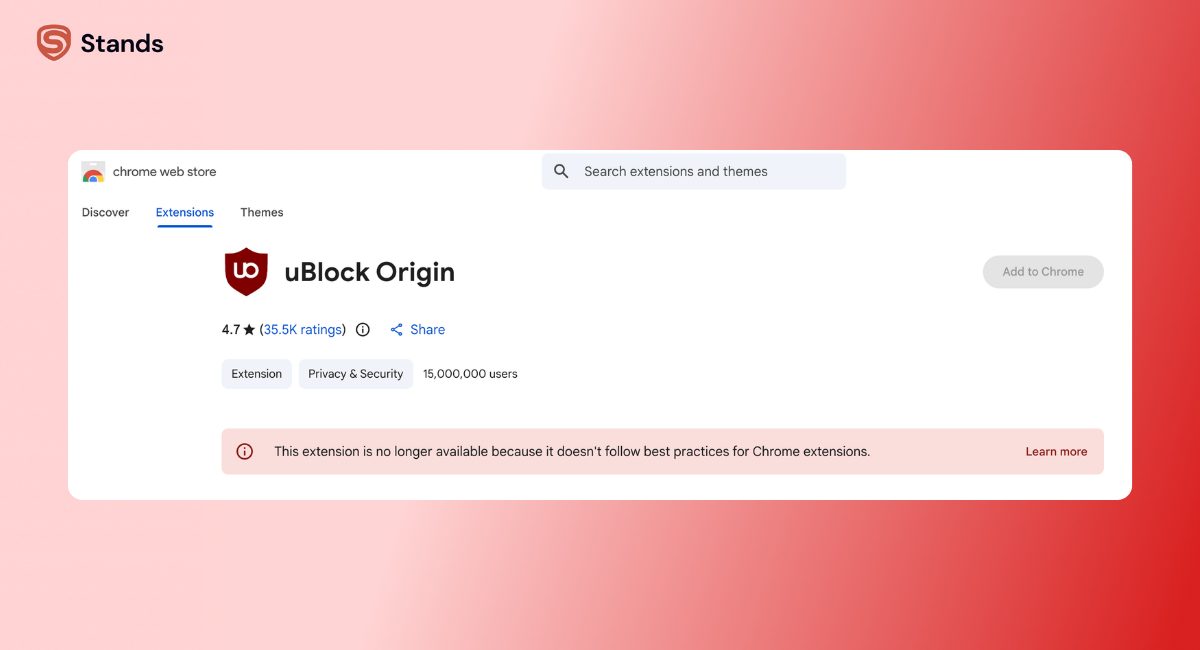
The original version of uBO no longer functions fully on Chrome under MV3 restrictions. As a result, many Chrome users were forced to either:
- Switch browsers
- Use a weaker blocker
- Install uBlock Origin Lite
AdBlock adapted more smoothly to Chrome's new extension rules and remains fully supported.
That's why Chrome users searching for an AdBlocker Chrome solution often end up comparing AdBlock against uBlock Origin Lite instead of the original uBO.
uBlock Origin Lite exists specifically to comply with Manifest V3 requirements. But it comes with major limitations:
- No dynamic filtering
- Reduced script control
- Less advanced customization
- More restrictive filtering behavior
If you want the classic full-power uBO experience, Firefox is now the preferred browser.
Firefox, Edge, Brave — Where uBlock Origin Dominates
Outside Chrome, uBlock Origin still shines.
Firefox remains the gold standard for users who prioritize privacy, aggressive filtering, and open-source browser extensions.
On Firefox, Edge, and Brave, uBO retains:
- Full dynamic filtering
- Advanced cosmetic filtering
- Complete script control
- Full filter list customization
- Better anti-adblock handling
This setup is especially popular among:
- Privacy enthusiasts
- Power users
- Developers
- Users browsing ad-heavy sites daily
For many people, the best combination today is Firefox plus uBlock Origin.
If you're comparing browsers as well as blockers, this is an important factor to prioritize.
uBlock Origin Lite vs Adblock — Chrome Alternative Showdown
Chrome users now face a different comparison entirely: uBlock Origin Lite vs AdBlock.
uBlock Origin Lite keeps the minimalist philosophy and avoids the Acceptable Ads program, but it sacrifices many advanced features to remain MV3 compatible.
| Feature | uBO Lite | AdBlock (Chrome) |
| MV3 compatible | Yes | Yes |
| Dynamic filtering | No | No |
| Acceptable Ads | No | Yes (default) |
| Customization | Limited | Moderate |
| Script control | Minimal | Minimal |
| Resource usage | Lower | Higher |
For users who simply want lightweight filtering without configuration, uBO Lite still performs surprisingly well.
But if you're expecting the same deep customization as classic uBlock Origin, you'll notice the limitations quickly.
If you want a deeper comparison, this guide on uBlock Origin vs uBlock Origin Lite breaks down the differences in more detail.

Who Should Use uBlock Origin and Who Should Use AdBlock?
At this point, the choice becomes less about “which blocker exists” and more about “which blocker matches your browsing style.”
Choose uBlock Origin if:
- You use Firefox, Brave, or Edge
- You want maximum blocking with zero compromises
- You're willing to do minimal filter configuration
- Zero telemetry and open-source code matter to you
- You want advanced customization and script control
- You regularly browse ad-heavy sites
- You want to bypass soft paywalls and sponsored content more aggressively
uBlock Origin is better for users who prioritize privacy, efficiency, and complete control.
Choose AdBlock if:
- You're on Chrome and don't want to switch browsers
- You want a true set-it-and-forget-it extension
- You don't mind seeing polite, non-intrusive ads
- You prefer a simpler dashboard and beginner-friendly setup
- You don't need advanced features like dynamic filtering
AdBlock works well for mainstream browsing and casual users who simply want fewer interruptions online.
If you're comparing alternatives beyond these two, this breakdown of Stands AdBlocker vs Adblock Plus is worth reading too.
Users on Opera can also explore a dedicated AdBlocker Opera setup if browser compatibility is part of the decision.
Is uBlock Origin Better Than AdBlock? Final Verdict
For pure ad-blocking performance, uBlock Origin wins.
It blocks more ads, consumes fewer resources, offers deeper customization, and avoids the Acceptable Ads model entirely. On Firefox, Brave, and Edge, it's still one of the strongest privacy-focused browser extensions available.
AdBlock still has advantages, especially for Chrome users affected by Manifest V3. It's easier for beginners, simpler to configure, and remains widely compatible across operating systems.
But if the question is “Which blocks more?” the answer is clear. uBlock Origin blocks more by default.
That said, browser extensions are only the first layer of online privacy.
A good ad blocker is the first step. Stands goes further — blocking trackers, ads, and data collection across every site, on any browser. Free to install, nothing to configure.

FAQ
Is uBlock Origin better than Adblock?
In most cases, yes. uBlock Origin blocks more ads by default, uses fewer system resources, and offers stronger customization features than AdBlock. It also avoids the Acceptable Ads whitelist model.
Does uBlock Origin work in Chrome?
The original full version of uBlock Origin no longer works fully on Chrome because of Manifest V3 restrictions. Chrome users can still install uBlock Origin Lite, but it has reduced functionality.
What is the difference between uBlock Origin and uBlock Origin Lite?
uBlock Origin Lite is a Manifest V3-compatible version with fewer advanced features. It removes dynamic filtering and limits customization options in exchange for Chrome compatibility.
What does Adblock let through?
AdBlock allows certain non-intrusive ads through its Acceptable Ads program unless users manually disable the feature. These may include sponsored content, text ads, or lightweight promotional units.
What does uBlock Origin let through?
By default, uBlock Origin blocks nearly all ads, trackers, and many third-party requests. However, users can still manually whitelist websites or allowlist specific domains if they want to support creators or fix site functionality.