
 Home »
Total Adblock Review 2026: What the Reviews Don’t Tell You
Total Adblock blocks ads effectively for paying users, per its Trustpilot majority. The recurring complaint pattern is billing: difficult cancellation, auto-renewal surprises, and a free tier that blocks close to nothing.
Total Adblock vs. AdLock: Don't Confuse Them
Search for ad blockers online, and you will almost certainly run into two distinct products with nearly identical names: Total Adblock and AdLock. They come from completely separate companies, yet users frequently bundle them together :)
The main reason for this confusion comes down to shared branding keywords and aggressive ad campaigns. Total Adblock belongs to TotalAV (Protected.net Group), a major cybersecurity brand that packages ad blocking alongside full antivirus suites. AdLock, on the other hand, operates as an independent software tool built specifically for standalone ad filtering across platforms.
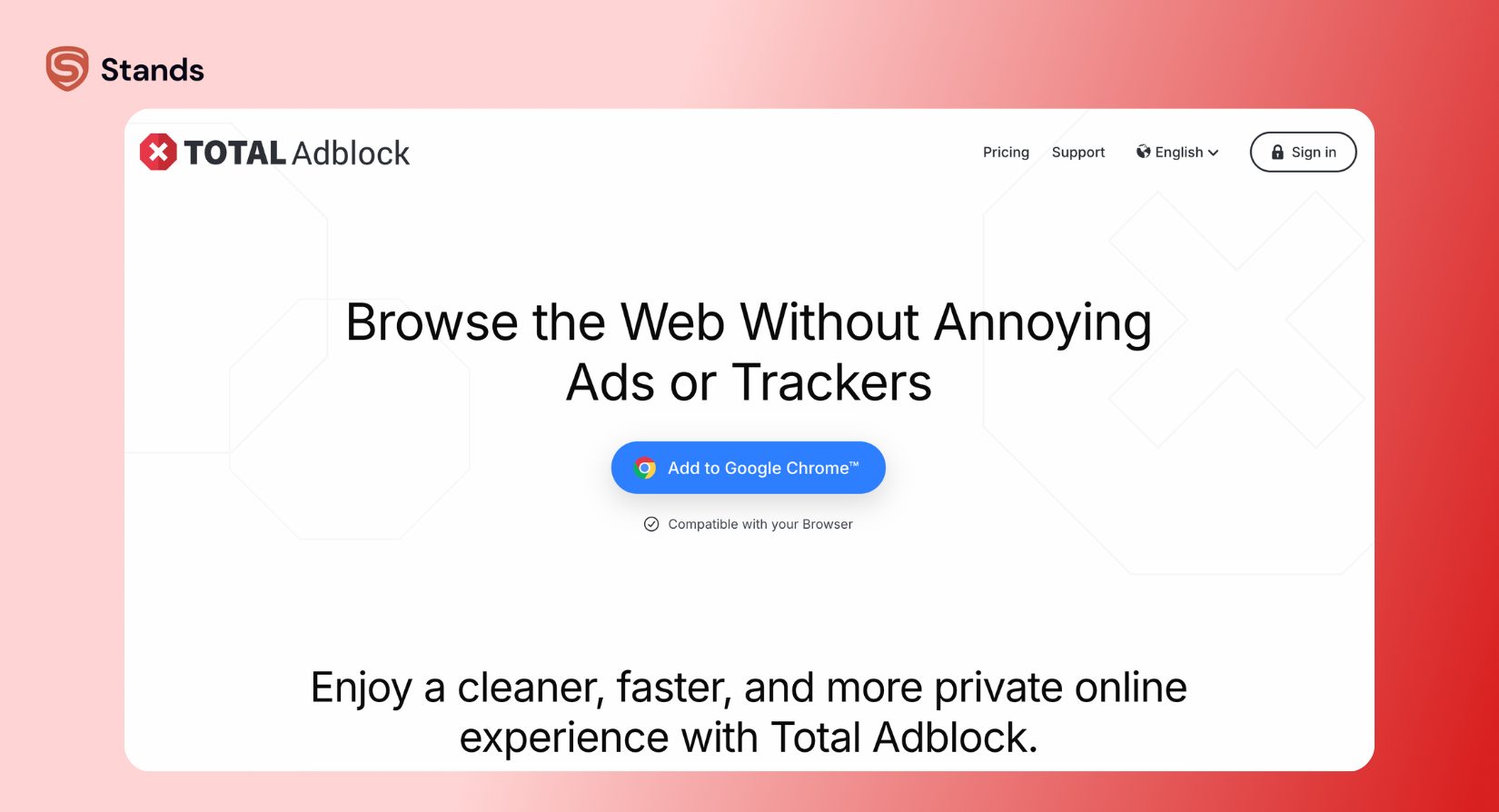
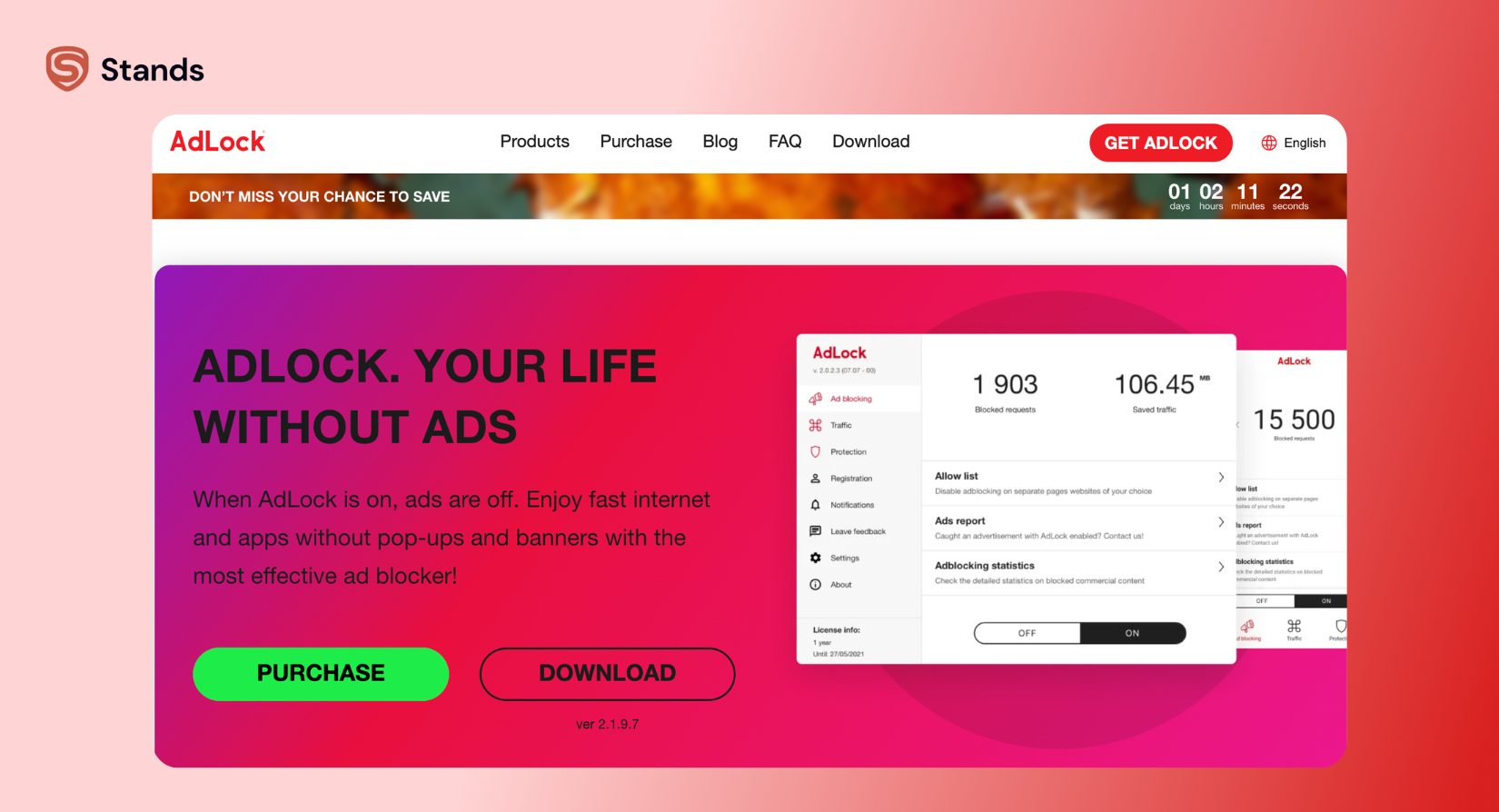
If you read Adlock reviews to decide on a purchase, make sure you know which engine you are evaluating. Total Adblock relies heavily on browser extension architecture for its main product, whereas AdLock operates as an independent, system-wide filtering application on desktop and mobile :) Mixing up their subscription models or platform capabilities usually leads to unexpected surprises down the road.
What the Free Tier Actually Blocks
Many users land on the Total Adblock Chrome store page expecting a zero-cost tool that cleans up the web. The answer to whether the free version actually works depends entirely on how you define ad blocking.
Technically, the free tier works, but only under severe constraints. It functions as a restricted preview that showcases the interface rather than providing full browsing protection. Here is what the free version covers versus what requires a paid subscription:
- Popular Video Platforms: Video ads on major streaming services load normally under the free tier. You must upgrade to remove them.
- Top 15,000 Websites Limit: Total Adblock restricts free ad-blocking efficiency by applying its filter lists only to the top 15,000 sites globally (ranked by Alexa/similar metrics). If you visit smaller blogs, niche news outlets, or independent forums, ads load unfiltered.
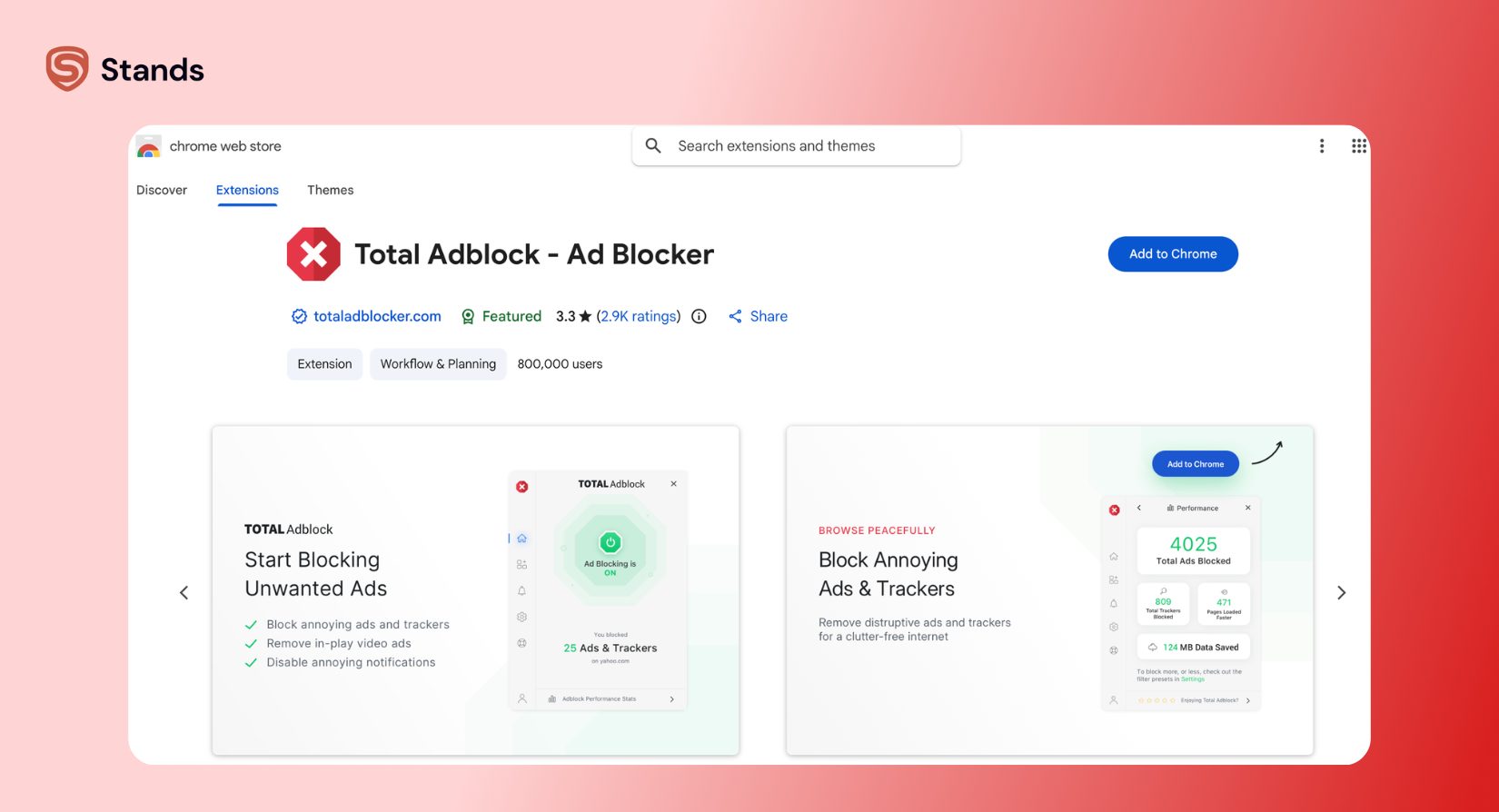
If your primary goal involves blocking ads on YouTube, the free tier will deliberately fail to meet your expectations :) It triggers upgrade prompts the moment high-bandwidth video ads appear.
How to Actually Read Subscription Software Reviews
Evaluating consumer ratings for software requires looking past the aggregate score. If you look at high-profile trust platforms, Total Adblock appears to enjoy stellar ratings, often hovering around 4.5 out of 5 stars. But an overall star rating on Trustpilot or similar aggregators can deeply mislead you if you do not analyze when and why users left those scores :)
When software companies onboard new users, they trigger automated review prompts immediately after checkout or during the first hour of smooth usage. At this stage, the user experiences the "impression of newness." The extension installed quickly, a banner disappeared, and the user left a 5-star rating.

Negative reviews follow a completely different timeline. Users almost never write them on day one. Instead, 1-star reviews accumulate months down the road when users encounter automated billing, attempt to cancel, or notice unexpected credit card charges.
To find the ground truth, bypass the overall average and apply these three steps:
- Filter by the lowest ratings: Look exclusively at 1-star and 2-star feedback to spot structural issues rather than temporary glitches.
- Check the timeline distribution: Look for clusters of billing complaints. If negative reviews spike around renewal periods (12 months after purchase), you are looking at a system design pattern, not an isolated glitch :)
- Search for repeated anchor words: Search inside negative feedback for specific repeated phrases like "auto-renewal," "refund request process," "cancellation," or "charged twice." When hundreds of independent users report the exact same sequence of events during billing, that pattern reflects actual company operations.
A high overall score tells you the application functions when you activate it. The 1-star distribution tells you what happens to your wallet when you try to leave!
The Pattern in Negative Reviews
A detailed analysis of feedback across forums like Reddit and consumer protection boards reveals consistent patterns :) Rather than isolated technical bugs, negative ratings cluster heavily around business practices and subscription management.
| Complaint Category | Frequency | Core Triggers |
| Billing & Auto-Renewal | High (~65% of 1-star reviews) | Automatic renewals at non-discounted rates; difficult account dashboard cancellations; unexpected add-on charges. |
| Free-Tier Limitations | Medium (~20% of 1-star reviews) | Paywalls appearing unexpectedly; video ads continuing to play; strict website limits on the free version. |
| Customer Support Responsiveness | Medium (~10% of 1-star reviews) | Delayed responses to refund requests; automated chatbot loops when requesting account termination. |
| System & Browser Performance | Low (~5% of 1-star reviews) | High system resource usage on older devices; site breakage on complex web applications. |
The overwhelming majority of friction stems from commercial terms rather than code defects. Users consistently state that while the extension silences web banners, managing the financial side of the service creates significant frustration :)

Pricing: What You Actually Pay After Year One
The initial pricing strategy for Total Adblock relies heavily on steep introductory discounts. First-time buyers typically see a low entry price—often advertised between $1.50 and $2.00 per month, billed annually as a single upfront payment of around $19 to $29 for the first year.
What many users miss during checkout is the auto-renewal policy buried in the subscription agreement :) Once the initial promo period ends, the subscription automatically renews at the full standard rate.
| Time Period | Pricing Type | Cost |
| Year 1 | Introductory Promo | $19.00 – $29.00 / year |
| Year 2+ | Standard Auto-Renew | $99.00 – $119.00 / year (plus applicable taxes) |
This sudden price increase represents a massive jump from the initial charge. Additionally, secondary services such as "Premium Support," "Vulnerability Protection," or bundled antivirus components often check themselves by default during registration. If you leave these unchecked, these add-ons increase the final renewal bill even further.

If you request a return, the refund request process requires contacting customer service within their stated money-back window (usually 14 to 30 days). However, users regularly report that obtaining confirmation of cancellation requires navigating several retention offers and delays from support representatives :)
Platform Coverage: Where It Works and Where It Doesn't
Ad-blocking software performance varies depending on your operating system and browser architecture. Total Adblock provides broad coverage across desktop environments, but its mobile capabilities depend heavily on platform restrictions.
| Platform / Browser | Support Level | Technical Delivery | Key Features & Limitations |
| Google Chrome | Full | Browser Extension | High ad-blocking efficiency, but upcoming Chrome Manifest V3 compliance rules constrain it. |
| Mozilla Firefox | Full | Browser Extension | Uses full web-request filtering; supports custom filter lists and granular whitelisting features. |
| Android OS | Partial / Sideload | APK / Local Service | The Google Play version offers limited filtering due to store policies. Full system filtering requires sideloading an APK. |
| iOS (iPhone/iPad) | Limited | Safari Extension | Operates via Safari Content Blocking APIs; cannot block ads inside native third-party mobile apps. |
| Desktop (Win / Mac) | Full | Standalone App / Extension | Provides malware protection and local filtering when paired with bundled desktop utilities. |
While browser extensions handle standard web pages without issue, cross-platform availability remains fragmented on mobile devices due to application store guidelines :)
A Simpler Free Alternative
If you want to block ads without stressing over surprise charges, hidden fees, or canceling subscriptions, choosing a free ad blocker is your best option.
Stands AdBlocker keeps things honest and clear :) While other apps give you limited free trials just to push you into buying expensive upgrades, Stands gives you full ad blocking completely free, with no paid plans or hidden costs.
| Ad blocker | Starter experience | Year 1 cost | Ongoing experience |
| Total Adblock | Free Trial Limit | Discounted Year 1 | $99+/yr Auto-Renewal |
| Stands AdBlocker | Full Functionality | No Billing Needed | Zero Friction |
Stands AdBlocker handles pop-ups, disruptive banners, and video ads while keeping low system resource usage so your browser stays fast. You also get easy whitelisting features to support your favorite creators, along with solid protection against intrusive web scripts.
Whether you need to clean up daily sites or want to find the best ad blockers for Android, choosing a zero-billing alternative keeps your personal data safe and spares you from subscription surprises :) And if you ever experience unexpected browser slowness or persistent layout glitches, a quick way to restore performance is to clean up your browser by clearing out accumulated cache files and outdated extension data.
FAQ
Is Total Adblock safe to use?
Yes, Total Adblock is safe from a security standpoint :) A recognized cybersecurity company developed the extension, so it contains no malicious code and effectively blocks intrusive ads and tracking scripts. However, users should carefully review the auto-renewal billing terms during checkout to avoid unexpected charges down the road.
Does AdLock actually work?
Yes, AdLock is an effective standalone ad blocker. It operates independently from Total Adblock and uses system-level filtering to block ads across browsers and selected desktop applications :) It offers strong ad-blocking efficiency, though, like all blockers, mobile app filtering depends on operating system restrictions.
Is Total Adblock worth paying for?
Total Adblock performs well at blocking ads, pop-ups, and trackers for paid subscribers. However, whether it is worth paying for depends on your budget :) Given that the price increases significantly after the first year, many users prefer light, transparent solutions like Stands AdBlocker that deliver complete filtering without recurring costs.

