Home »
Does a VPN Block Ads? What Actually Works in 2026
The question of whether a VPN blocks ads or if you need an ad blocker too is about two completely different problems.
First, you want privacy for your internet connection. A VPN hides your IP address, protects your data from your internet provider, and stops outsiders from seeing what you send online.
Second, you want a cleaner screen. An ad blocker removes banner ads, stops annoying video ads before and during videos, blocks dangerous pop-ups, and keeps advertisers from tracking what you do.
To pick the right setup, you just need to understand what each tool actually does!
Do VPNs Block Ads?
Standard VPNs do not block ads by default (so ignore the marketing tricks!) :)
A VPN builds a secure, encrypted tunnel between your device and a remote server, so when you use the network, it encrypts your internet traffic and hides your real IP address and location from outsiders. However, it sends web pages and ad scripts through that tunnel without changing anything inside them.

To understand why VPNs block ads only when providers equip them with dedicated filtering features, you must distinguish between network routing tools and content filtering tools. A vpn operates at the network transport layer. Its primary job involves encapsulation, security, and privacy. When a webpage requests fifty external elements, including display ads, tracker elements, and external ad networks scripts, the VPN routes every single payload through its tunnel without altering content. Because the encrypted tunnel cannot distinguish between legitimate website text and an intrusive ad, online ads flow straight to your browser. A VPN protects your privacy and security, but leaves on-page visual clutter completely intact.
Why a VPN Doesn't Stop Ads by Itself
Ad networks deliver promotions as part of the webpage or video stream that your browser requests. A VPN delivers that traffic over an encrypted tunnel without modifying, reading, or dropping individual data packets. It acts as an encrypted pipe: it delivers the requested web traffic to your device without stripping out promotional materials along the way.
An elegant network solution doesn't exist in isolation, but in connection with the systems that support it :) A VPN protects the pipeline, while content filtering cleans the stream!

A VPN hides browsing activity from your internet service provider, secures traffic on untrusted public Wi-Fi networks, and prevents geographic tracking. It does not inspect webpage scripts, alter HTML structure, or remove banners, pop-ups, and video ads. If a site serves ads and trackers through third-party ad networks, your device loads and executes those scripts regardless of your virtual IP location.
VPNs With Built-In Ad Blocking: How They Work
Some VPNs include an optional ad-blocking feature that works at the DNS (Domain Name System) level, not inside the VPN tunnel itself :)
This feature, often called a DNS blocker, refuses to open known ad and tracker websites, so those ads never load on your device.
When you open a webpage, your browser asks a server to translate the website's name into a numerical address. After a VPN ad blocker checks that request against a list of known ad networks, malware sources, and trackers, if the request matches a bad site on the list, the DNS server drops it. As a result, those specific ads never reach your screen!
Many major vpn providers offer built-in DNS filtering under distinct feature names:
- NordVPN threat protection filters malware, sites, and ad domains at the DNS level.
- PIA MACE redirects queries for known ad servers and trackers to an unresolvable network address.
- Windscribe R.O.B.E.R.T. works with ads, trackers, and unwanted content categories.
- Proton VPN NetShield uses DNS filtering to stop unwanted domain requests before client devices load them.
These specific feature names, coverage details, and pricing change over time, so you should verify current specifications directly on each provider's official site :)
What DNS-Level Blocking Can and Can't Catch
DNS-level filtering provides efficient and lightweight protection, but structural limitations restrict its scope. These limits explain why these tools miss YouTube ads, Twitch promotions, Spotify commercial breaks, and platform-native ads :(
DNS blocking works only when servers deliver advertisements from separate, third-party domains. However, modern platforms like YouTube deliver ads on YouTube, including pre-roll and mid-roll video ads, from the exact same media servers and domain structure as the primary content video stream. Blocking the ad domain at the DNS level simultaneously blocks the main video stream, breaking playback entirely!

VPN vs AdBlocker: Which Do You Actually Need?
The first one protects your privacy and encrypts your internet connection. On the other hand, the second one removes ads, blocks tracking scripts, and cleans up web pages directly in your browser or app, so if you just want to forget the word "ads", you need an ad blocker :)
| Capability | VPN (alone) | VPN with DNS ad-block | Dedicated ad blocker |
| Hides IP address | Yes | Yes | No |
| Encrypts traffic | Yes | Yes | No |
| Blocks banner/pop-up ads | No | Partially | Yes |
| Blocks trackers | Limited | Partially | Yes |
| Stops server-side (YouTube-style) ads | No | No | Limited / Advanced |
| Cleans on-page ad clutter | No | No | Yes |
While VPNs can help protect your data across public Wi-Fi networks and untrusted connections, you still need dedicated content filters to stop invasive web clutter and dynamic ad scripts!
How to Actually Block Ads (Method by Method)
Desktop Browsers
To block ads on desktop browsers such as Chrome, Firefox, Edge, or Opera, install a dedicated extension that specializes in browser content filtering :)
- Open your browser's extension store or web store.
- Search for a reputable content filtering extension like an ad blocker for Chrome.
- Add the extension to your browser and enable recommended filter lists.

Expected result: The extension actively strips banners, pop-ups, slide-in promotions, and tracking scripts from web pages!
Common mistake: Expecting a browser extension to block ads inside non-browser desktop apps or system-level software :(
Android
On android devices, mobile browser filtering offers the most direct solution for web browsing :)
- Download a mobile browser with built-in ad blocking capabilities from the Google Play Store.
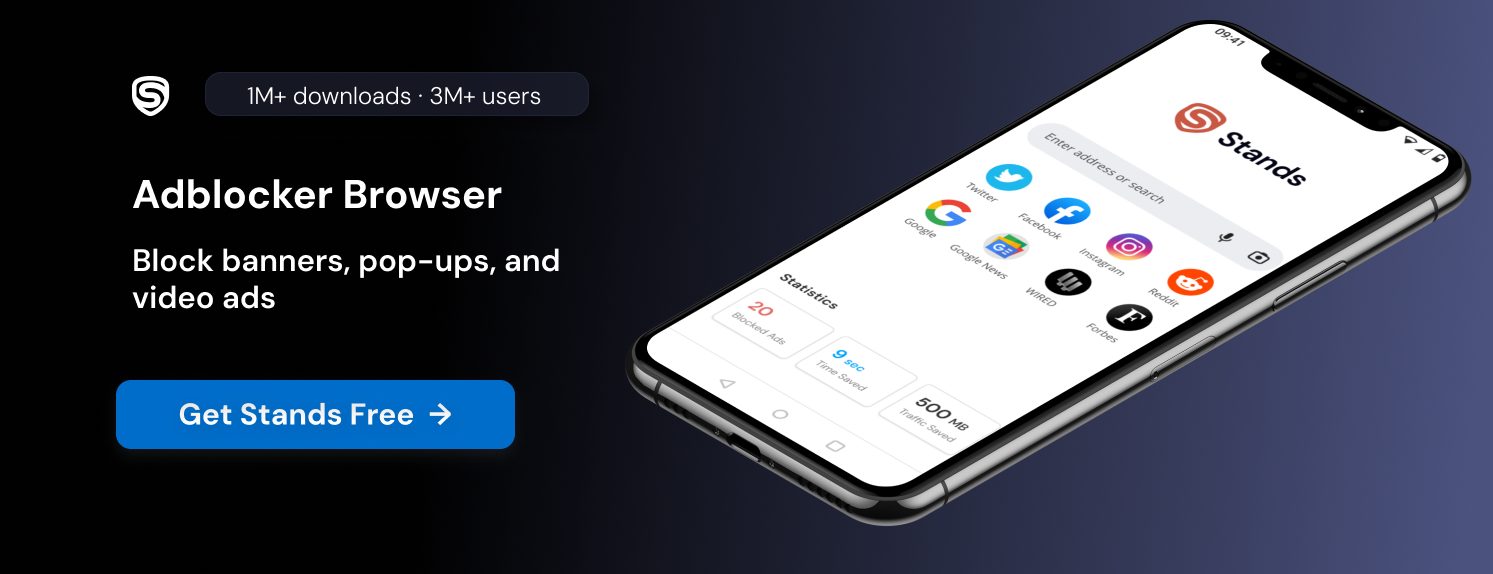
- Alternatively, set up a filtering DNS profile inside your Android system settings. For detailed setup steps, see this guide on private DNS on Android.
Expected result: The filtering browser app loads web pages cleanly without intrusive ad banners!
Common mistake: Assuming browser tools or mobile extensions block ads inside standalone games or native mobile vpn apps :((
iOS / iPhone
Apple's iPhone supports native Safari content blockers and encrypted DNS profiles to manage ad content :)
- Install a Safari content blocker application from the iOS App Store.
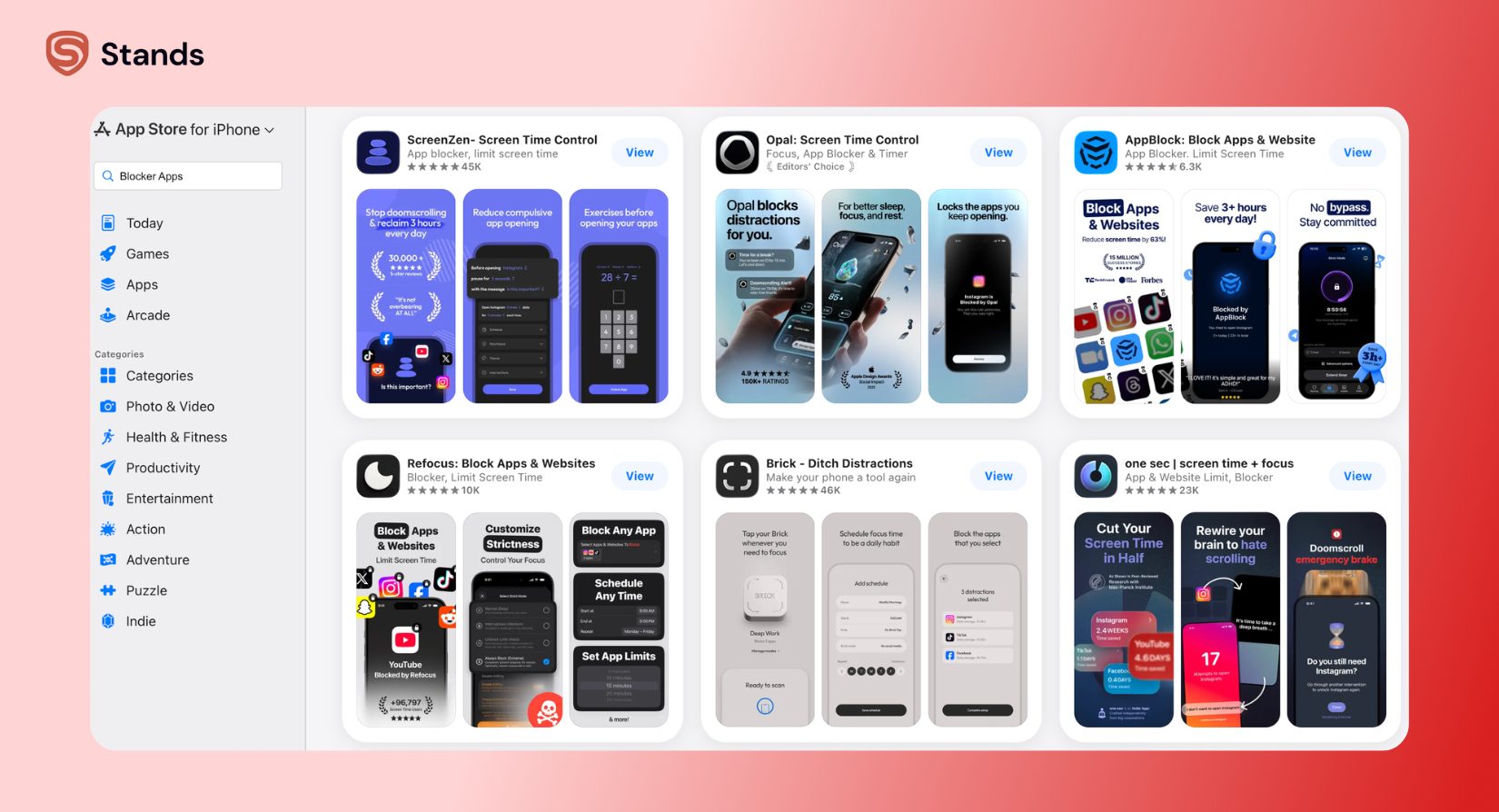
Expected result: Safari strips banners and pop-up ads on mobile websites automatically!
Common mistake: Expecting Safari extensions to block ads inside native social media or video streaming apps. Always check current iOS compatibility and feature availability :)
Network / Router Level
Router-level filtering covers all devices connected to your home Wi-Fi network simultaneously :)
- Configure filtering DNS settings on your Wi-Fi router, gateway, or home server device.
- Block ad and tracker domains network-wide across all connected hardware. Learn more about blocking ads on smart TVs for living room entertainment systems!
Expected result: The network drops domain-based ad requests across smart TVs, tablets, gaming consoles, and phones!
Common mistake: Expecting DNS filtering to stop server-side video ads on streaming platforms. Read about why ad blockers can't remove Netflix ads to understand these structural system limits :)
How Stands Fits This Use Case
Stands is a dedicated ad blocker, representing the exact tool category that removes the ads a VPN cannot touch :) On desktop, Stands Adblocker acts as a free browser extension that blocks banners, pop-ups, and trackers on the sites you visit. To clean complex video platforms, dedicated extension rules block ads on YouTube by targeting DOM elements directly within the browser runtime!
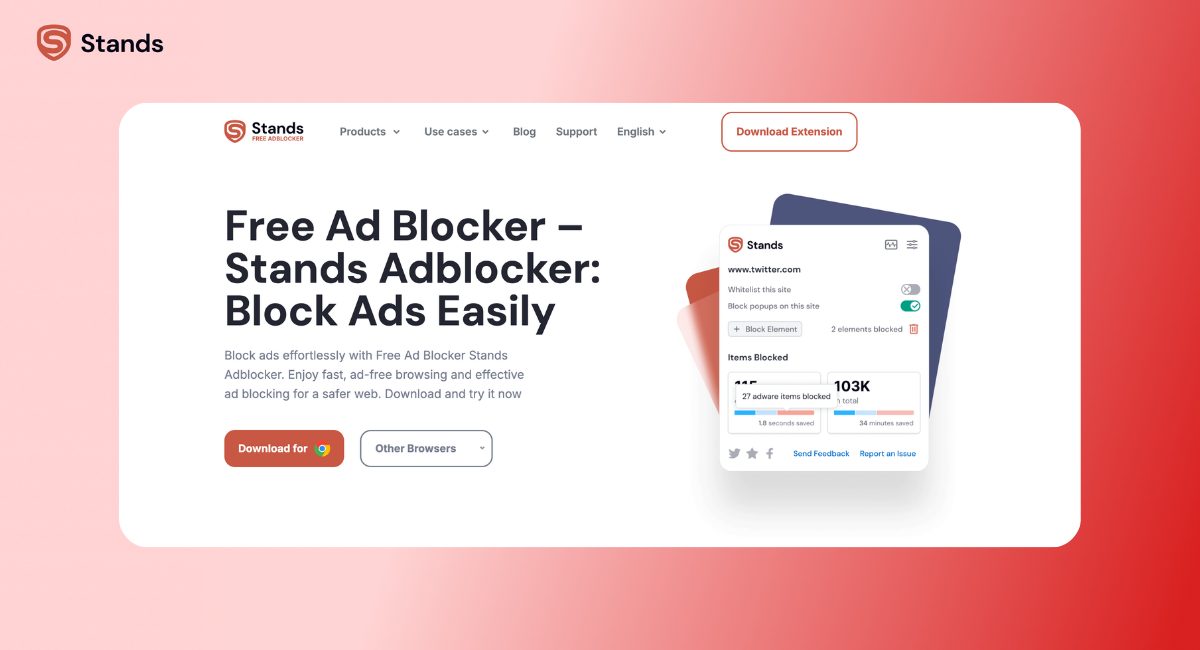
On Android, Stands provides a separate browser with built-in web ad blocking :) It blocks ads on sites that you open inside the Stands browser, but it does not filter ads system-wide or inside other standalone apps. Stands complements a VPN rather than replacing it: a major vpn handles privacy, location masking, and encrypts your internet connection, while Stands handles on-page ad and tracker removal!
Limitations and Common Misunderstandings
- A VPN is not an ad blocker or antivirus: It encrypts traffic, but it does not alter or clean page layouts :)
- A VPN hides your IP address, but it does not guarantee total anonymity: Sites can still track you via browser fingerprinting and active account logins!
- An ad blocker cleans web pages locally: It does not hide your IP address from your internet service provider (ISP) :)
- Many free VPNs collect user data or inject ads: Selecting a trusted vpn service or proton vpn level provider remains essential for real security!
- No single tool blocks 100% of ads: Platforms continuously update server-side ad delivery to bypass domain blocklists :(
FAQ
- Can a VPN disable ads?
Not on its own; only VPNs with a separate DNS-based blocking feature stop some ads, and even those miss server-side video ads :) - Which country's VPN server blocks ads?
None; changing your server country changes your IP address and location, but it does not filter ads. Ad removal depends on a blocking feature, not server geography! - Can NordVPN block ads?
NordVPN's Threat Protection feature blocks many ad and tracker domains at the DNS level, but it cannot block server-side ads like YouTube's. Check NordVPN's current site for active specifications :) - Is it legal to use an ad blocker?
Yes, using an ad blocker is legal for personal use in most regions because you retain the right to control what content loads on your own device! - Do I still need an ad blocker if I have a VPN?
Yes, if you want fewer ads; a VPN protects privacy but does not clean up ads, so the two tools work best together :)