Home »
5 Best Private DNS Providers for Android (2026 Audit)
Your Android phone sends hundreds of DNS requests every day. Every website you open, every app you use, and every video you watch starts with a DNS lookup which works quietly in the background.
In this guide, we’ll compare the best private DNS for Android, including Cloudflare, AdGuard DNS, Quad9, Google Public DNS, NextDNS, and CleanBrowsing. BUT that's not it! You’ll also get setup steps, hostname tables, troubleshooting, and help choosing the best DNS for speed, privacy, ad blocking, or family safety. Let's get started! :)
- Best Private DNS on Android
- Private DNS vs. VPN: What's the Difference?
- How to Choose the Best Private DNS for Android
- Best Private DNS Providers for Android: Free & Paid Options
- Best Private DNS Hostname for Android — Quick Reference
- Which Private DNS Is Best for Android? — By Use Case
- How to Set Up Private DNS on Android
- Private DNS Not Working on Android? Troubleshooting Tips
- FAQ
- Is Private DNS free on Android?
- Which is better for Android: Google DNS or Cloudflare?
- Does Private DNS slow down Android?
- What is the best free private DNS hostname for Android?
- Is Private DNS safe to use on Android?
- What is the benefit of using a Private DNS on Android?
- Which Private DNS hostname is best for ad blocking?
- Does using a Private DNS slow down my internet connection?
- Can I use Stands Adblocker and a Private DNS together?
Best Private DNS on Android
Starting with Android 9, Google added built-in support for DNS-over-TLS (DoT), a secure DNS protocol that encrypts DNS requests between your device and the DNS resolver. Instead of using insecure traditional DNS, Android can connect to encrypted DNS servers through a secure hostname.
This improves privacy and security by preventing DNS hijacking, reducing visibility into your browsing activity, and helping block malicious domains before they load.
Still, Private DNS is not a VPN.
A VPN encrypts all internet traffic and hides your IP address. Private DNS only encrypts DNS lookups. It protects the “where are you trying to go?” part of your connection, not the rest of your traffic.
Private DNS encrypts your queries. It doesn’t block ads or trackers inside your browser.
Add Stands to Your Browser — free, no setup needed.
Private DNS vs. VPN: What's the Difference?
| Feature | Private DNS | VPN |
| Encrypts DNS queries | Yes | Yes |
| Encrypts all traffic | No | Yes |
| Hides IP address | No | Yes |
| Changes virtual location | No | Yes |
| Improves DNS privacy | Yes | Yes |
| Helps prevent DNS leaks | Yes | Yes |
| Blocks malicious domains | Sometimes | Sometimes |
| Impacts connection speed | Minimal | Usually more noticeable |
| Built into Android | Yes | No |
Private DNS works quietly in the background and usually has less impact on battery life or connection speed than a VPN. Many Android users combine both for better security and privacy.
If you also want browser-level protection, tools like AdBlocker for Android can help block ads, trackers, and pop-ups that DNS filtering alone can’t catch.

How to Choose the Best Private DNS for Android
Not all DNS providers are created equal. Some focus on speed, others on privacy, while some specialize in ad blocking or family filtering.
Here’s what actually matters when choosing the best private DNS for Android:
Supports DNS-over-TLS
Android Private DNS only works with providers that support DoT. Some DNS services only offer DoH (DNS-over-HTTPS), which won’t work through Android’s native Private DNS settings.
Has a clear no-log policy
Your DNS provider can technically see every domain lookup you make. A trustworthy provider should clearly explain what data it collects, how long it stores logs, and whether it shares data with third parties.
Provides a hostname
Android Private DNS requires a hostname, not just a DNS server address or IP address. If a provider only gives you numbers like 8.8.8.8, it won’t work in the Private DNS field.

Offers a usable free tier
Most people looking for the best free private DNS for Android don’t need premium DNS plans. Free public DNS servers from Cloudflare, Quad9, or AdGuard are more than enough for everyday use.
Low latency in your region
DNS affects how quickly websites start loading. Providers with nearby infrastructure usually deliver faster DNS lookups and lower connection delays.
Extra security features
Some secure DNS providers include malware protection, phishing filters, DNSSEC validation, DNS filtering, ad blocking, web filtering, and parental controls.
Best Private DNS Providers for Android: Free & Paid Options
We compared the most popular Android DNS providers based on speed benchmarks, privacy policy transparency, DNSPerf rankings, encryption protocols, and extra security features.
Google Public DNS — dns.google
Hostname: dns.google
Google offers one of the most reliable public DNS services available. It’s fast, stable, and easy to configure.
Pros:
- Excellent uptime
- Fast DNS resolution
- Strong infrastructure worldwide
Cons:
- Google still collects some diagnostic data
- Less privacy-focused than competitors
Best for: speed and reliability.
Cloudflare 1.1.1.1 — one.one.one.one
Hostname: one.one.one.one
Cloudflare became popular almost overnight because of its strict no-log policy and blazing-fast response times.
Additional hostnames:
- security.cloudflare-dns.com
- family.cloudflare-dns.com
Pros:
- Extremely fast public DNS
- Strong privacy policy
- Built-in malware blocking on security variant
Cons:
- Fewer customization options
Best for: privacy and speed.
AdGuard DNS — dns.adguard-dns.com
Hostname: dns.adguard-dns.com
AdGuard focuses heavily on ad blocking and DNS-based content filtering.
Family hostname:
- family.adguard-dns.com
Pros:
- Blocks ads and trackers
- Can block adult content
- Great for family devices
Cons:
- Some websites may break due to aggressive filtering
Best for: ad blocking and family use.
If you’re comparing advanced filtering tools, this guide on NextDNS vs AdGuard is worth reading.
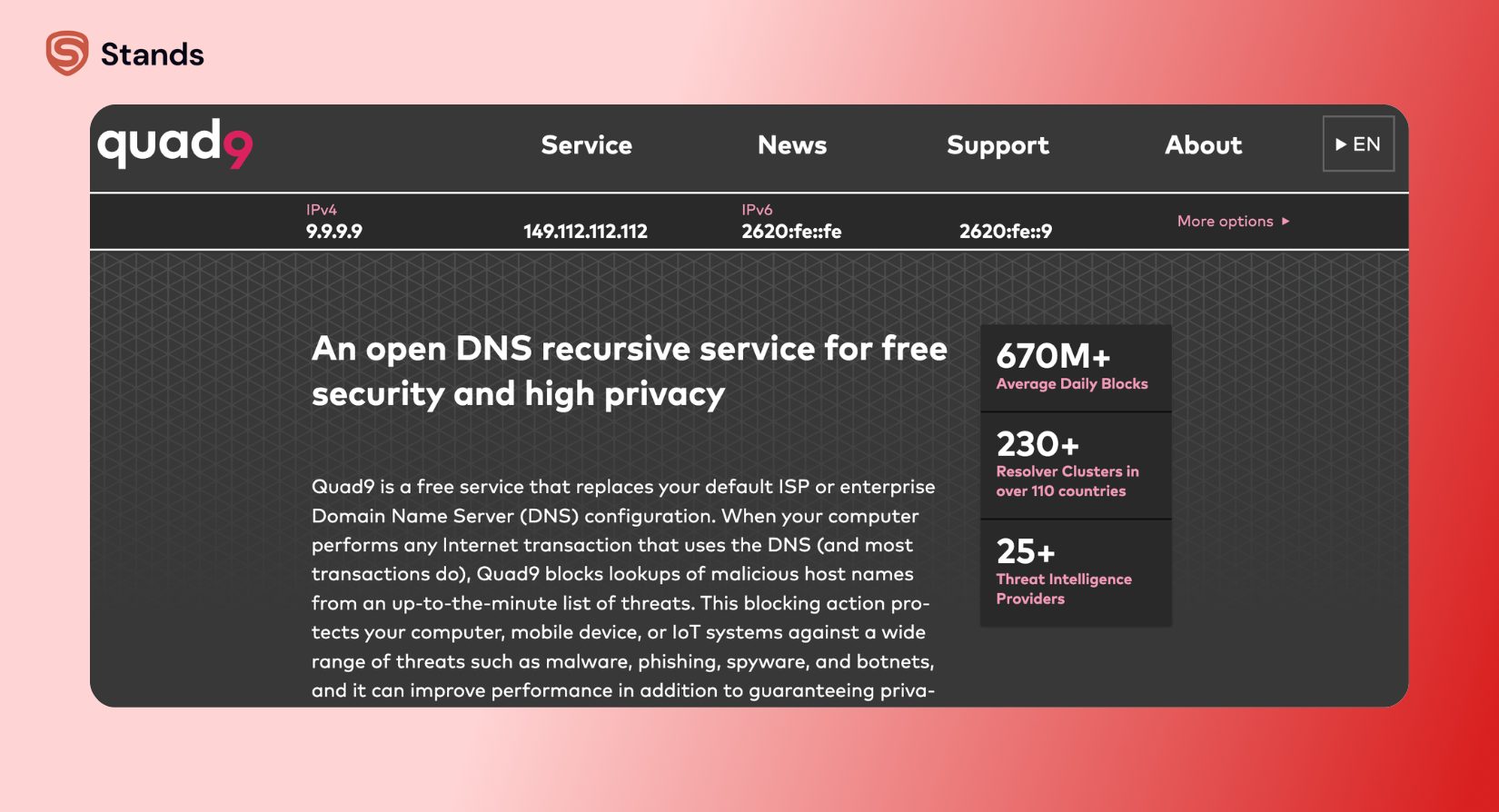
Quad9 — dns.quad9.net
Hostname: dns.quad9.net
Quad9 is a nonprofit secure DNS service built around cybersecurity.
Pros:
- Blocks malicious domains automatically
- Strong privacy standards
- DNSSEC enabled
Cons:
- Slightly slower in some regions
Best for: security.
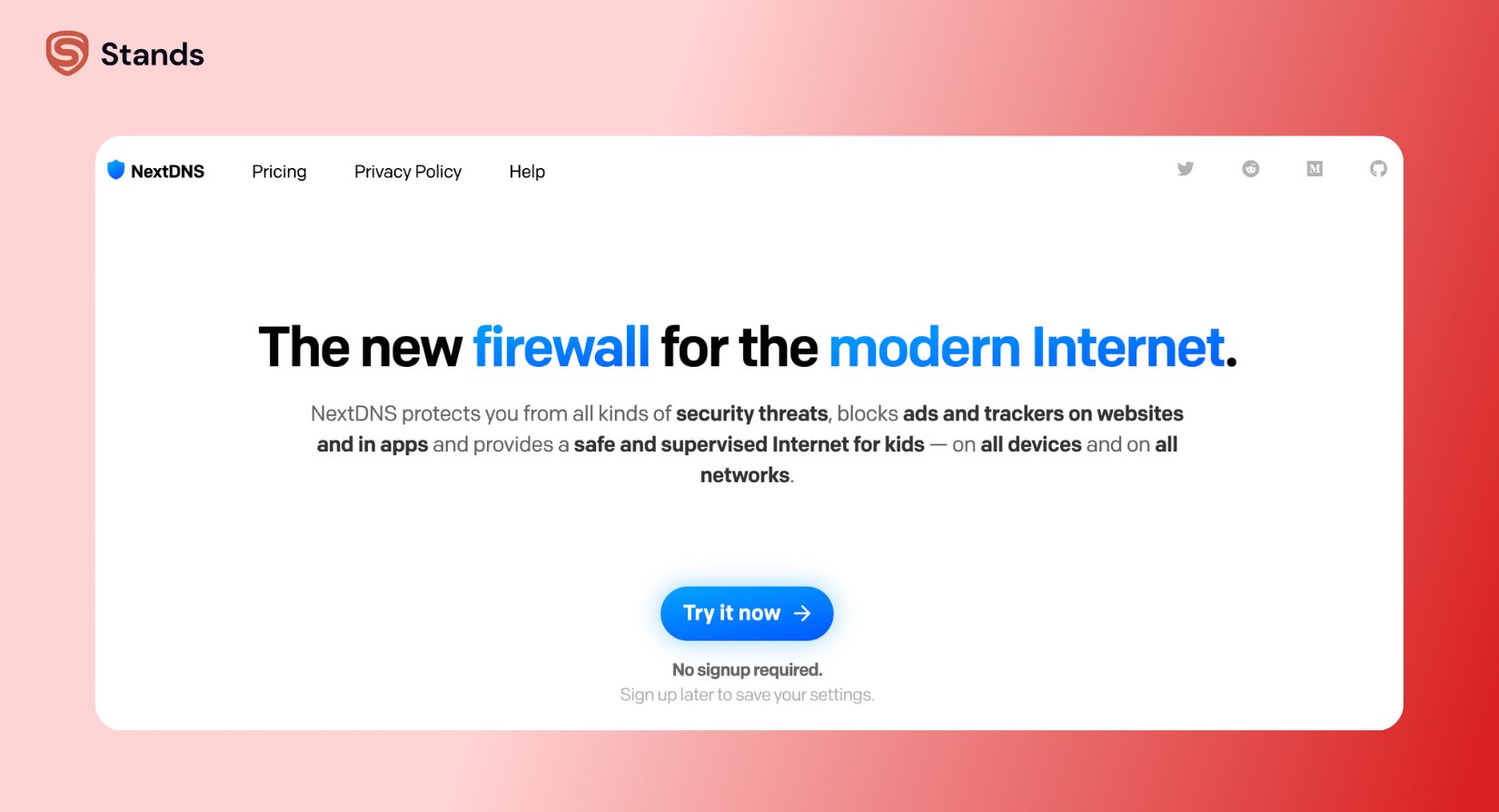
NextDNS — [profile].dns.nextdns.io
Hostname: [profile].dns.nextdns.io
NextDNS gives power users deep control over DNS filtering, logs, analytics, and content blocking.
Pros:
- Highly customizable
- Excellent web filtering
- Detailed visibility dashboard
Cons:
- Requires account setup
- Free tier capped at 300k DNS queries per month
Best for: advanced users.
For a deeper comparison, see NextDNS vs Pi-hole
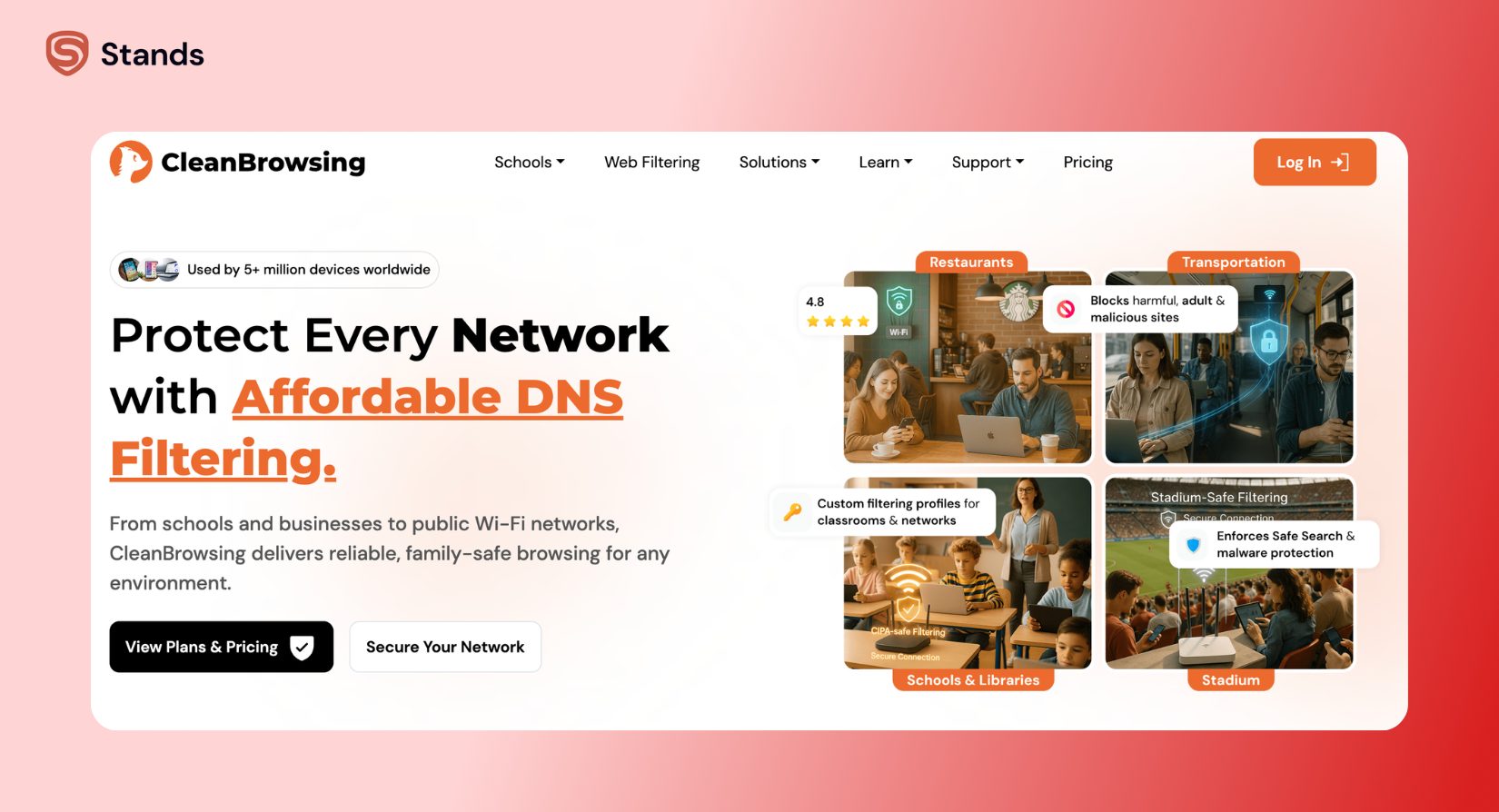
CleanBrowsing — security-filter-dns.cleanbrowsing.org
Hostname: security-filter-dns.cleanbrowsing.org
CleanBrowsing specializes in family-friendly filtering and parental controls.
Family filter:
- family-filter-dns.cleanbrowsing.org
Pros:
- Strong web content filtering
- Easy family protection
- Blocks phishing and malware
Cons:
- Smaller infrastructure than Cloudflare
Best for: parental controls.
| Provider | Hostname | Free | Ad Blocking | Family Filter | No-Log |
| Google Public DNS | dns.google | Yes | No | No | Partial |
| Cloudflare | one.one.one.one | Yes | Limited | Yes | Yes |
| AdGuard DNS | dns.adguard-dns.com | Yes | Yes | Yes | Yes |
| Quad9 | dns.quad9.net | Yes | Malware only | No | Yes |
| NextDNS | profile.dns.nextdns.io | Free tier | Yes | Yes | Yes |
| CleanBrowsing | security-filter-dns.cleanbrowsing.org | Yes | Limited | Yes | Yes |
Whichever DNS you choose, it won't block ads inside Chrome or Firefox.
Add Stands alongside it — blocks trackers and ads at the browser level, works with any DNS setup.
Best Private DNS Hostname for Android — Quick Reference
A hostname is the value you enter into Android’s Private DNS settings instead of an IP address.
| Use Case | Provider | Hostname to Enter |
| Fastest DNS | Cloudflare | one.one.one.one |
| Malware protection | Quad9 | dns.quad9.net |
| Ad blocking | AdGuard | dns.adguard-dns.com |
| Family filtering | AdGuard Family | family.adguard-dns.com |
| Privacy-focused | Cloudflare Security | security.cloudflare-dns.com |
| Google DNS | Google Public DNS | dns.google |
| Advanced filtering | NextDNS | [profile].dns.nextdns.io |
Which Private DNS Is Best for Android? — By Use Case
Best for speed: Cloudflare one.one.one.one
Cloudflare consistently ranks near the top in DNSPerf benchmarks and usually delivers the fastest DNS lookups worldwide.
Best for privacy: Cloudflare or Quad9
Both providers maintain strong no-log policies and support encrypted DNS with modern encryption protocols.
Best for ad blocking: AdGuard DNS
AdGuard’s DNS filtering does a great job blocking ads, trackers, phishing pages, and malicious domains before they load.
Best free option: AdGuard DNS or Cloudflare
Both services offer reliable free service plans with excellent Android hostname compatibility.
Best for families / kids: AdGuard Family or CleanBrowsing Family
These providers can block adult content, enable web filtering, and improve online safety for children.
Best for advanced users: NextDNS
NextDNS gives unmatched control over DNS cache behavior, custom block lists, analytics, and DNSSEC settings.
If browser ads are your main problem, pairing Private DNS with a Pop Up Blocker for Chrome or tools that Block Cookies & Cookie Notices can make browsing noticeably cleaner.

How to Set Up Private DNS on Android
Setting up Private DNS on Android only takes a minute.
- Open Settings
- Tap Network & Internet (or Connections on Samsung devices)
- Select Advanced
- Tap Private DNS
- Choose Private DNS provider hostname
- Enter your hostname
Example: one.one.one.one - Tap Save
If everything works correctly, Android will automatically use encrypted DNS requests through your chosen provider. On some devices, you may also see a lock icon confirming secure DNS is active.
Private DNS is now active — your queries are encrypted.
Next step: block the ads and trackers that still reach your browser.
Stands does it automatically on Chrome, Firefox, Edge, and Brave.
Private DNS Not Working on Android? Troubleshooting Tips
Hostname typo
Double-check the hostname carefully. Even one missing dot can break the connection.
Network blocks DoT (port 853)
Some schools, offices, hotels, or public networks block encrypted DNS traffic on port 853.
Try:
- Switching Wi-Fi networks
- Using mobile data
- Trying another DNS provider
Status says “Waiting for network”
This usually means the DNS provider is temporarily unreachable. Try a different hostname.

Corporate Wi-Fi blocks Private DNS
Some IT policies prevent external DNS resolvers entirely. In those cases, Android Private DNS may not work until you leave the network.
FAQ
Is Private DNS free on Android?
Yes. Android includes native Private DNS support starting with Android 9, and many DNS providers offer free public DNS servers.
Which is better for Android: Google DNS or Cloudflare?
For pure speed and reliability, both are excellent. For stronger privacy and security, most users prefer Cloudflare because of its stricter no-log policy.
Does Private DNS slow down Android?
Usually no. In many cases, changing your DNS provider can actually improve browsing speed and reduce lookup delays.
What is the best free private DNS hostname for Android?
Popular free choices include:
- one.one.one.one
- dns.adguard-dns.com
- dns.quad9.net
Is Private DNS safe to use on Android?
Yes, as long as you use a reputable DNS provider. Secure DNS helps prevent DNS hijacking, protects DNS queries with encryption, and can improve overall online privacy.For even stronger browser protection, many users combine Private DNS with the best AdBlocker for Android to block ads, trackers, and malicious scripts that DNS alone can’t stop.
What is the benefit of using a Private DNS on Android?
Two things at once: privacy and system-wide filtering. Your DNS queries get encrypted, so your ISP can't log every site you visit. And if you pick an ad-blocking DNS, it filters ad domains in every app on the phone — including Chrome, which doesn't support extensions. One setting, no apps installed, works everywhere.
Which Private DNS hostname is best for ad blocking?
AdGuard DNS is the usual pick: enter dns.adguard-dns.com in Settings → Network & Internet → Private DNS and ads start disappearing across apps. Alternatives worth knowing: dns0.eu (EU-based, privacy-focused) and Control D's free ad-blocking endpoint. They all work the same way — refuse to resolve known ad domains — so the difference is mostly filter list quality and server location.
Does using a Private DNS slow down my internet connection?
Not noticeably — often the opposite. DNS resolution adds milliseconds either way, and blocking ad domains means pages skip loading dozens of tracker scripts, so heavy sites actually open faster. The only real slowdown risk is picking a DNS server geographically far from you. Stick to providers with global infrastructure (AdGuard, dns0) and you won't feel a difference.
Can I use Stands Adblocker and a Private DNS together?
Yes, and it's a good combo — they work at different levels. DNS blocks ad domains system-wide but can't clean up page layout or handle ads served from the same domain as content. Stands works inside the browser and catches exactly those cases, YouTube ads included. DNS covers the apps, Stands polishes the browser. No conflict between them.