Home »
How to Check a Website’s Security: Check If a Website Is Safe
| Quick Answer: A website is safe to browse if |
| • It uses a secure, encrypted HTTPS URL with a valid SSL certificate. • The browser address bar displays a closed padlock icon without any warnings. • The domain name matches the official brand name exactly, with zero typos or strange extensions. • It gets a clean bill of health from trusted, free tools like Google Safe Browsing or a dedicated website safety check tool. |
When you are roaming around the internet, it is easy to run into some shady corners. One wrong click on an unsafe website can lead to a nasty surprise like malware downloads, phishing tricks, or a stolen password. So, how can you look before you leap?
If you are asking yourself, "is this website safe to browse or buy from?" you have come to the right place. Let's dive into how to separate trustworthy platforms from scam websites so you can keep your personal data and payment information completely locked down.
How to Tell if a Website Is Safe — Key Indicators
You don't need to be a cybersecurity genius to identify a potential security threat. Most bad sites leave a few messy clues behind. To separate a safe online haven from a risky trap, you just need to know where to look. Here are the core security features to check every single time you land on a new page.
HTTPS and SSL Certificates
| Security Feature | Secure Site Status | Unsafe Site Status |
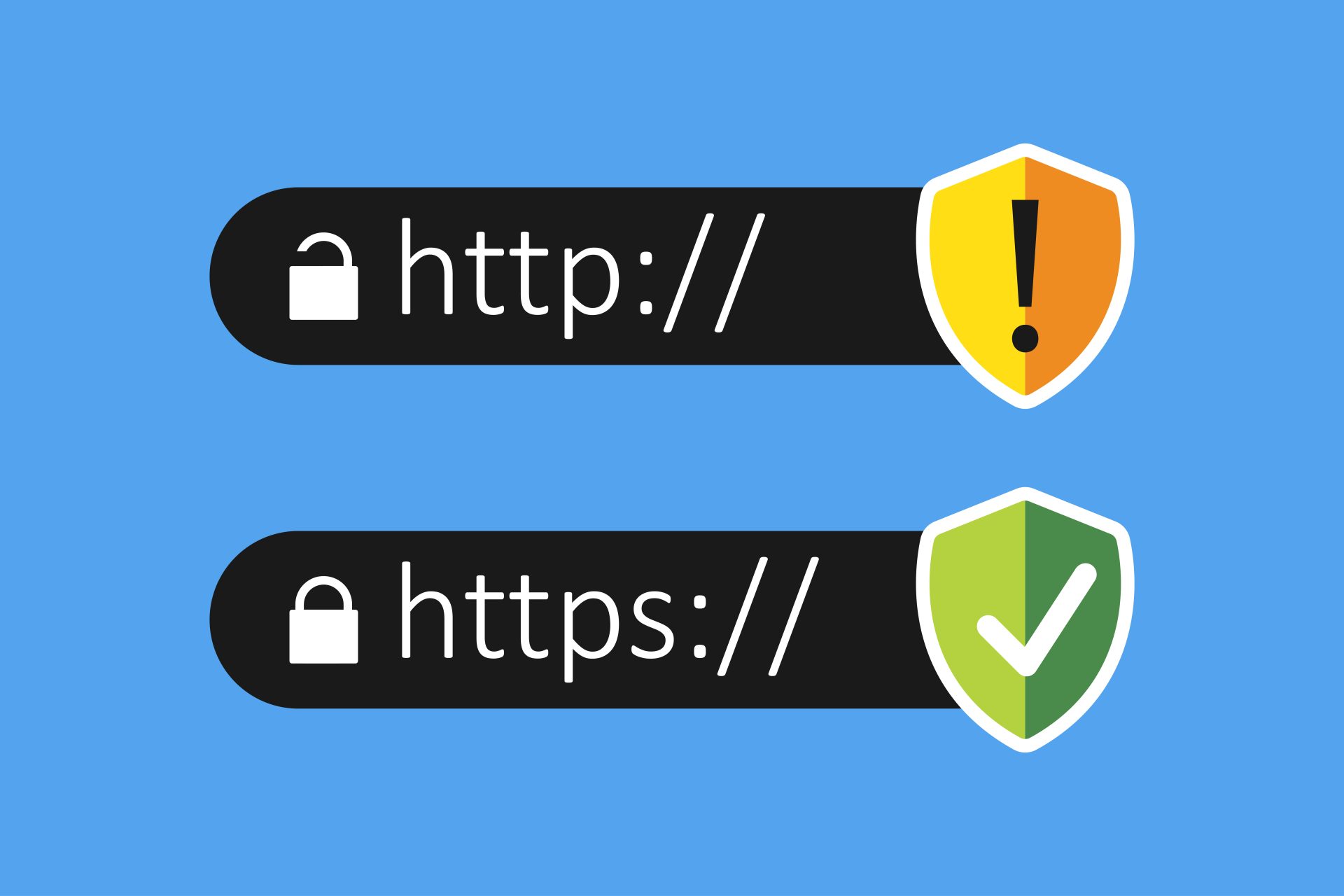
| URL Protocol | Starts with https:// | Starts with http:// (missing the "S") |
| Encryption | Secure Sockets Layer (SSL) active | No data encryption |
| Browser Indicator | Closed padlock icon in the address bar | "Not Secure" alert or warning label |
The absolute first line of defense is checking the site's security protocol in the address bar. A website is secure when it uses an SSL certificate to encrypt the data traveling between your device and the server. Always look at the URL carefully. If it starts with https, you are in good shape—the "S" stands for secure. If it is just http, step away. Unsafe websites sticking to plain old HTTP leave your personal information exposed to scammers who can intercept everything you type.\
Trust Icons and Security Seals
| Trust Indicator | Real Verification | Scammer Copycat Signs |
| Security Badges | Clickable logos that open an official third-party validation page | Static, blurry image files pasted onto the page |
| Trusted Providers | DigiCert, Norton, Better Business Bureau (BBB), McAfee | Unknown, fake, or made-up security team names |
Many legit stores display trust icons or security seals to give shoppers peace of mind. But don't just take them at face value! A slick scammer can easily mimic these badges by stealing a logo image and embedding it right into their footer. To run a quick website safety check, click on the badge. A real security seal will pop open a verified window directly from the security provider showing live validation data. If it is just a dead image that does nothing when clicked, that is a massive red flag.
Domain Age and Reputation
| Website Type | Average Age | Risk Level |
| Trustworthy Brand | Several years old with established search results | Very Low |
| Scam Store / Phishing Page | A few days or weeks old; recently created | Extremely High |
Time tells all tales, especially on the web. Scammers set up dangerous sites, reap as much cash or data as they can, and burn them down before anyone catches on. Because of this, domain age is a fantastic indicator of reputation. If a web platform has been up and running for five years, it has a track record you can evaluate. If it was registered just three days ago, treat it like radioactive material—especially if it is offering unbelievable deals.
Ads, Pop-Ups, and Red Flags in the Design
| Design Element | Clean & Safe Website | Risky & Dangerous Site |
| Advertising | Minimal, non-intrusive, clearly separated from content | Constant, aggressive pop-ups, flashing banners, fake close buttons |
| Visual Appeal | High-quality graphics, correct spelling, functional links | Broken layouts, blurry logos, terrible grammar, random links |
Trust your gut when a page looks like a visual train wreck. Scam websites are usually thrown together overnight, meaning their design quality is in the gutter. Look out for terrible spelling, pixelated branding, and broken links that go nowhere. Worse yet, dangerous links and aggressive pop-up ads that trigger automatic downloads are classic signs of a malware nest. To clean up your web view and protect users from accidental clicks on these annoying traps, running the Free Ad Blocker Chrome extension or utilizing Adblock Edge by Stands can instantly strip out risky elements across desktop and mobile devices.
A Website Is Safe to Browse If
| Checklist item | Description |
| True Destination Verification | The domain name perfectly matches the brand without random characters. |
| No Active Warnings | Your browser and antivirus extensions don't trigger a security alert. |
| Transparent Ownership | The company lists real, verifiable contact channels and clear legal policies. |
Let's make it super simple. A website is safe to browse if it ticks all the right boxes for basic digital hygiene. First, the true destination in the browser address bar must match exactly who you think you are visiting—no weird extra dashes, scrambled letters, or strange domain extensions like .cc or .biz mimicking a real brand. Second, a safe site won't make your browser go into panic mode. If your software doesn't throw up a massive warning screen, and your web protection tool gives it the green light, you can usually breathe easy while scrolling.
How to Check if a Website Is Secure — Step-by-Step Guide
Wondering how to tell if a website is safe in real-time? Follow this simple, foolproof breakdown to audit any page manually or with automated tools before things go south.
Manual Check
| Step | Action Required | What to Look For |
| 1 | Inspect the URL structure | Check for https:// and look out for tricky typos in the name. |
| 2 | Hover over internal links | Preview the URL path at the bottom of your screen before you click. |
| 3 | Investigate legal pages | Find a real Privacy Policy, Terms of Service, and About Us page. |
Don't let slick graphics pull the wool over your eyes. Start your manual security check by looking at the address bar. Is the spelling correct? Scammers love "typosquatting"—using domains like amaz0n.com or walmart-shop3.com to fool rushed visitors. Next, play it safe by utilizing the hover trick. Hover your mouse pointer over any links in email messages or on the page itself. Look down at the bottom corner of your screen to see the true destination address. If the text says one thing but the hidden preview link points somewhere completely different and random, do not click.

Using Browser Tools
| Browser Tool Type | How It Protects You | Examples |
| Built-in Protection | Blocks known dangerous sites and alerts you to unencrypted connections. | Chrome Safe Browsing, Firefox Enhanced Tracking Protection |
| Security Extensions | Scans web pages for malicious code and active phishing traps live. | Avast Online Security, Stands AdBlocker |
Modern browsers are packed with smart tech designed to stay ahead of online threats. Browsers like Chrome and Firefox actively scan open pages against huge, real-time blacklists of known dangerous sites. If you try to cross into a shady zone, they will block the page and flash a bright red notification to notify you of potential security issues. For an added layer of safety, you can use specialized security tools.
Want to make sure your baseline security extension is up to the task? Reading up on Avast safety reviews can help you evaluate how well it guards against malware and digital scammers. Furthermore, switching over to the Best Private Browsers or exploring specialized AI Browsers ensures you get deeply integrated tracking protection and smarter, prompt-aligned threat detection out of the box.
The Best Free Tools for Checking Website Security
| Free Security Tool | Primary Function | Best For |
| Google Safe Browsing | Cross-references URLs against Google's massive global blacklist. | Instant safety checks via a simple copy-paste URL scanner. |
| VirusTotal | Scans links using over 70 different antivirus scanners and URL blocklists. | Deeper analysis of potential malware, shady files, and hidden redirects. |
| Urlvoid | Analyzes domains using multiple reputation engines and gathers IP data. | Checking domain age, server location, and historical trust factors. |
Why guess when you can get a deeper analysis from the pros? If you are staring at a suspicious URL, do not open it. Instead, copy the link address and plug it into a free safe website checker tool. Google Safe Browsing is an absolute staple—it lets you quickly verify if Google's automated scanners have flagged the platform as unsafe. For a truly exhaustive threat check, tools like VirusTotal pull insight from dozens of security teams simultaneously, checking for malicious payloads, phishing scripts, and hidden malware threats in seconds.
How to Check if It's Safe to Shop on a Website
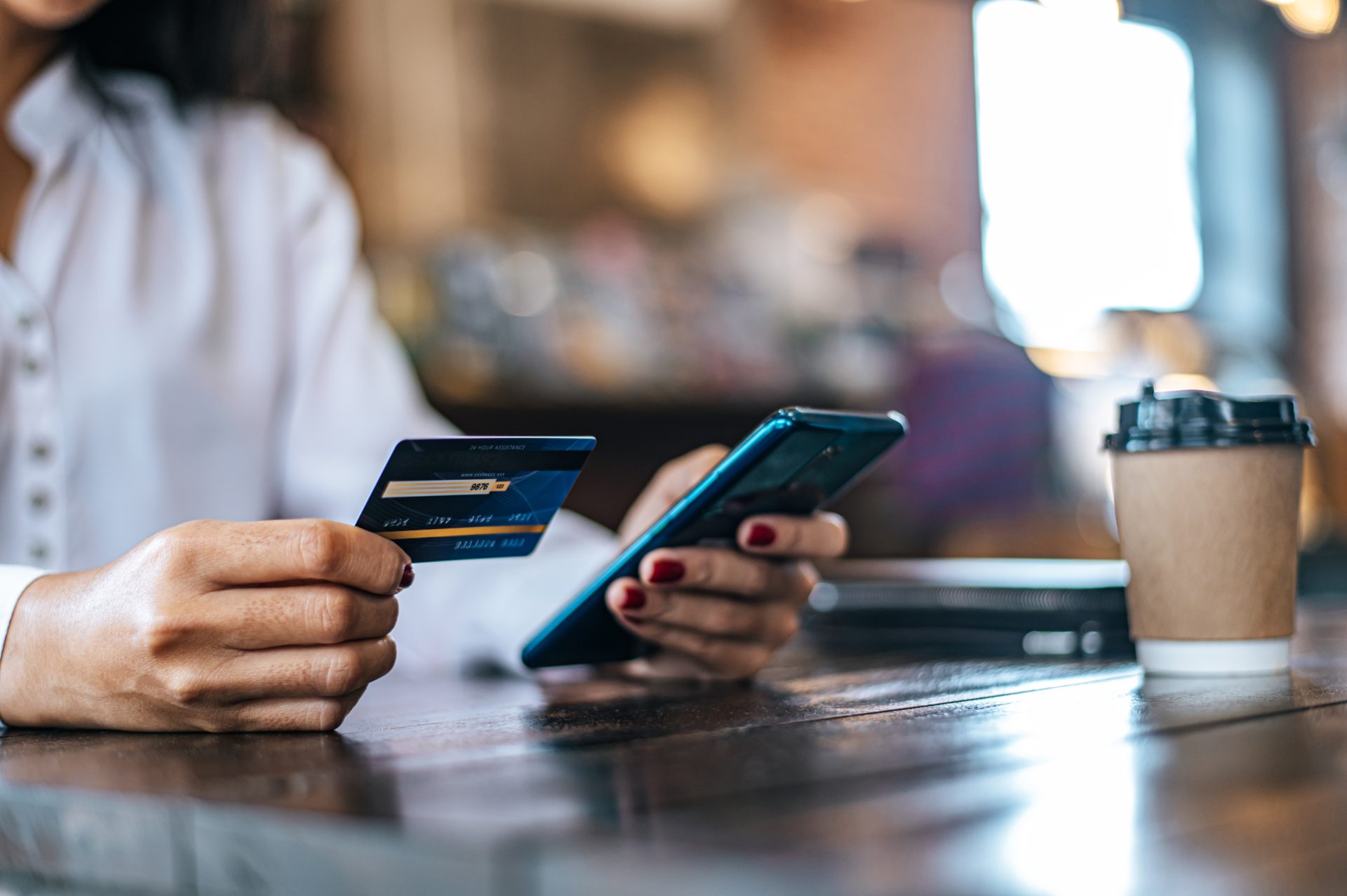
Browsing an unsafe site is risky, but handing over your hard-earned credit card information to one is a total nightmare. When you need to know how to check if a website is safe to buy from, you have to look past basic tech encryption and dig into business legitimacy.
Return Policy and Contact Information
| Business Integrity Element | Legitimate Online Retailer | Fake / Copycat Store |
| Contact Channels | Physical address, official support emails, real phone numbers | Only a generic, broken contact form with zero business details |
| Store Policies | Comprehensive, reasonable return, refund, and shipping guidelines | Copied and pasted legal text with broken formatting or missing names |
Real online businesses want you to be able to reach them if something goes sideways. Always check the footer for a clear "Contact Us" section. If you can't find a physical address, a phone number, or a professional email address matching their domain, stay on high alert. Next, read through their return and refund policies. Scam websites often copy-paste generic text that makes no sense or don't list a policy at all, hoping you won't check until after they have run off with your cash.

Third-Party Reviews
| Review Source | Authenticity Level | What to Look For |
| On-Site Reviews | Low (can be easily faked by the scammer) | 100% perfect 5-star ratings with repetitive, robotic phrasing. |
| Independent Platforms | High (Trustpilot, Better Business Bureau) | Honest customer feedback highlighting shipping delays, scams, or bad support. |
Never trust the reviews published directly on an unknown online shop's homepage. Scammers can write those themselves in five minutes flat. Instead, open up a separate search engine tab and perform a quick Google search for the store's name alongside keywords like "reviews," "scam," or "complaints." Check independent platforms like Trustpilot or the Better Business Bureau. If a wave of angry consumers is warning everyone about stolen funds or undelivered goods, you have found your answer.
Secure Payment Methods
| Payment Channel | Consumer Protection Level | Safety Recommendation |
| Credit Cards / PayPal | Extremely High (includes fraud dispute and chargeback features) | Safe to use on secure, verified checkout pages. |
| Wire Transfers / Crypto | Zero Protection (money is gone instantly with no way to reverse it) | Never use for standard online retail purchases. |
How a store asks you to pay tells a huge story. Safe online stores use secure payment processors that keep your payment information encrypted. They will prominently offer secure options like major credit cards, Apple Pay, or PayPal, which feature consumer protection policies that let you dispute fraudulent transactions. If an online store demands that you pay via bank wire transfers, cryptocurrency, gift cards, or peer-to-peer cash apps, pull the plug on the order immediately. Those methods are completely untraceable and lack any form of chargeback protection.
Warning Signs of Fake Online Stores
| Red Flag | Visual Indicator | Scammer Motivation |
| Too-Good-To-Be-True Prices | Popular luxury goods or electronics discounted by 80-90% | Baiting desperate shoppers into entering card data quickly. |
| Urgency Tactics | Fake countdown timers and aggressive "Only 1 left!" flashing alerts | Forcing you to bypass your security logic due to FOMO. |
| Mismatched Branding | Popular logos mixed up with random text descriptions | Careless design work from fast, bulk store creation. |
What to Do if a Website Is Unsafe
If you accidentally land on a shady website, don't panic—just act fast! Here is what to do:
| Immediate Action Step | Goal |
| 1. Slam the tab shut | Stop the browser from downloading additional scripts or tracking data. |
| 2. Clean up your storage | Purge your browser cache, history, and temporary cookie files. |
| 3. Trigger a system scan | Run a complete malware scan with trusted antivirus software. |
| 4. Reset compromised login data | Update passwords immediately if you typed them onto the bad page. |
Conclusion
Your personal data, passwords, and credit card numbers are gold. You wouldn't hand them over to a stranger on the street, so don't give them to a sketchy webpage. Back up your gut instincts with solid security tools — like ad blockers, secure privacy browsers, and real-time scanners — and you can explore the internet with total confidence. If a site ever feels off or an online deal looks way too good to be true, don't risk it - trust your gut, exit the page, and shop somewhere secure.