Home »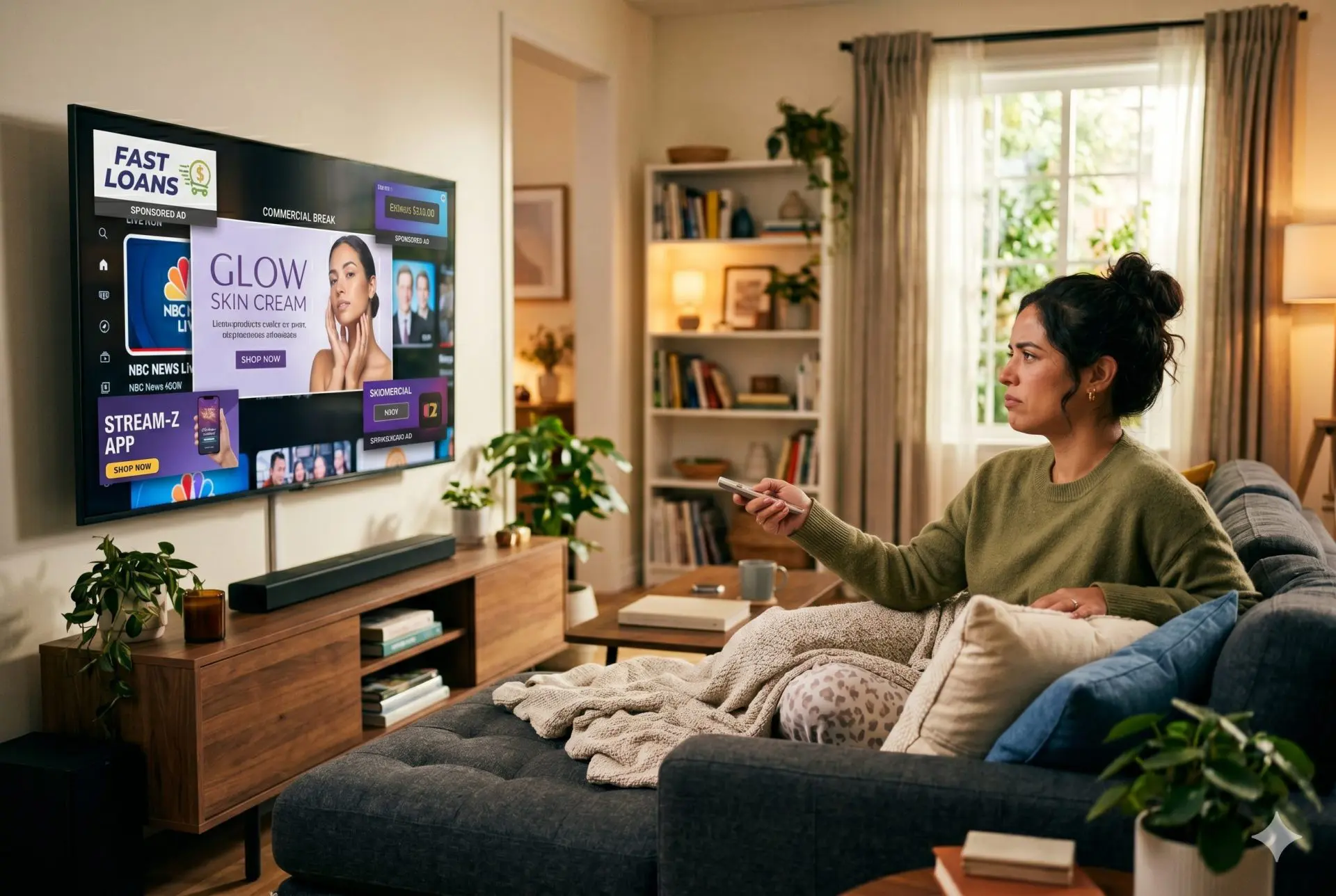
YouTube TV No Ads — Can You Watch YouTube TV Without Commercials?
Nothing kills the mood faster than settling into a show and getting hit with back-to-back ads. If you’ve been searching youtube tv no ads, YouTube TV without ads, or even can you get YouTube TV without commercials, you’re really asking one thing: “Is there any way to watch this without constant interruptions?”
The short answer is no, YouTube TV isn’t ad-free, and there’s no official way to remove all commercials, BUT the longer answer is more interesting. While you can’t fully escape ads, you can reduce them a lot using DVR tricks, premium add-ons, browser tools, and smarter viewing habits.
In this article, we will explain where ads live on YouTube TV, what “ad-free” really means here, and the smartest ways to cut commercials without overpaying. So let’s get into it!:)
Does YouTube TV Have an Ad-Free Option?
No. YouTube TV doesn't have any ad-free option at all. Period. And yes, that means there's no version of the service that gives you YouTube TV without commercials, no matter what you use.
So if you’re asking:
- Does YouTube TV have no ads?
- Can you get ad-free YouTube TV?
- Is there an ad-free YouTube TV plan?
The answer is still no.
A lot of confusion comes from YouTube Premium. People assume that paying for Premium removes ads everywhere. Makes sense, right? Unfortunately, that’s not how it works.
YouTube Premium only removes:
- Ads on regular YouTube videos
- Ads in YouTube Music
- Some in-app interruptions
It does not remove:
- Ads on YouTube TV live channels
- Ads in DVR recordings (in some cases)
- Ads in on-demand content
Why? Because YouTube TV isn’t just “YouTube with live channels.” It’s basically cable TV delivered over the internet. And those channels — ESPN, NBC, FOX, etc. — still rely heavily on advertising.
So no matter how you slice it, a fully YouTube TV without ads experience doesn’t exist as a built-in feature. You can learn more about YouTube TV here.
That said, don’t give up yet. There are ways to seriously reduce ads — sometimes to the point where they barely bother you.
Where Do Ads Appear on YouTube TV?
Not all ads on YouTube TV behave the same. Some are unavoidable, others you can skip or dodge entirely if you play it smart.
Here’s a simple overview:
| Content Type | Ads Present | Skippable? |
| Live TV | Yes | No |
| Cloud DVR Recordings | Yes | Usually yes |
| On-Demand (VOD) | Yes | No |
| Premium Channels | Rare/No | Not needed |
Let’s check that in more detail.
Live TV is exactly like traditional cable. You’re watching in real time, so when the network rolls ads, you’re stuck with them and can't skip.
Cloud DVR recordings are where things get interesting. If you record a show, you can often fast-forward through ads. That’s your first big win.
On-demand content can be sneaky. Even if you recorded something, YouTube TV sometimes pushes you to watch the VOD version instead — and that version usually has forced ads you can’t skip.
Premium channels (like HBO or Showtime) are the closest thing to a YouTube TV commercial free experience.
However, understanding this table is half the battle. The other half is using it to your advantage. :)
How to Watch YouTube TV With Fewer Ads
Let us get into some tips. If you cannot get rid of YouTube TV ads completely, how can you make YouTube TV ads less annoying?
Here are the methods that actually work for watching YouTube TV with ads.
Use Cloud DVR to Skip Commercials
If you’re not using the cloud DVR, you’re leaving a huge advantage on the table.
YouTube TV offers unlimited DVR storage, which means you can record as much content as you want. And once a show is recorded, you can usually:
- Fast-forward through ads
- Skip entire ad breaks
- Watch whenever you want
This is hands down the best way to create a YouTube TV no commercials setup without paying extra.
But there's a catch.
Some networks restrict skipping, and sometimes, instead of your recording, YouTube TV will show you the on-demand version, which forces ads.
Tip:
Always check that you’re watching the DVR version, not VOD. That’s where the “skip ads” magic lives.
Once you get used to this, it changes the whole viewing experience. Suddenly, ad breaks go from 3 minutes to 3 seconds.

Subscribe to Premium Add-On Channels
If skipping ads feels like too much effort, there’s a cleaner option: premium add-ons.
These include HBO / HBO Max, Showtime, and Starz, which run on a subscription model, meaning they don’t depend on ads. As a result, you get:
- No commercial interruptions
- Cleaner viewing experience
- Access to exclusive movies and shows
Pricing usually falls between $5 and $20 per month per channel.
It’s not cheap, but if you’re chasing that YouTube TV ad free feeling, this is as close as it gets inside the platform itself.
Use an Ad Blocker in a Desktop Browser
If you watch YouTube TV on a computer, you can reduce some ads using browser tools. These tools help clean up the TV.
If you watch YouTube TV on your computer (through tv.youtube.com), you can use a YouTube ad blocker like Stands.
This can help:
- Reduce some ads
- Clean up the interface
- Block certain pre-roll interruptions
You can also install a solid ad blocker for Chrome for broader protection across your browser.

Want to go even further?
You can also:
That said, let’s keep expectations real.
Ad blockers:
- Don’t work on smart TVs or mobile apps
- Can’t remove ads from live broadcasts
- May not block everything
Still, for desktop viewing, they can noticeably reduce friction and help you get closer to a YouTube TV without commercials experience.
Watch On-Demand via Network Apps
This one’s a bit of a workaround, but it works surprisingly well.
Many channels on YouTube TV have their own apps — for example, NBC, FOX, AMC, and others. You can log in using your YouTube TV subscription and watch content there.
Why is it worth checking?
Because sometimes these apps:
- Show fewer ads
- Have shorter ad breaks
- Offer smoother playback
It’s not fully ad-free, but compared to standard YouTube TV ads, it can feel like a breath of fresh air.
Moreover, if you mix this with DVR usage, you can reduce ads to the point where you barely notice them. Isn’t it great?:)

YouTube TV vs Ad-Free Streaming Alternatives
If ads really get under your skin, you might be wondering whether another platform does it better.
Here’s how YouTube TV stacks up:
| Service | Price (Monthly) | Ad-Free Option | DVR |
| YouTube TV | ~$73 | No | Unlimited |
| Hulu + Live TV | ~$77 | Partial | Yes |
| FuboTV | ~$75 | No | Yes |
| Sling TV | ~$40 | No | Limited |
However, it is worth mentioning that any of these are truly ad-free when it comes to live TV.
Hulu gets close with its ad-free upgrade, but even there:
- Live channels still have ads
- Some content keeps ads due to licensing
So if your goal is no ads YouTube TV alternatives, for now, our reality is: live TV and ads still go hand in hand.
If you want truly ad-free streaming, you’re looking at on-demand platforms like Netflix or premium subscriptions, but not live TV replacements.
Why YouTube TV Can't Remove Ads
This part is important because it explains why all of this exists.
YouTube TV doesn’t own most of its content. It licenses it from networks.
And those networks control the ad slots, require ads in their contracts, and, of course, make a big chunk of revenue from commercials.
So even if YouTube wanted to offer a YouTube TV commercial-free plan, it legally can’t remove those ads without renegotiating everything.
That’s also why YouTube Premium doesn’t apply here. While regular YouTube videos are part of Google’s ecosystem, live TV content isn’t.
To make it short and simple:
- YouTube = platform-owned content → ads removable
- YouTube TV = licensed broadcast content → ads required
Until the entire TV industry changes its model, ads are here to stay.
FAQ
Can You Get YouTube TV Without Ads?
No, you can’t get YouTube TV without ads as a built-in feature. There’s no official ad-free plan available. However, you can reduce ads significantly by using cloud DVR to skip commercials, subscribing to premium add-ons, and watching content through alternative apps or browsers.
Does YouTube Premium Remove Ads on YouTube TV?
No. YouTube Premium does not remove ads on YouTube TV. It only applies to regular YouTube videos and YouTube Music. Ads on YouTube TV come from live channels and networks, which are separate from the main YouTube platform and still include commercial breaks.
Can You Skip Commercials on YouTube TV?
Yes. You can skip commercials on YouTube TV if you’re watching DVR recordings. The platform allows fast-forwarding through ads in many cases. However, some on-demand content includes forced ads that cannot be skipped, depending on the network’s rules.
Is There a Cheaper Way to Get Ad-Free Live TV?
Not really. Live TV streaming services — Hulu, FuboTV, Sling — all carry ads on live channels, just like traditional cable. Some offer partial ad-free upgrades, but commercials during live broadcasts remain. If you want truly ad-free viewing, on-demand platforms like Netflix are a better fit, not live TV replacements.
Do Ad Blockers Work on YouTube TV?
Ad blockers can work when watching YouTube TV in a desktop browser, helping reduce certain types of ads. However, they don’t work on smart TVs or mobile apps and cannot block ads in live broadcasts. For TV devices, you can explore options like how to block ads on Roku TV.
Conclusion
Chasing a perfect YouTube TV with no ads setup is a bit like chasing a unicorn. It sounds great, but it doesn’t quite exist. YouTube TV will not become fully ad-free because the ads come from the live channels themselves, not just the app, so there is no real way to get a completely “YouTube TV no ads experience”.
What does exist is a smarter way to watch:
- Record everything
- Skip what you don’t need
- Upgrade where it matters
The main idea is this: you cannot get rid of all the ads, but you can cut them down to the point where the ads do not bother you when you are watching something. We hope this article helped you at least a bit and made your YouTube life more enjoyable!:)