
 Home »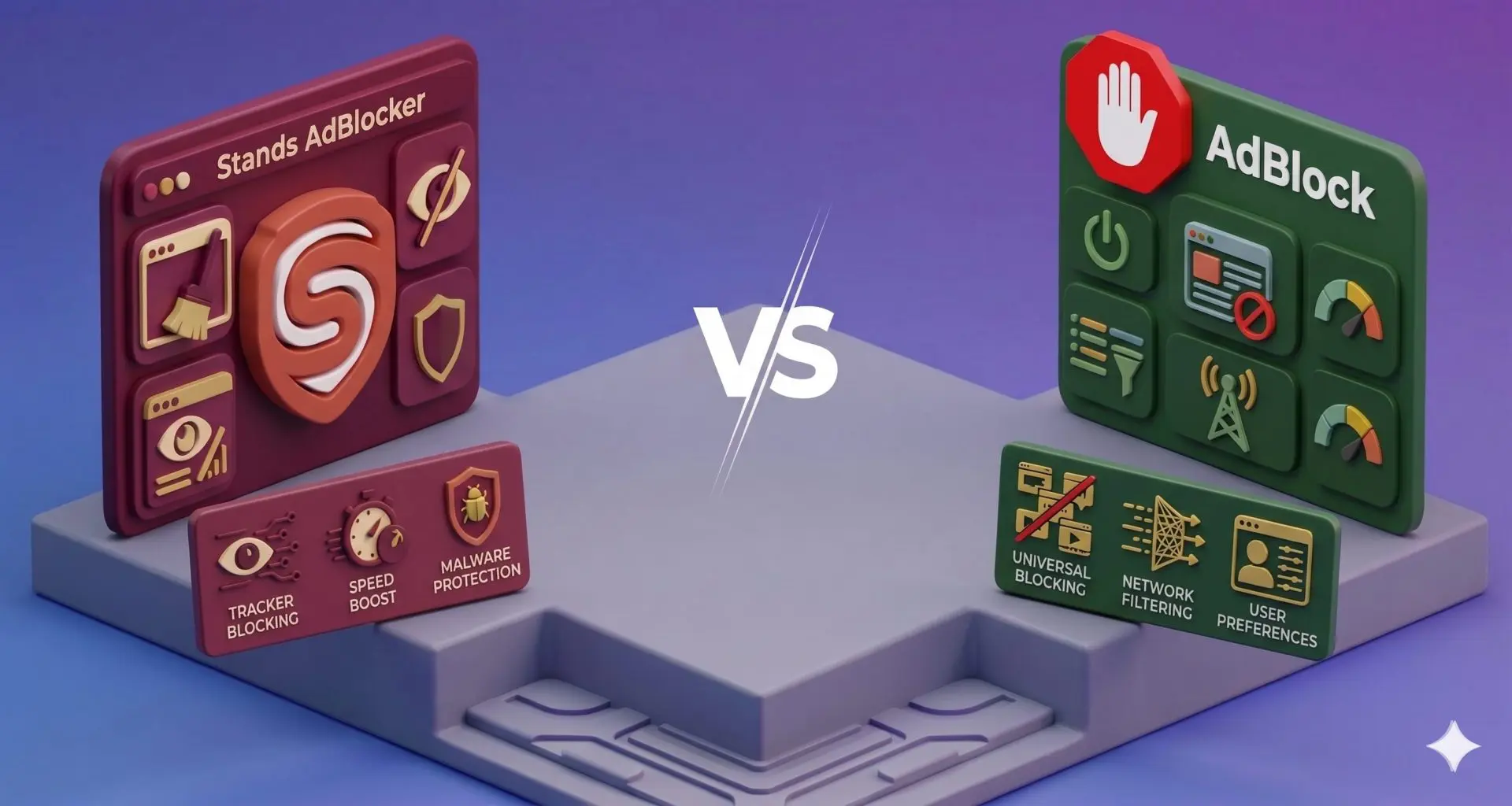
Stands AdBlocker vs AdBlock
When people look up Stands AdBlocker vs AdBlock, they are usually not trying to read something technical. They just want a simple answer to a simple problem: how to remove ads and make browsing feel clean again.
Both Stands AdBlocker and AdBlock are browser extensions that block ads on websites. They help remove pop-ups, banner ads, autoplay video ads, and even a lot of ads you see on YouTube. They also reduce tracking from third-party trackers that follow you around different sites.
On the surface, they do the same job. But once you actually use them for a while, the experience feels quite different. In this article, we will check how Stands AdBlocker and AdBlock compare in features, performance, and ease of use, so you can choose the one that fits you best. So let's get into it! :)
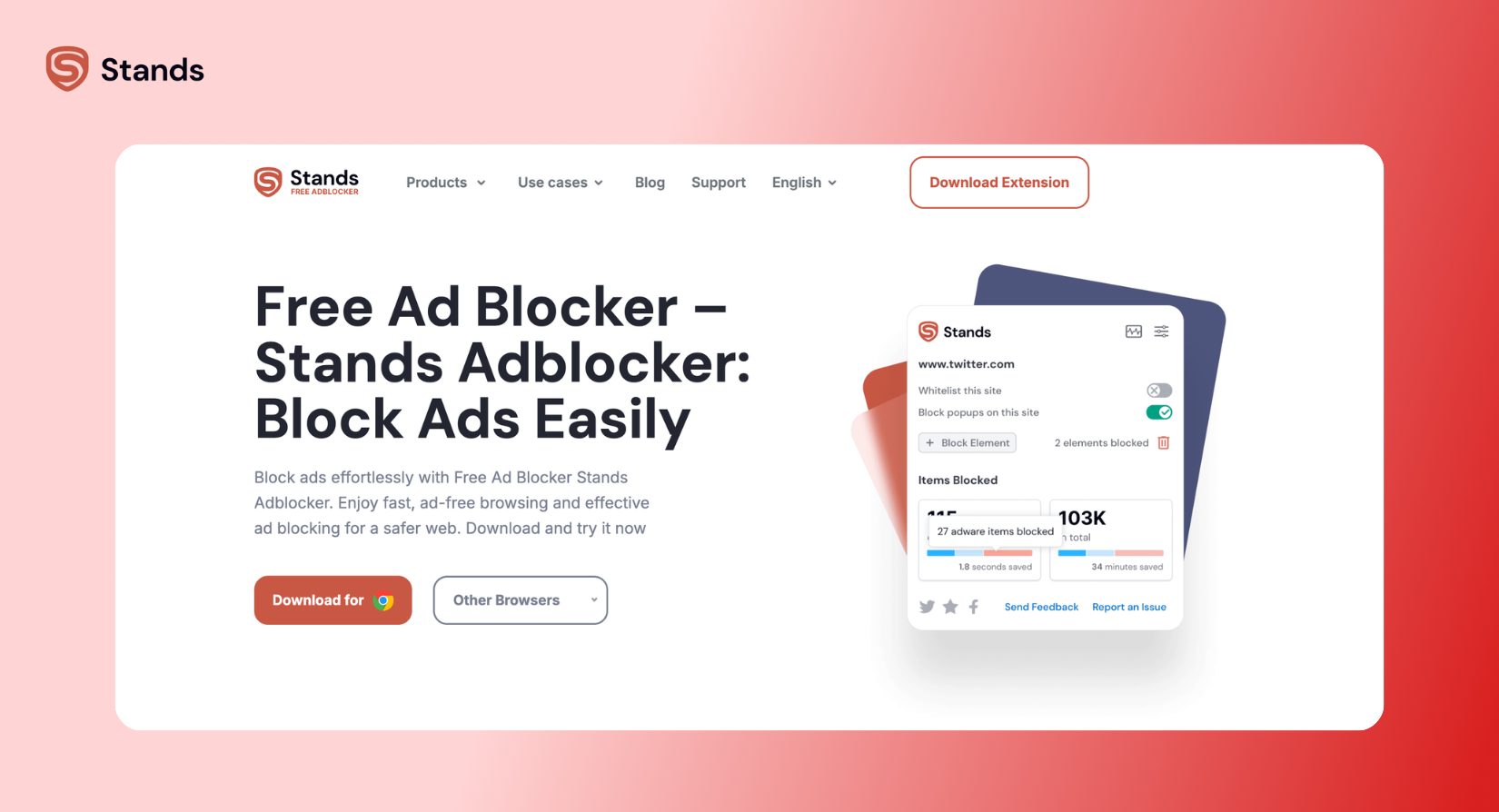
Stands AdBlocker Overview
Stands AdBlocker is built for one main idea: make ad blocking simple.
You install it, and it starts working right away. There is no setup screen, no confusing settings, and no need to “figure things out.” It just runs quietly in the background and removes ads as you browse.
Stands works on Chrome, Edge, and Android. It is also built for modern browsers, so it stays smooth and stable in 2026, even with newer Chrome rules like Manifest V3.
In everyday use, Stands AdBlocker blocks YouTube ads, Twitch ads, social media ads, and the usual website stuff like banners and pop-ups. Most users like it because it feels like you don’t need to think about it at all.
And if you spend time on streaming platforms, it is also commonly used to block Twitch ads.
AdBlock Overview
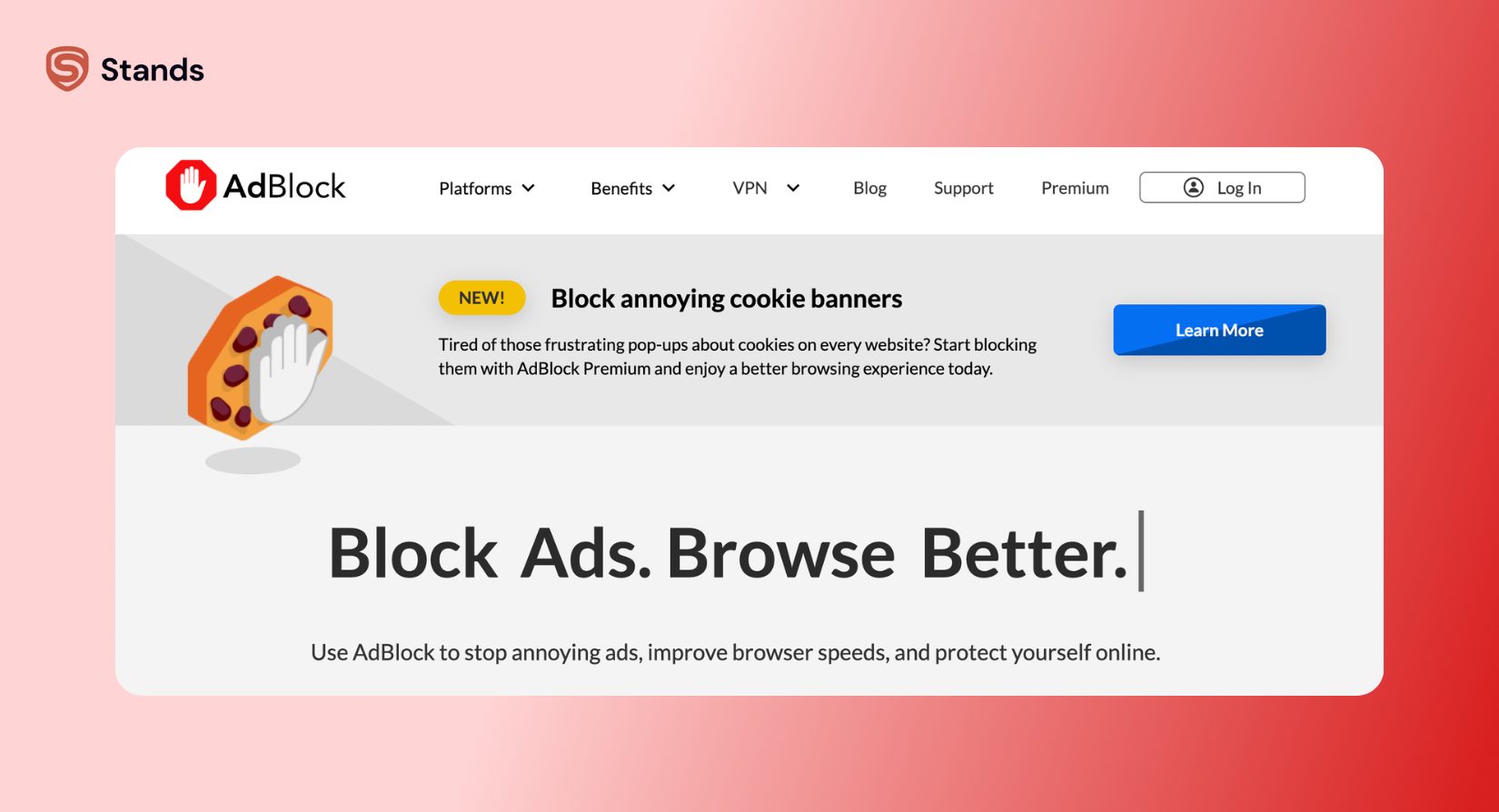
AdBlock is one of those tools almost everyone has heard of. It has been around since 2009 and has millions of users across different browsers.
AdBlock works on Chrome, Firefox, and Safari. It blocks ads on websites, removes pop-ups, and reduces video ads, just like Stands.
But AdBlock has a different approach. It uses something called “Acceptable Ads,” which means some ads are allowed by default because they are considered non-intrusive. You can turn this off, but it is enabled when you first install it.
AdBlock also comes in two versions. The free version covers basic blocking, while the paid version adds extra features like syncing and more control options.
So while it is powerful, it also asks a bit more from the user in terms of setup and decisions.
Feature Comparison: Stands AdBlocker vs AdBlock
Here is a simple side-by-side look at how they compare in daily use:
| Feature | Stands AdBlocker | AdBlock |
| Price | Fully free | Free + paid version |
| Setup | Works instantly | Needs a bit of setup |
| Ease of use | Very simple | Medium |
| YouTube ads | Usually blocked well | Can be inconsistent |
| Pop-ups & banners | Blocked | Blocked |
| Trackers | Blocked | Blocked |
| Acceptable Ads | Not included | Included by default |
| Browsers | Chrome, Edge, Android | Chrome, Firefox, Safari |
| Custom settings | Minimal | More advanced |
| Feeling in use | “Install and forget” | “Adjust and manage” |
Ad Blocking Performance
YouTube and Streaming
This is where most people notice the difference.
Stands AdBlocker is designed to handle YouTube ads in a very direct way. In most cases, videos just start normally without ads interrupting them. Pre-roll and mid-roll ads are usually blocked, and the experience feels smooth.

AdBlock also blocks YouTube ads, but not always in a stable way. Sometimes ads still appear, and sometimes videos pause briefly or show a black screen before continuing. It works, but the experience can feel less predictable.
| YouTube experience | Stands AdBlocker | AdBlock |
| Pre-roll ads | Mostly blocked | Sometimes blocked |
| Mid-roll ads | Mostly blocked | Inconsistent |
| Smooth playback | Yes | Not always |
| Reliability | High | Medium |
If YouTube is a big part of your browsing, Stands tends to feel more consistent in 2026.
Websites and Social Media
On regular websites, both tools do a solid job. They remove banners, pop-ups, and the most annoying ad placements. Social media platforms also feel cleaner with both enabled.
The difference shows up in how strict they are.

AdBlock may still allow some ads through because of Acceptable Ads. These are “approved” ads that are meant to be less annoying, but they still appear on the page.
Stands does not do that. It blocks everything by default, so pages usually feel cleaner without any extra steps.
| Web experience | Stands AdBlocker | AdBlock |
| Banner ads | Blocked | Blocked |
| Pop-ups | Blocked | Blocked |
| Social media ads | Mostly removed | Partially removed |
| Cookie banners | Often reduced | Sometimes still visible |
Acceptable Ads: The Big Difference
This is one of the main reasons people switch between these two tools.
AdBlock uses Acceptable Ads. The idea is simple: not all ads are fully blocked. Some are allowed if they meet certain “non-intrusive” rules. The goal is to support websites while still reducing annoyance.
But in real life, many users don’t expect any ads at all when they install an ad blocker. So this feature can feel a bit confusing or unwanted.
Stands AdBlocker avoids this completely. It does not show acceptable ads. It just blocks ads by default and keeps things simple.
| Acceptable Ads | Stands AdBlocker | AdBlock |
| Enabled by default | No | Yes |
| Shows some ads | No | Yes |
| Needs user action | No | Yes |
| Experience | Fully clean | Mixed |
Free vs Paid Experience
Another difference is how each tool handles pricing.
Stands AdBlocker is completely free. There is no paid version, no upgrade screen, and no hidden features. Everything is included from the start.
AdBlock is free too, but only for basic use. Some extra features are part of a paid plan, and you may also see donation messages during use or installation.
| Pricing | Stands AdBlocker | AdBlock |
| Free use | Fully free | Free basic version |
| Paid version | No | Yes |
| Upsells | No | Sometimes |
| Full features | Included | Partially locked |
Privacy and Data
Both tools care about privacy, but they approach it differently.
AdBlock focuses on strict privacy rules and says it does not sell user data. It keeps tracking minimal.
Stands AdBlocker uses anonymous data to improve how well ads are blocked. This data is not linked to personal identity, but it helps improve performance and filter accuracy over time.
| Privacy | Stands AdBlocker | AdBlock |
| Data collection | Anonymous analytics | Minimal data use |
| Personal tracking | No | No |
| Main focus | Better blocking | Strong privacy stance |
Ease of Use
This is probably where Stands, well, stands out the most. :)
Stands AdBlocker is very simple to use. You install it and forget about it. It does not ask you to configure anything.
AdBlock is still easy to install, but it often shows extra steps. You may see setup pages, Acceptable Ads explanations, or settings you need to adjust for better blocking.
| Ease of use | Stands AdBlocker | AdBlock |
| Installation | Very easy | Easy |
| Setup needed | No | Sometimes |
| Settings required | No | Yes |
| Beginner friendly | Very high | Medium |
Browser Support
Both tools work on major browsers like Chrome and Edge. AdBlock also supports Safari, which is useful for Apple users.
| Browser support | Stands AdBlocker | AdBlock |
| Chrome | Yes | Yes |
| Edge | Yes | Yes |
| Safari | No | Yes |
| Android | Yes (as a browser with adblocker) | No |
Who Should Choose Stands AdBlocker?
Stands AdBlocker is a good fit if you want something simple that just works.
It is especially good if you:
- Want a free ad blocker with no limits
- Prefer zero setup
- Watch a lot of YouTube
- Use Android or multiple browsers
- Just want ads gone without thinking about settings
It feels like the kind of tool you install once and then forget about.
Who Should Choose AdBlock?
AdBlock makes more sense if you want more control, or you are already used to it.
It is a good choice if you:
- Use Safari
- Want more detailed settings
- Like managing features manually
- Don’t mind Acceptable Ads
- Want optional paid features
It is more flexible, but also less automatic.
Conclusion
When you compare Stands AdBlocker vs AdBlock, it really comes down to how you like things to work.
Stands AdBlocker feels simple, direct, and automatic. You install it, and your browsing gets cleaner right away without extra steps.
AdBlock feels more traditional. It gives you more options, but it also expects you to adjust things to get the best experience. If you just want something that removes ads quickly and quietly in the background, Stands AdBlocker is usually the better choice in 2026.

