
 Home »
Is Stands AdBlocker Safe? A Deep Dive into Privacy and Security
The thing about 2026 is that when something is free, you usually pay for it with your data. You have probably heard about browser extensions that slow down your computer or sell your web history.
So today our main question is: Is Stands AdBlocker safe to use?
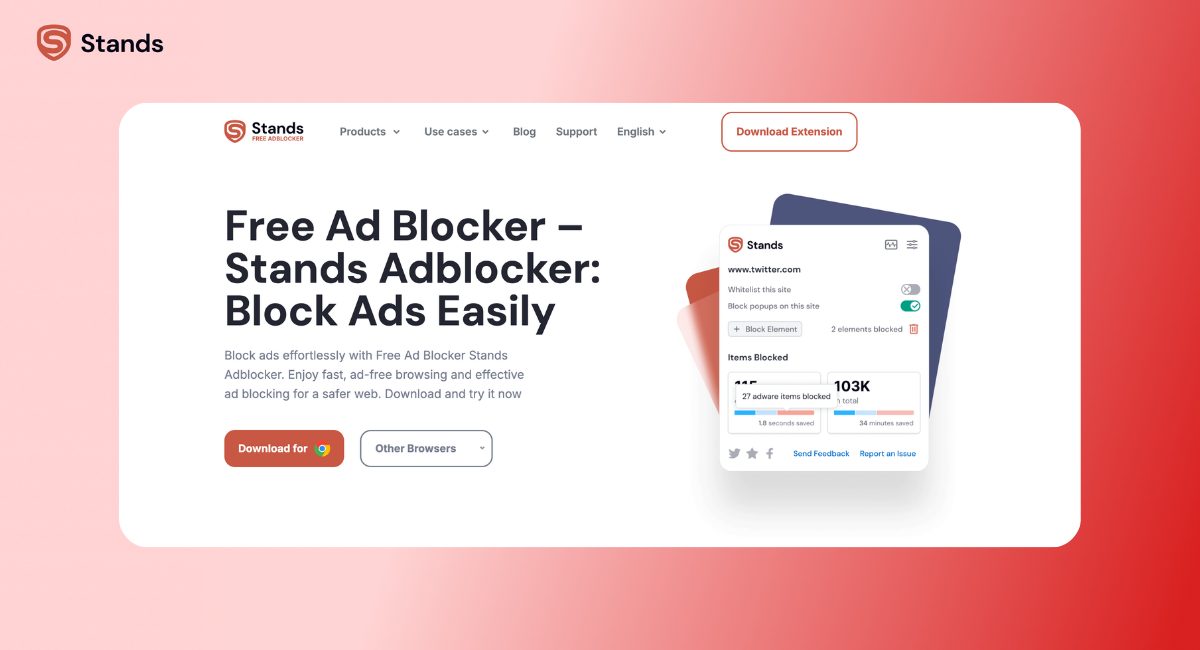
The shorter answer is yes, Stands AdBlocker is indeed safe. But if you don’t just take our word for it, keep reading. The real proof is in how our code works and how we treat your data. Some of you also wonder if our adblocker is legitimate at all or if downloading extensions is too risky. Today, we're showing you exactly what happens under the hood of the Stand AdBlocker. Let’s get into it:)
- Decoding Browser Permissions: What They Actually Mean
- The Business Model: Sustainability Without Exploitation
- Security Layers: Malware Shield vs. Malware Risk
- Privacy Audit: What Data Stays and What Goes
- Stands Ecosystem Stats & Official Links
- FAQ: Our Answers to Your Safety Questions
- The Final Verdict on Stands Safety
Decoding Browser Permissions: What They Actually Mean
When you install any ad blocker, your browser shows a pop-up saying the tool can "read and change data" on websites. That sounds scary, and you might think: is adblocker Chrome's plugin even safe if it gets that kind of access?
| Security Feature | How It Works |
| Store Verification | Checked and approved by Chrome and Firefox store security teams. |
| Data Processing | 100% local. Filtering happens on your computer, not our servers. |
| Browser Standard | Built using Google's modern Manifest V3 and Declarative Net Request (DNR) system. |
| Business Model | Funded by voluntary donations—we never sell your data. |
Here is why that permission is necessary and what it actually does.
The Role of SSAI and DOM Filtering
Ads are much trickier now, and streaming sites use Server-Side Ad Insertion (SSAI), which glues ads directly into the video stream.
To skip YouTube ads, Stands AdBlocker has to look at the web page code (the DOM) to find and stop the ad before it plays. That requires permission to "read" the page. Without it, the blocker couldn't spot the ad scripts at all.

The Browser Sandbox Principle
Chrome and Firefox use something called a "sandbox" to keep you safe, and this creates a virtual wall around the extension. Stands stays inside this sandbox and can't wander off.
| System Part | Stands Access |
| Your Computer Files | Blocked |
| Desktop Apps | Blocked |
| Other Software | Blocked |
| Browser Sandbox | It stays in the sandbox. Period. |
The Business Model: Sustainability Without Exploitation
Most free tools make money by tracking your clicks and selling your profile to advertisers. We don't do that.
[Bad Extensions] ---> Track You ---> Sell Your Data ---> Profit
[Stands Model] ---> Block Ads ---> Free Donations ---> Stay Safe
The "Fair Adblock" Donation Model
Stands runs on a "Fair Adblock" model powered by voluntary donations. Our goals match yours: keep ads away and keep your personal life private. Since we don't rely on selling data to pay our bills, we have zero reason to track you.
Official Store Compliance
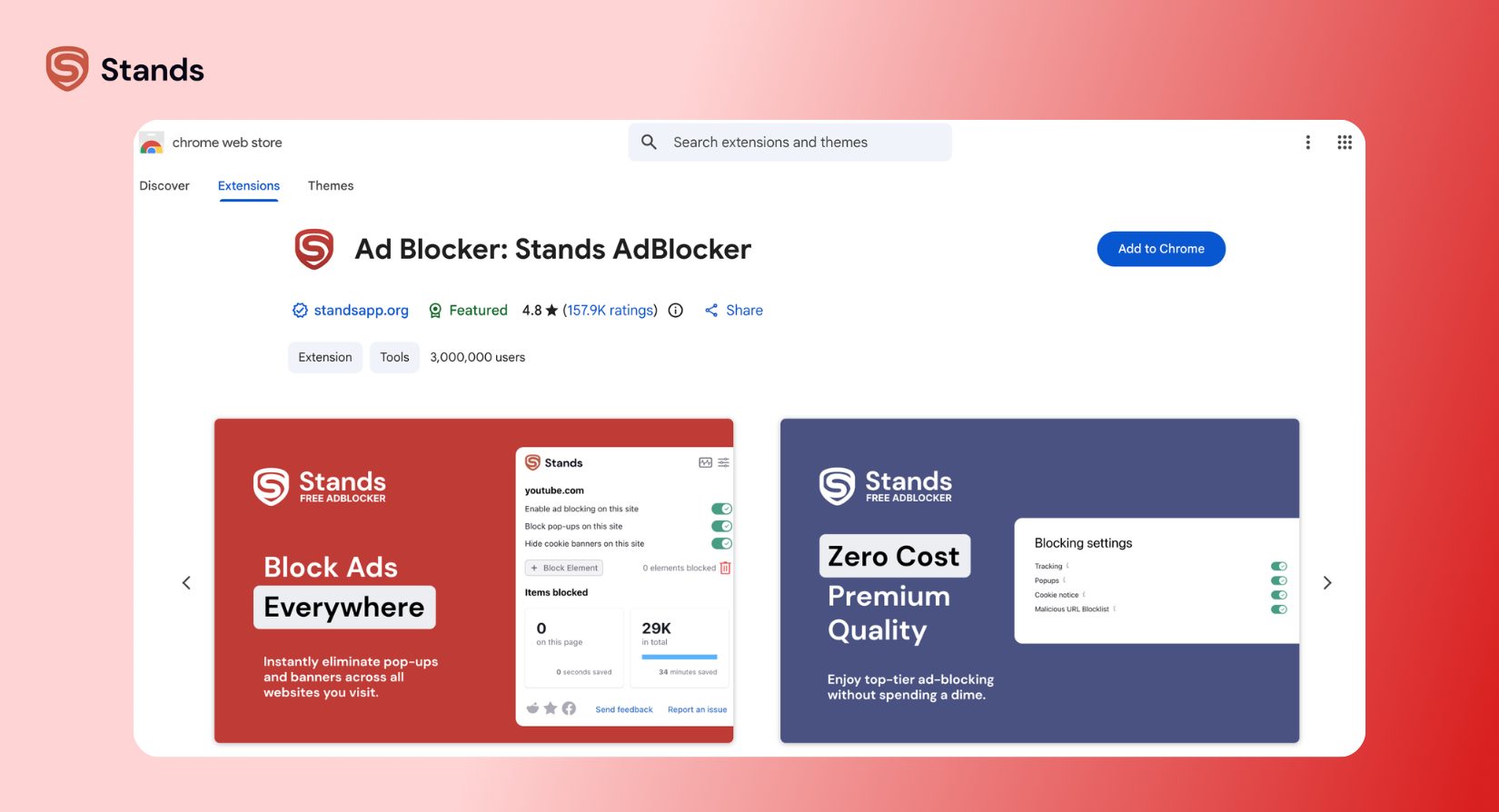
Google and Mozilla have strict rules. To get a Chrome Web Store certification or a spot on Mozilla Firefox Add-ons, developers must pass heavy checks. If Stands ever tried to steal your data, Google would drop us from the store instantly.
Security Layers: Malware Shield vs. Malware Risk
Some people assume ad blockers are secret viruses. In reality, a good blocker protects you from actual web threats.
If you are looking for what is the safest ad blocker, check how it handles malicious ads. Cybercriminals often hide harmful code inside regular site ads to trick you into downloading viruses.
Without Protection: [Website] ---> [Harmful Ad Script Loads] ---> [Virus Risk]
With Stands: [Website] ---> [Stands Blocks Script] ---> [Safe Web Page]
Stands stops these bad scripts before they load, blocking dangerous pop-ups and fake virus warnings before they touch your screen.
Verified Updates and Audits
Every time we update Stands, Google and Mozilla test the code before it reaches your browser. You get clean, pre-approved software every single time.
Privacy Audit: What Data Stays and What Goes
People reading a Stands AdBlocker review 2026 usually want to know one main thing: where does my private browsing data go?
Why Local Processing Matters for Your Privacy
Stands handles all filtering right on your device using built-in browser features like Manifest V3 and DNR. Your browsing habits are processed locally by your own computer's CPU.
| Data Type | Leaves Your Device? |
| Browsing History | No |
| Search Keywords | No |
| Passwords & Typed Text | No |
| Ad Filtering Rules | Handled locally on your device |
Your digital footprint never leaves your computer. We couldn't sell your browsing history even if we wanted to, as we simply don't have it.
Stands AdBlocker on Android
But is it good across all your devices?
Android does not support standard Chrome desktop extensions. We had to find a different way of blocking ads, and now Stands on Android works as a standalone browser app with built-in ad-blocking technology. It does a really great job with annoying pop-ups, video ads, and banners. As a nice bonus, you get faster page load, save your mobile data, and prolong your battery life.
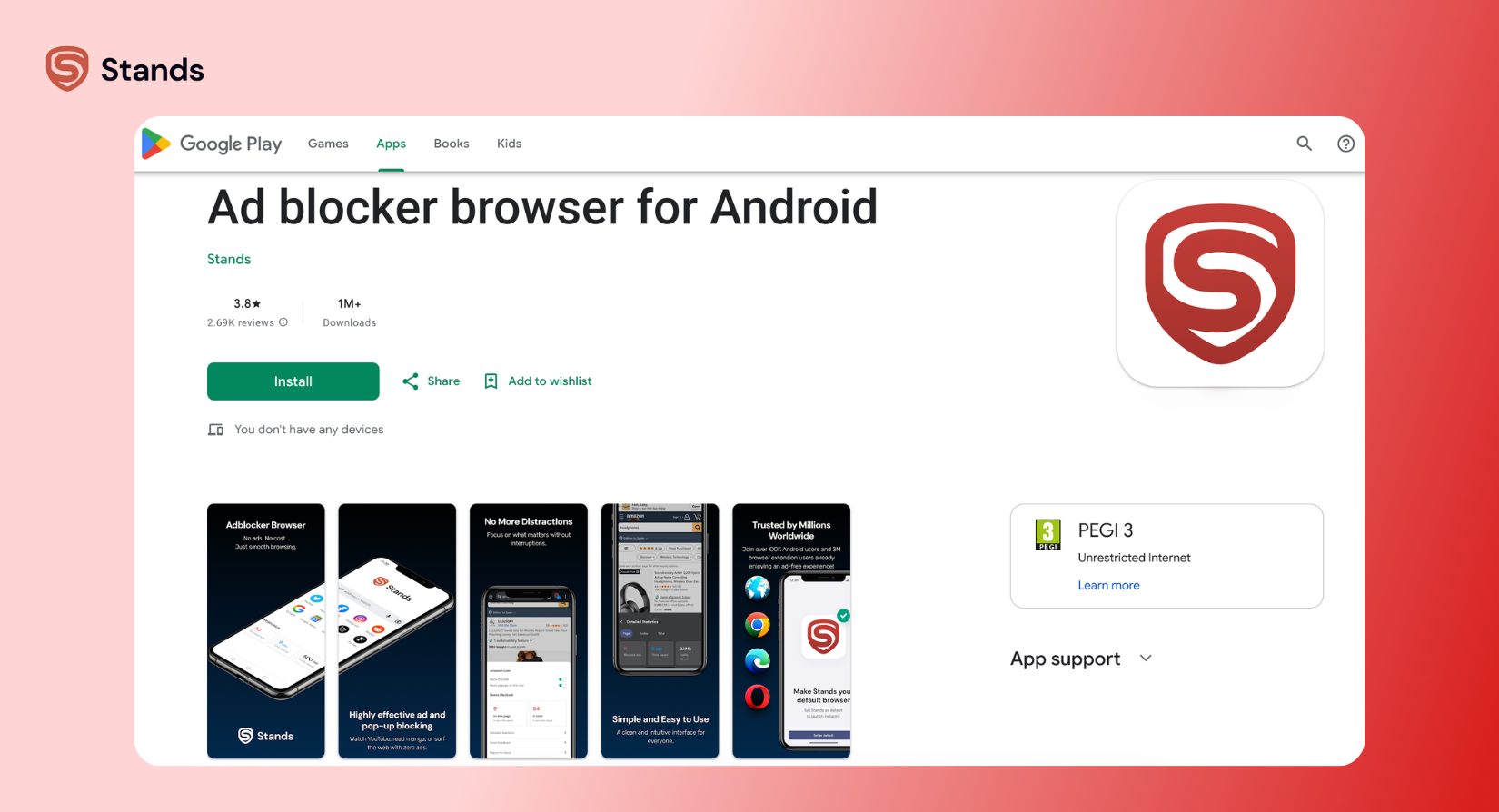
No one is perfect, and the downside comes down to convenience and consistency. As long as the desktop version is an extension and the Android version is a completely different browser app, your saved settings, block lists, and browser history won't sync automatically between your phone and your computer. Also, because it's just a browser, it only blocks ads while you are surfing the web inside that specific app. It won't block ads inside your other phone apps or games!
Stands Ecosystem Stats & Official Links
| Platform / Metric | Stats | Official Access |
| Chrome Web Store | 3.0M+ active users (4.8 / 5.0 rating) | Chrome Store Link |
| Microsoft Edge | 388K+ active users | Microsoft Edge Add-ons |
| Android Browser | 1M+ downloads | Google Play Store |
FAQ: Our Answers to Your Safety Questions
Can Stands AdBlocker see my passwords or banking details?
No. Browsers automatically block extensions from reading password boxes and secure (HTTPS) bank forms. Your private financial info stays safe.
Is Stands safe for online shopping in 2026?
Yes, it's safer than shopping without it. Stands blocks invisible trackers that collect data on what you buy and try to raise prices on you later.
Why is AdBlock allowed on Chrome if it blocks ads?
Google allows extensions that follow their Manifest V3 safety rules. Stands follows these rules completely, so it stays fast, stable, and safe.
Is Stands AdBlocker a virus or malware?
No. Stands is a verified privacy tool. It gets audited by official app stores and contains zero malicious code.
The Final Verdict on Stands Safety
Safety comes down to simple facts: Stands runs inside a browser sandbox, processes scripts locally on your computer, and doesn't profit off your private life.
Check out our 4.8-star rating on the Chrome Web Store. More than 2 million people use it every day to stay safe online.
So, if you are ready to get rid of annoying ads, just download our Ad Blocker Chrome extension now and enjoy a cleaner, faster web!:)

