Home »
Is Opera GX Safe? Privacy Review (2026)
If you spend any time on Twitch, Discord, or gaming forums, you have definitely seen Opera GX. Opera built this browser specifically for gamers, loading it up with neon RGB accents, sound effects, and built-in RAM and CPU limiters. But whenever a nice tool comes completely free, a question pops up: is Opera GX safe?
From a cybersecurity angle, Opera GX protects you quite well against malware and web threats. It runs on Google's open-source Chromium engine, gets regular security patches, and includes built-in protection against dangerous sites, rogue downloads, and basic ads.
But if you want serious privacy, you should tweak its default settings and bring in secondary privacy tools :)
Is Opera GX Safe to Use?
Security engineers separate browser security (defending against malicious code) from browser privacy (how much data the app sends back to home base). In terms of technical security, Opera GX maintains a clean track record. No evidence shows that "is Opera GX spyware" or that "it sneaks malicious files onto your drive".
You can download Opera GX safely because it uses the exact same underlying Chromium foundation as Google Chrome, Microsoft Edge, and Brave. That gives you three major safety shields out of the box:
- Tab sandboxing. Opera GX isolates every tab in its own process. If a site tries to execute malicious code, the sandbox stops it from reaching your operating system files.
- Signed installers. Opera Software signs its official installer files digitally, proving nobody modified the code after it left their servers.
- Google Safe Browsing. The browser checks links against Google's live safety database, warning you before you land on phishing pages or download bad files.
Data logging is not the same as a malware infection. Opera GX will not steal your banking passwords or brick your motherboard. It simply logs how you interact with the app. Is Opera browser safe for everyday web use? Absolutely :) Is it an anonymous vault out of the box? Not quite.

What Is Opera GX and Who Owns It?
Now let's spill some tea! Opera launched the browser in 2019 to solve a specific problem gamers face: traditional browsers eating up background memory while running heavy PC games.
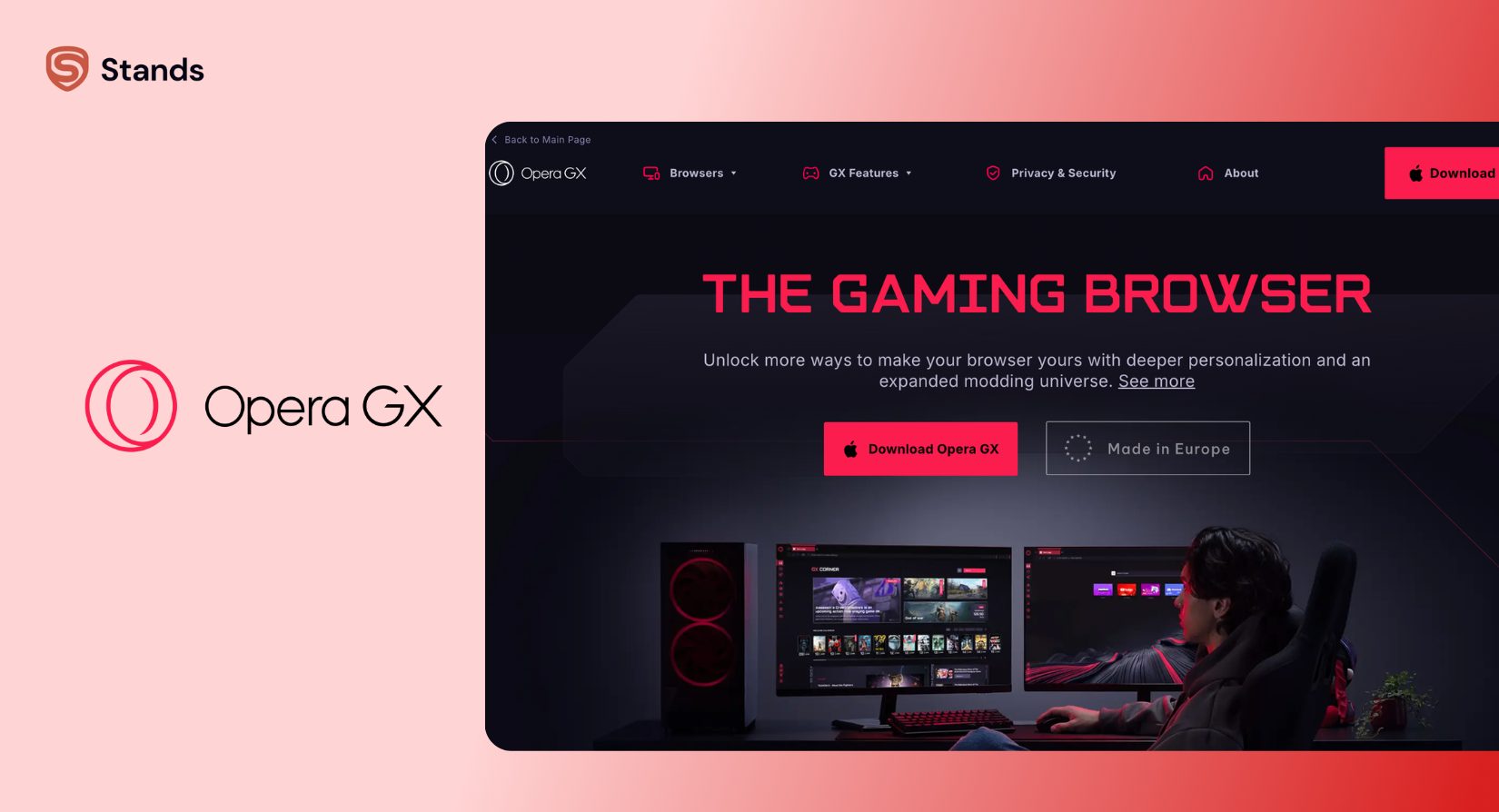
To fix that, Opera added hardware limiters that let you cap RAM, CPU, and bandwidth usage directly. You also get custom dark themes, reactive audio, and built-in sidebar shortcuts for Twitch, Discord, and chat apps. At the same time, it functions as a standard web browser.
| Architectural Layer | Component Name | What It Does For You |
| Top Layer | Opera GX Interface | Controls RAM/CPU limiters, visual mods, and sidebar extensions |
| Middle Layer | Chromium Engine | Renders web pages, runs JavaScript, and isolates tabs |
| Base Layer | Operating System & Hardware | Supplies computer memory, processor power, and network access |
Is Opera GX Owned by a Chinese Company?
It's not that simple, I would say :) Opera Limited has its main headquarters in Norway and a large office in Poland, so European privacy laws like GDPR protect your data. However, a Chinese company called Kunlun Tech bought majority control in 2016 and now owns about 68% of the company. Opera Limited is also a public company listed on the US stock market under the ticker symbol OPRA.
In short, the company runs out of Europe under strict European privacy rules, but a Chinese company owns most of its shares.
| Entity Level | Organization Name & Location | Legal & Ownership Role |
| Parent Investor | Kunlun Tech Co., Ltd. (Beijing, China) | Owns ~68% controlling stake; led by Zhou Yahui |
| Operating Company | Opera Limited (Oslo, Norway HQ) | Manages daily software engineering under European GDPR law |
| Consumer Products | Opera Browser & Opera GX | Ships consumer apps globally under European consumer protections |
This structure creates two distinct sides:
- European Legal Protection. Norwegian and Polish offices build the software under GDPR privacy standards.
This setup creates no immediate risk for everyday gaming and web browsing. However, if your personal threat model excludes software tied to Chinese corporate ownership, this is an important detail to keep on your radar.
Is Opera GX Open Source?
No. Of course, Opera uses the open-source Chromium engine to load web pages; Opera Limited owns the custom code that powers the interface, sidebar tools, resource limiters, and proxy systems.
That is also the reason why independent security researchers cannot inspect how these custom features work. If you are looking for an "open-source browser", just go with Mozilla Firefox or Brave.
Does Opera GX Cost Money?
The browser is completely free to download and use.
How does Opera make money without charging users? It relies on four standard commercial models:
- Search provider royalties. Default search engines (like Google) pay Opera when you search through the address bar.
- Sponsored speed dials. Brands pay Opera to place promotional tiles on your new tab page.
Opera GX Security Features
Opera GX comes loaded with several built-in security features designed to smooth out your web experience:
| Security Tool | Main Protection Goal | How It Works On Your PC |
| Built-in Ad Blocker | Ads & Trackers | → Blocks basic ad networks, banners, and tracking scripts |
| Free Browser Proxy | Exposed IP Addresses | → Encrypts and masks your IP address inside browser tabs only |
| Cryptojacking Defense | CPU Resource Abuse | → Blocks hidden site scripts from mining crypto with your CPU |
| Google Safe Browsing | Phishing & Bad Files | → Warns you before you open harmful links or dangerous downloads |
Built-in Ad Blocker and Tracker Blocker
When you install Opera GX, you can toggle on a built-in ad blocker and VPN directly in the quick setup menu. This feature strips away pop-ups, video ads, and third-party tracking scripts so pages load faster.
However, Opera's native blocker relies on basic filter lists. It lets more ads slip through than dedicated content blockers like uBlock Origin or Stands. Because Opera maintains commercial relationships with search and web partners, its blocker permits certain "acceptable" promotional elements by default.
Free Built-in "VPN"
Opera highlights a "free VPN" right inside the address bar. Technically speaking, this feature is a browser proxy, not a system-wide VPN.
| Connection Type | How It Routes Your Traffic | Your Overall Security Result |
| Opera GX Web Tabs | Sends tab data through an encrypted Opera proxy | → Hides your IP address from the websites you visit |
| Other PC Apps (Discord, Steam, Games) | Connects directly to the internet without encryption | → Exposes your real IP address across other desktop apps |
| System-Wide VPN | Encrypts all traffic leaving your computer | → Protects 100% of your network traffic across every app |
- Tab-only coverage. It only handles web traffic inside your Opera GX tabs. It does not hide your IP address for Discord, Steam, or online multiplayer games.
- Proxy architecture. It routes web requests through proxy servers managed by Opera's infrastructure partners. It lacks advanced tools like a full system kill switch.
- Privacy scope. While it masks your IP address from destination sites, Opera's proxy servers can see your web requests. It protects you on public Wi-Fi, but it does not replace a dedicated VPN.
Cryptojacking Protection and Safe Browsing
Opera GX includes NoCoin to block hidden cryptocurrency mining scripts. Cryptojacking occurs when compromised websites use your CPU cycles to mine digital coins in the background. Blocking these scripts keeps your processor focused on running your games :)
The browser also checks web addresses against danger databases in real time, stopping you before you hit known phishing traps or download malicious files.
Opera GX Privacy and Data Collection
While the browser guards against hackers, its default settings collect product telemetry.
Does Opera GX Sell Your Data?
I don't wanna get too sophisticated here, but the answer depends on what "selling" means to you.
Under Opera's official privacy policy, Opera does not sell personal details like your real name, email address, or specific browsing history to data brokers for cash. At the same time, of course, Opera shares anonymized device IDs and aggregate usage statistics with advertising partners to measure marketing campaigns.
So if you want zero data collection by default, Opera collects too much telemetry. But if your main goal is stopping companies from buying your real-world identity, Opera operates within standard industry norms.
What Data Opera GX Collects
When you run Opera GX with default settings, Opera GX collects user data across four primary areas:
| Data Category | Specific Data Collected | Your Control Level |
| Device Specs | OS version, screen size, CPU model, RAM capacity, and installation IDs | → Collected automatically for GX Control features |
| Usage Stats | Launch frequency, feature choices, and crash logs | → You can turn this off in Settings |
| General Location | IP address (logged temporarily to assign local features) | → Managed by your network and proxy settings |
| Search Metrics | Address bar searches and clicks on speed dial tiles | → Controlled by your search engine pick |
Important Privacy Settings to Change Right Away
Want to stop Opera GX from collecting your data? Change these settings immediately:
- Open Settings — Press Alt + P (or Cmd + , on Mac).
- Turn off data tracking — Click Privacy & Security, then turn OFF both "Send usage statistics and crash reports automatically" and "Improve options by sending web pages you visit to Opera."
- Disable ads on your homepage — Click Features, go to Promotional Content, and turn OFF "Show Sponsored Speed Dials."
- Switch your search engine — Under Search engine, change your default search engine to a privacy-focused option like DuckDuckGo.
Opera GX Safety and Security
GX gives you strong defense against outside “cyber threats”. Opera updates its core code alongside Google's Chromium release schedule. When Google patches a vulnerability in Chrome, Opera pushes out that fix shortly after.
| Cyber Threat | Your Safety Level | How Opera GX Protects You |
| Hacker Attacks | High | → Keeps code isolated with tab sandboxing |
| Phishing & Scams | High | → Checks links against Google Safe Browsing lists |
| Malware Infections | High | → Uses signed installer files and safe processes |
| Public Wi-Fi Snooping | Medium | → Encrypts tab traffic with the built-in proxy |
| Built-in Telemetry | Low | → Requires you to turn off data sharing manually |
Opera GX runs every site in its own separate process. A rogue script on an open tab cannot read your system memory or access local files. Is Opera GX safe against hackers? Yes. It gives you the same baseline defense as Chrome or Edge.
Is Opera GX Safe for Kids?
Before we jump to conclusions, one more time - Opera GX carries no malware risks. But developers did not build it with parental controls or content filters in mind.
| Feature or App | Potential Risk Factor | Action You Should Take |
| Twitch & Discord Sidebars | Direct access to live streams and open chat rooms | Monitor your child's social platform accounts |
| Unfiltered Web Access | No built-in filters for adult websites | Set up computer controls or DNS filters |
| Gamer Themes | Custom RGB colors, sounds, and wallpapers | Safe to use, no risks here |
The sidebar gives easy access to Twitch and Discord. These services host live video streams and unmoderated chat rooms that may expose younger kids to coarse language or mature themes. If you install Opera GX for kids, set up operating system parental controls or family DNS filters like NextDNS.
Opera GX vs. Chrome, Firefox, and Brave
Here is how Opera GX stacks up against other popular browsers:
| Feature / Metric | Opera GX | Google Chrome | Mozilla Firefox | Brave Browser |
| Engine | Chromium | Chromium | Gecko | Chromium |
| Built-in Ad Blocker | Yes (Basic) | No | No (Needs extension) | Yes (Advanced) |
| VPN / Proxy | Free Browser Proxy | No | Paid Full VPN | Paid Full VPN |
| Open Source | No (Proprietary) | Partial (Chromium base) | Yes (100% Open) | Yes (100% Open) |
| Ownership | Norway / Majority Chinese-owned | USA (Google) | USA (Mozilla Foundation) | USA (Brave Software) |
| Main Focus | Gaming performance & controls | Google account integration | Open web standards & privacy | Privacy & ad blocking |
How to Make Opera GX Safer
Here is how to protect your privacy and speed up Opera GX:
- Turn on auto-updates — This fixes security bugs automatically.
- Turn off tracking — Go to Settings → Privacy & Security and switch off data sharing.
- Block old sites — Go to Settings → Site Settings and stop unused websites from using your camera, mic, or location.
- Get a real VPN app — Opera's built-in tool only protects browser tabs, so use a standalone VPN program to protect your whole computer.
- Add an ad blocker — Install an ad-blocker extension to catch extra pop-ups that Opera misses.
How Stands Fits This Use Case
Because Opera GX runs on Chromium, it works with Chrome Web Store extensions. You can use this to add extra privacy tools without breaking your browser setup.
Opera GX has a basic ad blocker, but it still lets some ads through. A dedicated extension gives you full control. Tools like the Stands ad blocker for Opera add an extra layer of protection by blocking pop-ups, bad redirects, and hidden tracking cookies.
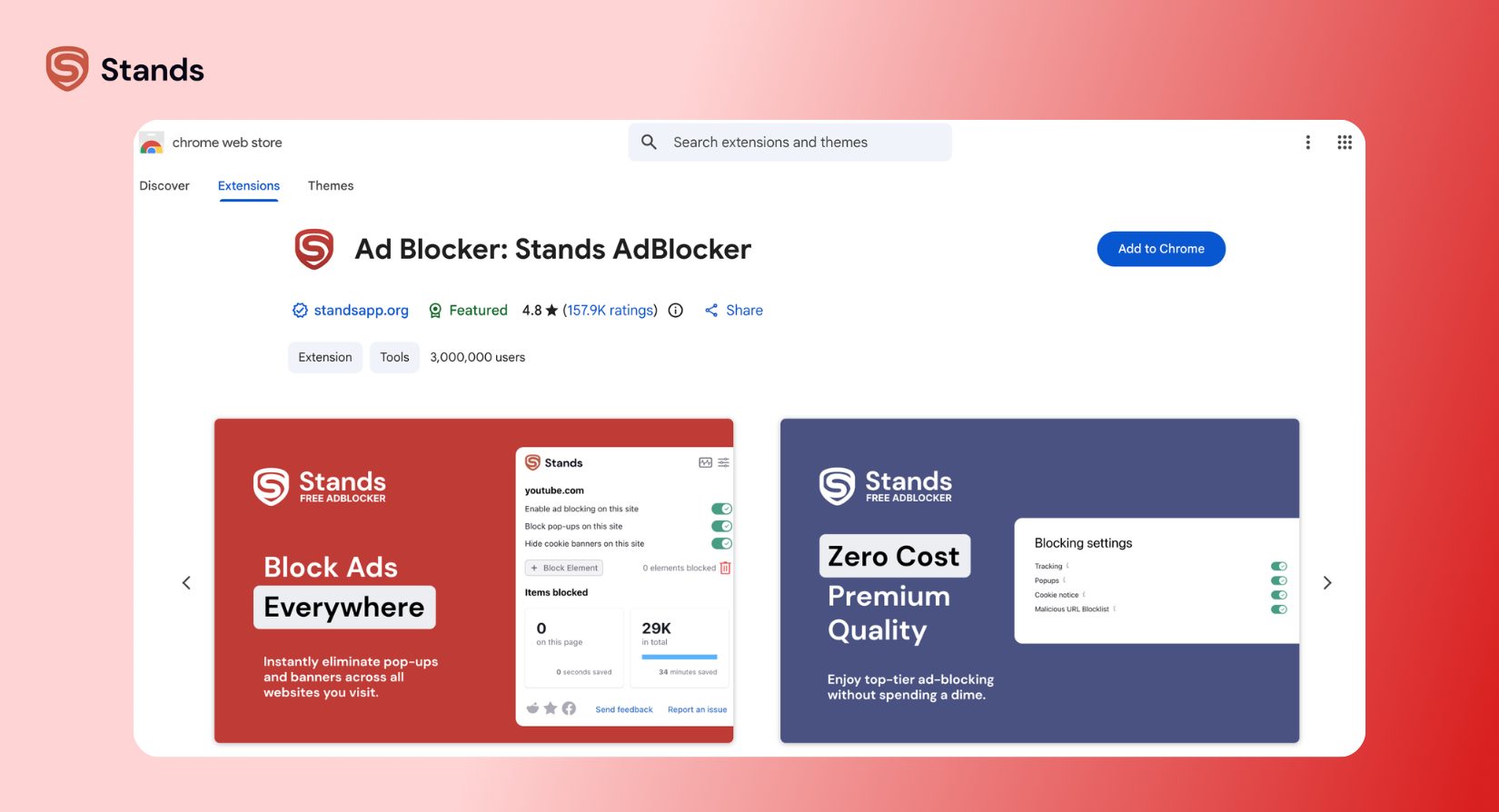
You can also use top Chrome-compatible ad blocker extensions in Opera GX. If you stream videos often, pairing Opera GX with an ad blocker for Twitch stops video ads without lagging your stream.
Keep in mind that browser ad blockers can't stop every type of ad on server-side platforms. Learning why some sites detect ad blockers helps you adjust your settings for smoother browsing. Adding Stands gives you total control over what appears on your screen while leaving Opera GX free to boost your games :)
FAQ
Is Opera GX 100% Safe?
No, and no browser is :) Opera GX still gives you great technical security with tab sandboxing, HTTPS connections, and site warnings. However, as it also collects background usage data, it is not 100% private.
Does Opera GX Track You?
Yes and no. It logs basic usage stats, setup details, and hardware specs to improve features and manage ad deals. Opera does not sell your browsing history, and you can turn off tracking toggles in your settings menu.
Is Opera GX a Polish or Chinese Company?
It's a bit complicated. Opera Limited is a European company headquartered in Oslo, Norway, with major development offices in Poland. However, a Chinese tech firm, Kunlun Tech Co., Ltd., holds controlling financial ownership.
Has Opera Been Hacked?
Opera's central browser engine maintains a clean safety record. In 2016, hackers hit an old Opera Sync server, prompting Opera to reset password tokens as a precaution. Researchers have found no major breaches targeting Opera GX user data.
Is Opera GX Safe to Download From the Official Site?
Yes, just install directly from opera.com. My advice is to avoid third-party download portals, as unofficial websites can add unwanted software or outdated browser versions with your download.