Home »
How to Stay Anonymous Online: A Practical 2026 Guide
Complete online anonymity is a myth, but you can still work with a digital footprint! You cannot flip a single switch to disappear. However, you can build a strong defense to stop people from tracking you :)
When you pair a VPN or Tor with private search engines and ad blockers, you hide your real IP address. You also block cookies and scramble your browser signature. Anonymity is a spectrum. The more tools you combine, the harder it gets for "bad actors" and advertisers to spy on you. Let's see how it works together.
- What “Anonymous Browsing” Actually Means
- How Websites Track and Identify You
- How to Browse the Internet Anonymously
- Compare the Main Anonymity Tools
- Is Incognito Mode Actually Anonymous?
- Stay Anonymous on Mobile
- Shrink Your Digital Footprint
- Common Mistakes That Break Anonymity
- How Stands Fits This Use Case
- FAQ
What “Anonymous Browsing” Actually Means
Anonymous browsing means nobody can link your web activity to your real name.
Privacy and anonymity are different. Privacy keeps your messages and bank details scrambled so unauthorized eyes cannot read them. Anonymity means nobody knows who you are in the first place!

Total anonymity is almost impossible for everyday users :) The internet relies on data tracking. However, you do not need perfection. You can easily cut your exposure, confuse tracking scripts, and surf safely without breaking your favorite sites.
How Websites Track and Identify You
Websites, ad networks, and data brokers track you by putting together a puzzle of your online habits.
| Tracking Method | What It Collects | How It Traces You |
| IP Address | Your general location & ISP info | Acts as your digital return address so your ISP logs every site visit. |
| Tracking Cookies & Pixels | Browsing history & site visits | Drops tiny files on your device to follow you from page to page. |
| Browser Fingerprinting | Screen size, fonts, OS, & specs | Combines your exact device setup into a unique profile :) |
| Cross-Site Trackers | Clicks, views, & shopping habits | Uses code on millions of sites to gather your data for ads. |
| Logged-In Accounts | Your real name, history, & profile | Ties your clicks directly to your Google, Meta, or Amazon account. |
When you load a webpage, these tools fire up right away. Once you see how they work, you can easily block them!
How to Browse the Internet Anonymously
No single tool makes you invisible online. You stay safe by stacking network tools, browser settings, and clean habits. You close a new vulnerability with every layer you add!
| Defense Layer | Primary Focus | Best Tools To Use |
| Layer 1: Network Defense | Hide your IP address & encrypt traffic | VPN or Tor Browser |
| Layer 2: Browser Defense | Block tracking scripts & cookies | Privacy Browsers & Ad/Tracker Blockers |
| Layer 3: Identity Isolation | Stop linking activity to your name | Burner emails, alias handles, & logged-out sessions |
1. Hide Your IP Address With a VPN
A Virtual Private Network sends your internet traffic through a safe, encrypted tunnel.
When you connect, you hide your real IP address behind the VPN server. You mask your activity from your ISP, local Wi-Fi managers, and snoops on public Wi-Fi.
They cover you during the process, but they DO NOT give you anonymity. They cannot stop browser fingerprinting or clear out cookies. Also, free VPNs can actively hurt your privacy online; many free apps log your browsing history and sell your data to make money :)

2. Use the Tor Browser for Stronger Anonymity
When you need strong anonymity, you should pick the Tor Browser.
Tor bounces your scrambled traffic through three random volunteer servers around the world. No single server knows both where you started and where you are going. This setup makes it super hard for anyone to link your IP address to your site visits!
| Tor Relay Step | What The Relay Knows |
| Entry Node | Knows your real IP address & the Middle Relay |
| Middle Relay | Knows only the Entry Node & the Exit Node |
| Exit Node | Knows the Middle Relay & the destination website |
Tor comes with a few trade-offs:
- Slower Speeds: Pages load slower because your data bounces around the globe.
- Annoying CAPTCHAs: Popular sites often flag Tor users and show endless puzzles :)
- Blocked Sites: Banks and streaming apps often block traffic from Tor.
- Exit Node Risks: The final server in the chain can theoretically see unencrypted web data.
3. Switch to a Private Search Engine
Big search engines save every search query, click, time, and location tag you generate.
When you switch to a private search engine, you stop this data collection right away. Options like DuckDuckGo, Startpage, and Brave Search do not record your searches or log your IP address.
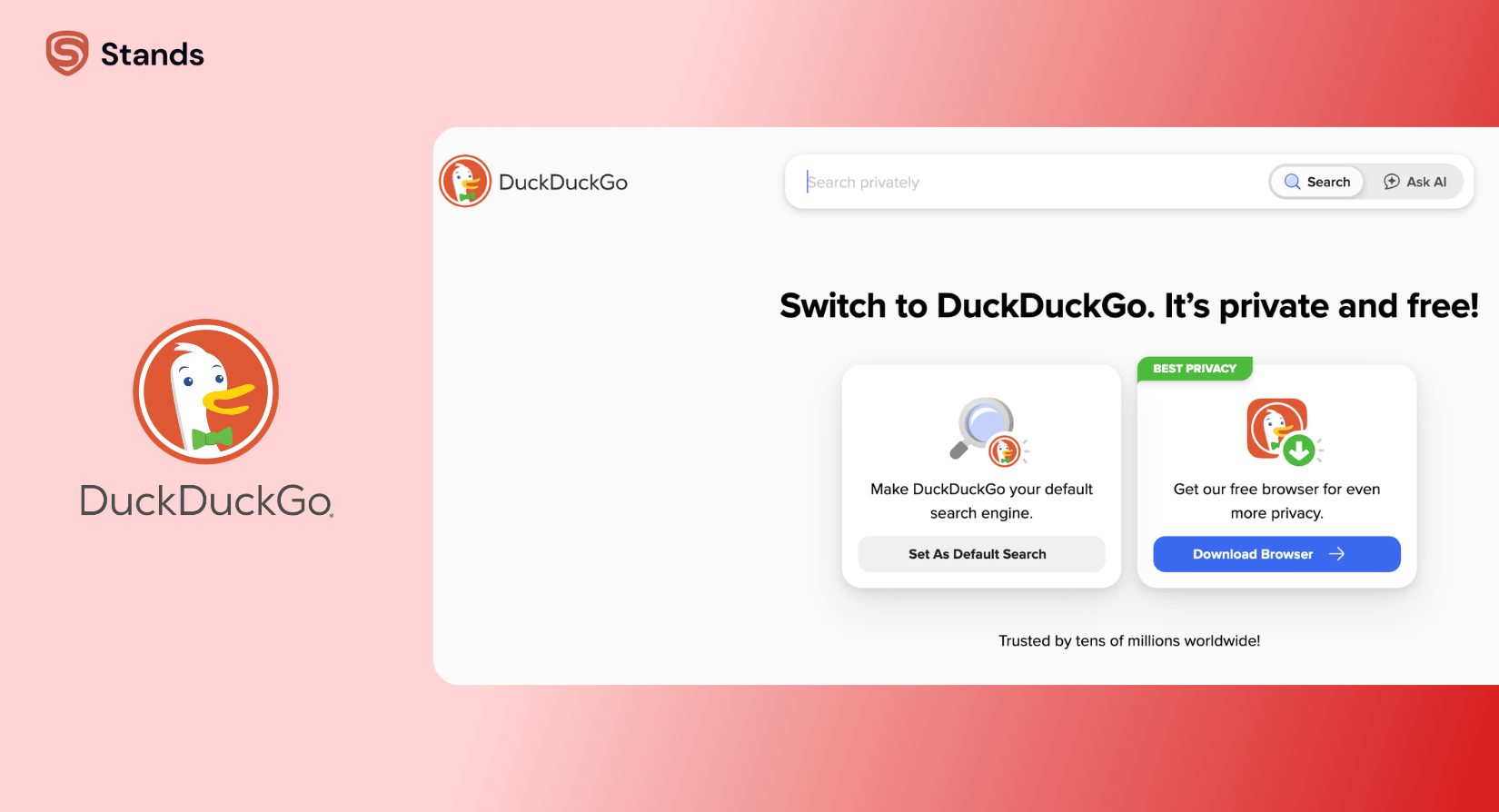
You trade custom pop-up suggestions for much better privacy online. Your local map results might look slightly different, but your search history stays private :)
4. Choose a Privacy-Focused Browser
Standard browsers often ship with weak settings that leak your tech details and allow cookies.
When you hop over to a privacy browser, you gain full control over your identity. Browsers like Brave, Librewolf, or hardened Firefox automatically block tracking scripts and fight off fingerprinting.
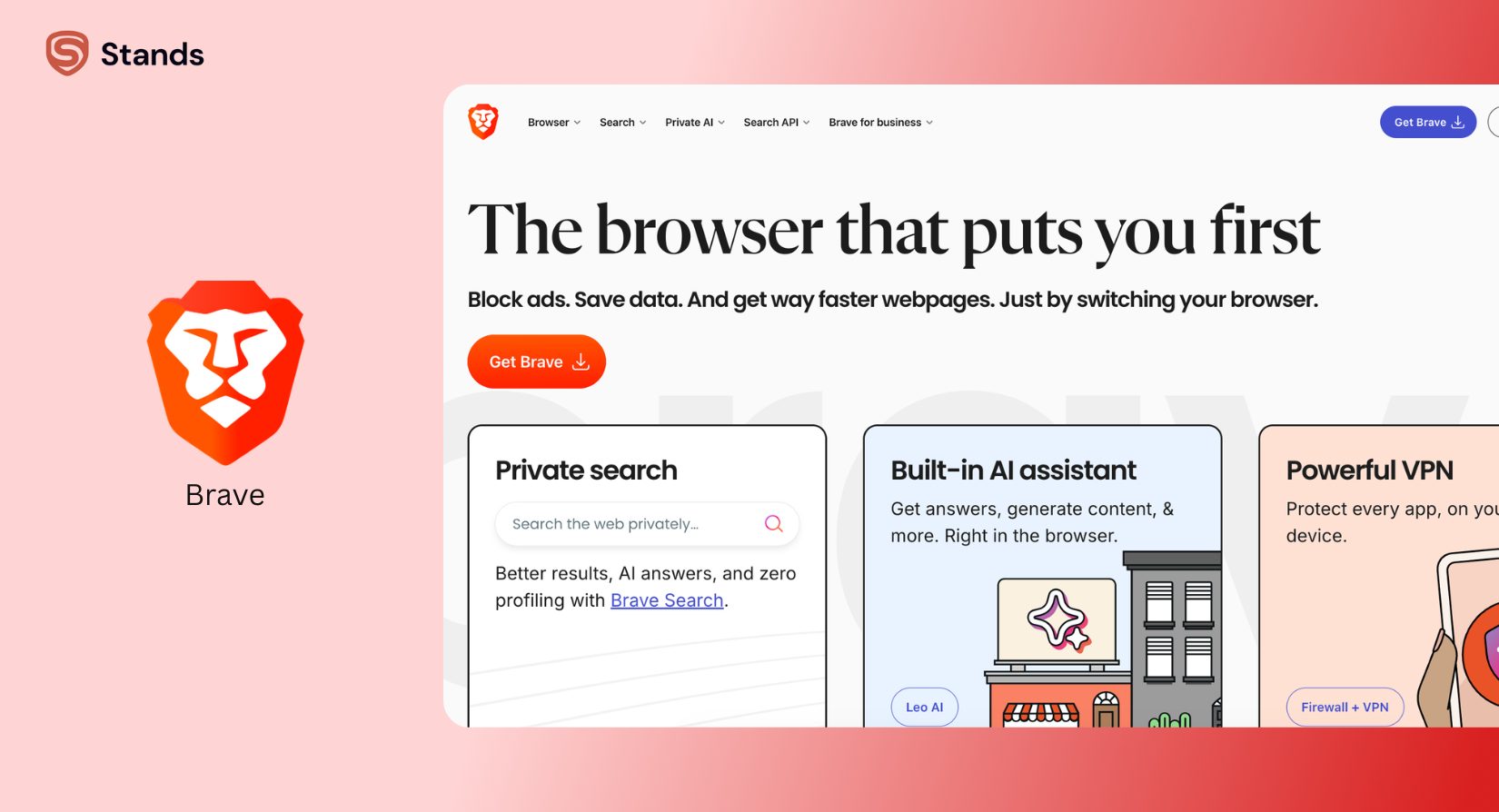
Swapping browsers cuts down on trackers, but remember: a privacy browser alone does not hide your IP address. You must team it up with a VPN for total network protection.
5. Block Trackers, Cookies, and Ads
When you install an ad and tracker blocker on your browser, you build an instant guard against web surveillance.
These add-ons clean up incoming pages. They stop ad scripts, social media pixels, and fingerprinting tools before your screen shows them. This stops tracking and speeds up your page load times :)
Tracker blockers operate inside your browser only. They cannot scramble your whole internet setup or hide your IP address from your ISP on their own.
6. Separate Your Real Identity
Fancy tools cannot protect you if you type your personal details into forms and login boxes!
You need smart habits to stay anonymous. If you log into your personal profile while using a VPN and Tor, you link your private session right back to your real name. You stay safe when you follow these simple steps:
- You create a secondary email for private sign-ups; check out this simple guide on how to create an anonymous email without giving out your personal phone number.
- You pick fun pseudonyms and avoid reusing profile pictures across sites.
- You skip logging into personal Google, Apple, Meta, or Microsoft accounts during private sessions :)
- You use virtual numbers or temporary messaging apps whenever a site asks for SMS checks.

Compare the Main Anonymity Tools
No single app stops every digital snoop. You can use this simple guide to see what each tool shields.
| Tool | Hides IP Address? | Stops Trackers & Cookies? | Encrypts Traffic? | Realistic Anonymity Level |
| Virtual Private Network (VPN) | Yes | No (needs add-ons) | Yes | Moderate (Hides location; does not stop fingerprinting or profile logins) |
| Tor Browser | Yes | Yes | Yes | High (Top practical anonymity; expect slightly slower page loads) |
| Private Search Engine | No | Yes (on search queries) | Yes (standard HTTPS) | Low (Protects search history; leaves other site visits open) |
| Privacy-Focused Browser | No | Yes | Yes (standard HTTPS) | Moderate (Blocks fingerprinting & cookies; leaves IP address visible) |
| Tracker & Ad Blocker | No | Yes | No | Low-Moderate (Stops tracking scripts; keeps your IP location visible) |
Is Incognito Mode Actually Anonymous?
No! You do not turn invisible online when you open incognito mode.
This is one of the biggest myths on the web :) As Google's official Chrome support documentation explains, private browsing only stops your device from saving your history, cookies, and form details after you close the window.
| Feature | Saved On Your Local Device? | Visible To Your ISP & Network? |
| Local Browsing History | No (Clears on close) | Yes (Visible in real-time) |
| Site Cookies & Form Data | No (Clears on close) | Yes (Visible to visited sites) |
| Your Real IP Address | Exposed to local apps | Yes (Exposed to every site) |
Incognito mode does not hide your IP address or scramble your traffic. Your ISP, network owner, boss, school, and visited sites can still watch your activity in real-time. You simply clean your tracks from the next person who opens your computer browser!
Stay Anonymous on Mobile
Smartphones present much bigger tracking threats than desktop computers. They carry unique phone IDs, active GPS tracking, ad IDs, and background system services that collect data.
Android
Android offers great customization, but default settings collect a lot of data. You boost your phone security when you follow these tips:
- You check app permissions: Turn off location, microphone, and contacts access for background apps.
- You reset your ad ID: Go to Settings > Privacy > Ads and clear your device ad ID to stop app profiling :)
- You set up private DNS: Protect your web requests when you configure a private DNS on Android to block tracker hosts system-wide.
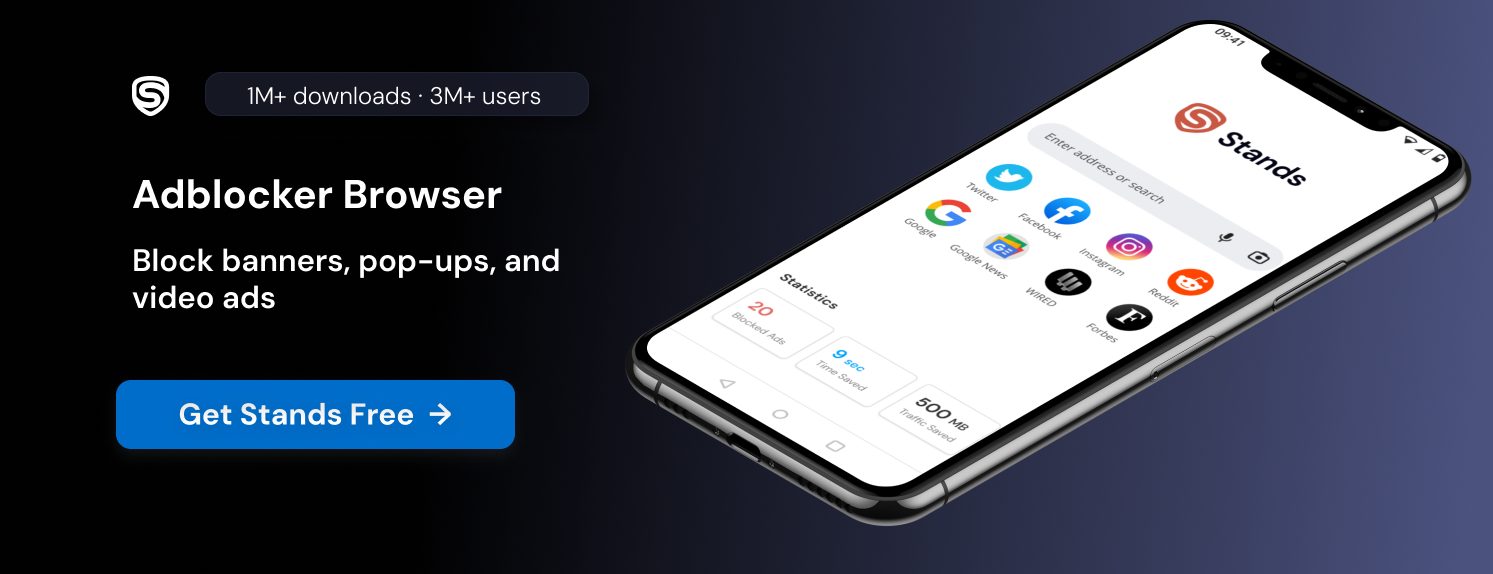
- You pick great mobile apps: Pair an always-on VPN with a safe mobile browser. When you want ad blocking on mobile, grab an ad blocker for Android to cut down on data harvesting while you surf.
iPhone and iPad
iOS builds in great privacy tools, but you still need to flip a few switches for anonymity:
- You turn off app tracking. Go to Settings > Privacy & Security > Tracking and switch off "Allow Apps to Request to Track."
- You tweak Safari settings. Turn on "Prevent Cross-Site Tracking" and "Hide IP Address" inside Safari :)
- You manage location access. Set location permissions to "While Using the App" or turn off precise location for casual apps.
- You install content blockers. Add Safari content-blocking add-ons to stop trackers, or turn on a trusted VPN whenever you join public Wi-Fi.
Shrink Your Digital Footprint
Securing your future browsing is only half the job. You should also sweep up personal info sitting online right now.
Data brokers collect public records, social media pages, and shop sign-ups. They build files with your name, address, phone number, and family details. You shrink your footprint with this list:
- You Opt Out of Data Brokers: Send removal requests to major data aggregators to clear public lists.

Common Mistakes That Break Anonymity
Even smart privacy fans make quick slip-ups. You keep your safety layers running smoothly when you dodge these mistakes:
- You log into personal accounts on a VPN. Quick fix: Keep personal account sign-ins inside a standard, separate browser window.
- You use the same username everywhere. Quick fix: Pick random, unique nicknames for every new forum or site you join.
- You trust free VPNs: Quick fix: Pick trustworthy, audited paid VPN services or switch to Tor.
- You think Incognito mode hides your IP. Quick fix: Always combine local private windows with a VPN or Tor.
- You forget browser fingerprinting. Quick fix: Use browsers like Brave or Tor that automatically scramble your device details :)
- You leave GPS location running: Quick fix: Turn off location globally, turning it on only when you need map directions.
How Stands Fits This Use Case
When you build your privacy plan, you can use Stands AdBlocker as a helpful browser defense layer.
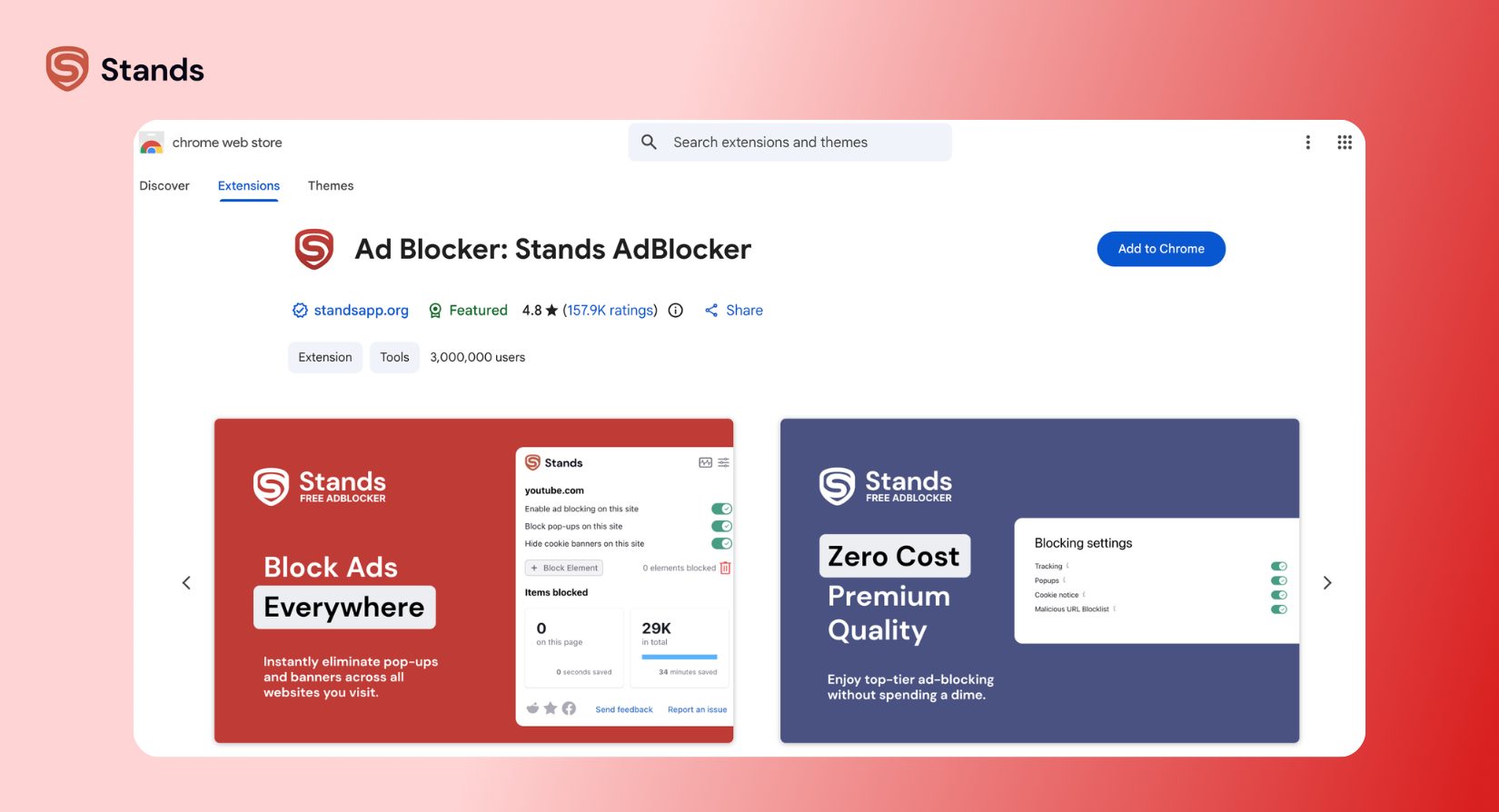
On desktop systems, you run Stands as a speedy extension—giving you a fantastic ad blocker for Chrome and other main browsers—that stops pop-ups, cookies, and scripts before they load. On mobile phones, you use Stands as a lightweight Android browser built with native ad blocking.
Keep in mind what Stands does not do:
Privacy Boundary: Stands is not a VPN, does not scramble network traffic, does not hide your IP address, and does not give you full anonymity on its own. On phones, you use it inside its own browser, so it does not block ads inside other installed apps :)
Do not rely on a single tool as a complete fix. Instead, use Stands as a helper inside your bigger privacy toolkit. When you pair it with a solid VPN, a private search engine, and smart habits, you stop cross-site tracking and shrink your digital footprint.
FAQ
Can a free VPN keep me anonymous?
No, free VPNs rarely give you real anonymity! Running fast, secure VPN servers costs a lot of money. Free providers often cover costs by saving browsing logs, collecting device info, showing pop-up ads, or selling data to third-party brokers :) Stick with audited, zero-logs paid VPNs or open-source networks.
Is the Tor browser 100% untraceable?
No tool gives you 100% untraceable browsing! While Tor offers amazing anonymity, simple user mistakes can reveal your identity. If you log into personal profiles, add unapproved extensions, open downloaded files online, or run into bad exit nodes, you can expose your name. Practice careful browsing habits to get the best protection.
Is there a free private search engine worth using?
Yes! You can pick from several great private search engines today. Options like DuckDuckGo, Startpage, and Brave Search give you great results without saving profiles, search logs, or IP addresses. Local maps or shopping links might look slightly different than Google's results, but you keep your search history completely private :)
How do I make myself unsearchable online?
You cannot wipe every trace of your web footprint, but you can make yourself hard to find! Delete unused web profiles, set active social pages to private, and ask data brokers to remove your info. You can also submit removal forms directly to Google to hide search results showing your home address, phone number, or private records.
How do I disappear from social media?
Download your photos and personal data archives first. Then, you have to permanently delete your accounts instead of just pausing them. Remember to clear out your bio info, post history, and linked third-party permissions before hitting delete. Search engine caches and screenshots might keep snippets of your posts visible for a short while after you leave, so don't freak out if you still see them :)