Home »
How to Get Rid of Ads on Disney Plus (And Block Shows Too)
Quick Answer: To block ads on Disney Plus, stream on a desktop computer using Stands AdBlocker or set up home network filtering with NextDNS. Since Disney adds some ads directly into the video stream, upgrading to Disney Plus Premium gives you the only 100% ad-free experience. If you want to block shows from kids, open Edit Profiles, turn on a Kids Profile, or lock adult profiles with a PIN :)
Your "Disney+ account management" usually comes down to two main goals: removing commercial breaks and keeping mature content away from your kids.
I wrote this guide to help you block Disney Plus ads using browser extensions, DNS tools, and plan upgrades. You will also learn how you can set up simple parental controls to protect your family across all your devices :)
Does Disney Plus Have Ads?
Yes. Disney Plus shows ads on its Basic (ad-supported) plan.
After Disney introduced its Basic plan, commercials became part of our "streaming lives". The frequency of your ads depends on a few factors: what you watch, how long the show is, and, of course, your plan.
| Subscription tier | Monthly price (USD) | Ad frequency | Offline downloads | Max streaming quality |
| Disney+ Basic | $9.99 / mo | ~4 min per hour | No | 4K UHD / HDR / Dolby Vision |
| Disney+ Premium | $15.99 / mo | Zero (Except Live/Sports) | Yes | 4K UHD / HDR / Dolby Vision |
| Duo Basic (Disney+ & Hulu) | $10.99 / mo | Standard ad loads | No | Up to 4K UHD |
| Trio Basic (Disney+, Hulu, ESPN+) | $16.99 / mo | Standard ad loads across all | No | Up to 4K UHD |
| Trio Premium | $26.99 / mo | No ads on Disney+/Hulu; ESPN+ ads | Yes | Up to 4K UHD |
Note: Bundle plans (Disney + Hulu + ESPN) can still show ads inside Hulu and ESPN content, even when you pay for Disney+ Premium. Live sports on ESPN+ always (hear me out!) include standard commercial breaks.
How to Block Shows on Disney Plus
Parental controls help you build a safe media library for your family. You need to understand how Disney "structures" its profiles, if you want to know how to block shows on Disney Plus or ask can you block shows on Disney Plus :)
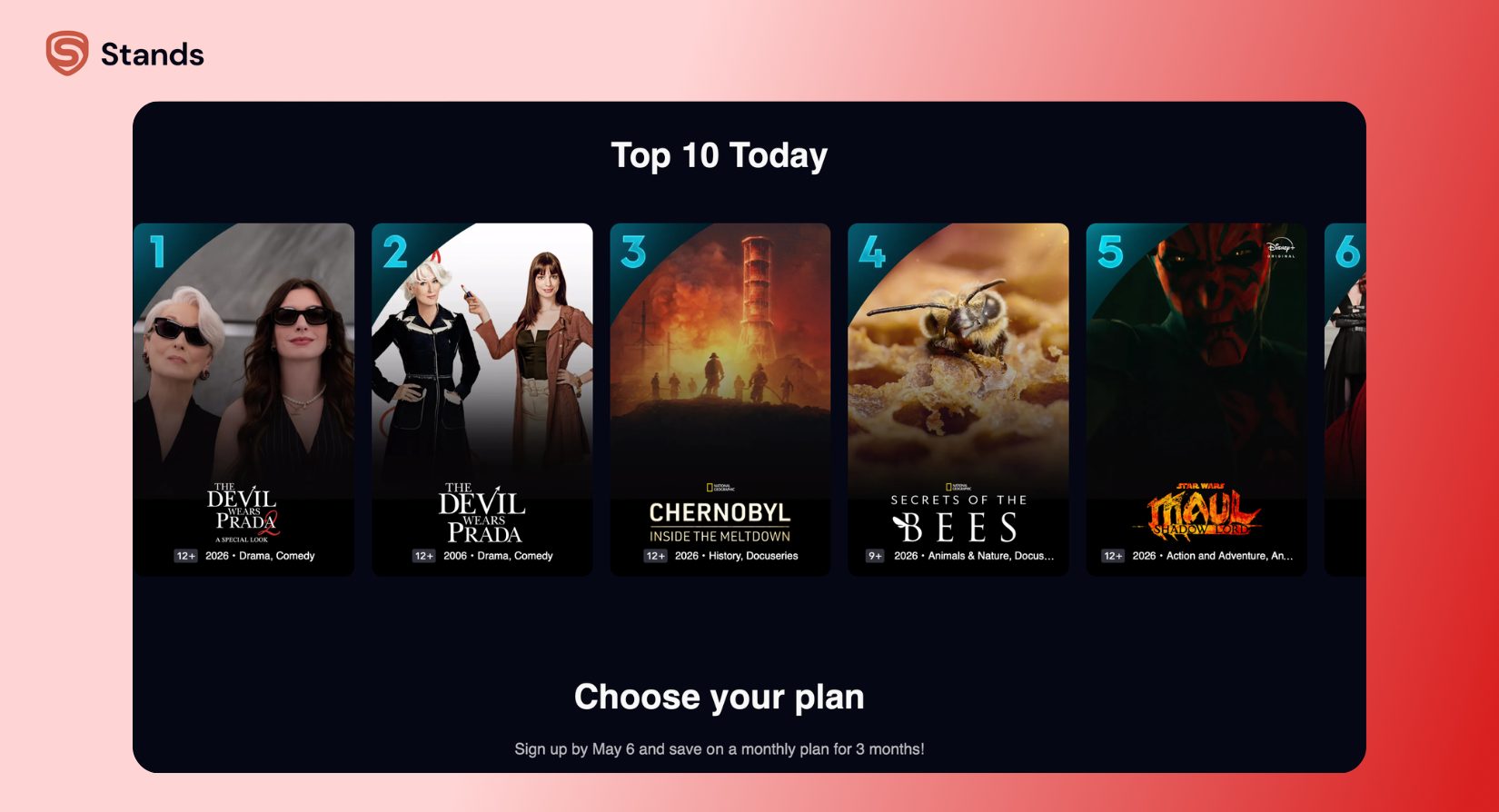
Disney+ does not let you block individual movie or show titles by name. Instead, you control content using age ratings and dedicated kid accounts.
Block Content via Kids Profile (Recommended Method)
It is as easy as it sounds, and I mean it:
—> Open Disney+ in a web browser or on your phone app.
—> Click your Profile Icon in the top corner and pick Edit Profiles.
—> Select Add Profile, pick a fun avatar, and switch Kid Profile to On.
—> Return to Edit Profiles, click the new child profile, and select Profile Lock.
—> Create a 4-digit PIN so your children cannot leave their profile to watch adult content.
—> Click Save.
Kids Profiles automatically block all content rated above TV-Y7 or PG. While you cannot hide a single title, this rating limit keeps almost all mature shows off your screen!

Set Content Rating Limits on Any Profile
If you want to let your teens watch PG-13 superhero movies while blocking TV-MA titles, you can set custom rating limits on any regular profile :)
- Click your Profile Icon Edit Profiles.
- Select the profile you want to change.
- Scroll down to Parental Controls and pick Content Rating.
- Enter your account password.
- Choose the highest rating you want to allow (such as TV-G, PG, TV-14, or TV-MA).
- Create a 4-digit Profile Lock PIN on all adult profiles so kids cannot switch profiles.
- Click Save.
4 Ways to Get Rid of Ads on Disney Plus
It all depends on the device you use to watch your shows. My four quick ways you can block ads, ranging from simple account changes to browser tools.
Method 1: Upgrade to Disney Plus Premium
When you upgrade your plan, you remove background ad systems from your account instantly :)
—> Open your browser and go to [disneyplus.com/account](https://disneyplus.com/account).
—> Log in to your main account.
—> Under Subscription, select your current Disney+ Basic plan.
—> Choose Switch to Disney+ Premium (or pick an annual plan to save money).
—> Confirm your payment details to finish.
Your account updates right away. This removes video ads on every device, including smart TVs and mobile phones.

Method 2: Use a Disney Plus Ad Blocker (Browser Only)
If you stream on a laptop or desktop computer, a free extension like Stands AdBlocker helps you block Disney Plus ads without paying extra monthly fees.
—> Open Chrome and go to the Chrome Web Store.
—> Search for Stands AdBlocker (or click the direct install link).
—> Click Add to Chrome, then select Add Extension.
—> Open a new tab, go to disneyplus.com, and log in.
—> Pick a movie and hit play.
[Browser Request] → [Stands AdBlocker Rules] → [Ad Domains Blocked]→ [Clean Video Stream]
From my own experience, this method works great inside Chrome, Edge, and Brave web browsers. Stands AdBlocker catches background tracking scripts and ad requests before your browser loads them.
A Quick Note on SSAI: Disney Plus uses a technology called Server-Side Ad Insertion (SSAI) for some ads. Disney stitches ads directly into the main video stream on their servers. Browser extensions cannot always remove these stitched ads without pausing your video. This makes upgrading to Premium your most reliable ad-free option.
Method 3: DNS-Level Blocking
DNS filtering blocks ad servers across your entire home Wi-Fi network. Tools like NextDNS or Pi-hole stop tracking domains before they ever reach your smart TV or tablet screen.
—> Create an account on NextDNS or set up a Pi-hole on your local network.
—> Add public Disney ad blocklists to your DNS settings.
—> Update your home router settings to send all internet traffic through your new DNS server.
—> Restart your Smart TV or streaming device to clear old network memory.
DNS filtering works well for basic ad trackers on smart devices. However, it cannot always stop SSAI ads that share the same server address as your movie stream.
Method 4: Download for Offline Viewing
If your mobile plan includes offline downloads, you can skip ads completely by downloading your shows ahead of time :)
—> Open the Disney+ app on your iPhone, iPad, or Android device and pick your show.
—> Tap the Download icon (the arrow pointing down) next to the episode.
—> Let the download finish completely.
—> Turn on Airplane Mode on your device before you hit play.
Your phone has no internet connection to fetch ads. Because of this, your video plays smoothly without a single commercial break.
Where Ad Blockers Work and Where They Don't
Ad blockers perform differently depending on your hardware. Use this quick reference table to see what works best for your home setup:
| Setup / Platform | Ad blocking supported? | Practical performance notes |
| Browser (disneyplus.com) | Supported | → Stands AdBlocker stops client-side ad scripts on Windows and Mac computers. |
| Disney+ Mobile App | Not supported | → Phone operating systems stop web extensions from changing mobile app code. |
| Smart TV App | Not supported | → Web extensions do not run on TV operating systems like WebOS or Tizen. |
| Game Console App | Not supported | → Closed systems on PlayStation and Xbox block custom ad-blocking scripts. |
| Offline Downloads | Supported | → Pre-downloaded files bypass network ad requests completely. |
| Hulu / ESPN (Bundle) | Partial | → Live events and select network shows still include standard TV broadcasts. |
Stands AdBlocker for Disney Plus
When you watch videos on a desktop browser, Stands AdBlocker gives you full control over your web connection. By blocking heavy tracking scripts, popup windows, and ad banners, Stands helps your pages load faster and saves your computer memory :)
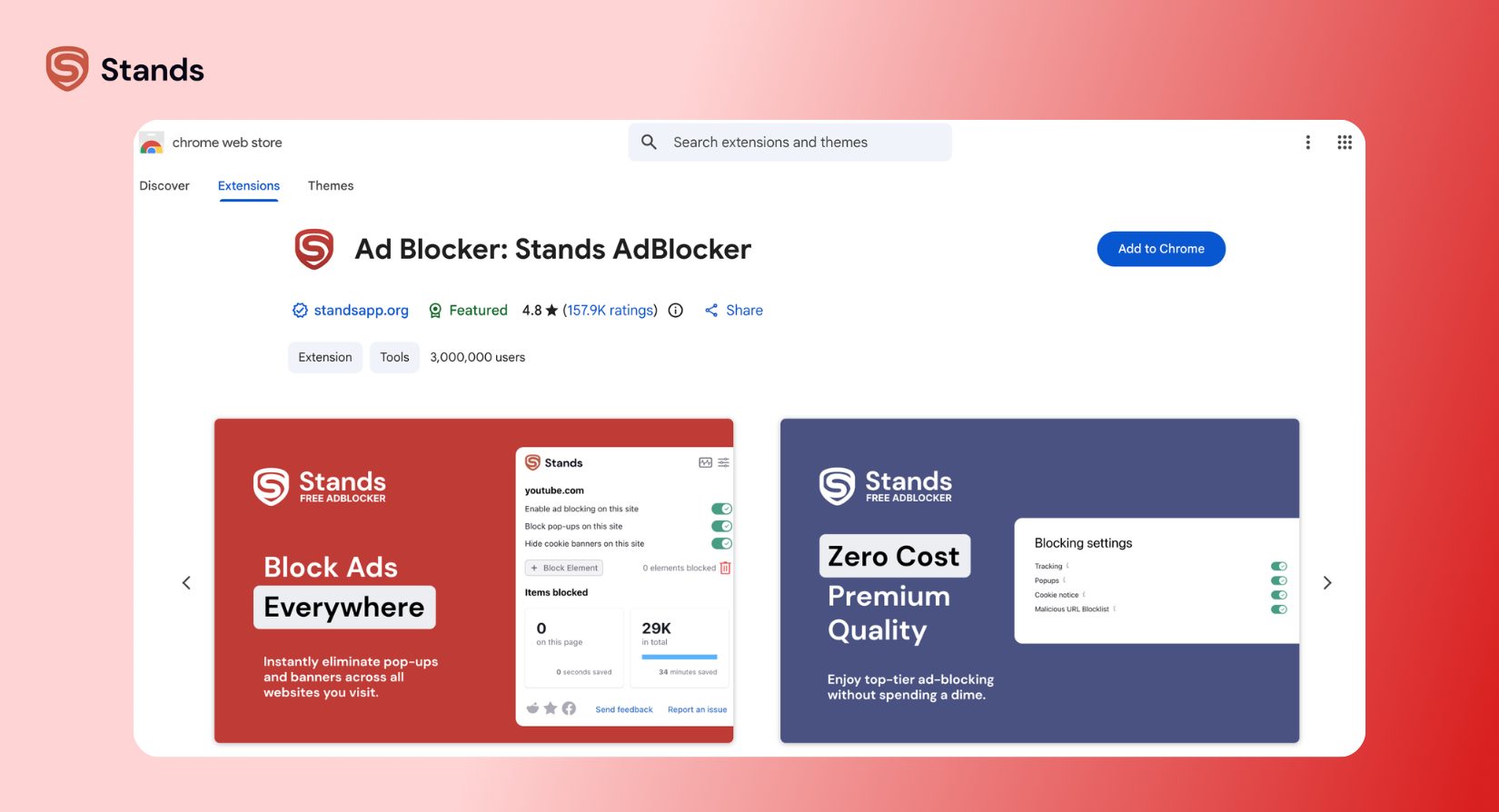
Stands AdBlocker runs on clean, lightweight code built around Google Manifest V3 rules. The extension stops intrusive ad scripts effectively while keeping your personal browsing habits safe and private.
FAQ
Is there any way to block ads on Disney Plus?
Yes, but your success depends on your device! Browser ad blockers like Stands AdBlocker remove client-side ads when you watch at disneyplus.com on desktop computers. However, extensions cannot block server-side (SSAI) ads. Upgrading to Disney Plus Premium gives you the only guaranteed way to remove every ad on every screen.
How do I turn off ads on Disney Plus?
Easy, with Disney Plus Premium. Go to Account Settings → Subscription → Switch Plan.
Can I get Disney Plus without ads for free?
Well, it's both a "yes and no " situation. Ad blockers work partially inside desktop web browsers. However, they cannot remove ads inside smart TV or mobile apps. Disney+ does not offer a free ad-free tier, so you need a Premium plan for this.
Is there a Chrome extension that blocks Disney Plus ads?
Yes, Stands AdBlocker does it at disneyplus.com. You steps here are the next: install Stands from the Chrome Web Store, visit the website, and watch your show. (just remember that extensions do not work inside mobile or smart TV apps)
How do I block shows on Disney Plus for kids?
Create a Kids Profile or adjust age limits under Edit Profiles → Content Rating. Place a 4-digit Profile Lock PIN on all adult profiles so kids cannot switch over!
Why do I still see ads with Disney Plus Premium?
A few reasons might be here. If your plan includes Hulu or ESPN+, you might still see commercials during Hulu shows (if you have the ad-supported Hulu tier) or during live sports events on ESPN+.