
 Home »
How to Download YouTube Videos
Let’s be honest — sometimes you just want to hit a download button and keep that one perfect video forever. Maybe it’s a tutorial you’ll need offline, a podcast you want to replay on a flight, or just one of those YouTube clips you keep coming back to. Either way, figuring out how to download YouTube videos without running into shady tools or broken links can feel like navigating a maze.
The good news is there are plenty of safe, easy-to-use ways to download videos from YouTube. Some are official, some are third-party, and some work straight from your browser. The trick is knowing which ones actually work — and which ones you should avoid like a fake pop-up screaming about a virus.
Let’s walk through it step by step.
- Is It Legal to Download YouTube Videos?
- Can You Download YouTube Videos for Free?
- How to Download YouTube Videos: 7 Easy Methods
- How to Download Videos from YouTube in HD, 1080p, or 4K
- How to Download YouTube Videos with or without Audio
- YouTube Ad Blocker for Safe Search
- Frequently Asked Questions
- Conclusion
Is It Legal to Download YouTube Videos?
Downloading from YouTube is allowed only through official features, like offline viewing inside the app with YouTube Premium. Anything outside that technically goes against YouTube’s Terms of Service — especially if you’re downloading copyrighted content without permission.
That said, there are exceptions:
- Public domain or copyright-free videos
- Your own uploaded content
- Videos with explicit permission from the creator
So while it’s easy to download YouTube videos for free using third-party tools, you should always think about how you plan to use them. Saving a tutorial for personal offline playback? Usually fine. Reuploading someone else’s content? Not so much.
Can You Download YouTube Videos for Free?
Short answer: yes, you can — but not always officially.
There are tons of free YouTube downloader tools out there, from browser extensions to online converters. Many let you grab videos in MP4 format, extract MP3 audio, or even download entire playlists.
But here’s the catch: free tools often come with trade-offs.
- Lower quality options unless you upgrade
- Potential malware risks if you pick the wrong site
That’s why choosing reputable tools matters. You don’t want to click “download video” and end up installing something sketchy or triggering a fake antivirus alert.
If you want a hassle-free experience, stick with tools that are known, tested, and widely used.

How to Download YouTube Videos: 7 Easy Methods
There’s no one-size-fits-all method here. The best option depends on your device, preferred format, and how often you download videos.
Method 1: YouTube Premium
The simplest and cleanest way to download a video from YouTube is through YouTube Premium.
It lets you:
- Save videos for offline viewing
- Watch without ads
- Download directly inside the app
The downside? Files stay inside the app — you don’t get an actual video file in your folder.
Still, if you want a seamless, no-risk option, this is it.

Method 2: 4K Video Downloader
4K Video Downloader is one of the most reliable desktop tools out there.
Why people like it:
- Supports HD, 1080p, and even 4K video downloads
- Lets you download entire playlists
- Works on Windows, macOS, and Linux
- Clean, user-friendly interface
You just paste the video URL, pick your format (MP4, MKV, MP3), and you’re good to go.
It’s especially useful if you want high-quality video files without dealing with browser-based tools.
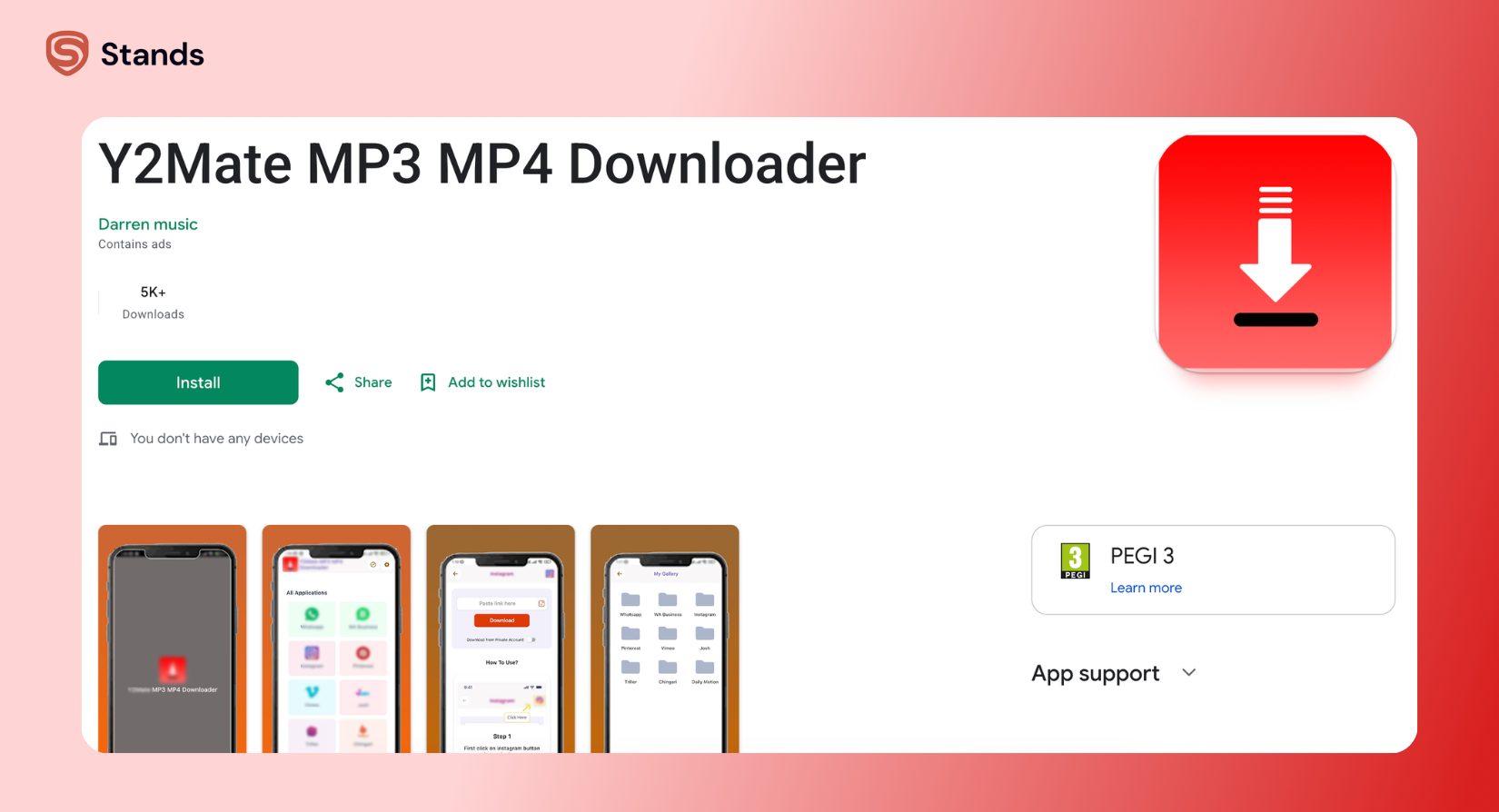
Method 3: Y2Mate
Y2Mate is one of those classic “paste your URL and download” sites.
It works like this:
- Copy the YouTube video you want
- Paste the URL into the site
- Choose format and quality
- Click download
Simple, right? Yes — but watch out for ads and fake download buttons. These sites often rely on aggressive advertising, so you’ll want to double-check what you’re clicking.
Method 4: ClipGrab
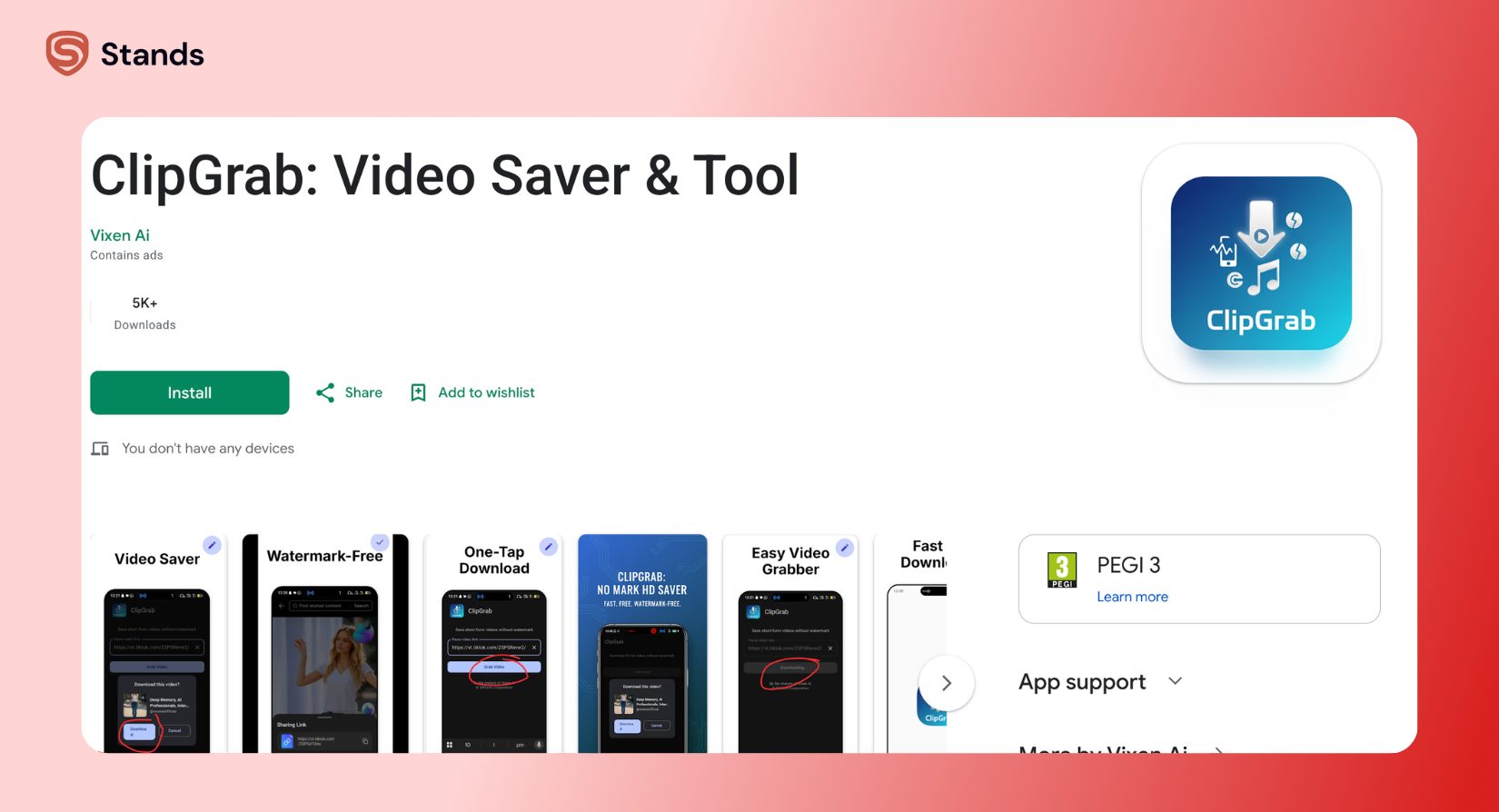
ClipGrab is another solid desktop option.
It’s:
- Free and easy to use
- Compatible with multiple platforms
- Able to convert videos to MP3, MP4, and more
It even includes a built-in search feature, so you can find videos without leaving the app.
If you want something lightweight and straightforward, this one gets the job done.
Method 5: Browser Extensions
Browser extensions can be a quick way to download YouTube videos online without installing full software.
Popular options include tools like Video DownloadHelper.
They add a download button directly to your browser interface, making it easy to grab videos while you browse.
But here’s the reality:
- Chrome Web Store often removes YouTube downloaders
- Firefox has more working options
- Some extensions break when YouTube updates
If you go this route, make sure the extension is reputable and regularly updated.
Method 6: Online Converter Sites (e.g., SaveFrom, Cobalt.tools)
Online tools like SaveFrom.net or Cobalt.tools are fast and require no installation.
They’re great for:
- Quick downloads
- Converting videos to MP3 or MP4
- Accessing files from any device
But again, be careful:
- Avoid clicking random pop-ups
- Don’t download suspicious files
- Use a trusted ad blocker for safety
These sites can be convenient, but they’re also where most scams happen.
Method 7: Mobile Apps for Downloading YouTube Videos
On Android, you’ll find apps that allow video downloading more freely. On iOS, things are more restricted due to Apple’s policies.
Some apps act as:
- File managers with built-in download features
- Browser-based download tools
- Media players that support offline playback
Just make sure any app you install is from a reputable source — and avoid anything that asks for unnecessary permissions.
How to Download Videos from YouTube in HD, 1080p, or 4K
If quality matters (and it usually does), you’ll want to pay attention to format and resolution options.
Most tools let you choose:
- 720p (HD)
- 1080p (Full HD)
- 4K (Ultra HD)
But here’s the catch: higher quality often means larger file sizes — and sometimes separate video and audio files.
Tools like 4K Video Downloader handle this seamlessly, merging video and audio into a single file.
If you want crisp playback, always go for the highest resolution available — just make sure your device can handle it.

How to Download YouTube Videos with or without Audio
Not every download needs both video and sound. Sometimes you just want the audio track, especially for podcasts or music.
Download Only Audio (MP3) from YouTube
Many tools let you extract audio and save it as MP3.
This is perfect for:
- Music playlists
- Interviews and podcasts
- Background listening
Just paste the URL and select MP3 as your format.
Download Video with Audio
This is the default option for most users.
You get:
- Full video playback
- Original sound
- A complete viewing experience
Make sure to choose MP4 format for maximum compatibility across devices.
Download Video Without Audio (Mute)
Less common, but still useful in some cases.
You might want this if:
- You’re editing video content
- You only need visuals
- You’re saving storage space
Some advanced tools allow you to download video-only files in formats like WEBM.
YouTube Ad Blocker for Safe Search
When you’re browsing for videos — or using online download tools — ads can get out of hand fast. Pop-ups, fake “download” buttons, and scammy redirects are everywhere.
That’s where a solid ad blocker comes in.
Using a reliable YouTube Ad Blocker helps you:
- Avoid fake pop-ups and malware traps
- Block intrusive ads while browsing
- Keep your experience clean and safe
Tools like Stands AdBlocker are built to filter out junk without slowing you down.

And if you’ve ever run into issues like YouTube videos not playing in Chrome, an ad blocker can sometimes fix those glitches by removing conflicting scripts.
There’s also growing talk about YouTube anti-adblock bypass systems — so using a well-maintained tool matters more than ever.
If you’re serious about a clean setup, it’s also worth learning how to block YouTube entirely in certain environments, like work devices or shared systems.
Frequently Asked Questions
What’s the best way to download a video from YouTube?
If you want something simple and safe, YouTube Premium is the easiest route. If you need actual files, tools like 4K Video Downloader are more flexible.
Can I download YouTube videos without software?
Yes, online tools like Y2Mate or SaveFrom let you download videos directly from your browser. Just be cautious and avoid sketchy sites.
Is it safe to use free YouTube downloader websites?
Some are safe, but many rely on ads and can expose you to malware or fake pop-ups. Always use an ad blocker and stick to reputable platforms.
Which method works best for downloading a video from YouTube in HD?
Desktop tools like 4K Video Downloader usually offer the best quality options, including 1080p and 4K downloads with proper audio syncing.
Conclusion
Downloading from YouTube doesn’t have to be complicated. Once you know the tools and avoid the usual traps, it becomes a smooth, almost effortless process. Whether you want to save your favorite YouTube videos without internet, build a personal video library, or just grab a clip for offline playback, there’s a method that fits your setup. The key is choosing the right one — and not clicking the first flashy “download” button you see.

