
 Home »
Does DuckDuckGo Block Ads? Understanding Its Protection in 2026
Most people switch to DuckDuckGo expecting a clean, completely ad-free web. I see this expectation every single week from users who want to escape “Google’s surveillance apparatus”. They install the app or switch their default search engine, load up a few websites, and immediately experience a sharp moment of confusion when sponsored banners, video prerolls, and search ads still pop up across their screen. They are usually half-right in their expectations, but half-right doesn't keep your screen clean.
The core question remains: does DuckDuckGo block ads?
The answer depends entirely on how you define "ad blocking" versus "tracker blocking." I tested this setup across my own devices, and the result was clear: privacy isn't the same thing as ad-blocking. Let’s see what I discovered!:)
DuckDuckGo Search vs. Browser vs. Extension
First of all, I wanted to understand where DDG succeeds and where it stops. At this point, I looked at its three different forms: the search engine, the dedicated browser, and the browser extension, because each plays a different role.
| Product Layer | Primary Function | Ad Blocking Capability | Tracker Blocking Capability |
| DuckDuckGo Search Engine | Private Search Queries | Zero (Displays sponsored search ads) | High (Does not profile searchers) |
| DuckDuckGo Browser | Native Web Browsing | Partial (Blocks tracker-based ads and YouTube video ads) | Excellent (Blocks 3rd-party scripts and fingerprinting) |
| DuckDuckGo Extension | Overlay for Chrome/Firefox | Low-to-Medium (Removes tracker-driven display ads) | High (Blocks cross-site tracking scripts) |
The Search Engine
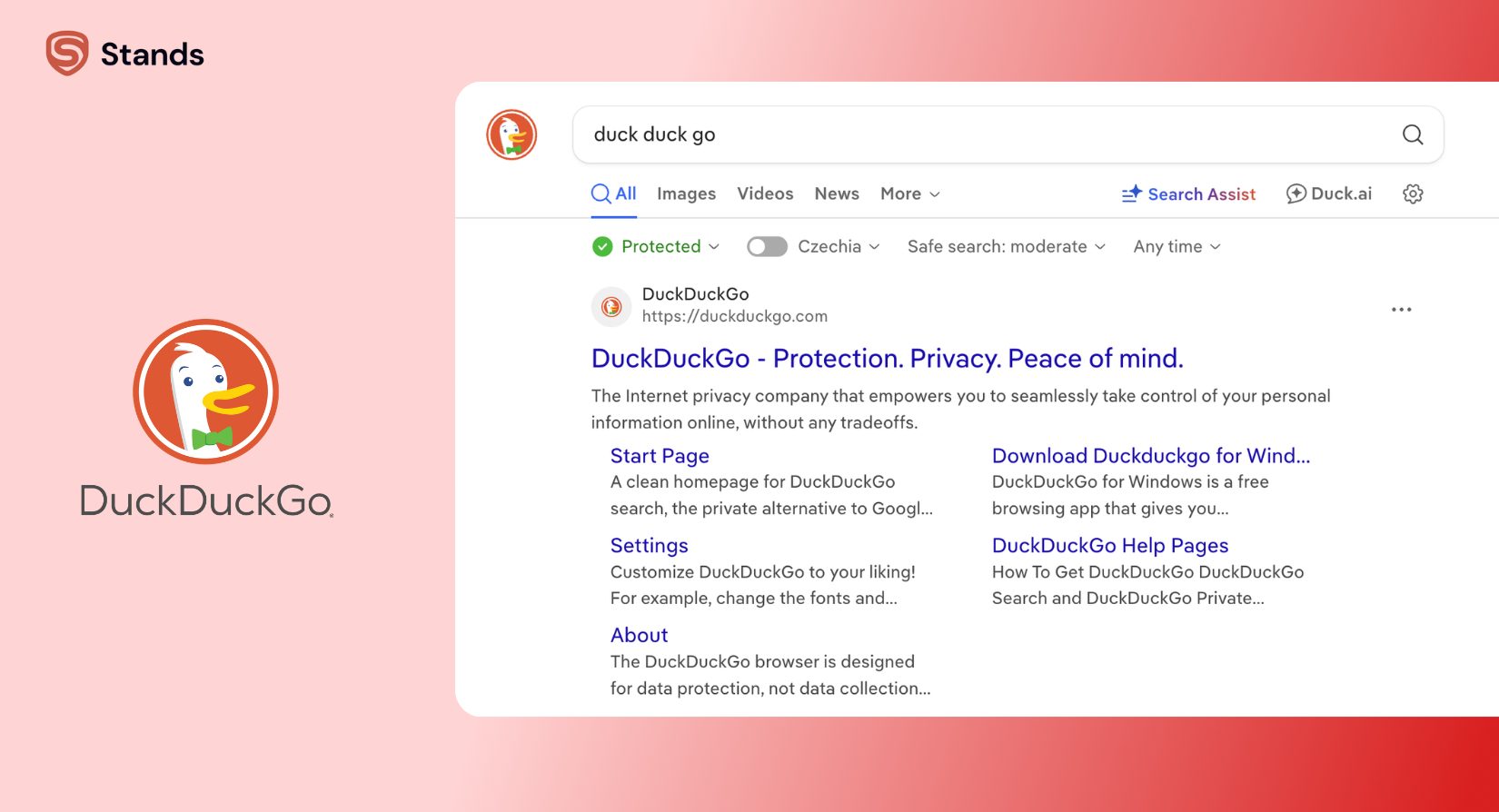
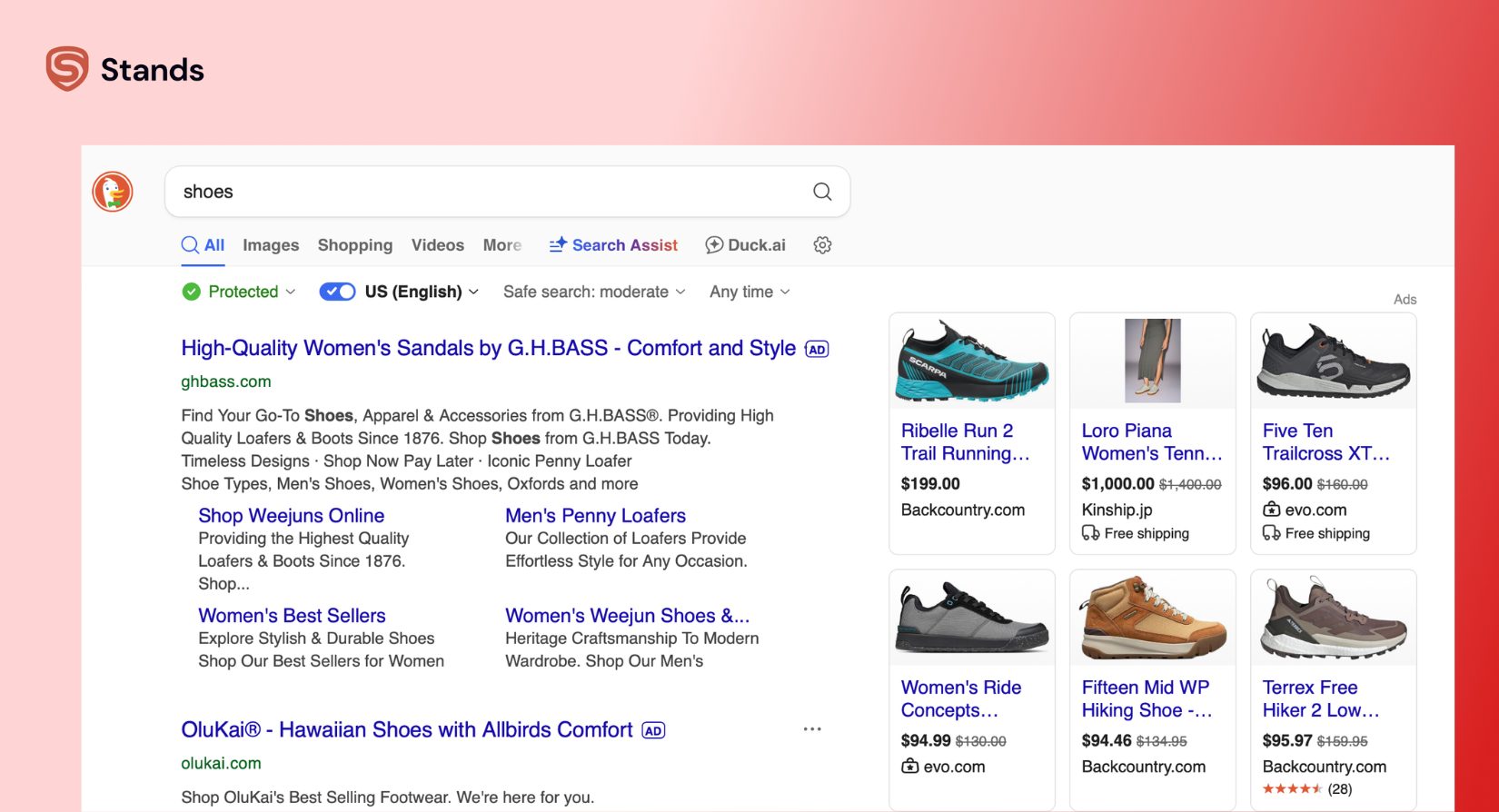
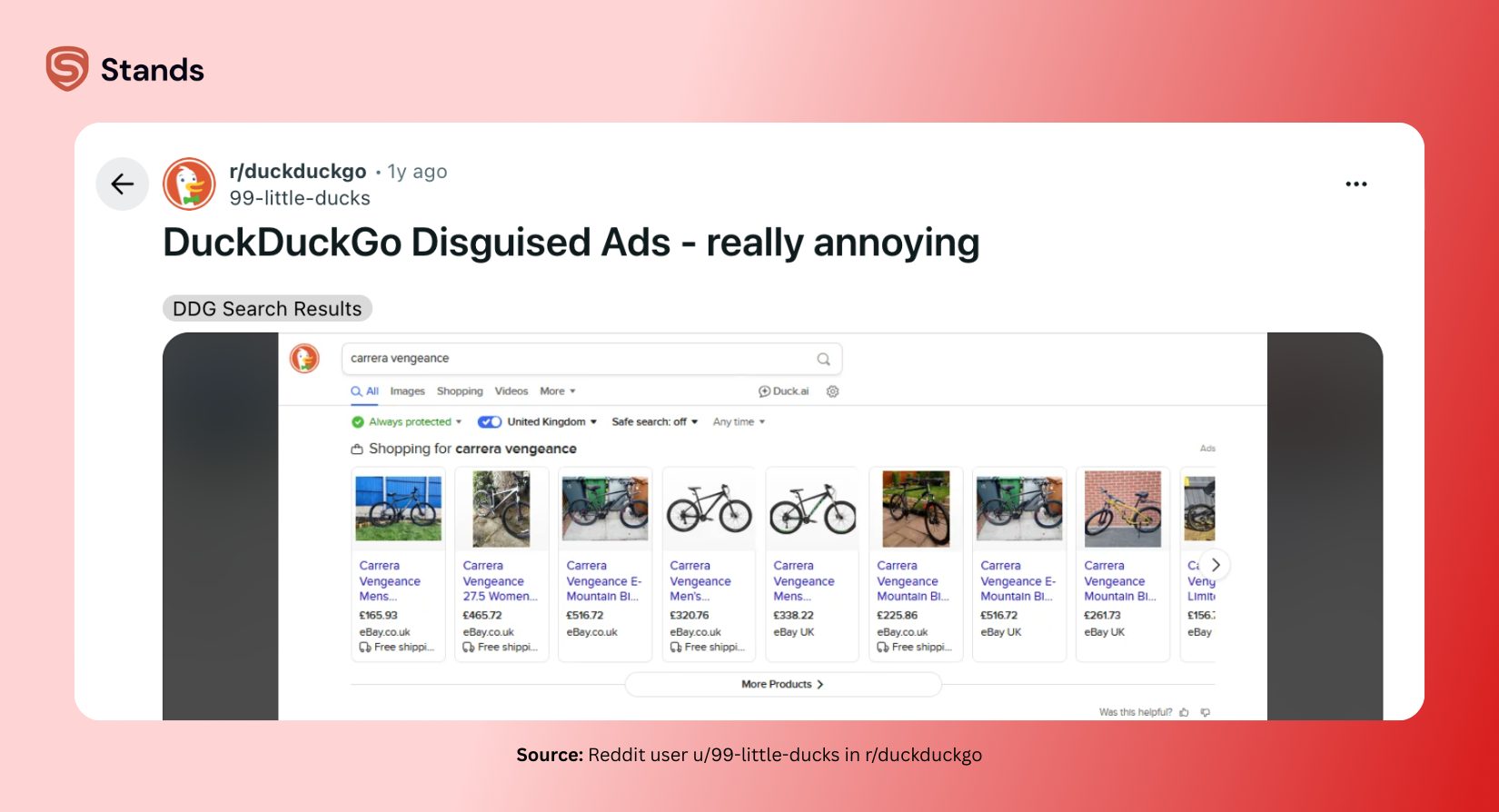
When you go to duckduckgo.com, you are using their private search engine, which lets you search without saving your name/ location/ search history. And that's the first touch point with DDG ads. You see them there at the top of the search results, and these are basic ads from Microsoft.
When I searched for "shoes,"for examlpe, DuckDuckGo showed me ads for shoes, as you see in the screenshot below without checking what I searched for yesterday or what websites I visited earlier.
The DuckDuckGo Browser
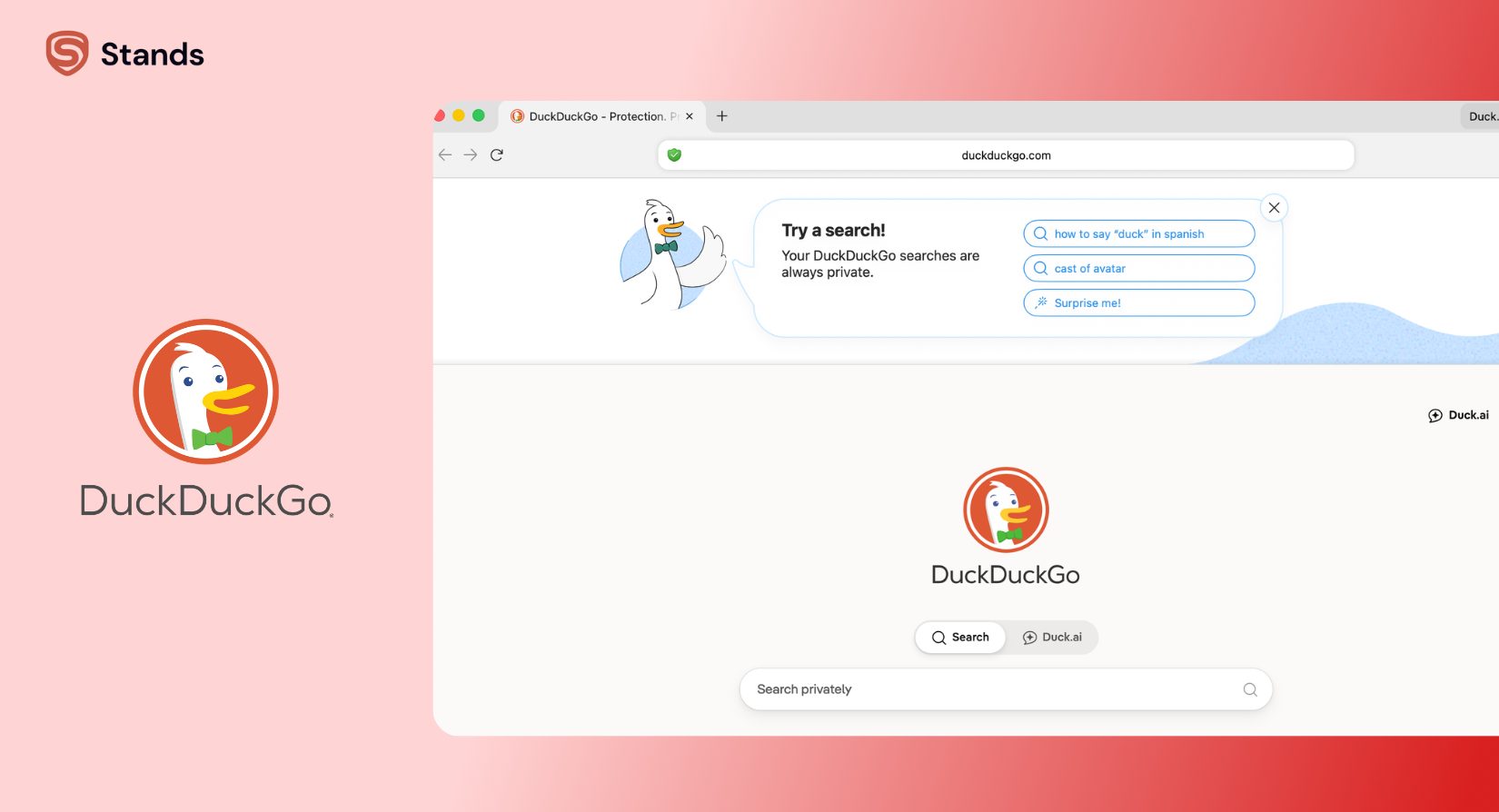
Just to make it clear, it is a completely different tool, which comes with built-in tracker blocking and is available on both phones and desktops. It can block most ads, BUT if a banner loads directly, the browser lets it through.
The Extension
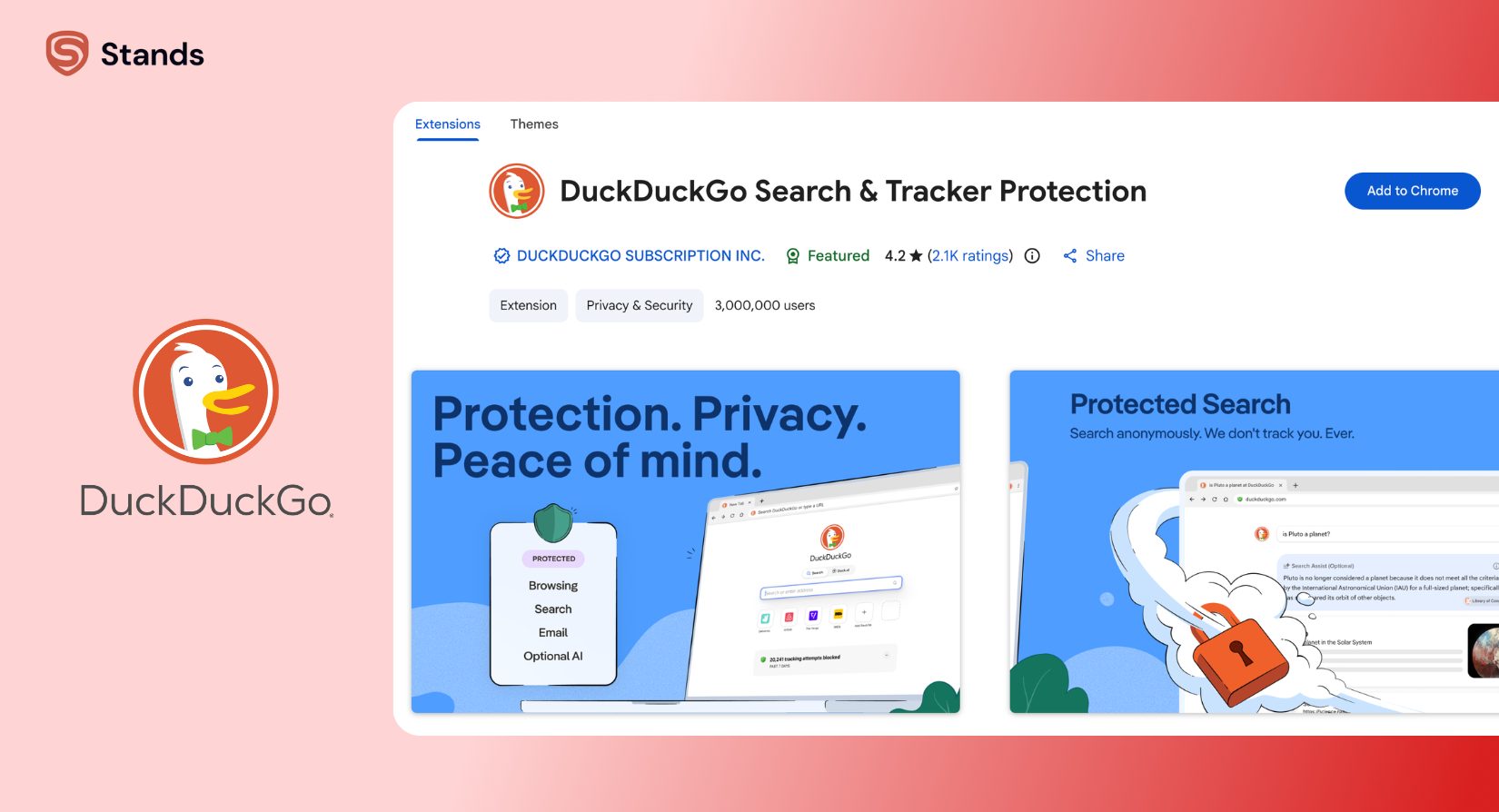
Finally, if you add the DuckDuckGo extension to Chrome, it acts as a “shield” against tracker scripts and upgrades website connections to HTTPS.
| Product Tier | Main Job | Does It Stop Trackers? | Does It Stop All Ads? |
| DuckDuckGo Search | Private Web Search | Yes (Does not save your search history) | No (Shows simple search ads) |
| DDG Extension | Tracker Shield | Yes (Blocks tracking pixels) | No (Only stops ads that track you) |
| DDG Browser | Private Browser App | Yes (Built-in Tracker Radar) | No (Allows regular ads and banners) |
Does DuckDuckGo Block YouTube Ads?
YouTube is where most people get confused. A question I answer every week is: does duckduckgo block youtube ads when you watch videos?
DuckDuckGo tries to help by using "Duck Player." This is a special video window inside its browser that lets you watch YouTube videos without tracking cookies or personalized recommendations.
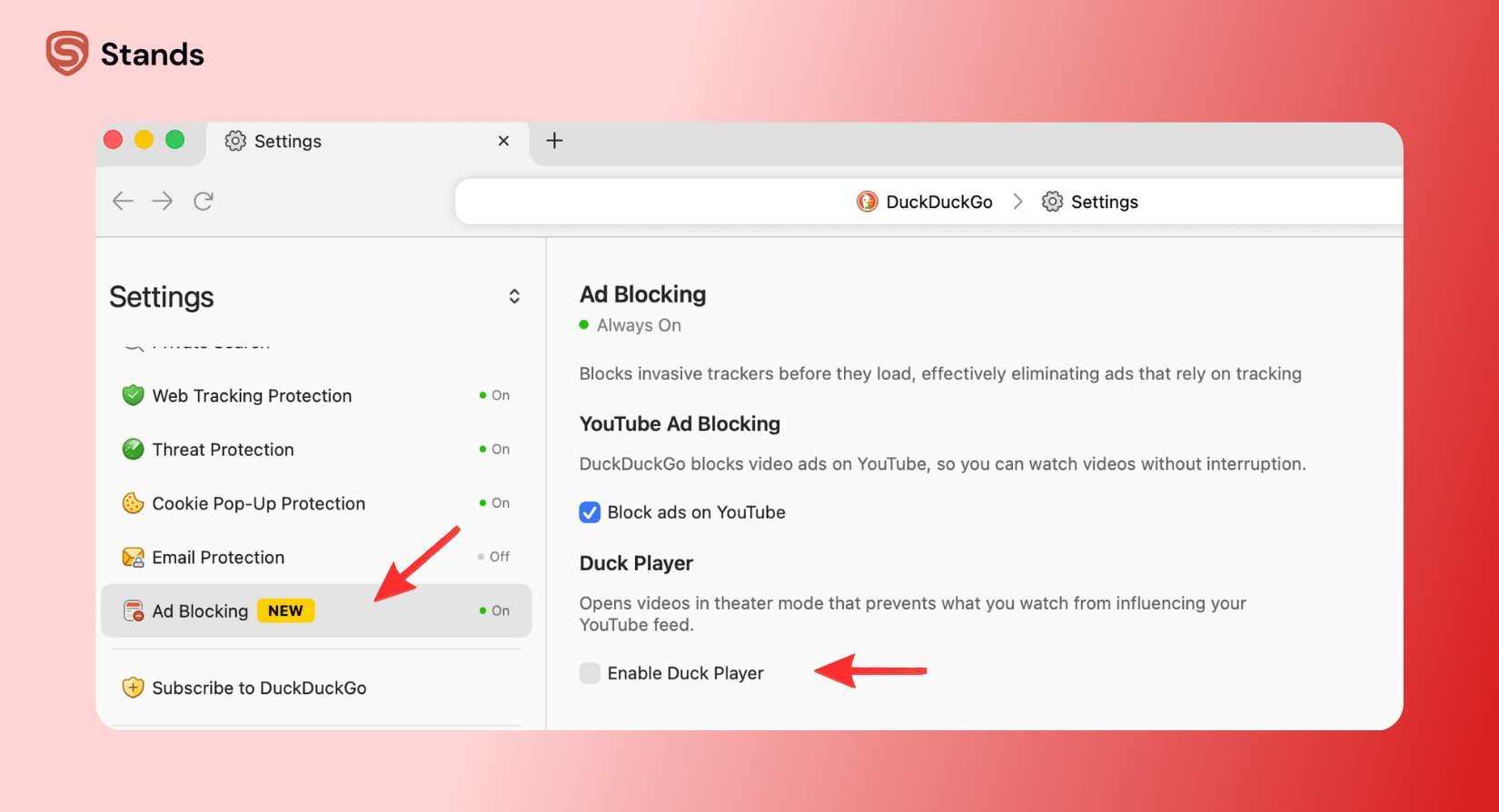
Even with Duck Player, video ads can still be a problem:
- videos might pause on a black loading screen for a few seconds before playing.
- it only works if you watch videos inside the DuckDuckGo browser, not inside the regular YouTube app.
- it can break when YouTube changes how it sends videos to your screen.
This is why a special ad blocker works better here. Tools like Stands Adblocker read the site code directly. While DuckDuckGo misses these hidden video ads, Stands spots them and removes them before they can play. If you want videos to play without black screens or ad breaks, adding an ad blocker is the best choice.
The "Microsoft Deal" and Why Some Ads Still Appear
You might have heard about the DuckDuckGo Microsoft ad agreement 2026 setup. If you need a reminder or just didn't know about the situation at all, this started back in 2022 from how DuckDuckGo gets its search results and ad money.
DuckDuckGo works with Bing (which is owned by Microsoft) to show search results and ads. In the past, their contract said DuckDuckGo could not block certain Microsoft tracking code on other websites.
When users found out that Microsoft code was getting through while Google code was being blocked, they were upset, so DuckDuckGo listened and changed the rules. Today, it blocks those Microsoft tracking scripts on other websites.
| Timeline of the Microsoft Deal | What It Means for You |
| Past Contract Rules | DDG blocked Google trackers, but allowed Microsoft tracking code on outside websites due to its search deal. |
| The Change | DDG updated its rules to block Microsoft tracking code across the web. |
| Current Setup | DDG blocks Microsoft trackers on outside websites, but still shows simple Microsoft ads on its own search page. |
As I already said before, DuckDuckGo uses Bing to run its ads, so when you click a search ad on DuckDuckGo, it connects you to Microsoft's ad system, and that is how the advertiser can be billed for the click.
Comparison: DuckDuckGo vs. Stands Adblocker
Comparing a private browser to an ad blocker comes down to what each tool was built to do. I put them side-by-side so you can see the difference easily.
When looking at duckduckgo vs adblocker, remember this rule: DuckDuckGo hides who you are, while an ad blocker hides what you see.
| Feature | DuckDuckGo (Browser & Extension) | Stands Adblocker |
| Stops Secret Trackers | Yes (Built-in Tracker Radar) | Yes (Blocks tracking code) |
| Stops Regular Banner Ads | Partial (Only if the ad uses a tracker) | Yes (Removes almost all banners) |
| Stops YouTube Ads | Partial (May cause black loading screens) | Yes (Stops pre-roll and pop-up ads) |
| Handles In-Video Stream Ads | Limited | Yes (Removes embedded video ads) |
| Stops Search Engine Ads | No (Shows simple search ads) | Yes (Hides sponsored search ads) |
| Price | Free | Free |
How to Block Ads in the DuckDuckGo Browser
If you like using the DuckDuckGo browser app but want to get rid of the remaining ads, you can set it up to work better. Here is how to do it.
Method 1: Change Built-In Settings
DuckDuckGo has a few privacy switches inside its app settings.
- Open the DuckDuckGo app.
- Go to Settings -> Privacy Protections (or tap the Shield icon next to the web address bar).
- Turn on Global Privacy Control (GPC) to tell websites not to sell your data.
- Set tracker blocking to strict to stop background scripts.
This stops secret trackers, but it will not remove regular banner ads or search ads.
Method 2: Add an Ad Blocker
If you use DuckDuckGo on a computer, native shields are only half the solution. You should run a real ad blocker alongside it.
I recommend adding Stands Adblocker. It is the best ad blocker for duckduckgo browser users who want a clean, quiet screen that loads fast.
When you pair DuckDuckGo with Stands:
- You remove sponsored ads from search results.
- You block video ads across major video sites.
- You remove blank ad boxes so pages look clean.
- You can easily change your disable pop up blocker settings whenever a site needs to open a pop-up window for a login.
If an ad blocker ever stops a bank site or official page from loading correctly, you can open your pop up blocker settings to allow that one site while keeping ads blocked everywhere else.
FAQ
Does DuckDuckGo have a VPN?
Not for free. A VPN is only available if you pay for their "Privacy Pro" monthly subscription.
Is DuckDuckGo owned by Google?
No, it is an independent company run by Duck Duck Go, Inc.
How to block DuckDuckGo search ads entirely?
Use Stands Adblocker, and it will hide the sponsored Microsoft ads at the top of DuckDuckGo's search page.
Is DuckDuckGo safe for banking?
Yes. It uses secure connections and blocks bad scripts from reading your private info while you check your bank account.
The Optimal Privacy Stack
From my own experience, not a single app can do everything, and expecting DuckDuckGo to be both a private search engine and a full ad blocker will most probably leave you disappointed.
DuckDuckGo is for sure a great tool, which keeps your search private and stops tracking. It also respects your data, but it leaves ads on your screen because search ads pay for its free service.
Still to get a fast, private, and ad-free web, I recommend to use this simple setup:
- DuckDuckGo for search without saving your history.
- Global Privacy Control, if you want to tell websites to leave your data alone.
At this point, that's all I have to share. Hope this guide helped you at least a bit, and if you still have any questions, let us know.:)

