
 Home »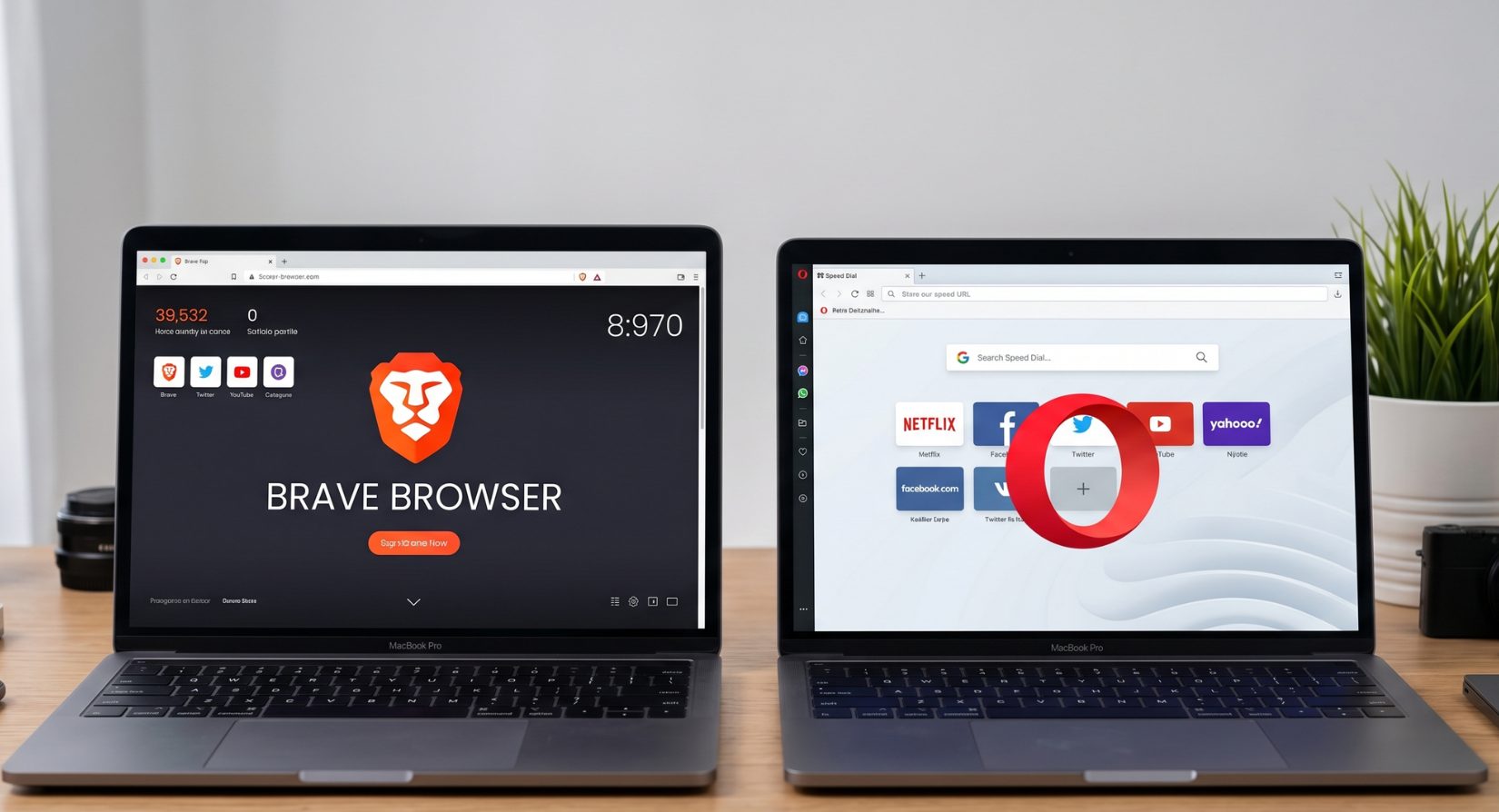
Brave vs Opera?
Brave vs Opera is one of those comparisons that keeps coming back every year. Both browsers are built on Chromium, both block ads, and both try to replace Chrome in your daily life. BUT (there's always “but”...) when you look closer, the difference between Opera browser vs Brave is pretty clear.
Brave is all about privacy and keeping things clean. Opera is more like a “do-everything” browser packed with tools. So the real question isn’t just Brave or Opera—it’s what kind of browsing experience you actually want.
Let's check it together!
- Quick Comparison: Brave vs Opera Browser
- Privacy: Opera vs Brave Browser - Who Protects You Better?
- Performance: Brave Browser vs Opera - Speed Test
- Features: Brave vs Opera Browser - What Do You Get?
- Brave vs Opera on Android: Mobile Comparison
- Security: Brave or Opera - Which Is Safer?
- Who Should Use Brave and Who Should Use Opera?
- Brave vs Opera: Final Verdict
- FAQ
Quick Comparison: Brave vs Opera Browser
| Feature | Brave | Opera |
| Main idea | Privacy first | Feature packed |
| Ad blocking | Strong by default | Built-in, less strict |
| Speed | Usually faster | Fast but heavier |
| VPN | Not included | Free built-in VPN |
| Crypto features | BAT rewards | Crypto wallet |
| Extra tools | Simple, focused | Sidebar apps, tools |
| Design style | Clean and minimal | Busy but flexible |
In simple terms, brave vs opera browser is like a clean desk vs a full toolbox. Both work, just in different ways.
Privacy: Opera vs Brave Browser - Who Protects You Better?
If privacy matters to you, this part is where things start to split clearly.
Brave keeps things private by default
Brave blocks ads, trackers, and third-party cookies right away; you don’t need to turn anything on. It just works.
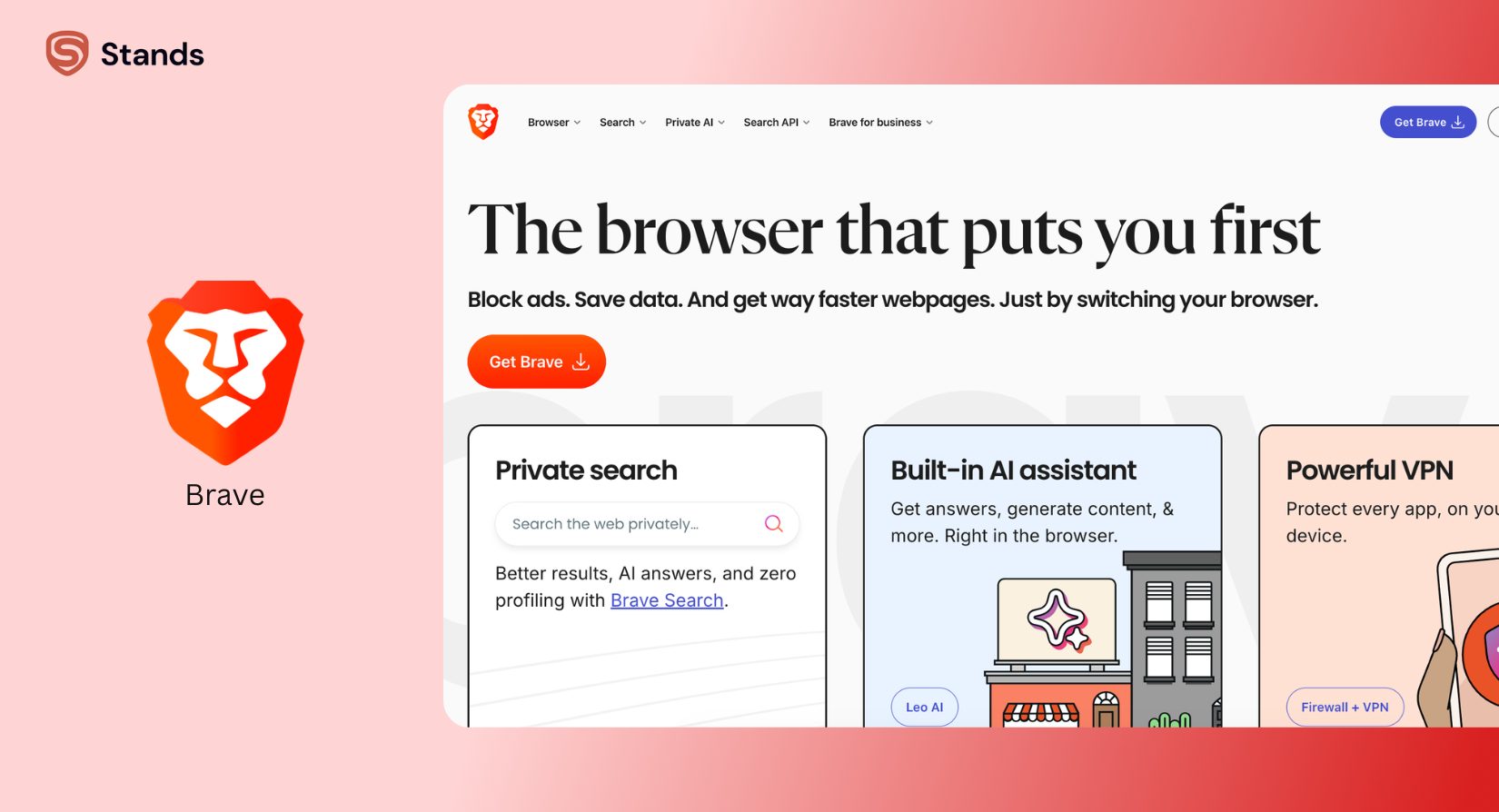
It also has fingerprint protection and even a private window with Tor for extra privacy. Everything is built to reduce tracking as much as possible.
Brave is basically the “no-nonsense” option, as it keeps unwanted stuff out without asking you twice. You can also pair it with tools like the Ad Blocker for Brave for even better control over intrusive ads.

Opera gives you tools, but not full control
Opera also blocks ads and trackers, and it gives you a free built-in VPN. That sounds great, but it works more like a proxy, not a full privacy VPN.
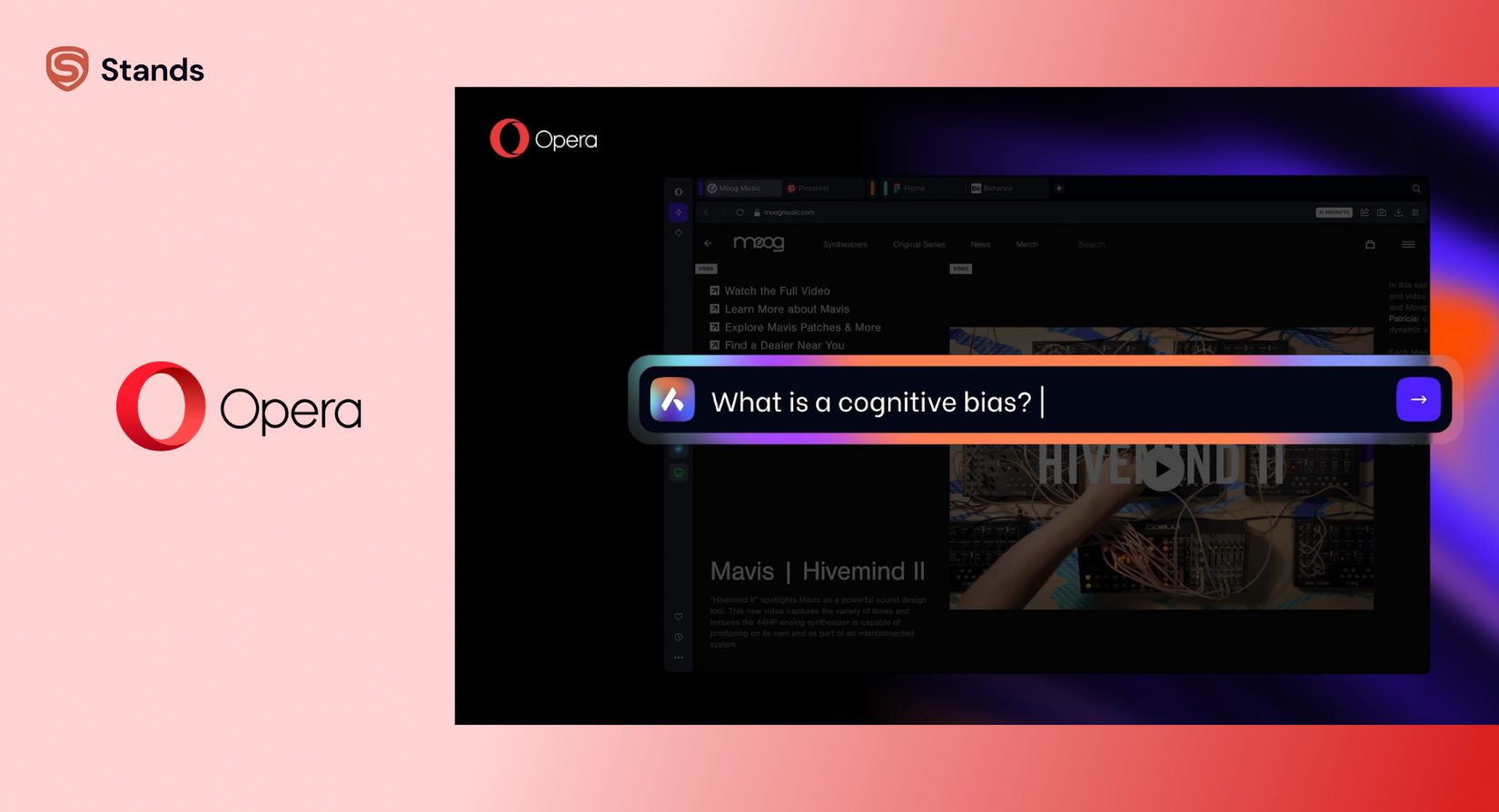
The browser is closed-source, which means you can’t fully see what’s happening inside it. For some users, that’s fine. For others, it’s a red flag.
| Privacy Feature | Brave | Opera |
| Ad blocking | Strong by default | Basic to moderate |
| Trackers | Blocked aggressively | Blocked, but less strict |
| VPN | No | Yes (free proxy VPN) |
| Open source | Yes | No |
| Tor support | Yes | No |
Simple takeaway: Brave wins privacy without effort. Opera needs more trust and setup.
For a quick setup, users often combine it with an Ad Blocker for Opera to reduce ads even further.
Performance: Brave Browser vs Opera - Speed Test
Both browsers are fast because both use Chromium, but speed is not just about the engine—it’s about what runs on top of it.
Page speed and memory use
Brave blocks ads before they even load. That means fewer things on the page and less work for your computer.
Opera loads more features in the background, so it can feel a bit heavier.
| Performance | Brave | Opera |
| Page loading | Faster on most sites | Fast but heavier |
| RAM usage | Lower | Higher |
| CPU use | More efficient | Slightly higher |
| Data usage | Lower | Higher unless compressed |
Ads affect speed more than you think
Here’s the simple truth: ads slow everything down.
Brave removes them before they load, and that’s why pages often open faster.
Opera blocks ads too, but not as strongly by default, so more “junk” still loads in some cases.
In everyday use, Brave feels lighter and more “snappy,” especially on busy websites.

Features: Brave vs Opera Browser - What Do You Get?
This is where Opera tries to win users by offering a lot in one place.
Opera’s built-in tools
Opera is packed with features:
- Free VPN
- Crypto wallet
- Speed dial shortcuts
- Opera GX for gaming
It’s built for people who like everything in one browser.
Brave’s simple but focused tools
Brave keeps things more minimal. It gives you:
- Brave Shields (ad + tracker blocking)
- Brave Search
- Tor in private mode
- BAT rewards (earn crypto for optional ads)
| Feature | Brave | Opera |
| VPN | No | Yes |
| Messaging sidebar | No | Yes |
| Crypto rewards | Yes | No |
| Gaming tools | No | Yes (GX version) |
| Search engine | Brave Search | Google or others |
Quick checklist:
- Need VPN built in? → Opera
- Want strong ad blocking? → Brave
- Want crypto rewards? → Brave
Brave vs Opera on Android: Mobile Comparison
On mobile, the differences feel even more practical.

Brave on Android
Brave on Android is simple and clean; it blocks ads automatically and doesn’t need extra setup.
It also syncs without forcing you to create an account, which many users like.
Opera on Android
Opera gives you more variety:
- Opera Mini saves data on slow networks
- Opera Touch is fast and simple
- Flow lets you connect phone and computer
| Mobile Feature | Brave | Opera |
| Ad blocking | Strong | Moderate |
| Data saving | Basic | Strong |
| Ease of use | Very simple | More complex |
| Low-end phones | Good | Very good |
Mobile verdict: Brave is better for privacy. Opera is better for saving data and extra features.
For users looking for system-wide protection, Android browsers with built-in Ad Blocker for Android can improve browsing comfort.
Security: Brave or Opera - Which Is Safer?
Security is not just about ads—it’s about trust.
Brave uses strong HTTPS upgrades and blocks fingerprint tracking. It’s also open-source, which means experts can check the code.
Opera uses standard security like SSL and regular updates. It also adds a VPN layer, which helps hide your location.
| Security | Brave | Opera |
| HTTPS upgrade | Yes | Yes |
| Fingerprinting protection | Strong | Limited |
| Open source | Yes | No |
| VPN layer | No | Yes |
Simple idea: Brave is more transparent, Opera is more convenient.
For deeper comparisons, you can also check:
Who Should Use Brave and Who Should Use Opera?
This not-so-simple decision on Brave or Opera really comes down to how you use the web daily.
Choose Brave if you:
- Care about privacy first
- Want fewer ads without setup
- Like simple and clean design
- Prefer open-source software
- Want Tor mode in browser
Choose Opera if you:
- Want built-in VPN
- Use messaging apps while browsing
- Like lots of built-in tools
- Play games with Opera GX
- Want data saving on mobile

Brave vs Opera: Final Verdict
At the end of the day, brave vs opera browser is not about which is “better,” but which fits your style.
Brave is like a quiet guard at the door. It blocks unwanted stuff and keeps your browsing clean without asking for attention. It just works.
Opera is more like a multitool. It gives you everything in one place—VPN, chats, tools, and shortcuts—but it comes with a bit more weight.
So here’s the simple answer:
If you want privacy and speed with no fuss → choose Brave.
If you want features and convenience in one app → choose Opera.
FAQ
Is Brave more privacy-friendly than Opera?
Yes. Brave blocks more tracking by default and is more transparent.
Does Opera have a better built-in VPN than Brave?
Opera has a built-in VPN-like tool. Brave does not include VPN features.
Which is faster—Brave or Opera?
Brave is usually faster because it blocks more ads and trackers.
Which is better on Android—Brave or Opera?
Brave is better for privacy. Opera is better for saving data and extra tools.
What does Brave have that Opera doesn’t?
Brave has Tor mode, stronger privacy settings, and BAT rewards.

