
 Home »
Block Web Filter: What It Is and How It Works
The internet puts the whole world at your fingertips. That's great until you run into spam, scams, adult content, or websites that eat up your time.
A web filter helps you decide what belongs on your screen and what’s not. There are different reasons people use it: parents use it to protect kids, schools use it to keep students on track, and companies use it to cut distractions and stop security threats before they cause trouble.
In this guide, we will explain what a web filter block is, how web filtering works, why people use it, and what to do when you hit a web filter block page. Let’s start :)
What Is a Web Filter Block?
A web filter block stops you from opening certain websites or viewing certain types of web content. Every time you visit a website, the filtering system checks it against a list of rules. If the website breaks those rules, you don't get in.
Simple as that.
A web content filter can block:
| Type of Content | Why People Block It |
| Adult content | Child safety |
| Gambling sites | School and workplace rules |
| Malicious websites | Device protection |
| Phishing pages | Data security |
| Explicit content | Safer browsing |
| Social media sites | Better focus |
| Scam websites | Fraud prevention |
Most web filtering solutions use filter policies that tell the system what to block or allow.
The goal stays the same: give users more control over content and improve web security.

Why People Use Web Filters to Block Websites
The internet can feel like the Wild West. Helpful websites sit right next to harmful ones.
A web filter helps you separate the good from the bad.
Let's look at the biggest reasons people use content filtering.
Parental Controls at Home
Kids click first and ask questions later.
Parents can't watch every website their children visit, and that's why many families use web filtering software.
A web content filter can block access to adult content, violent websites, gambling sites, and other inappropriate content before kids see it.

Many filtering tools also let parents:
- Block specific websites
- Create age-based rules
- Monitor web activity
- Limit internet usage
- Control access to websites
The result? More peace of mind and fewer surprises.
Productivity at Work
We've all fallen down the rabbit hole: you open social media for one minute, and suddenly, twenty minutes disappear.

Many businesses use web filtering solutions to keep employees focused. These filtering tools help companies block access to content that distracts teams from their work.
Common examples include:
- Streaming services
- Gaming websites
- Shopping websites
Companies don't need to ban the entire internet. They simply control web access and keep everyone on task.
Online Safety and Privacy
Cybercriminals never take a day off.
One bad click can lead to malware, ransomware, or stolen passwords.
That's why many organizations combine a secure web gateway with advanced web filtering.

These systems can:
- Block malicious websites
- Stop phishing attacks
- Detect malicious content
- Reduce risky web traffic
- Protect sensitive data
When it comes to online security, it's always better to lock the door before trouble knocks.
How Web Filter Blocking Works
At first glance, web filtering looks simple.
You visit a website. The filter checks it. The site opens or stays blocked.
Behind the scenes, though, several filtering technologies work together.
Keyword and URL Filtering
Keyword filtering checks websites for certain words and phrases.
For example, a school may block content that contains terms linked to gambling, violence, or adult content.
URL filtering takes a different approach.
Instead of reading page content, it checks the website address itself. If the URL appears on a block list, the system blocks access right away. Many organizations use both methods to filter content more accurately.
Category-Based Blocking
Nobody wants to review millions of websites one by one. That's where category-based filtering helps.
The filtering system groups websites into categories.
| Website Category | Typical Action |
| Adult Content | Block |
| Gambling | Block |
| Social Media | Optional |
| Streaming | Optional |
| Education | Allow |
| News | Allow |
| Government | Allow |
This approach makes it much easier to implement web filtering at scale.
Instead of blocking individual sites, administrators choose entire categories of content.

Web Filter Block Page — What It Means
Have you ever tried to open a website and landed on a warning screen instead?
That's a web filter block page.
The page tells you that the filtering system denied access to content.
Most web filter block pages include:
- The blocked URL
- The reason for the restriction
- The content category
- Details about override options
In short, the page explains why the website sits behind a locked door.
How to Bypass or Work Around a Web Filter Block
Sooner or later, people look for ways to bypass a web filter block.
Sometimes they have a valid reason, sometimes they don't. The key is to know the difference.
Common Methods People Use
People often try to bypass filters through:
- VPN services
- Proxy servers
- Mobile hotspots
- Alternative DNS services
- Browser extensions
These tools can hide web traffic or route requests through different networks.
That said, many schools and businesses actively block these methods.
!! If your organization has rules in place, don't play cat and mouse with the IT team.

When Overriding a Block Is Legitimate
Not every filter gets it right.
Sometimes a web content filter blocks a safe website by mistake.
Maybe you need access to a business tool, maybe you're doing research, maybe the site belongs in a different category.
In those cases, a web filter block override may solve the problem.
Legitimate reasons for a web filter block override include:
- School research projects
- Business needs
- False positives
- Approved client resources
- Educational websites
A proper override request saves everyone time and headaches.
How Stands Helps With Blocked Ads and Trackers
Web filtering and ad blocking tackle different problems. A web filter controls access to websites and content.
Stands helps clean up the websites you visit.
The Free Ad Blocker Chrome from Stands removes intrusive ads, trackers, popups, and other distractions that clutter web pages.
When fewer ads compete for your attention, web browsing feels faster and smoother.
Edge users can get the same benefits with Adblock Edge by Stands.
Together, web filtering and ad blocking create a cleaner online experience.
Web Filter Block for Schools and Workplaces
Schools and businesses rely on web filtering every day.
These organizations need strong control over content because hundreds or even thousands of users share the same network.
The goals vary, but the idea stays the same.
| Environment | Main Goal |
| Schools | Student safety |
| Colleges | Network management |
| Businesses | Productivity |
| Healthcare | Compliance |
| Government | Security |
Many organizations combine several types of web filtering, including:
- DNS filtering
- URL filtering
- Keyword filtering
- Remote filtering
- Content analysis
- Secure web gateway solutions
This layered approach helps block harmful or inappropriate content before users reach it.
FortiGuard Web Filter Block Override Explained
If you've worked in a school or office, you've probably heard of Fortinet. Fortinet offers one of the most popular web filtering platforms on the market.
Users may encounter a FortiGate web filter block page when they try to access restricted content.
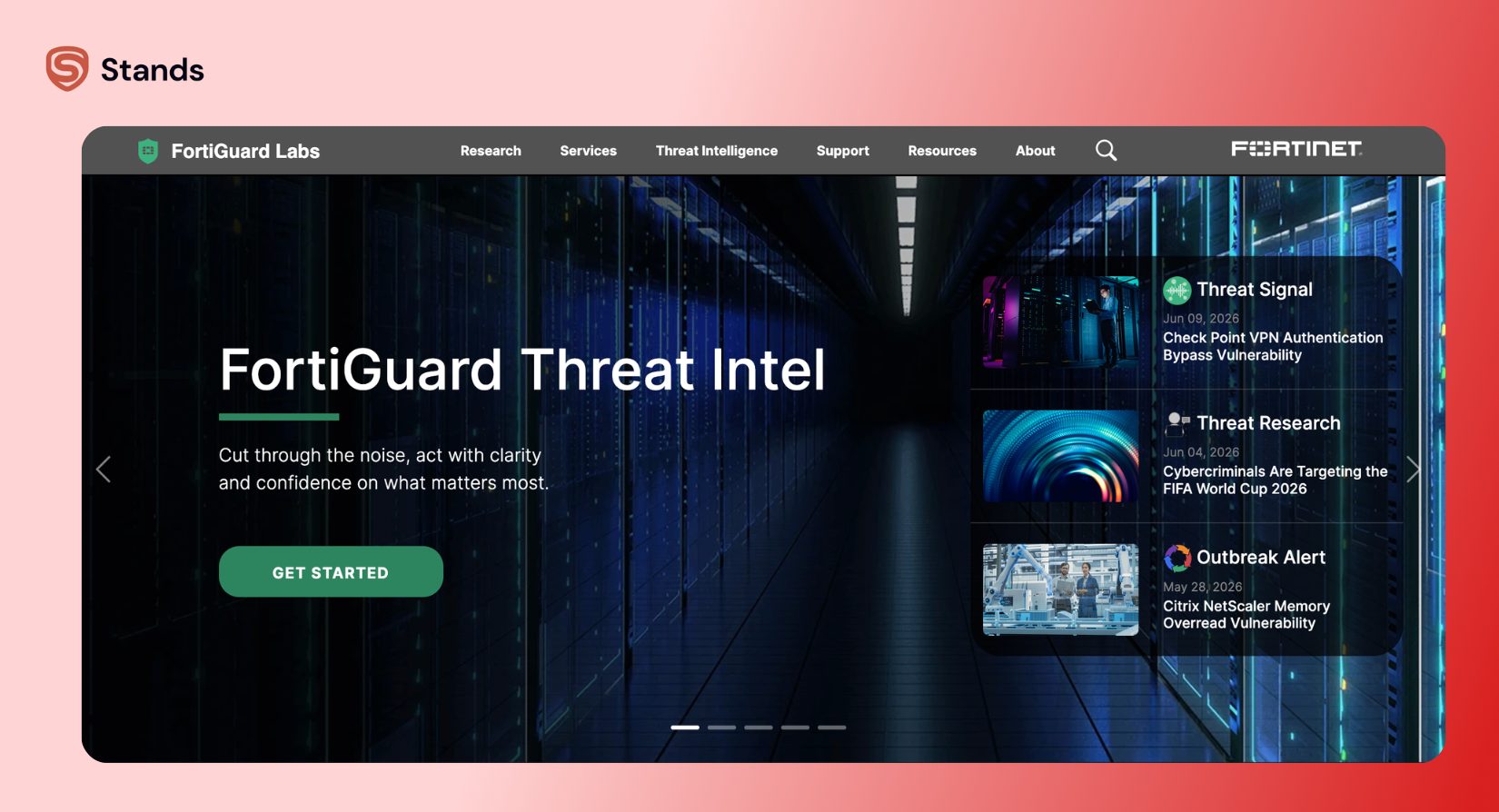
The page usually shows:
- The website category
- The blocking rule
- The reason for the restriction
- Available override options
Some organizations allow a FortiGuard web filter block override request.
Others lock everything down and don't offer exceptions.
It all comes down to company policy.
The important thing to remember? A Fortigate web filter block page doesn't always mean the website is dangerous. Sometimes the filter simply follows a rule that applies to a certain category.
Why Stands Is a Smart Addition to Your Web Filter Setup
A web filter helps you decide where you can go online. Stands helps improve what you see once you get there. That's why the two tools work so well together.
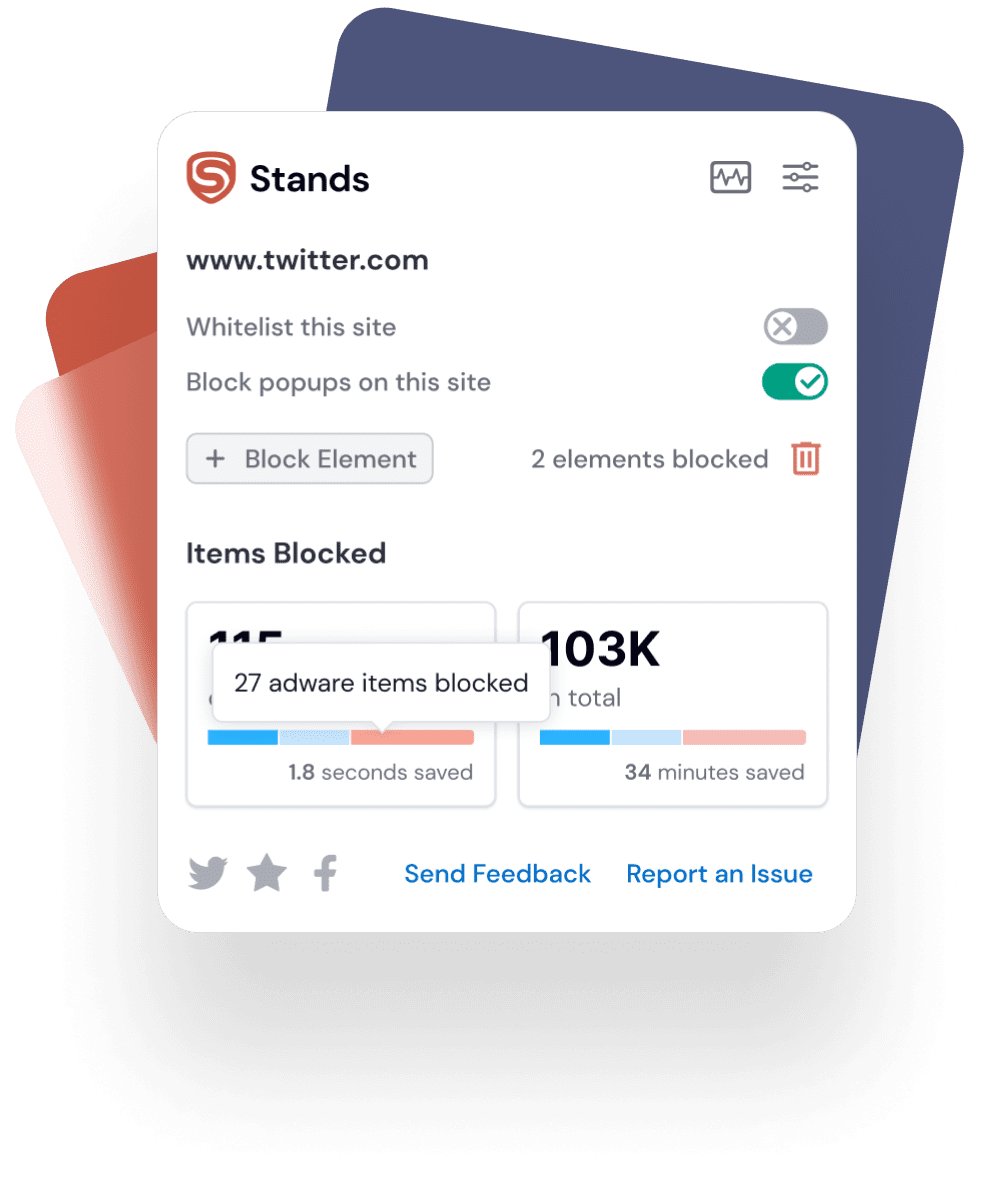
Stands helps users:
- Remove intrusive ads
- Block trackers
- Reduce distractions
- Improve page speed
- Create a cleaner browsing experience
If you want more control over your online experience, check out these helpful guides from Stands:
- Learn how to Block Websites on Any Device
- Discover how modern AI Browsers change the way people browse
- Learn how to Block Keywords on Facebook
- Explore practical tips for Filtering Out AI content online
Conclusion
That said, a block web filter gives you more control over what happens online.
It can block access to malicious websites, adult content, scams, phishing pages, and other unwanted content.
Modern web filtering solutions rely on keyword filtering, URL filtering, DNS filtering, content analysis, and category-based controls to decide whether users can access websites on the internet.
When you run into a web filter block page, the system has flagged that website based on its filter policies. In some cases, a web filter block override can restore access if the block doesn't make sense.
At the same time, tools like Stands help remove ads and trackers that slow you down and clutter your screen.
Put them together, and you've got the best of both worlds: stronger protection and a cleaner browsing experience.

