Home »
Best iPhone VPN
If you’ve ever searched for the best vpn for iPhone, you already know the problem: there are too many apps, too many promises, and not enough straight answers. Some claim to be the best iphone vpn, others push “free forever” deals that feel a bit too good to be true. The reality? A solid vpn for iPhone should be fast, private, and easy to use every day.
In this guide, we'll walk you through which VPN is best for iPhone, based on how you actually use your phone. Let's get into it!
- Do iPhones Really Need a VPN?
- How We Tested the Best iPhone VPN Apps
- Best VPN Apps for iPhone: Top Picks
- iPhone VPN Comparison: Side-by-Side Table
- What Makes the Best iPhone VPN? Key Features
- Free vs Paid VPN for iPhone: Which Is Better?
- How to Set Up a VPN on iPhone
- VPN + Ad Blocker on iPhone: Better Together
- FAQ
Do iPhones Really Need a VPN?
A lot of people think iPhones are already fully safe. And yes, iPhones are secure, but they are not invisible online.
Here’s what iOS does NOT do by itself:
- It does not fully hide your IP address
- It does not encrypt everything on public Wi-Fi
- It does not block trackers or ads
- It does not protect you from network spying
So if you use Wi-Fi in a café, airport, hotel, or school, other people on that network could still see parts of your activity without a vpn for iphone.
A VPN helps fix that. It:
- Hides your IP address
- Encrypts your internet connection
- Makes public Wi-Fi safer
- Helps you access blocked content
So if you’re asking what’s the best vpn for iphone, the real answer depends on what you need: speed, privacy, or streaming.
And don't forget that your desktop browser doesn’t block ads or trackers - even with a VPN on. Stands fixes that gap directly in your browser — and it's free :)
How We Tested the Best iPhone VPN Apps
To find the best vpn iphone apps, we didn’t just read specs, but tested them on real iPhones.
We used:
- iPhone 13, iPhone 14, and iPhone 15
- iOS 17 and iOS 18 test builds
- 20+ server locations per VPN
- 14 days of testing per app
We checked:
- Speed (browsing and streaming)
- Battery drain
- Connection stability
- DNS leaks
- Kill switch behavior
Also, we tested what happens when you switch from Wi-Fi to mobile data, since that’s where many VPNs fail.
Best VPN Apps for iPhone: Top Picks
We picked the best VPN apps for iPhone based on real use. Not just speed tests, but how they feel in daily life.
1. NordVPN - Best Overall iPhone VPN App
NordVPN is the best all-around choice for most iPhone users.
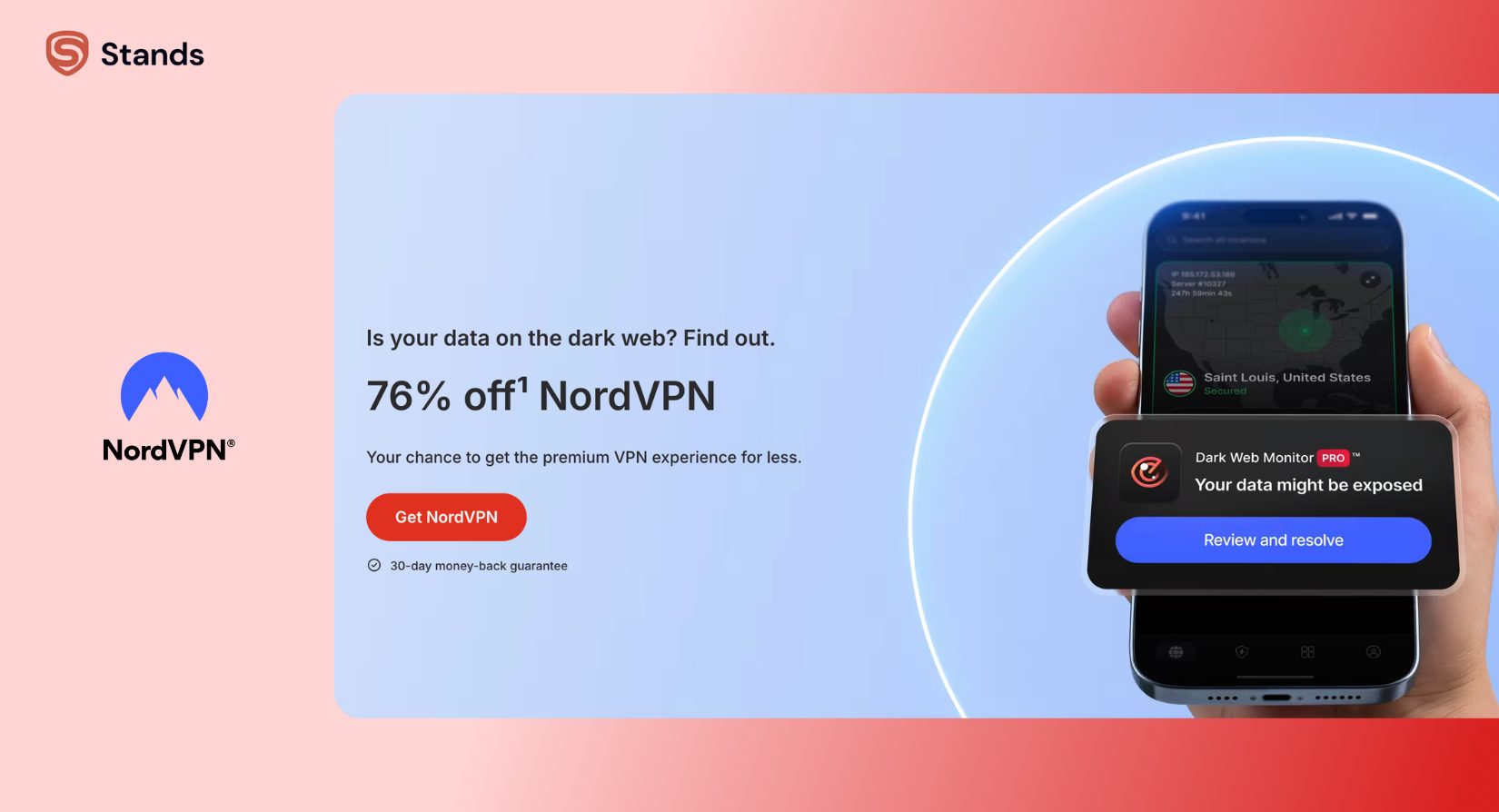
It has:
- WireGuard (fast protocol called NordLynx)
- IKEv2 support
- Kill switch
- 6,000+ servers in 100+ countries
- No-logs policy
It is fast, stable, and very easy to use on iOS. You tap once and it connects quickly.
Why it’s #1: it gives a strong mix of speed and privacy without being hard to use.
One downside: you need a paid plan to unlock everything.
2. Proton VPN - Best Free VPN for iPhone
Proton VPN is the best choice if you want a free vpn for iphone.
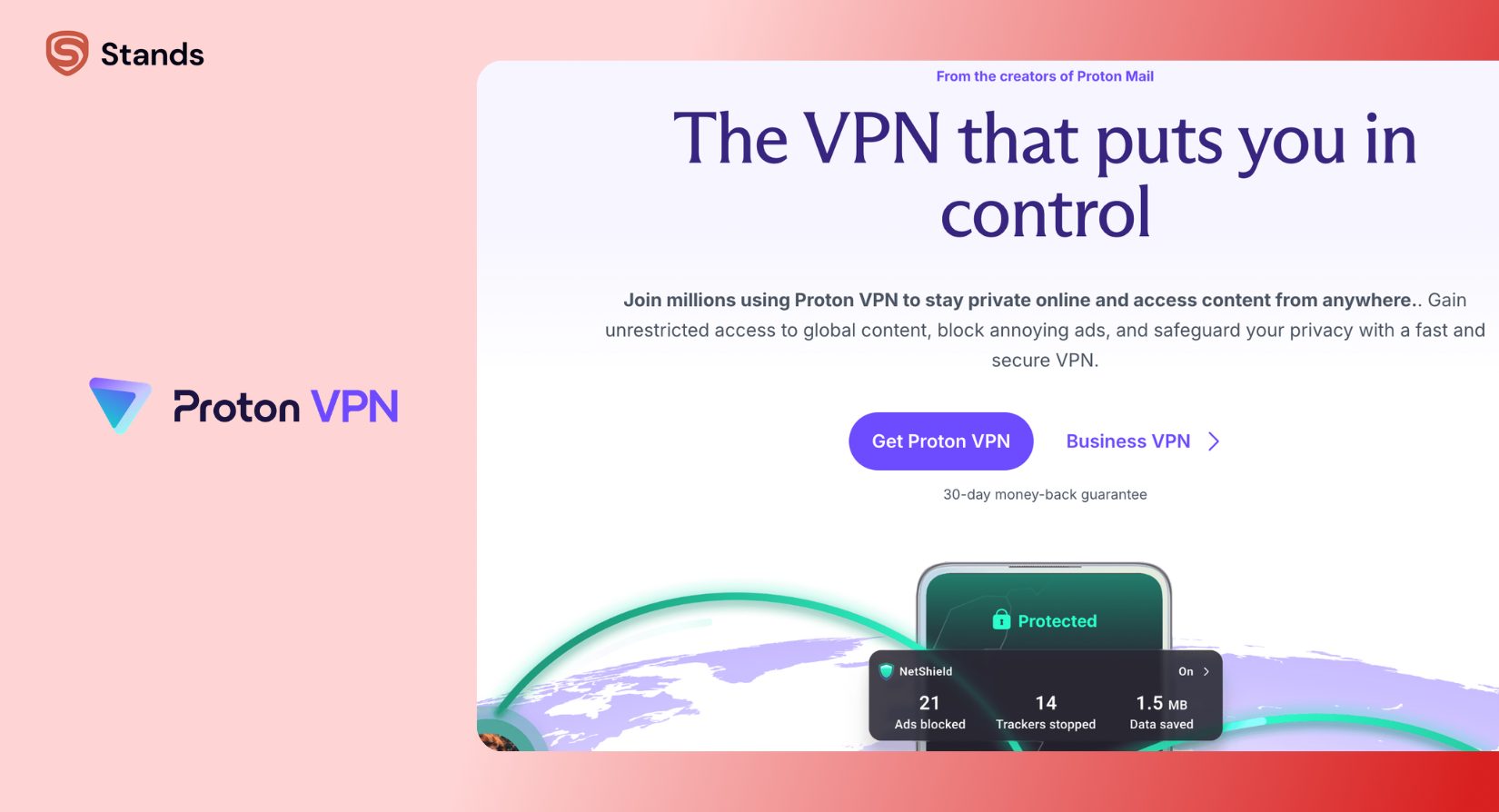
What you get for free:
- No data limit
- Basic server access
- Strong privacy focus
- No ads
But there are limits:
- Slower speeds
- Fewer server locations
- Streaming may not work well
It’s great for basic browsing or travel use. But if you use VPN daily, you’ll likely want to upgrade.
3. Surfshark - Best Paid VPN for iPhone
Surfshark is a good choice if you want value for money.
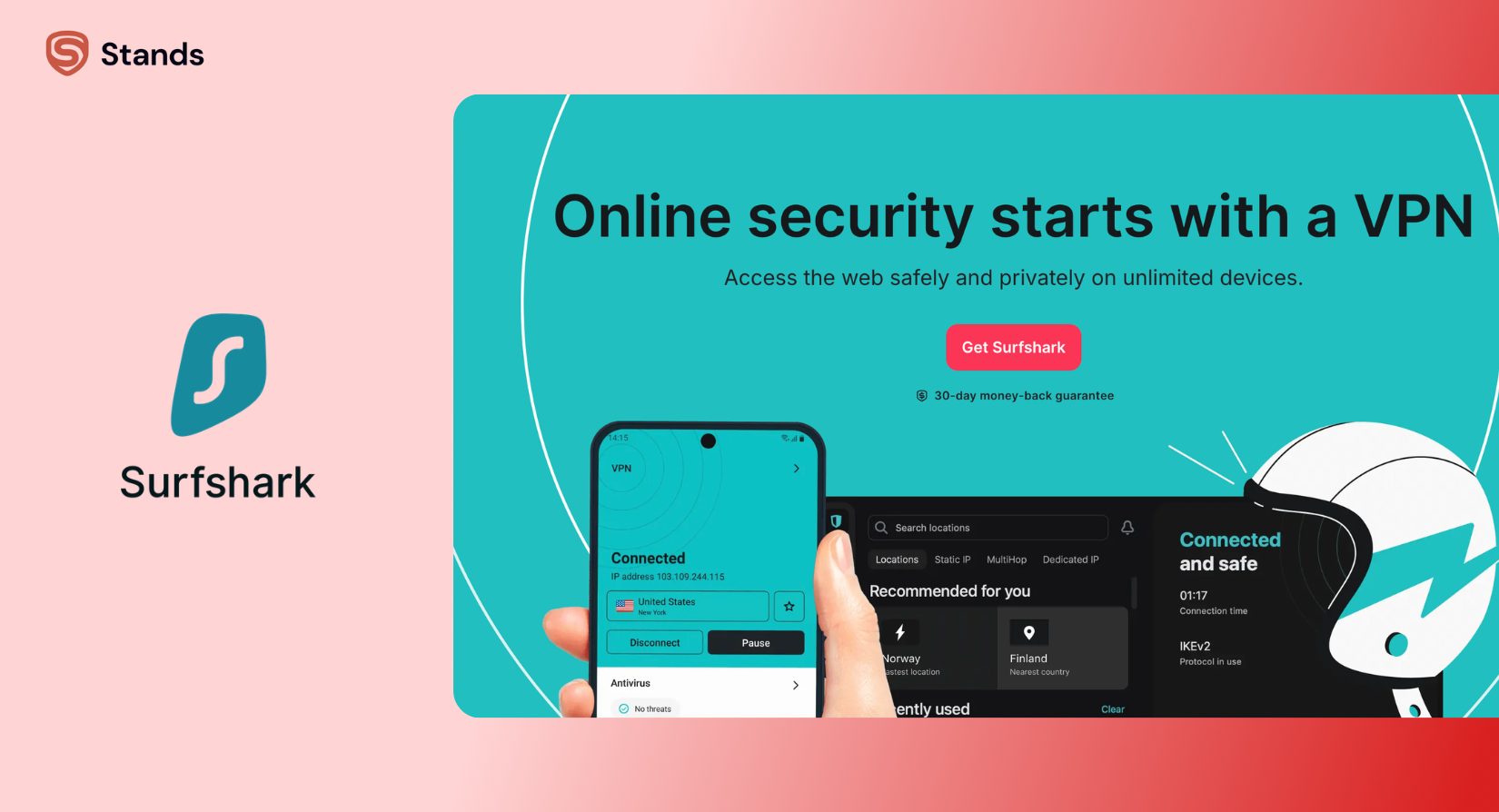
It offers:
- Unlimited devices
- WireGuard support
- Clean iOS app
- Good streaming access
- Built-in extra tools
Pricing is lower if you choose longer plans, which makes it one of the best paid vpn for iphone options.
It’s especially good for families or people with many devices.
4. NordVPN - Best iPhone VPN for Streaming
Yes, NordVPN again - because it also performs best for streaming.
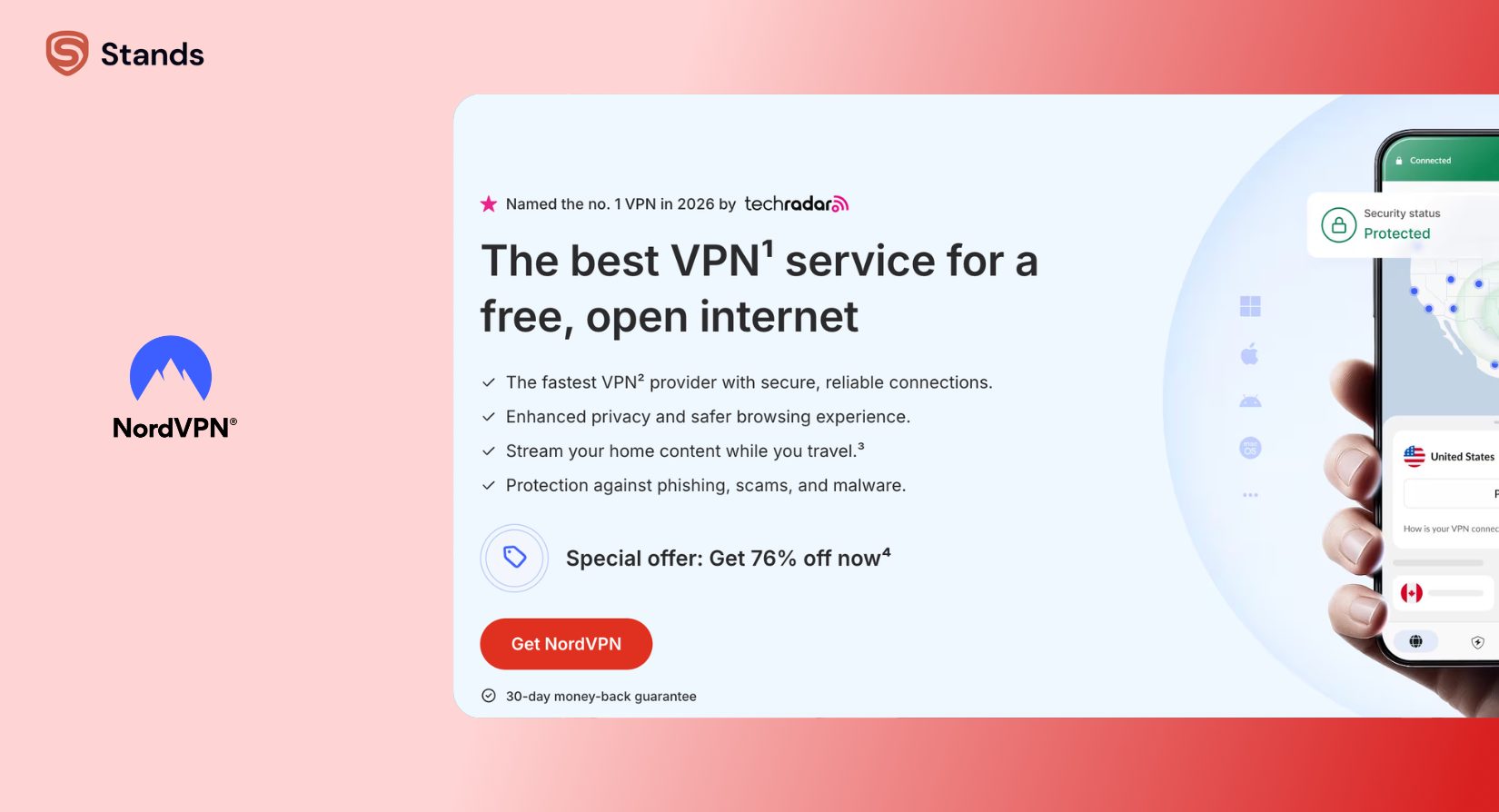
It works well with:
- Netflix
- Hulu
- BBC iPlayer
- Other regional apps
Speed stays stable even in HD or 4K. Server switching is fast, so if one location doesn’t work, you can change quickly.
If streaming is your main goal, this is one of the best vpn on iphone choices.
5. Proton VPN - Best Secure VPN for iPhone
Proton VPN is also great for privacy-focused users.
It has:
- Strong encryption
- Audited no-logs policy
- RAM-only servers
- Based in Switzerland
This means your data is not stored long-term.
The trade-off is speed. It can be slower than others, but it’s still one of the best secure vpn for iphone options.
iPhone VPN Comparison: Side-by-Side Table
| VPN | Free Version | Price | Protocols | Kill Switch | Best For |
| NordVPN | No | $$ | WireGuard / IKEv2 | Yes | All-around use |
| Proton VPN | Yes | $$ | WireGuard / OpenVPN | Yes | Privacy + free use |
| Surfshark | No | $ | WireGuard / IKEv2 | Yes | Value + streaming |
No matter which VPN you pick, remember this: it won’t block ads or trackers by itself.
What Makes the Best iPhone VPN? Key Features
If you’re trying to pick the best vpn app for iphone, here are the things that actually matter.
iOS VPN Protocols: IKEv2 vs WireGuard
Most iPhone VPNs use two main protocols:
IKEv2
- Very stable
- Good for switching networks
- Saves battery
WireGuard
- Faster speeds
- Newer technology
- Great for streaming
OpenVPN is less common on iPhone because it’s slower on mobile.
Kill Switch and Leak Protection
A kill switch stops your internet if the VPN drops. This matters because without it, your real IP address could leak for a short time.
DNS leak protection is also important because it keeps your browsing private even on public Wi-Fi.
Battery and Speed on iPhone
Good VPNs don’t drain your battery much.
In most tests:
- WireGuard uses the least power
- IKEv2 is in the middle
- OpenVPN uses the most
On modern iPhones, you usually won’t notice much difference unless you stream a lot.
Free vs Paid VPN for iPhone: Which Is Better?
Free VPNs are fine for light use, but they have limits.
Usually, free VPNs include:
- Data caps or speed limits
- Fewer servers
- Less reliable connections
- Fewer features
Paid VPNs give you:
- Faster speeds
- Better streaming
- Stronger privacy tools
- Unlimited data
- More stable connection
So if you use it every day, a paid plan is usually the better choice.
How to Set Up a VPN on iPhone
Option 1: Use a VPN App (Easiest Way)
- Download the app
- Create an account
- Pick a server
- Tap connect
That’s it. Most apps do everything for you.
Option 2: Manual Setup
Go to: Settings → General → VPN & Device Management → Add VPN Configuration
You’ll need server info and login details. This is mostly for work or advanced users.

VPN + Ad Blocker on iPhone: Better Together
A VPN protects your connection. But it does NOT block ads or trackers inside apps or websites.
That’s why many people use both a VPN and an ad blocker.
You can also explore guides like:
A VPN hides your internet traffic. Stands blocks what’s left - ads, trackers, and hidden data collection.
No setup headaches, and works with any VPN.
FAQ
Which VPN is best for iPhone in 2026?
NordVPN is the best iphone vpn overall because it is fast, secure, and easy to use.
Does iPhone have a built-in VPN?
No. You need to install a VPN app or set one up manually.
Which is best for streaming on iPhone?
NordVPN and Surfshark both work well with Netflix and other streaming apps.
What’s best for public Wi-Fi?
Any trusted VPN with a kill switch is good, but NordVPN is one of the most reliable.
Is a paid VPN worth it?
Yes, if you use it often. Paid VPNs are faster, safer, and more stable than free ones.