
 Home »
Best Ad Blocker for iPhone in 2026
The best ad blockers for iPhone have pretty evolved with improvements in iOS 17 and iOS 18. Safari Content Blockers allow you to block trackers, banners, pop-ups and tracking scripts without affecting your mobile phone's performance. In addition, in 2026, you also have access to effective ad blockers that combine advertising protection, enhanced privacy, tracker blocking, and in some cases, offer additional tools such as network anti-malware.
Why You Need the Best Ad Blocker for iPhone
Mobile advertising has become way more intrusive than ever. Nowadays, most sites and apps use third-party trackers, scripts, cookies and intrusive advertising formats such as:
- Pop-ups and autoplay YouTube video ads (or similar ads on other streaming platforms)
- Intrusive advertising
Downloading the best iPhone ad blocker for your needs will help you to:
- Improve your privacy by blocking online trackers from Meta, Google, TikTok, Appsflyer, Criteo, Taboola, Outbrain, etc.
- Pages load way faster - fewer scripts means less CPU and mobile data consumption.
- Reduce battery consumption during prolonged browsing.
- Avoid malicious ads (malvertising), an increasingly common problem.
- Block ads in Safari and in some apps that use WebView.
Would you like to know how to allow pop ups on iPhone?

How We Tested and Ranked These Ad Blockers
To create this ranking, we did not conduct technical tests on different devices. Instead, we reviewed reliable, up-to-date information on how the best ad blocker for iPhone works in 2026 :)
- What each ad blocker promises on its official website.
- Tests and comparisons published by security and technology experts.
- User opinions on forums such as Reddit and verified reviews in the App Store.
Best Ad Blocker for iPad and iPhone
Total Adblock (4/5 stars - 16k reviews)
Total Adblock is one of the best ad blockers for iOS and Safari. It uses proprietary filters that are updated daily.
Key features:
- Helps pages load faster and reduces data usage on iOS.
- Warns and blocks access to malware-associated websites.
- Includes regularly updated filters (proprietary and standard lists).
- Option to whitelist sites and acceptable ads.
Limitations:
- Its products and services require a subscription for advanced additional features like enhanced protection.
- Some users have reported problems with effective ad-blocking.

1Blocker (4.5/5 stars - 824 reviews)
This is one of the oldest ad blockers, and it stands out for iOS and Safari.
Key features:
- It is designed specifically for Safari.
- Blocks ads, trackers and online annoyances.
- It helps you browse safely.
- Ease of use and configuration to block ads and trackers.
- The app automatically receives filter updates from the cloud.
- It is lightweight, uses little battery, and helps preserve device resources.
- It offers a free plan.
Limitations:
- The free version allows only a limited number of filters.
Surfshark CleanWeb (4.7/5 stars - 2.6 K reviews)
CleanWeb is part of the Surfshark VPN apps and web browser extensions environment. Available on both the VPN app and browser extensions.
Key features:
- VPN app - Blocks ads, video ads, trackers and malware.
- Offers ad-free browsing and stronger privacy.
- Faster browsing, lower data consumption.
- Shows malware and data breach alerts.
- Lower malware risk and phishing protection.
Limitations:
- You will need to upgrade your subscription.
- Depends on active VPN connection.
NordVPN Threat Protection (4.7/5 stars - 90K reviews)
NordVPN is a pretty easy-to-use VPN app for iPhone and iPad.
Key features:
- Protects your devices from advertisers, cybercriminals and trackers.
- Encrypts your traffic.
- Offers protection for your devices.
- Designed for fast, stable performance (5,000+ servers worldwide).
- Ease of use for connecting and using.
- Live chat, email, and support center available anytime.
- Specialized options like Double VPN for extra privacy.
- One account protects up to 10 devices (iOS devices, smart TV, etc.).
Limitations:
- Requires VPN subscription.
Do you know how to block websites on an iPhone? Personalize your browsing easily.
Ghostery (4.4/5 stars - 23 reviews)
Ghostery offers more than just one of the best ad blockers iOS. It is basically an advanced privacy protection suite.
Key features:
- Prevents the collection of personal data.
- Allows you to preview which trackers will appear on a page before entering.
- Improves the privacy, speed, and cleanliness of the web experience.
- Speeds up page load time.
Limitations:
- Does not block ads within applications.
- Some advanced features require a subscription.

Stands Adblocker – Best New Alternative Worth Trying
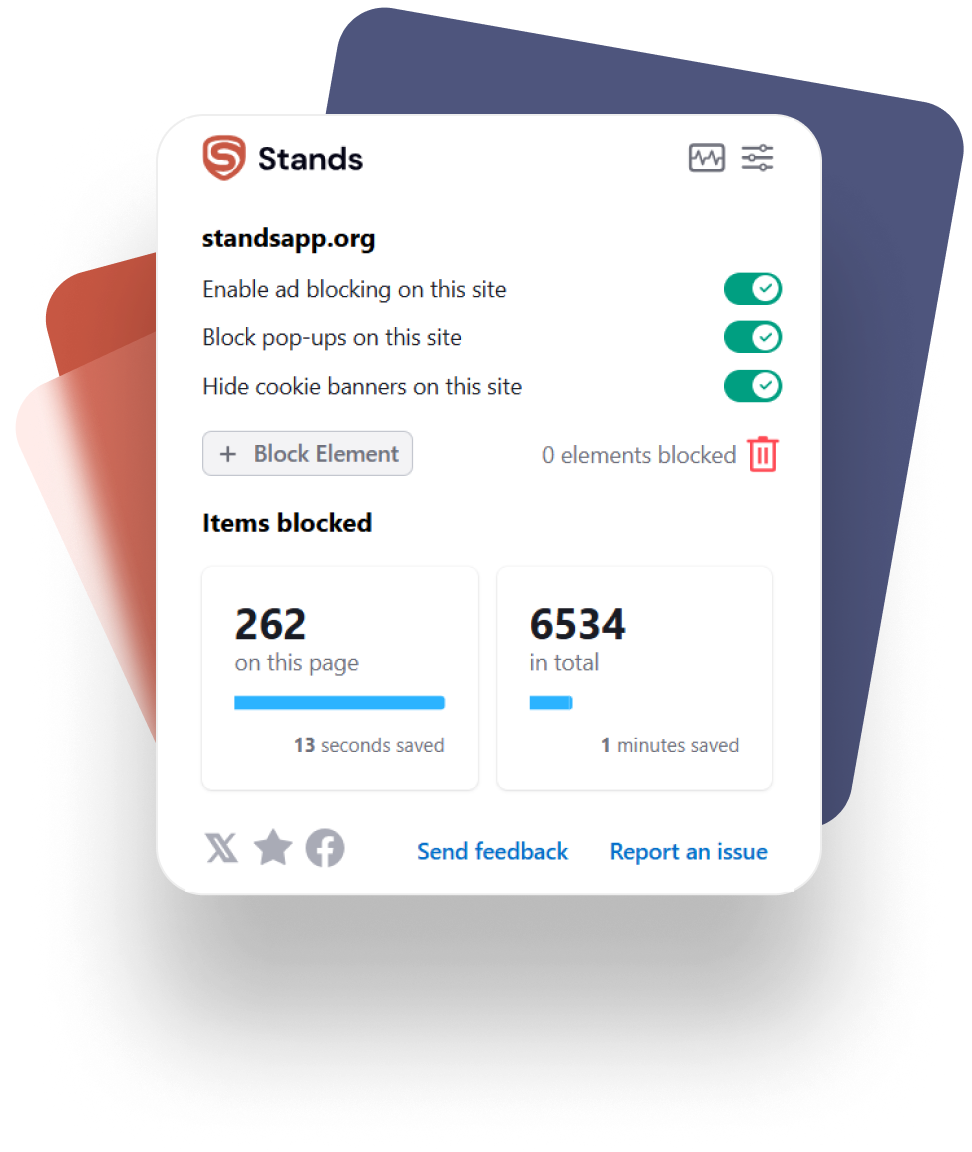
Stands Adblocker is a popular ad blocker due to blocking ads on YouTube, improving privacy, and providing ad-free browsing while maintaining site functionality. Although Stands AdBlocker is not currently available for iOS Safari, it works effectively in Chrome, Firefox, Edge, and Chromium-based browsers, as well as an Ad Blocker Browser for Android :)
Key features:
- Free ad blocking in your browser.
- Lightweight and easy-to-use browser.
- Does not collect your private information.
- Digital security and privacy without complex configurations.
- Compatibility with Android.
Using Firefox? Browse without distractions with a reliable Ad Block for Firefox.
How to Block Ads on iPhone
Using Safari Content Blockers
Different ad blockers that work in Safari are via “Content Extensions.”
To activate them:
- Install the best iOS ad blocker from the App Store according to your needs (1Blocker, Total Adblock, etc.).
- Go to Settings, Safari and Extensions.
- Toggle on the ad blocker extension.
- Restart Safari to apply all the changes :)
- Safari runs all these rules natively, so it doesn't slow down your phone.
Removing Ads in Apps and Games
To block in-app ads:
- Use a DNS blocker such as CleanWeb or Threat Protection.
- Enable the blocker's local VPN (if the app allows it).
Important: Apple devices do not allow ads to be blocked directly within apps using scripts, so the only legal and effective way is through DNS + local VPN.
What’s the Best Adblock for iPhone in 2026?
To choose the best ad blocker for iPhone, consider your needs:
- Best overall blocking for Safari: 1Blocker
- Best for blocking in apps and games: Surfshark CleanWeb and NordVPN Threat Protection.
- Best focus on privacy: Ghostery
- Best balance between features and simplicity: Total Adblock
FAQs
Does Apple allow ad blockers on iPhone?
Yes. Apple has allowed ad blockers since iOS 9, as long as they use Safari Content Blockers and comply with its privacy rules.
Do ad blockers work on all iPhone apps?
No. Due to Apple's policies, they cannot block ads within apps directly. They only work through DNS or local VPN, which do block ad domains in various apps.
What is a good ad blocker for iPhone 100% free?
Reliable free options in 2026:
- 1Blocker (limited version)
- Ghostery
How do I install an ad blocker on iPhone?
- Download a blocker from the App Store.
- Activate the extension in Settings, Safari and Extensions.
- Select the filters you want to use.
Is Safari sufficient, or should I use a dedicated ad blocker?
Safari has basic protection, but it does not block complex ads or trackers. A dedicated ad blocker is much more comprehensive and recommended.
Are there risks in using free versions of ad blockers?
Only if providers are not providing transparency, they could:
- Sells your data
- Inserts its own ads
- Uses unverified lists

