
 Home »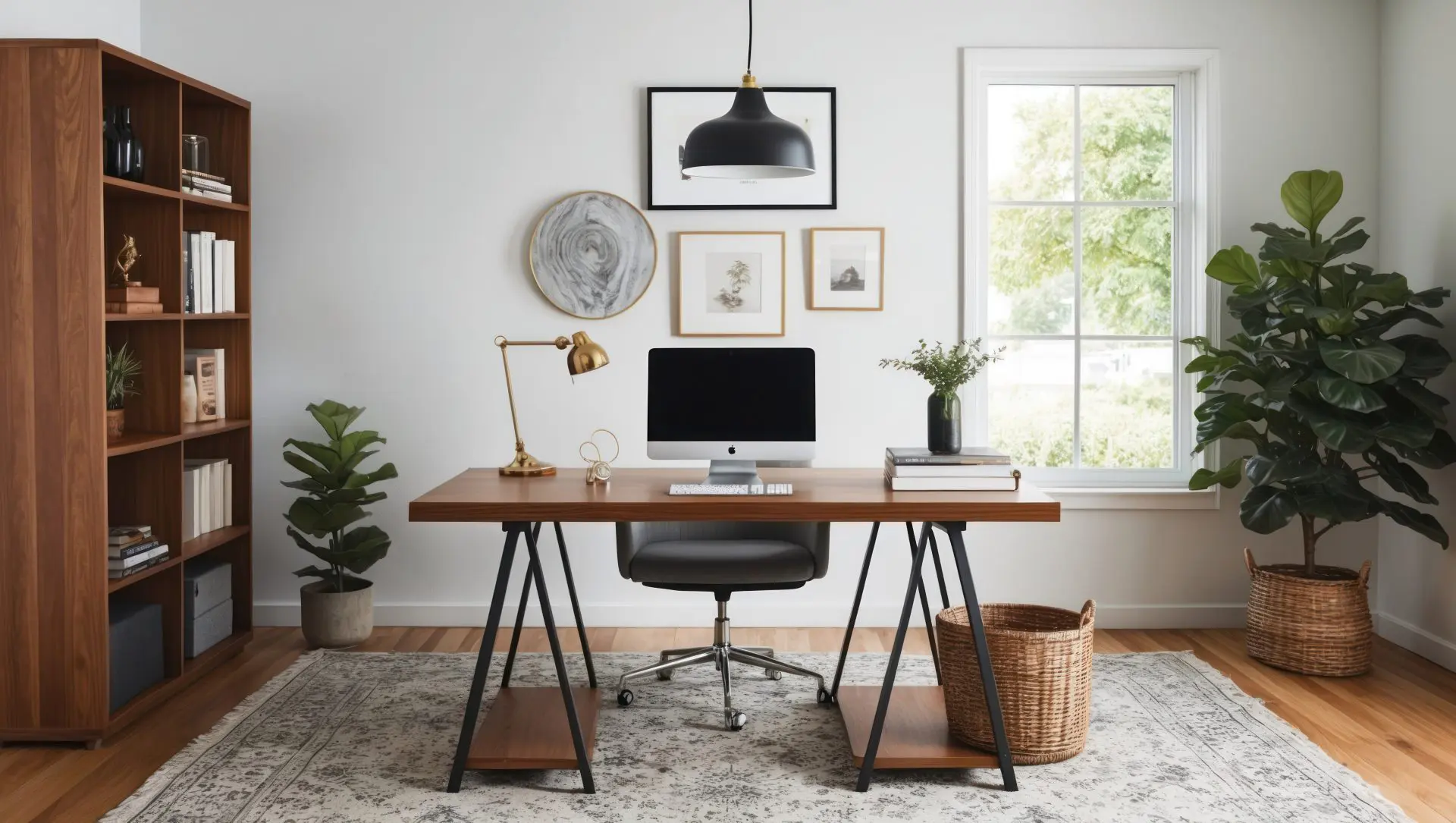
Zero-Distraction Home Office
Working from home might feel weird. You’re checking Slack, opening YouTube, replying to a message, then somehow reading something completely unrelated to your work, and suddenly, the day is gone.
Our workspaces — especially remote ones — are packed with constant micro-interruptions that quietly destroy focus over time. A study on remote work found that people experience more digital distractions at home, particularly from email and messaging tools, which directly impacts performance. Another study found that media multitasking happens in up to 38% of tasks, meaning our attention is constantly split.
This is where the idea of a zero-distraction home office becomes useful, not as some unrealistic perfect setup, but as a system that quietly removes friction so your brain can do what it’s supposed to do.
Let’s get into what actually works. :)
- What “Zero-Distraction” Actually Means
- Step 1: Fix Your Physical Space
- Step 2: Remove Digital Noise
- Step 4: Structure Your Day Around Focus
- Step 5: Make Distractions Less Accessible
- Step 6: Take Control of Notifications
- Step 7: Keep Your Setup Simple
- Step 8: Build Small Focus Rituals
- Step 9: Take Better Breaks
- Conclusion
What “Zero-Distraction” Actually Means
First things first, zero distraction doesn’t mean vipassana silence or throwing your phone into a lake. It means designing your environment so distractions don’t stand a chance. Instead of relying on willpower and motivation (which burn out fast), you can create a setup where focus becomes the default.
And yes, that’s also backed by science. Studies show that both digital and non-digital distractions directly reduce performance, especially in remote work setups where boundaries blur. Still, our goal here isn’t to remove distractions completely, but rather to make them inconvenient, rare, and easy to ignore.
In the next 9 steps, we’ll walk through how to do exactly that, from cleaning up your workspace and cutting digital noise to building simple habits that make staying focused feel a lot more natural.
Step 1: Fix Your Physical Space
If your workspace doubles as a dining table, Netflix zone, and snack station, you’re fighting an uphill battle.
Your brain loves context, and when everything happens in one place, your focus gets fuzzy.
Here’s how to clean it up:
- Create a dedicated work zone (even if it’s just a corner)
- Keep only essentials on your desk as your brain treats clutter as “open loops.”
- Use lighting strategically; natural light helps with focus and energy
- Add subtle boundaries (like a plant or divider) to separate “work” from “life.”
Noise matters too. Studies on office environments show that background speech and chatter significantly reduce cognitive performance — even more than you’d expect.
If silence isn’t an option, use white noise or instrumental music to mask distractions.

Step 2: Remove Digital Noise
Let’s call it what it is — your biggest distractions aren’t your coworkers, your kids, or your dog.
Email, messaging, and web browsing are among the top distraction triggers for remote workers, while platforms like YouTube rank as the #1 workplace distraction globally.
This is where tools like Stands Adblocker help you. Instead of trying to ignore ads or resist clicking, you remove them completely so they never show up in the first place.

Once your browser is clean, it becomes much easier to stay on task without constantly fighting the urge to click away.
Pro tip: combine ad blocking with website blockers or focus modes.
Best Tools to Reduce Digital Noise
Here’s a breakdown of tools that actually help:
| Tool Type | Tool Name | What It Does | Best For |
| Ad Blocker | Stands Adblocker | Blocks ads, pop-ups, trackers | Clean browsing |
| Website Blocker | Freedom | Blocks distracting sites/apps | Deep work sessions |
| Focus Timer | Forest | Gamifies focus time | Staying off your phone |
| Notification Control | Focus Assist (Windows) / Do Not Disturb (Mac) | Silences alerts | Reducing interruptions |
| Inbox Control | Spark / Superhuman | Smart email filtering | Managing email overload |
| Tab Manager | OneTab | Collapses tabs into lists | Reducing tab clutter |
You don’t need all of them, but even adding one or two can noticeably reduce how often your attention gets pulled away.
Step 4: Structure Your Day Around Focus
Most people plan their day around tasks, but that only works if they can actually stay focused while doing them.
Your brain works better in cycles, not in endless hours of concentration, so it helps to break your work into focused blocks with short breaks in between.
Instead of pushing through fatigue, you work with your natural attention span, which makes it easier to stay engaged and get more done without burning out.

Step 5: Make Distractions Less Accessible
One small change that makes a big difference is adding a bit of friction between you and your distractions.
If something is always one click away, you’ll eventually click it without thinking, but if it takes a few extra steps, you’re much less likely to go there automatically.
Logging out of social media, moving your phone out of reach, or blocking certain sites during work hours might seem like small changes, but they help break the habit of constant checking.
Step 6: Take Control of Notifications
Notifications are one of those things you barely notice, until you turn them off and suddenly realize how much quieter your day feels.
Each notification might only take a second to check, but it still breaks your attention, and getting back into a focused state takes longer than most people expect. When this happens repeatedly throughout the day, it fragments your attention and makes deep work almost impossible.
A better approach is to decide when you check messages, instead of letting them interrupt you whenever they arrive.
Turning off non-essential notifications, muting unnecessary channels, and checking communication tools at set times can dramatically reduce how often your focus gets interrupted.

Step 7: Keep Your Setup Simple
It’s easy to fall into the trap of adding more tools, more screens, or more apps in the hope of becoming more productive, but too much complexity often has the opposite effect.
A simple setup with fewer distractions, fewer open tabs, and only the tools you actually need tends to work better in the long run.
When everything is clear and easy to navigate, it’s much easier to stay focused.
Step 8: Build Small Focus Rituals
Your brain responds well to patterns, so small, consistent actions can help you shift into focus mode more easily.
Something as simple as making coffee before work, putting on headphones, or opening only your essential tools can signal to your brain that it’s time to concentrate.
Over time, these small habits make it easier to start working without needing to push yourself as much.
Step 9: Take Better Breaks
Not all breaks are equal, and scrolling through your phone often doesn’t give your brain the rest it needs.
Better breaks are usually simple and low-effort, like stepping away from your screen, stretching, or just sitting quietly for a few minutes.
When your breaks actually help you recharge, your focus during work sessions becomes stronger and more consistent.
Conclusion
Turns out the hardest part of working from home is surviving your own internet habits, not the work itself.
Once you reduce digital noise, simplify your setup, and give your work a bit more structure, focusing stops feeling like something you have to force and starts feeling a lot more natural.
And if you want a simple first step, these guides will help you cut down on some of the most common online distractions:
- How to Stop Ads in Instagram for Free
- How to Stop Google Chrome Pop-Ups and Ads
- How to Stop Google Ads
We hope this article helped you build a more focused home office setup. Stay focused, browse smart, and try not to fall into the “I’ll just check this real quick” trap. :)

