
 Home »
Pinterest Ad Blocker: How to Stop Promoted Pins in 2026
Visual noise ruins my focus. When I open a board to gather ideas for furniture, typography, or layouts, I expect a clear stream of images. Instead, every fourth card in my feed is a Promoted Pin trying to sell me clothes, apps, or dog brands.
Promoted Pins are annoying because they break my reading rhythm. They mess up the layout of my mood boards and turn my research space into a shop catalog.
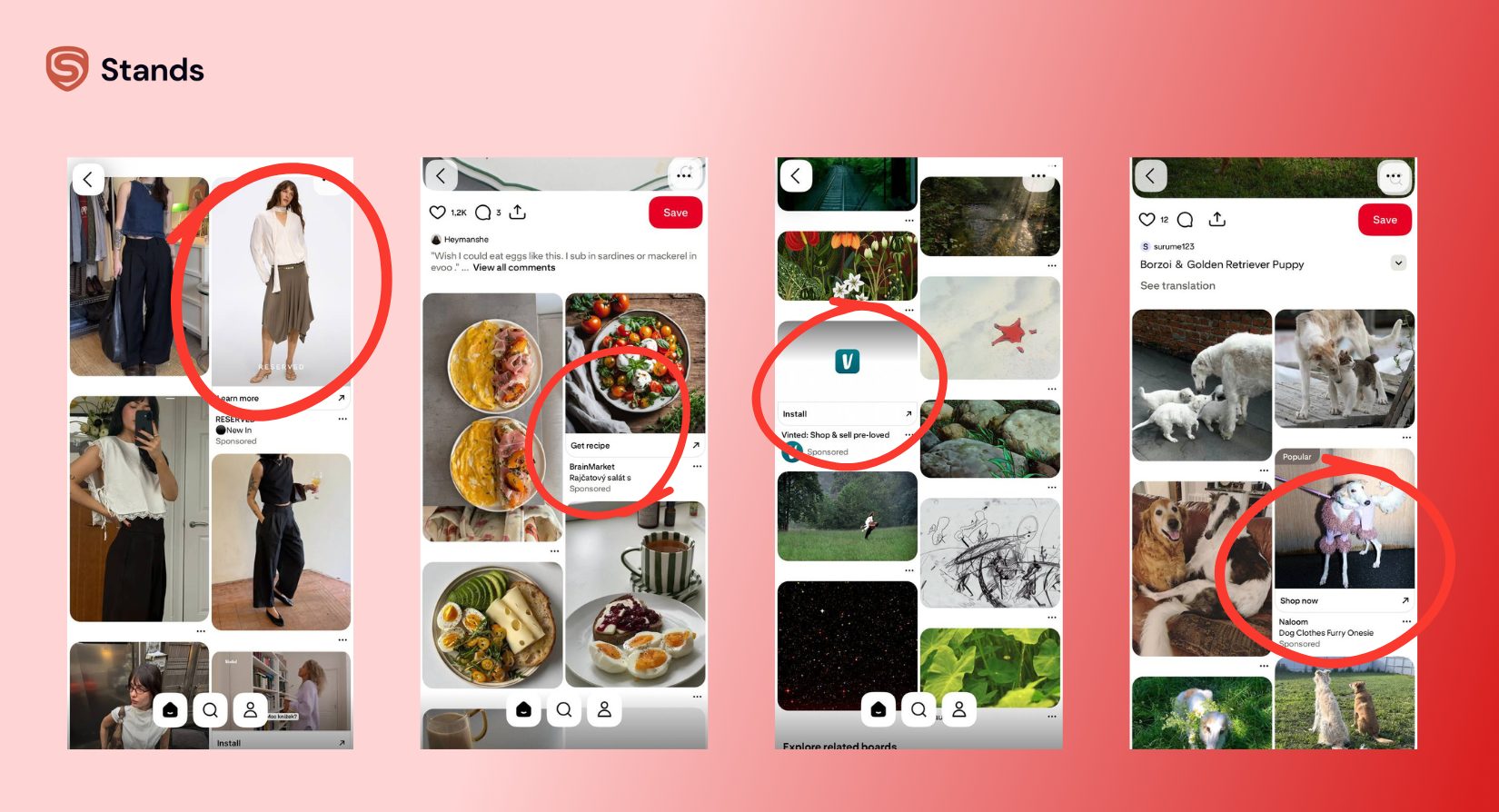
As long as I can Google, I went there and asked: "Can you turn off ads on Pinterest inside the app settings?” I have learned that you cannot. Pinterest collects data on what you save and look at so it can sell ad space to companies. It mixes ads directly into your feed so they look like normal pins.
When my feed gets crowded with ads, I get less done. Let's see how to fix that.:)
The 10-Second Feed Clean:
Do not use the Pinterest App and open Pinterest in your browser with Stands Adblocker active, or open it in Stands Browser. This is the only way to get a 100% ad-free feed without overcomplicated DNS settings.
Why Pinterest Ads are Hard to Block
Basic blockers miss these ads because Pinterest builds them directly into the page code, so it is not that easy to block them.
Native Integration and CSS Similarity
Pinterest does not use standard banner ads; instead, every ad looks like a normal pin. The code, layout, font, and image frames of an ad are almost identical to a regular pin I save to my boards. Simple ad filters cannot tell the difference between a real pin and a paid ad.
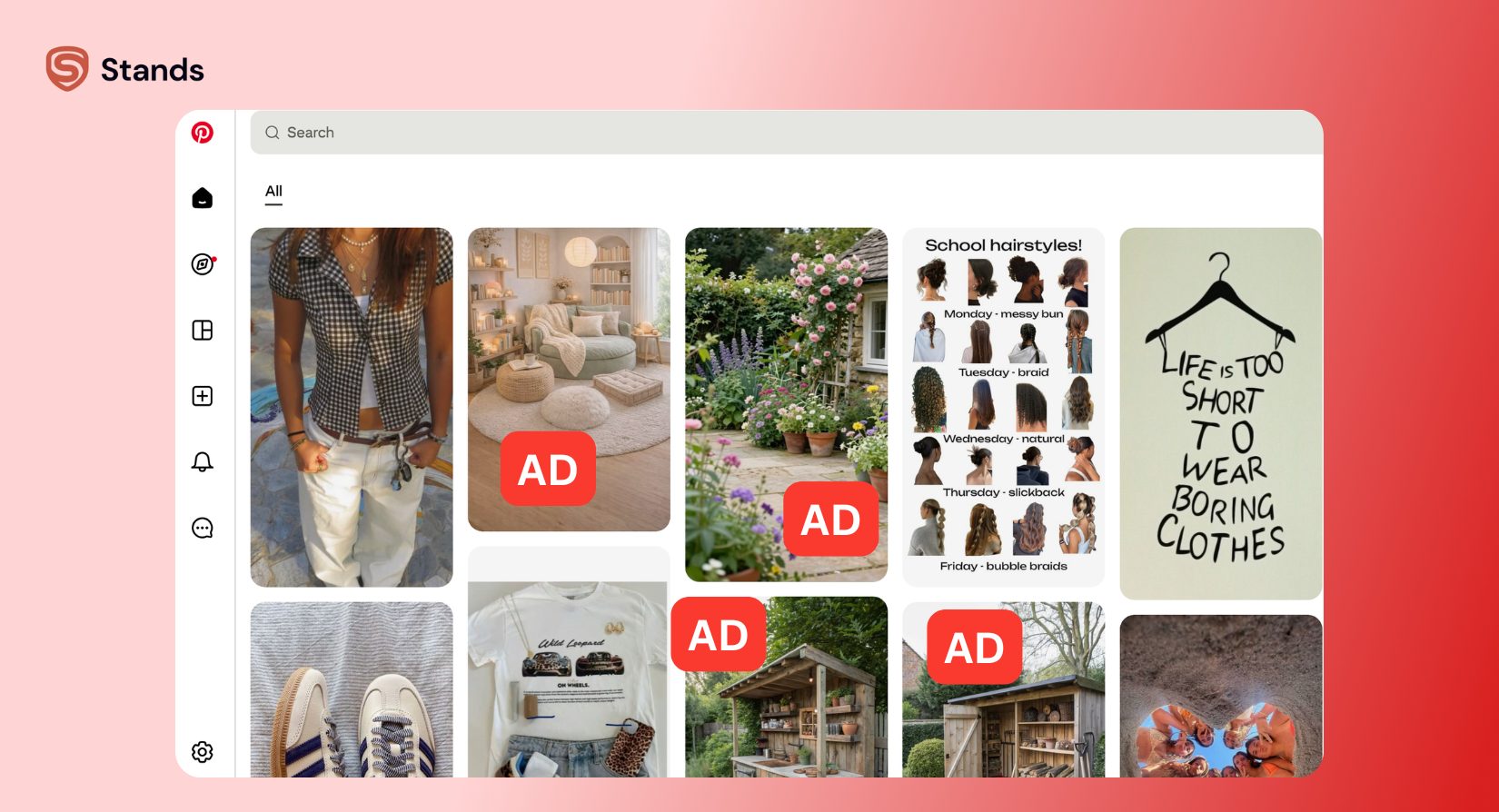
Dynamic Infinite Scroll
As I scroll down the page, Pinterest constantly loads new content. It inserts ads into the feed as I move, and because the page does not reload, basic blockers miss these ads after the first load.
The Stands Solution: DOM-Element Analysis
Software needs to look at the site code while you scroll to build a working pinterest ad blocker.
I use Stands Adblocker because it checks the page code in real time. It reads the hidden tags and labels inside each pin card. As soon as it sees the hidden "Promoted" label, it hides that pin card instantly. The ad disappears before I ever see it, and my feed stays neat.
How to Block Pinterest Ads on Chrome and Desktop
Desktop browsers give me the most control over my feed. If you work on a computer, setting up a pinterest ad blocker chrome extension takes less than a minute.
If you want to know how to stop pinterest ads on desktop, just follow these simple steps:
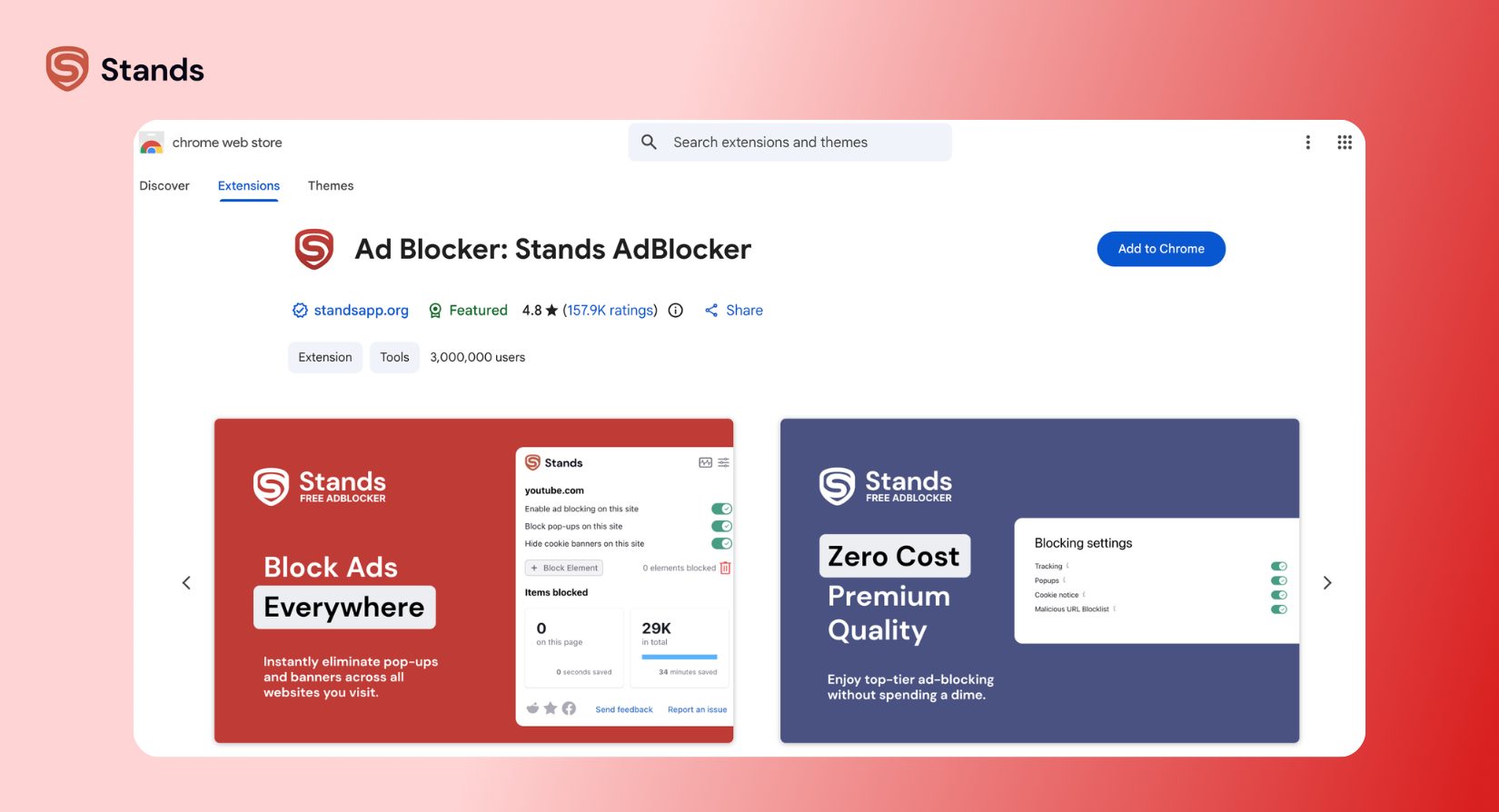
- Search for Stands Adblocker in the Web Store. Open the Chrome Web Store, search for Stands Adblocker, and pick the verified tool.
- One-click install. Click "Add to Chrome" and confirm. You do not need to change any complex settings.
- Open Pinterest. Go to your boards and refresh the page. Watch the ad counter on the Stands icon go up while your feed stays clear.
Blocking ads on desktop also stops background tracking. If you run into pop-ups while reading design blogs, you can also use a tool to block pop up ads to keep your browsing fast.
Pinterest Ad Blocker for iPhone and Android
Mobile phones are harder to clean up because phone systems limit how ad blockers work inside apps.
iPhone (Safari vs. The Official App)
When I check online discussions about whether can you block ads on Pinterest on an iPhone, I see many user complaints on Reddit's Pinterest community.
The official Pinterest iPhone app locks its data stream. Regular ad blockers cannot reach inside the app to remove ads without breaking other phone settings or draining your battery.

My fix for iOS is simple: I ditch the native app and run Pinterest in Safari using Safari Content Blockers. Apple builds a Content Blocker API into iOS that allows dedicated Safari extensions to scan and hide webpage code before it renders on your screen.
Some of the best Pinterest ad blocker tools for iPhone (Safari) include:
- 1Blocker: Highly customizable for iOS. It uses native Apple APIs to hide element rules like Promoted Pin cards without slowing down page loads.
- AdGuard for iOS: Offers strong element-hiding rules specifically tuned for mobile web scripts and dynamic feeds.
- Wipr: A lightweight option that updates its filter lists automatically in the background to catch new ad formats.
To set this up, install your chosen content blocker from the App Store, go to Settings > Safari > Extensions (or Content Blockers on older iOS versions), and toggle the blocker on. Then, open Pinterest in Safari and tap Share > Add to Home Screen. You get a clean, web-app shortcut that strips out Promoted Pins completely.
Android: The Stands Browser Advantage
Android users have an easy option too. The official Android app has the same ad problems as the iPhone app. Adding extensions to basic mobile browsers can be frustrating.
I recommend using the Stands Browser instead. It is a built-in Android ad blocker browser made to remove trackers and hidden ads.
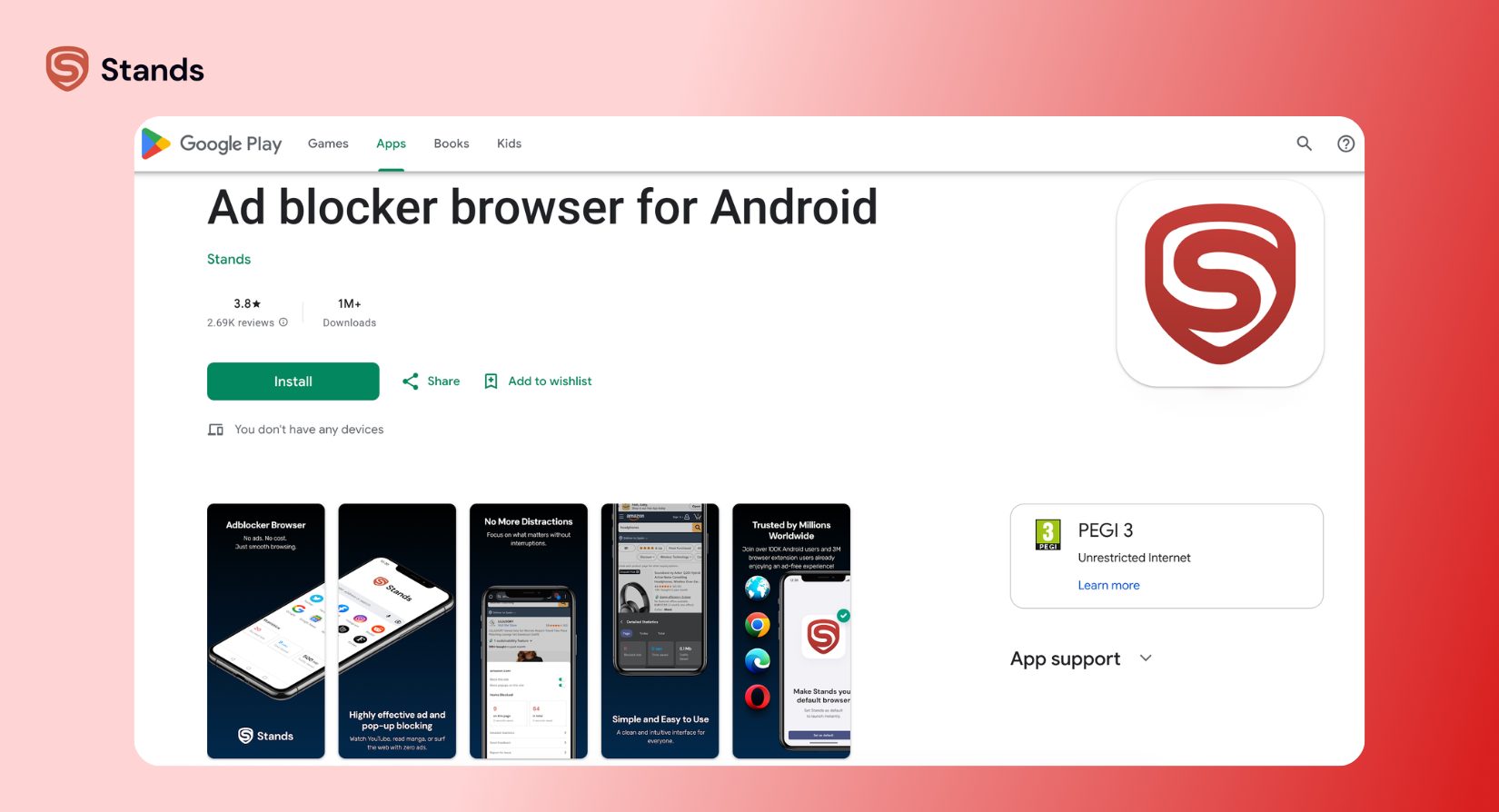
This browser gives Android users the best Pinterest ad blocker workaround available. It opens the web version of Pinterest and removes Promoted Pins immediately while keeping the page smooth.
The Truth About the Official App
I will be direct: most ad blockers cannot block ads inside the official Pinterest App. Trying to force an ad blocker into the app can break your account or stop images from loading. I stop using the native app, run the web version in my browser, and keep my feed clean.
Can You Turn Off Ads in Pinterest Settings?
When people see too many ads, they usually check their account settings for a switch.
You can view your ad options through these steps:
- Click your profile icon and open Settings.
- Select Privacy & Data.
- Scroll down to Ad Personalization.
- Turn off the settings for personalized ads.
The Verdict on Settings
These toggles do not remove ads. Pinterest’s internal ‘Ad Settings’ don’t actually stop ads—they just change which ones you see. You need an external tool for real silence.
Turning off tracking just means Pinterest shows you random ads instead of targeted ones. You will still see an ad every few pins. The "Hide Pin" feature on individual ads does not help either. When I hide an ad manually, Pinterest just places a new ad in its spot right away.

FAQ: Pinterest Privacy & Ad Blocking
Is there a free pinterest ad blocker that works in 2026?
Yes. I use Stands Adblocker because it is free and updates its code rules to stop new Pinterest ad formats in 2026.
Why am I still seeing Promoted Pins?
If you still see ads, check your setup. You are likely using the official app instead of a protected browser window, or your filter list needs an update. Open Stands Adblocker, update the filters, and refresh your page.
Does blocking ads on Pinterest make it faster?
Yes. Promoted Pins load extra images, trackers, and scripts. Blocking them uses less mobile data and helps your page scroll much faster.
Is it safe to use a browser extension for Pinterest?
Yes, as long as you use a trusted tool. Stands Adblocker does not track your history or save your board information. It only cleans up code on your screen.
A Feed Worth Following
I like to keep my workspace clear so I can focus more on my ideas. When I remove ads, it finally brings Pinterest back to what it was meant to be: a board for collecting ideas.
So clean your feed, and your inspiration will return. Install the extension, refresh the page, and enjoy the art with Stands AdBlocker on. :)

