
 Home »
How to Stop Temu Ads
Temu is an e-commerce platform that has gained massive popularity, mainly due to its highly aggressive advertising strategy. Temu ads appear on social media, search results, mobile apps, push notifications and even within other applications. Although it is not possible to eliminate all Temu ads, our step-by-step guide shows how to block or reduce them to improve your browsing and protect your privacy
Why You’re Seeing Ads on Temu
Temu bases much of its growth on massive advertising. It uses high-volume campaigns on platforms such as Google, Facebook, Instagram, TikTok and mobile ad networks. In addition, it makes extensive use of:
- Remarketing (showing advertisements again after visiting the website or app)
- Segmentation based on browsing behavior
- Endless aggressive promotions with temporary discounts
If you've ever visited Temu, downloaded the app, or interacted with an ad, you're very likely to enter its remarketing loop, which explains the constant repetition of intrusive ads.
Is Temu legit? Stay safe while you shop on Temu.

How to Block Temu Ads?
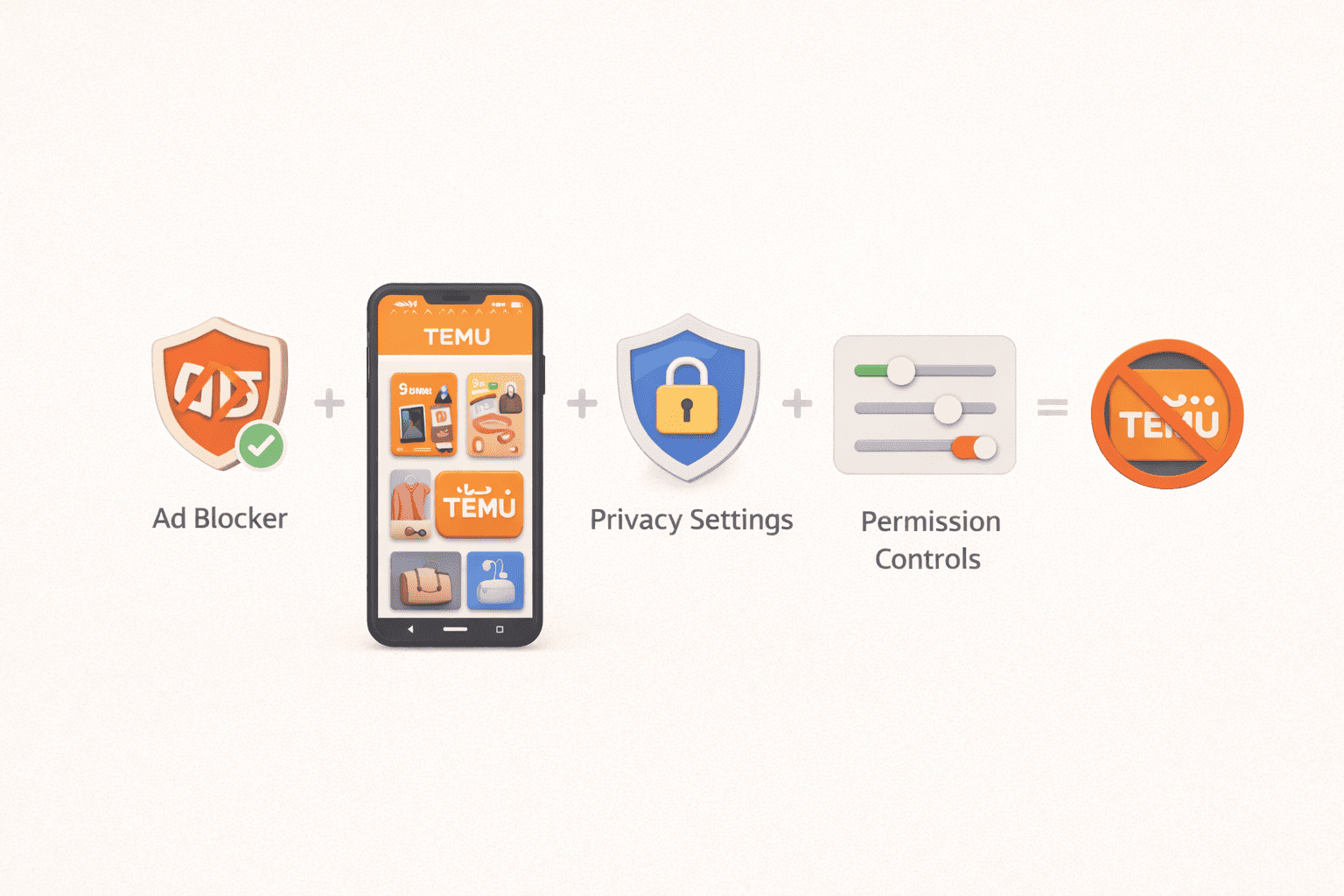
There is no universal solution to block annoying ads in the Temu app or website, but by combining ad blockers, privacy settings and permission controls, you can reduce the number of Temu ads.
How to Block Temu Ads in App
In the Temu app, there is no option to disable or get rid of Temu ads completely, as promotions are part of its design. However, you can:
- Disable push notifications from your system settings to limit unnecessary permissions (location, tracking, background data)
- Tap restrict mobile data usage or background execution
Following both does not remove ads within the app, but it reduces external interruptions and tracking.
How can I Block Temu Ads on iPhone (iOS)
On iOS, Apple offers robust privacy controls that help reduce ad exposure:
- Enable “Ask Apps Not to Track”
- Disable Advertising ID or limit personalized ads and retargeting.
- Review Temu permissions (location, notifications, background activity)
This is how you can block Temu ads iPhone, or at least reduce them. Even if these actions do not directly block ads, they reduce tracking and remarketing.
To browse without ads on iPhone, download the best Ad Blockers for iOS.
How to Block Temu Ads Android
On Android, you can:
- Reset or delete the advertiser ID
- Limit tracking from the privacy settings
- Use private DNS (such as NextDNS or AdGuard DNS) to block advertising domains
- Disable promotional notifications from Temu
This is how to block Temu on Android to reduce targeted ads and intrusive notifications. Keep in mind to only download and purchase DNS or blocker applications from the official App Store and Google Play Store. To reduce ads, you can also use an Ad Blocker for Android.
How to Remove Temu Ads on Desktop Browsers
On laptops and desktops, ad blockers are especially effective. Third party extensions such as Stands Adblocker can automatically:
- Prevent tracking and remarketing scripts
- Remove Google ads on affiliate websites and stores
- Reduce Temu ads embedded in external pages
This is one of the most reliable ways to reduce Temu advertising on desktop. Download and install Stands extension to get a smooth online experience here: Chrome AdBlocker.
How to Stop Temu Ads in Google Search
Temu ads often appear as sponsored results. To reduce them:
- Use an ad blocker in your browser
- Adjust ad preferences in your Google account
- Avoid clicking on Temu ads (clicking reinforces remarketing)
- It is not possible to eliminate them completely, but you can reduce their appearance.
How to Block Temu Ads with Stands Adblocker
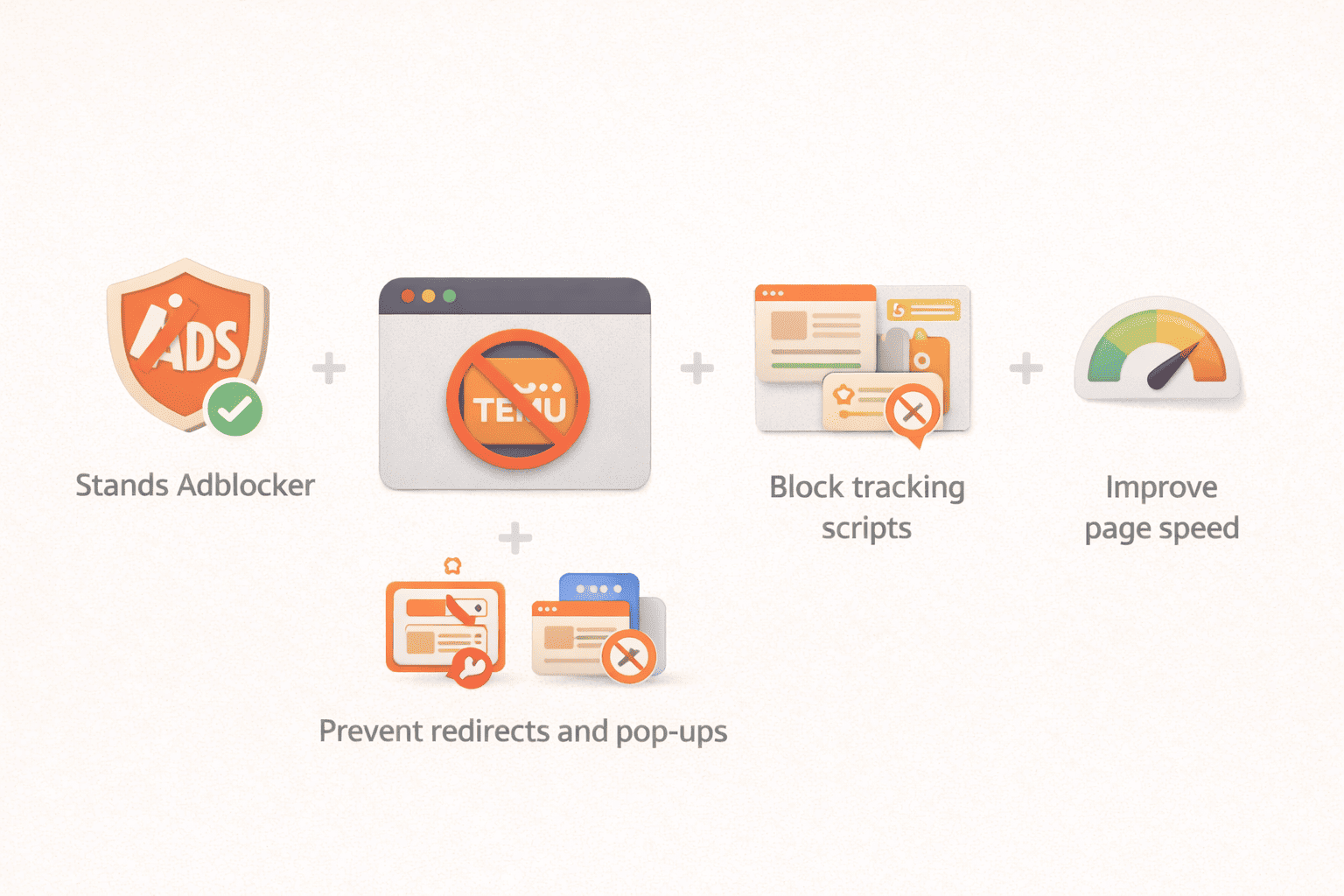
Stands Adblocker is especially useful for blocking Temu ads in web browsers. It can:
- Help you block display and text ads
- Prevent redirects and promotional pop-ups
- Block tracking and remarketing scripts
- Improve page loading speed
Stands does not remove promotions within the Temu app, but it drastically reduces their presence on the web and improves your online experience.
Browse distraction-free on Firefox with a Firefox Ad Blocker.
Additional Tips to Stop Temu Ads and Protect Your Privacy
Adjust Ad Preferences in Google and Social Media
You can limit interests associated with shopping, discounts, and e-commerce, which reduces ads similar to Temu.
Clear Browsing Data and Cookies
Deleting cookies breaks remarketing links and can temporarily reduce ad frequency.
Use a VPN for Extra Privacy
A VPN can:
- Hide your IP
- Reduce location-based targeting
- Limit cross-site tracking
- It doesn't block ads directly, but it helps reduce personalization.
Is Blocking Temu Ads Safe and Legal?
Yes. Using ad blockers and privacy tools is legal. It doesn't modify the app or break the law. However, altering the internal workings of the app or using unofficial tools may violate the terms of use.
Frequently Asked Questions
How do I block Temu ads permanently?
It is not possible to block them permanently in all environments. You can only significantly reduce them.
How do I stop Temu ads on my phone?
By disabling notifications, limiting tracking, using a private DNS service, and reviewing permissions, you can stop seeing so many Temu ads.
Why does Temu still show ads after blocking them?
Because remarketing is based on multiple platforms and historical data. Blocking them reduces their frequency, but does not eliminate them instantly.
How can I remove Temu ads completely?
It is not possible to remove them completely without stopping using the services where they appear.
Will Stands Ad blocker slow down my device?
No. Stands is designed to be lightweight and, in many cases, improves performance by blocking unnecessary scripts.

