
 Home »
Ways to Bypass Adblock Detection in 2026
Nowadays, websites use way more advanced technologies to detect ad blockers. Streaming platforms, content creators and free services rely heavily on advertising to monetize their content. The reason why when using ad blockers, many websites display pop-up messages, limit access, or prevent browsing activity to protect their business model.
However, in this guide, you will learn the legal and technical methods to avoid ad blockers detection without disabling them. Discover how adblocker detection works and how to overcome it with real, proven methods :)
- Why Websites Detect Ad Blockers
- How do Sites Detect Adblock
- How to Bypass Adblock Detection: 10 Proven Adblock Detection Bypass Methods
- 1. Use Incognito Mode or Private Browsing Mode
- 2. Enable Stealth or Anti-Detection Mode in Your Adblocker
- 3. Disable JavaScript (Temporarily)
- 4. Use Reader Mode for a Clean, Ad-Free Page
- 5. Regularly Clear Cookies and Site Data
- 6. Switching to a Privacy Focused Browser
- 7. Using a VPN Ad Blocking to Bypass Detection
- 8. Change Your DNS to Block Tracking Domains
- 9. Modify Custom Filters in Your Adblocker
- 10. Try a Different Browser or Sandbox Environment
- Advanced Ad Bypass Strategies
- How to Block Ads with Stands Adblocker
- FAQ
- Can websites detect if I use an ad blocker?
- Is it legal to bypass adblock detection?
- How to get past adblock detection without disabling ads?
- Does Stands Adblocker bypass all detection scripts?
- How do I block adblock detection permanently?
- Can I bypass anti-adblockers without breaking website terms?
Why Websites Detect Ad Blockers
Websites implement anti-adblock systems because their main source of income is advertising. So, if a user is using an ad blocker, the platform stops receiving revenue per view or click. In response, websites use scripts that check whether ads are loading correctly and, if not, automatically restrict the content.

How do Sites Detect Adblock
If you were wondering how do websites detect adblock, they use several techniques to identify whether AdBlock is activated or not:
1. Script Injection and Script Behavior Monitoring
Scripts are inserted to check whether ad requests are being responded to. If the code does not return results (because the ad blocker has filtered it), the site detects ad blocking.
2. Ad Request Analysis and Content Fingerprinting
They analyze HTTP requests related to ads. If there are no requests to Google Ads, DoubleClick, Taboola, Criteo or Outbrain, it means ad blocking is active.
3. JavaScript Traps and Dummy Ad Elements
Sites place hidden fake ads. If the ad blocker blocks them, the system concludes that active blocking software is in use.
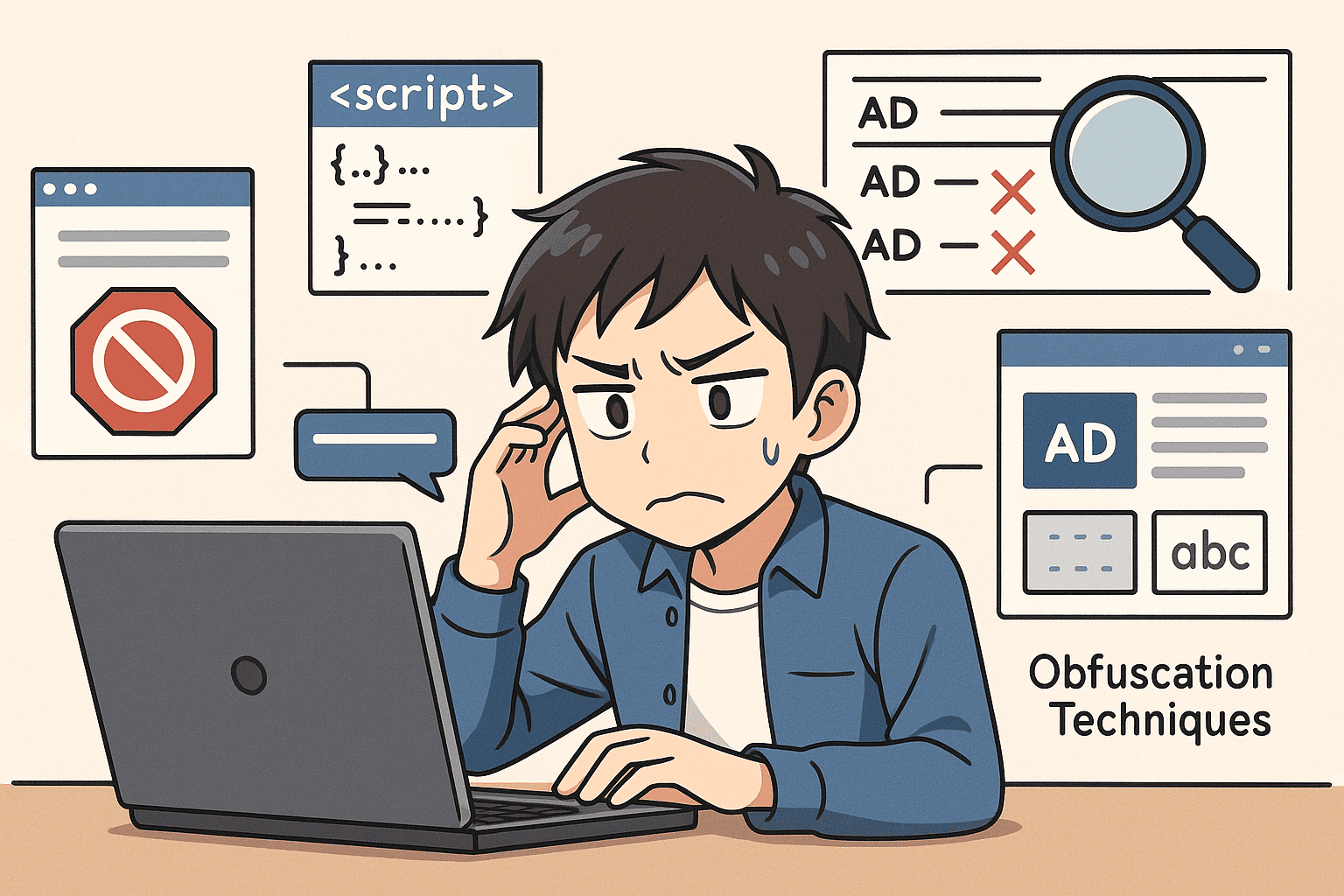
4. DOM Scanning and Obfuscation Techniques
Some websites examine the DOM (Document Object Model) to detect the absence of advertising elements. Instead of relying solely on traditional <iframe> detection, these scripts look for missing ad containers, blocked network requests, disabled tracking scripts, and more.
To make filtering harder, many websites now obfuscate their code by randomizing class names or masking promotional content as regular page elements. This forces ad blockers to adapt continuously and rely on more advanced detection and filtering strategies.
Find how to block adblock detection: Discover the best solutions to avoid having your adblocker detected below.
Discover how to turn on adblock in a few easy steps.
How to Bypass Adblock Detection: 10 Proven Adblock Detection Bypass Methods
When a website detects that users are using an ad blocker, it may display a warning banner, ask users to disable their ad blocker, blur the content, or, for example, completely restrict access and block YouTube videos (if using YouTube). Fortunately, adblock detector bypass techniques can prevent these restrictions without disabling ad protection :)
Using YouTube? Watch your videos without distractions and bypass YouTube Anti Adblock.
1. Use Incognito Mode or Private Browsing Mode
Browsing in incognito mode prevents access to previously stored cookies, local storage and browsing history. This can bypass detection methods that rely on persistent user data or previous session tracking.
How it helps:
- Reduces the number of background tracking scripts loaded.
- Allows temporary access to content that is blocked.
Limitations:
Incognito does not stop anti-adblock scripts or DOM-based detection. It only removes persistent tracking, not real-time detection methods.
2. Enable Stealth or Anti-Detection Mode in Your Adblocker
Modern third-party ad blockers might offer anti-detection features that hide traces of the blocker, making it harder for websites to detect them.
Real benefits:
- Makes ad-blocking activity less detectable.
- Can block anti-adblock scripts and warnings.
- Reduces the risk of "Disable your adblocker to continue viewing" screens in many cases.
Limitations:
Stealth mode reduces detection but does not guarantee total invisibility.
3. Disable JavaScript (Temporarily)
Most Anti-Adblock detectors work with JavaScript to scan the page, verify ad elements, or trigger warning messages. So, disabling JavaScript prevents these scripts from running and removes the logic behind adblocker detection.
Real benefits:
- Stops anti-adblock scripts from executing
- Removes logic that checks for missing ad elements
- Can unlock pages that block users with ad blockers
General steps (Chrome/Firefox/Edge): Settings → Privacy/Website → JavaScript → Disable
Reload the page
Limitations: Blocking JavaScript scripts also disables core website features, leading to long-term failures: comments, logins, forms, and videos.

4. Use Reader Mode for a Clean, Ad-Free Page
Reader Mode removes the main article content and displays it in a simplified layout, hiding most banners, styles, tracking scripts and ads.
Available in: Safari, Firefox, Edge, Chrome Android.
Real benefits:
- Avoids pop-ups, autoplay and embedded ads.
- Increases content loading speed.
- Useful for articles, blogs, and news.
Limitations:
This method is not reliable on sites that load content dynamically (video platforms, dashboards, streaming). Also, it doesn't guarantee the removal of all tracking scripts.
5. Regularly Clear Cookies and Site Data
Many sites detect Adblock by comparing user behavior between visits through cookies, session tokens, and stored site data. If you delete cookies, you become a new user again. This can help bypass soft paywalls and anti-adblock warnings.
What this method removes:
- Session identifiers
- Tracking tokens
Limitations:
This method only helps when detection relies on stored data. It will not bypass DOM-based or script-level anti-adblock systems.
6. Switching to a Privacy Focused Browser
Browsers with built-in protection against trackers, third-party scripts, and some advertising sources detect advertising scripts before they are activated. Because many ad-related scripts are blocked before they load, these browsers can reduce the chance of anti-adblock warnings.
Browser with Built-in protection:
- Brave - Blocks ads + trackers by default; includes anti-tracking filters.
- LibreWolf - Hardened Firefox fork with privacy defaults.
Real benefits:
- Stops many trackers and ad scripts before execution
- Reduces exposure to anti-adblock triggers

7. Using a VPN Ad Blocking to Bypass Detection
Some VPNs include network-level DNS blocking. Since the browser does not request ads from the server, this can reduce the number of ads, pop-ups and tracking scripts once installed.
Real benefits:
- Blocks ads and trackers across mobile devices, smart TVs and standard browsers.
- Potentially reduces adblock-detection by preventing ad loading altogether
- Useful for ad blocking + privacy + VPN encryption.
Limitations:
Anti-adblock detection based on DOM scanning or script behavior can still detect blocking.
Using Android? Download an effective Ad Blocker for Android and browse without ads.
8. Change Your DNS to Block Tracking Domains
A filtered DNS prevents scripts that activate anti-adblock from loading.
Real benefits:
- This method reduces ads by default without installing browser extensions.
- Works across apps and devices (not limited to web browsers).
Limitations:
Does not prevent more advanced anti-adblock detection (script-based checks, DOM scanning, obfuscated ads).
9. Modify Custom Filters in Your Adblocker
Advanced users can write custom rules in tools like AdGuard to neutralize anti-adblock scripts or hide the warnings they trigger.
Real benefits:
- Offers a more stable bypass than generic extensions.
- Highly customizable per domain
Limitations:
Requires filter syntax knowledge.
10. Try a Different Browser or Sandbox Environment
Some sites detect Adblock based on stored detection history. Changing browsers removes that fingerprint.
- Create a new profile in Chrome/Firefox
- Secondary browser (Brave, Vivaldi, Edge)
- Run a portable or sandboxed Chromium build for isolation.
Limitation:
This method doesn't fool real-time detection. It resets history, but it doesn't hide the blocker itself.

Advanced Ad Bypass Strategies
Many users may be looking for more advanced ad bypass techniques to evade anti-adblock systems effectively. These strategies require an intermediate to advanced level of browser management, custom filters, DNS, and web inspection tools.
We must note that no guarantee of a 100% permanent bypass, but when combined correctly, they can significantly reduce detection.
Using Developer Tools to Block Detection Scripts
Many anti-adblock systems primarily rely on JavaScript files, to detect whether ads, iframes, or tracker scripts are missing. Using developer tools (DevTools), you can intercept, block, or neutralize these scripts in your browser.
How to do it:
- Open DevTools → F12 or Ctrl + Shift + I.
- Right-click → Block request domain (Chrome) or Use Request Blocking (Firefox).
- Reload the page to verify that the warning disappears.
Optional: Export the blocked URLs as a custom rule.
This method works especially well on blogs and sites that use simple JavaScript-based detectors.
How to Disable Adblock Detection Elements Manually
Some sites do not block content with scripts; instead, they use overlay HTML elements that prevent interaction with the page. These elements can be manually disabled by editing the DOM.
Step-by-step:
- Open DevTools → Elements tab.
- Search for containers with messages such as:<div class="adblock-warning"><div id="overlay-block">
- Delete the element with Delete.
This method is reliable and repeatable and allows you to browse without alerts, but you will need to alter the filters again if the site changes the code.
How to Bypass Ad blocker Detected: VPN, DNS, and Adblock Filters
The most effective and stable way to avoid ads and Anti-Adblock detection is to combine several simultaneous layers of blocking: DNS blocks ads at the network level, Adblock removes visual elements and scripts, and VPN reduces IP tracking, enhancing privacy and security.
Real benefits:
- Blocks many ad and tracking domains at the DNS/device level
- Script-based removal for ads that bypass DNS
- Adds IP privacy and cross-app blocking
How to Block Ads with Stands Adblocker
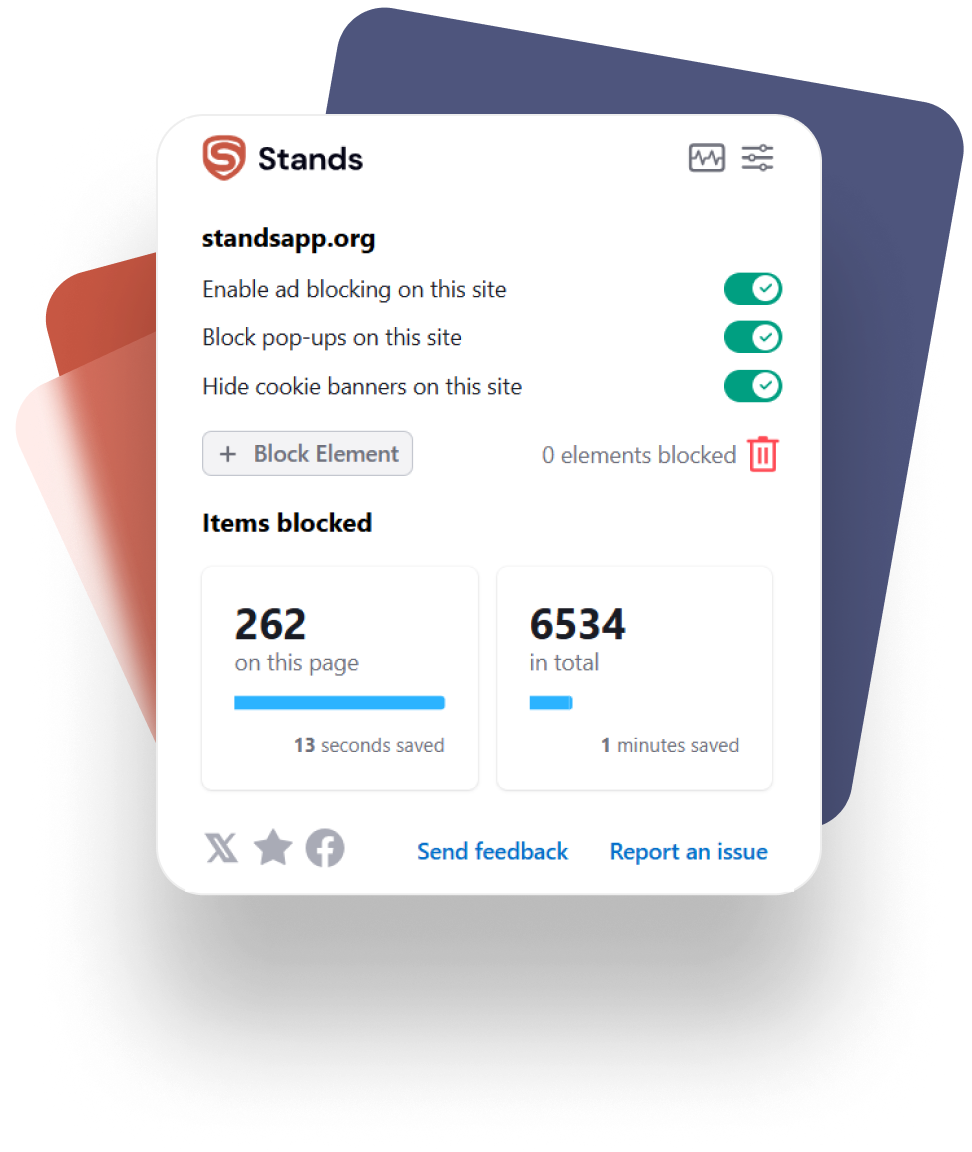
Stands Adblocker is one of the most reliable and user-friendly ad blockers in 2026, recommended when sites implement anti-adblock measures.
- Ensures fast, secure browsing without complex configurations.
- It is a Chrome AdBlocker (including Manifest V3), and is compatible with Firefox, Edge and Opera.
- Smart filtering functionality and customized rules for a cleaner experience.
FAQ
Can websites detect if I use an ad blocker?
Yes. Through script analysis, ad requests, and DOM verification. However, there are safe methods to avoid this.
Is it legal to bypass adblock detection?
Legally allowed in most countries, but may violate site terms. It's not a crime, but some sites may restrict your access.
How to get past adblock detection without disabling ads?
Reading mode, DNS filtering, VPN, or browsers with anti-detection protection usually work without disabling your adblocker.
Does Stands Adblocker bypass all detection scripts?
No adblocker is 100% guaranteed, but Stands reduces detection on most sites without breaking the page.
How do I block adblock detection permanently?
By combining DNS + VPN + custom filters + private browsing. This is the most robust configuration.
Can I bypass anti-adblockers without breaking website terms?
Yes: by using reading mode, private browsing, or allowing ads only on trusted pages.

