
 Home »
How to Send & Receive Anonymous Emails in 2026
You can send and receive anonymous emails in three easy ways. The first is to use "email aliasing", like Apple's Hide My Email or Firefox Relay, to hide your real address every day. Also, you can get a temporary address when you need a fast, one-time signup. Or you can open a privacy-first account like Proton Mail or Tuta when you want safe, ongoing chats.
Data brokers track what you buy, advertisers build files on you, and data breaches dump your personal details online. So, personally, for me, the skill of sending an anonymous email is a simple way to protect yourself if you are tired of being tracked.
When you look for an anonymous email tool, you just want to keep your identity safe without dealing with hard tech steps. Luckily, taking control of your inbox is very easy today. Here is how these tools work, how you can create an anonymous email step by step, and how to choose the best option for you :)
- Email Aliasing vs. Disposable Addresses vs. Anonymous Providers
- What 'Anonymous' Actually Means Technically
- How to Create an Anonymous Email Address Step by Step
- How to Send an Anonymous Email Without an Account
- Choosing Anonymous Email Names That Don't Look Suspicious
- What Anonymous Email Can't Protect You From
- FAQ
Email Aliasing vs. Disposable Addresses vs. Anonymous Providers
Different private email tools solve very different everyday problems. Picking the wrong approach can lead to bounced messages, blocked account signups, or accidentally exposed personal details.
| Approach | Typical use case | Durability | Best for |
| Email aliasing | Store signups, newsletter subscriptions, public forms | Permanent or semi-permanent (you turn it off whenever you want) | → Routing incoming messages long-term without giving away your real inbox |
| Disposable addresses | One-time downloads, quick verification codes, gated content | Short-lived (minutes to hours) | → Quick throwaway signups when you never want to hear from a website again |
| Privacy-first email providers | Sensitive chats, confidential business, secure file sharing | Permanent dedicated account | → High-security, encrypted two-way communication |
When you want to grab a store discount without dealing with endless marketing spam later, grab a temporary email address. When you need a clean handle for long-term subscriptions, rely on smart email masking through aliases. When you want to send sensitive messages back and forth with total confidence, build a dedicated account with a private provider.
What 'Anonymous' Actually Means Technically
It really helps to understand the difference between a simple masked address and a truly anonymous system.
When you send a standard email, your message carries invisible metadata called headers. These headers contain your actual IP address, your browser details, and your email app info. If you send a regular webmail message under a fake name, your ISP and your recipient can still trace that message right back to your home internet connection.
A basic email alias forwards incoming messages to your real inbox, but they hide your main address. It protects you from pushy sales lists, but it doesn't hide your underlying network footprint.

To enjoy true anonymity, you need to hide your network identity alongside your address. Top privacy providers like Proton Mail and Tuta actively strip originating IP addresses from outgoing email headers before sending your message out. Standard providers like Gmail or Outlook leave your IP and account identifiers attached by default.
As Google points out in its handy guide on tracing an email with full headers, header analysis reveals the exact routing path and source IP address of any incoming message. If your provider doesn't strip those headers at the server level, anyone can see your general physical location.
How to Create an Anonymous Email Address Step by Step
That is a pretty simple task. Set up an encrypted account without a phone number to create a private inbox without sharing your personal details. Here is how:
→ Step 1: Secure your connection
Before you open your browser, connect to a friendly, trustworthy VPN or fire up the Tor browser. This simple step hides your real IP address from the email service while you sign up.
→ Step 2: Pick a zero-knowledge provider
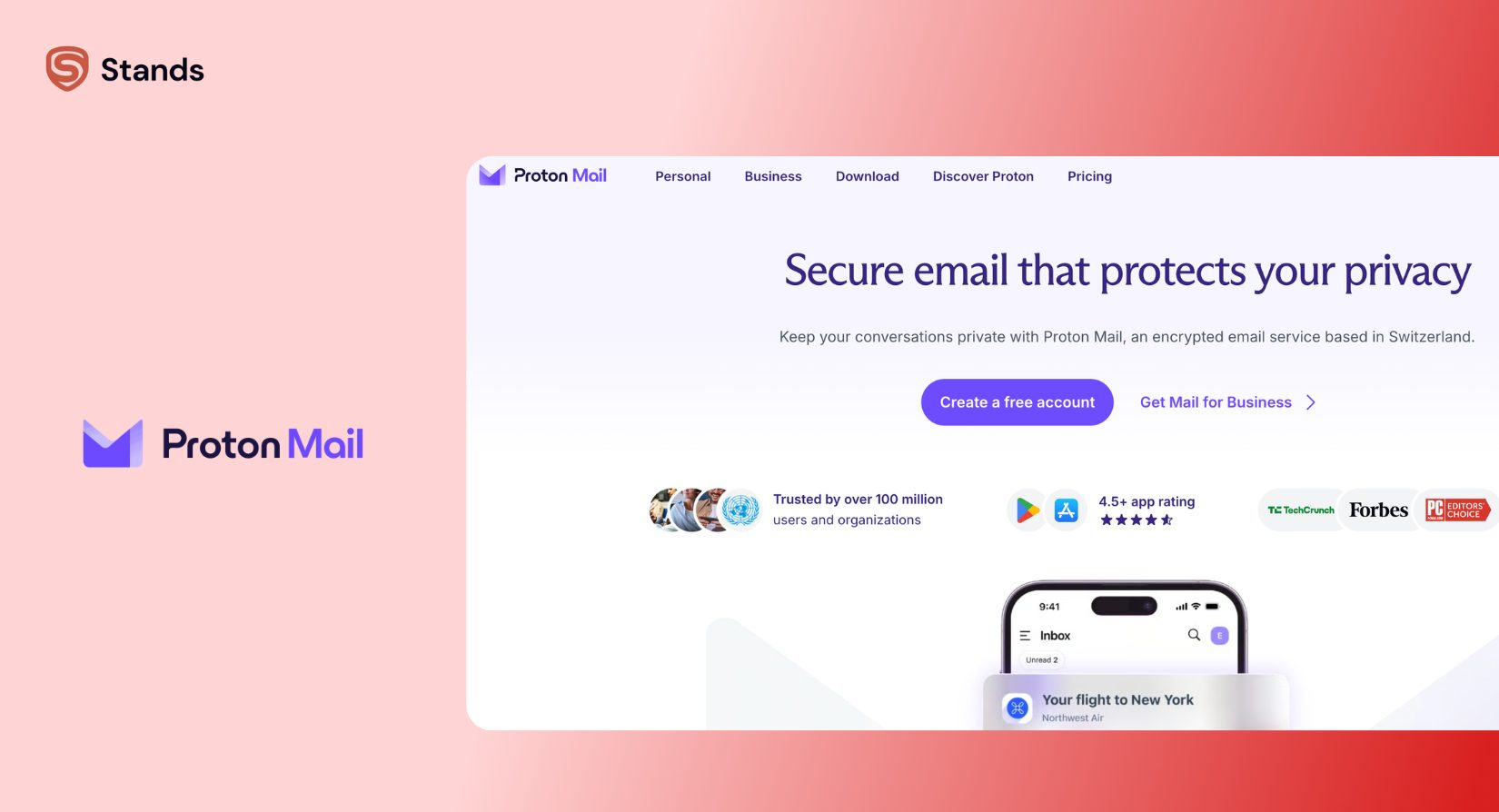
Head over to a privacy-first platform like Proton Mail or Tuta. These companies use zero-access encryption, which means their own team couldn't read your inbox even if they tried.
→ Step 3: Set up your account without personal info
Select the free tier. When you choose your username, leave out your real name, birth year, or recognizable social handles. When the app asks for a recovery phone number, feel free to skip that field or save an offline cryptographic recovery key instead.
→ Step 4: Protect your recovery keys
Store your new password and master recovery key inside a password manager or a safe offline notebook. Because zero-knowledge platforms can't reset your password through standard SMS, you lose your inbox if you lose that key.
Follow these four steps and you'll hold a clean inbox that lets you send and receive private messages without tying your real life to your internet connection!
How to Send an Anonymous Email Without an Account
When you just need to grab a quick verification link or send a single note, you can skip account creation entirely! You can use a burner tool or a temporary email generator instead.
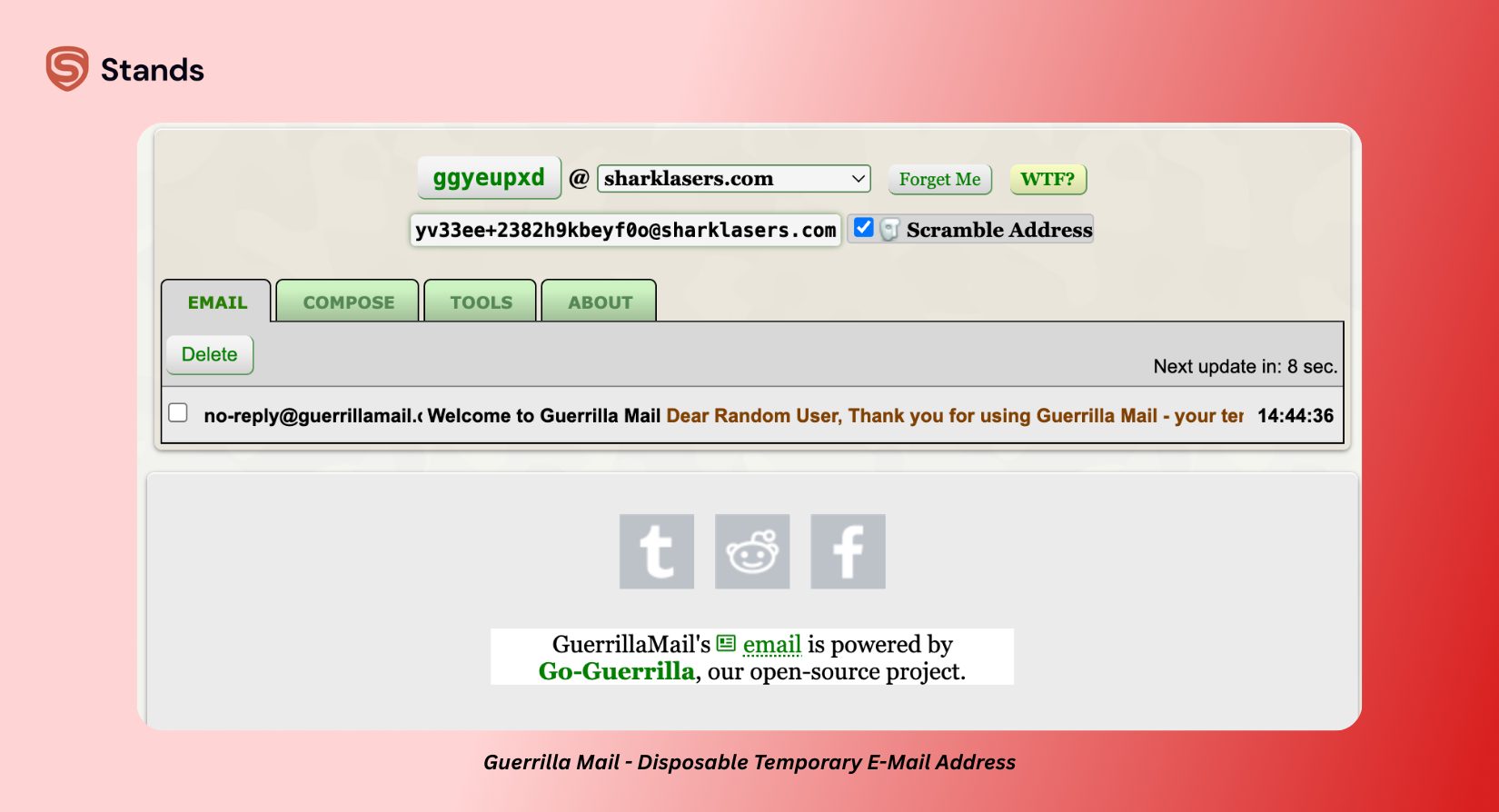
Services like Temp Mail, Guerrilla Mail, or 10MinuteMail generate a random, working disposable email address the second you land on their site. You can drop that temporary address into a signup box and grab your access code right inside your web browser.
Just keep in mind that these throwaway tools do come with a few real-world limitations:
- No outgoing messages. Most free burner sites only receive mail. If you want to send an anonymous email back to someone, a throwaway inbox won't cover it.
As folks on Reddit's techsupport community often highlight: when you use free web remailers to push unverified outgoing mail, major inbox providers drop those messages straight into the spam folder due to modern SPF and DKIM security checks. If you want reliable two-way chats, stick with a masked alias or a dedicated private provider. And give us a follow on Reddis, as we discuss such topics a lot in our own community on r/StandsApp as well.:)
Choosing Anonymous Email Names That Don't Look Suspicious
Let me tell you, the balance between privacy and deliverability is super important when you create your new handle. So if your address looks like spam, trust me, filters will hide your message before the recipient ever opens it.
"A handle like xX_ghost_user_999_Xx@domain.com might feel sneaky, but spam filters flag crazy character strings, random numbers, and weird domains instantly."
Here are a few things to keep in mind when you pick up your anonymous email names:
- Pick neutral words: pair two simple words or use a generic name (like north.field.labs@ or taylor.reads.docs@).
- Ditch random strings: avoid random letter mixes like j8f294kd1@. Automated security filters rate those patterns high for bot activity.
- Keep it clean: separate your words with single dots or hyphens. Skip extra underscores or weird symbols.
- Match your goal: if you want to write to a business, use a clean administrative style like consulting.desk.24@ so your note looks natural and warm.
A clean, ordinary handle helps your messages pass automated spam checks smoothly while keeping your real identity completely safe :)
What Anonymous Email Can't Protect You From
An anonymous inbox hides your contact details and strips header metadata, but it isn't a total magic wand for web privacy.
Your private inbox alone cannot stop:
- Dangerous links and attachments. Phishing attacks look convincing even inside an encrypted inbox. Anonymity won't stop you from accidentally clicking tricky links.
- Invasive web ads and trackers. The moment you click a confirmation link inside an email and land on an external site, ad networks resume building a profile on your machine.
That is why having reliable browser-level defense makes such a huge difference! While an encrypted provider shields your mail in transit, Stands AdBlocker stops invasive tracking scripts, blocks annoying pop-ups, and keeps your browsing sessions clean on every site you visit. You get the best peace of mind when you guard your inbox and your active web browsing together!
FAQ
Can I legally send an anonymous email?
Yes, absolutely! You can send anonymous emails legally in almost every country :) People treat it just like a digital P.O. Box to protect their personal privacy. However, if someone uses anonymous tools to commit fraud, send threats, or harass others, they still break the law, doesn't matter of their tech setup.
Can someone trace my anonymous email?
Yes, someone can trace your messages if you skip basic network precautions. If you don't shield your real IP address with a VPN or Tor while you create and check your account, courts or network admins can match server access logs with your ISP records. Additionally, basic webmail tools expose your origin IP in the header data by default.
How does an anonymous email differ from a disposable email?
You use a disposable email address for quick, temporary tasks—like grabbing a single confirmation code—before you abandon the inbox completely. You use an anonymous email account or alias for ongoing communication, allowing you to shield your real identity across multiple conversations over time.

