
 Home »
The ADHD-Friendly Browser
Let’s cut to the chase: if you’ve ever gone online with a clear mission and blown hours cruising through a maze of tabs, gifs, and endless “recommended for you” lists, you already know the internet isn’t built for ADHD brains. Researchers, psychologists, and UX designers are finally taking ADHD seriously and rethinking how we interact with the web, not against it.
This isn’t just “digital wellness lite.” We’re talking about tools, browser tech, and evidence-inspired habits that actually help people with ADHD stay focused online in 2026. So grab a cup — this is the guide your multitasking brain will thank you for later.
- Why choose an ADHD-friendly browser
- 2026 Tech Trends in ADHD Browsing
- Browser Add-Ons You Actually Want in 2026
- Why Ad Blockers Matter for ADHD Browsing
- Scientifically Backed Focus Strategies You Should Know
- The Hard Truth About Distractions and the ADHD Brain
- How to Build Your ADHD-Friendly Browsing System
- Conclusion
- FAQ
Why choose an ADHD-friendly browser
ADHD — Attention Deficit Hyperactivity Disorder — isn’t about lack of effort; it’s about the way your brain processes reward, novelty, working memory, and attention differently. That means a blaring notification, a badge number on a tab, or even an ad autoplay video can trigger pathways to distraction that feel almost impossible to ignore without superhuman willpower. This isn’t anecdote — research shows that digital distractions hijack working memory and impair task completion, especially for people with ADHD.
Put simply: a normal browser, with infinite tabs and endless content hooks, becomes a cognitive clutter machine for ADHD brains. What you’re actually fighting isn’t laziness — it’s executive function overload, a documented part of ADHD that makes planning, remembering, and task switching harder.
That’s where ADHD-friendly browsing comes in — it’s about aligning the digital environment with how your brain actually works, not how marketers think it should.
2026 Tech Trends in ADHD Browsing
Here’s what’s hot and useful right now — all of which are grounded in real products or UX research:
Distraction-Resistant Browsers That Think of You
A few browsers in 2026 are approaching web design from an ADHD-centric perspective:
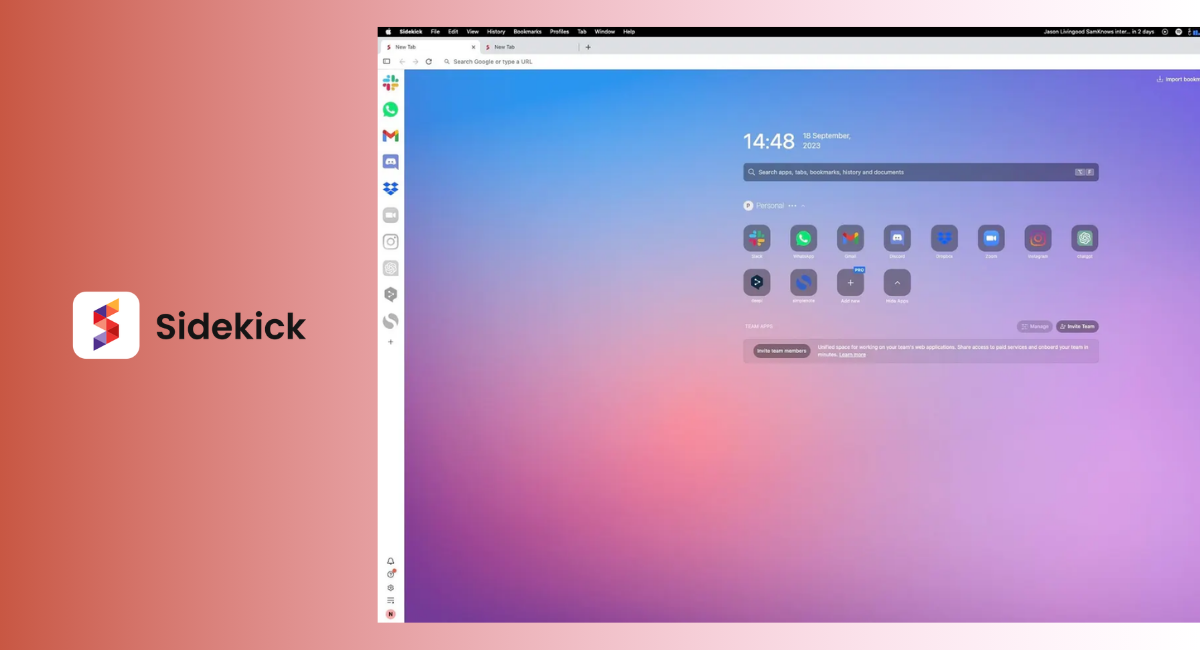
Sidekick – Distraction Avoidance by Design
Sidekick actively blocks ads and trackers, hides tabs and notifications on demand, and features a full-screen “Focus Mode” that strips the interface down to the bare essentials so your attention doesn’t wander. It’s built on the philosophy that traditional browsers earn money by selling your attention — something that’s especially punishing if you’re neurodivergent.
Horse Browser – Follow Your Train of Thought
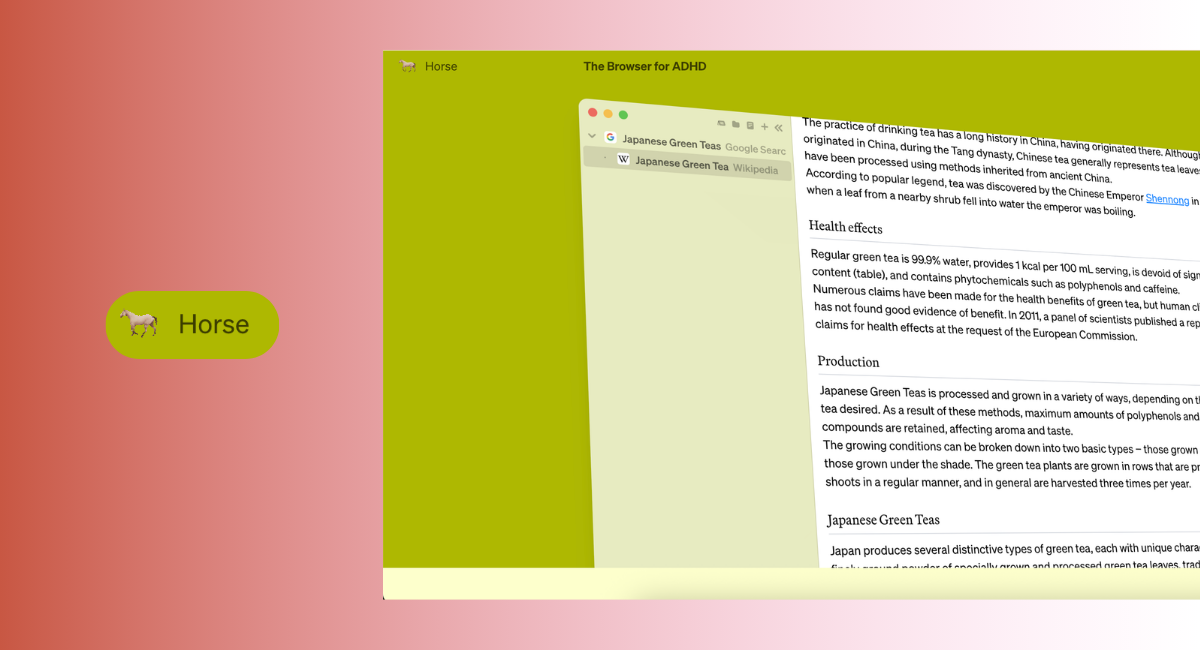
Horse Browser throws out typical tabs and replaces them with Trails — visual paths that track your browsing journey like a mind map. For ADHD brains that think in tangents, this is a game changer: no more lost ideas in “tab chaos,” no more guessing where you saw that thing you meant to save. It’s literally designed to mirror how your thought process naturally flows.
These browsers reflect a larger trend in 2026: tools that adapt to your cognition instead of demanding you adapt to the tech ecosystem. And designers are building them with input from real users, not just marketing teams.
Browser Add-Ons You Actually Want in 2026
Sometimes a full browser switch isn’t realistic — but smart extensions can make mainstream browsers ADHD-friendly:
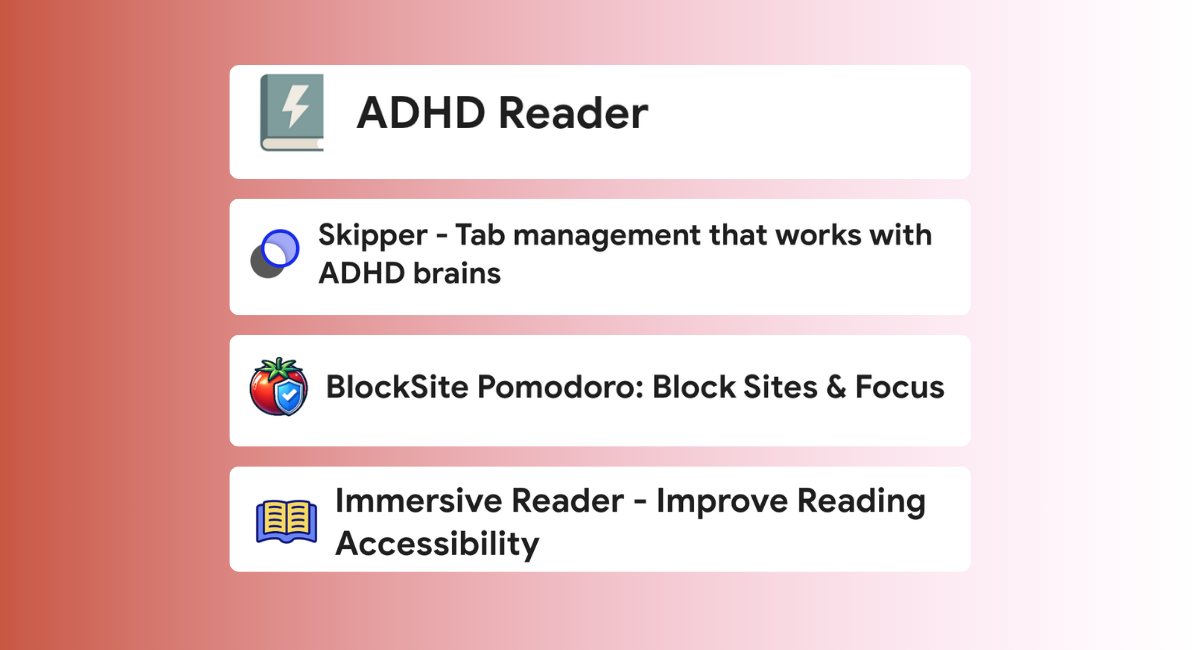
- ADHD Reader: Turns any web page into a clean, distraction-free reading layout with special fonts designed to guide your eyes smoothly through text — ideal for reading articles without drifting off.
- ADHD Tab Manager: Caps open tabs, prevents duplicates, and keeps tab clutter under control — limiting visual chaos that can destroy focus.
- BlockSite & Pomodoro Extensions: Block distracting sites or set timed focus sessions with break periods baked in. Proven time-management techniques like Pomodoro help counteract ADHD’s time-blindness and boost attention by segmenting work into bite-sized chunks.
- Reader/Immersive Modes: Browsers like Edge have built-in features like Immersive Reader, which remove noise from pages and let you focus on the text — a huge help when your brain is already tugging in ten directions.
Even small interface tweaks — a calming theme, minimized badges, larger fonts — reduce visual overwhelm and make your digital environment less chaotic.
ADHD Browser Add-Ons
Why Ad Blockers Matter for ADHD Browsing
If you’ve ever tried to focus online, you know how quickly ads can derail your attention. One second you’re reading an article, the next a flashing banner, autoplay video, or pop-up is begging you to click it. For people with ADHD, those little interruptions aren’t just annoying — they’re focus killers.
Ads are designed to grab attention. Bright colors, movement, countdown timers, “limited-time” offers — all of it is built to pull your brain away from whatever you were doing. And when your attention already tends to jump to the next interesting thing, that’s a recipe for going completely off track.
That’s where ad blockers come in.
A good ad blocker removes banners, pop-ups, and autoplay ads before they even appear on the page. The result is a calmer browsing experience with fewer visual triggers competing for your attention. Pages load faster, layouts look cleaner, and it’s easier to stay focused on the actual content instead of getting pulled into random distractions.
One option many users rely on is Stands Adblocker. It’s designed to block intrusive ads across websites while keeping pages readable and smooth. Instead of constantly fighting pop-ups and banners, you get a much quieter browsing environment. If you want to stay with Chrome, you can use Stands Adblocker extension, which is also available for other popular browsers.
For someone trying to build an ADHD-friendly browser setup, that kind of simplicity makes a real difference. When ads disappear, the internet suddenly feels less chaotic. You can read, research, or work without your screen trying to sell you something every few seconds.

Scientifically Backed Focus Strategies You Should Know
Browsers and extensions are only half the story. Experts who study ADHD emphasize that environment and behavior matter just as much as software:
Executive Function Isn’t Laziness — It’s Biology
ADHD affects your brain’s executive functions — planning, working memory, self-regulation — all the stuff that helps you stay on task and resist distraction. It’s not a failure of willpower; it’s a neurological difference.
So any ADHD-friendly browser strategy that ignores how your brain already works is bound to fail. Over the last few years, clinicians and researchers have emphasized building systems you follow automatically, not ones you rely on sheer focus to maintain.
Focus First, Tools Second
Here’s what experts recommend that you pair with your browser:
- Time Awareness Tools — Use timers and visual cues to fight ADHD’s notorious “time blindness.” Pomodoro timers on your browser or desktop help you stay grounded.
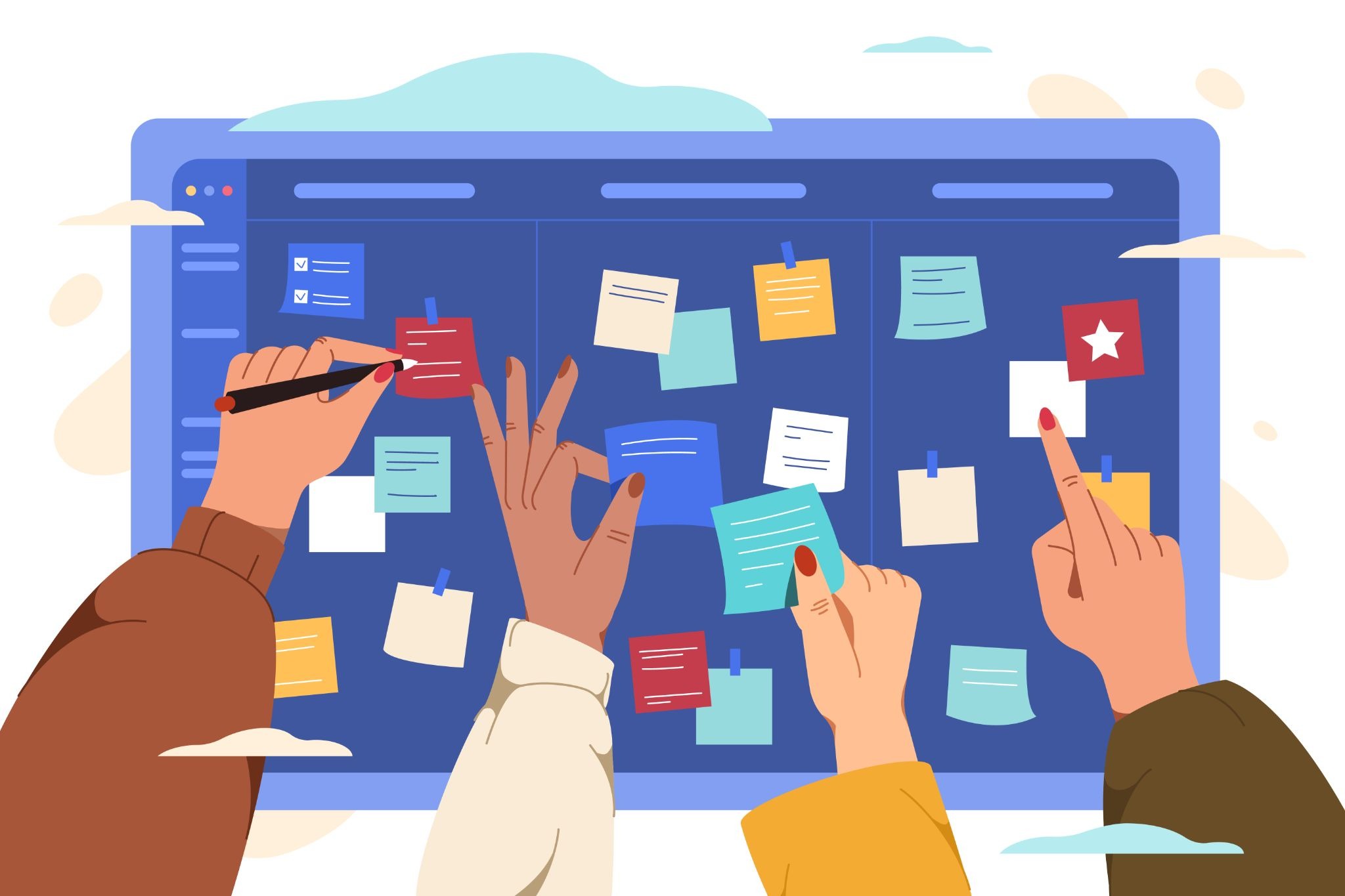
- External Memory Systems — Task lists, visual boards, and reminders reduce reliance on working memory alone. These should integrate with your browsing workflow so you don’t forget what you planned to do.
- Scheduled Breaks & Movement — Doctors emphasize physical movement as part of focus routines; even stretching or a quick walk can reset cognitive focus and lower stress.
- Structured Browsing Goals — Don’t wander aimlessly online. Decide your task before you open your browser: what exactly are you trying to accomplish? Set that intention first, then stay disciplined with blockers and timers. This mirrors cognitive behavioral techniques used in therapy.
These aren’t trendy tips — they’re grounded in what psychologists and neuroscientists see in real clinical and experimental settings.
The Hard Truth About Distractions and the ADHD Brain
Let’s be honest for a sec: the internet wasn’t made for you. Platforms and browsers are engineered to keep your eyes glued to screens with dopamine-boosting loops — and that plays right into ADHD tendencies around reward sensitivity and novelty seeking.
One study even found that social media use correlates with increased inattention symptoms in young people — not because ADHD is caused by screens, but because algorithmic pulling every lever to keep you scrolling plays directly into attention challenges.
That means your brain isn’t “bad” or “weak” — it’s operating exactly as its neural wiring dictates. And tech companies profit from that wiring, which is why a distraction-free digital environment isn’t just nice, it’s necessary for managing ADHD in the modern era.

How to Build Your ADHD-Friendly Browsing System
Here’s a practical plan you can implement today:
1. Pick a Browser That Minimizes Noise
Whether it’s Sidekick, Horse Browser, or a stripped-down setup of Chrome or Edge with extensions, choose a baseline that supports focus.
2. Limit Visual Clutter
Cap your tabs. Block ads. Remove notification badges. Your eyes — and your brain — will be grateful.
3. Set Specific Goals Before You Go Online
“I’m reading one article.” “I’m answering these three emails.” Write it down and stick to it.
4. Use Timers & Breaks as Part of Your Workflow
See focus as intervals, not marathon sessions.
5. Treat Your Browser Like a Tool, Not a Playground
That means blocking what doesn’t help you get things done, not just what you think might help.
Conclusion
By 2026, ADHD-friendly browsing isn’t a niche gimmick — it’s part of a broader shift toward digital autonomy. People with ADHD deserve tools that respect how their brains work, rather than punish them for it.
Whether you choose a custom browser, install a suite of plugins, or just set up smarter browsing habits, the goal is the same: design your digital environment so it works with your brain, not against it.
We hope this article has helped you, even if just a little, to make your browsing experience less overwhelming and more enjoyable. :)
FAQ
1. What is the best browser for someone with ADHD?
There isn’t one perfect browser for ADHD. The best option is simply the one that lets you reduce distractions, organize tabs easily, and use tools like focus mode or site blockers. A clean, simple setup matters more than the browser’s name.
2. How do I stop opening so many tabs with ADHD?
Use a tab limiter or make a rule to close tabs you’re not actively using. Bookmark what you want to revisit later. Adding a small barrier before opening another tab helps interrupt impulsive clicking.
3. Why do I get distracted so easily online?
The internet is built to grab attention, and ADHD brains are more sensitive to novelty and quick rewards. Notifications, autoplay, and suggested content all compete for your focus, which makes staying on task harder without structure.
4. Are distraction-free or reader modes actually helpful?
Yes. Reader mode removes ads, pop-ups, and sidebars so you can focus only on the text. For many people with ADHD, reducing visual clutter makes it easier to finish what they start.
5. Can an ADHD-friendly browser improve productivity long term?
It won’t fix everything overnight, but it can improve consistency. When your digital environment creates fewer distractions, it’s easier to start tasks, stay focused longer, and avoid losing hours to random browsing.

