
 Home »
How to Block Ads on Instagram
Instagram is one of the most widely used social platforms in the world, but also one of the most ad-intensive. Ads appear in your feed, Stories, Reels, the Explore tab, and even among suggested promotional posts. Although Instagram does not offer an ad-free version, here you will find some realistic ways to reduce its impact, limit ad tracking, and improve your overall online experience :)
- Why You’re Seeing So Many Ads on Instagram ?
- How to Get Rid of Ads on Instagram ?
- How to Permanently Stop Ads on Instagram
- FAQ: Blocking Instagram Ads
- How to disable ads on Instagram completely ?
- Is it safe to use Stands ad blocker ?
- Will hiding or reporting ads affect future recommendations ?
- How to turn off ads on Instagram without third-party tools ?
- Can I disable sponsored posts permanently ?
- Does Stands Ad Blocker work on all browsers ?
- Can I block ads on the Instagram mobile app ?
Why You’re Seeing So Many Ads on Instagram ?
Instagram's business model relies almost entirely on advertising. The platform is free because it monetizes user interaction, interest and behavior data to display highly targeted ads.
The number and types of ads you see depend on:
- Your activity (likes, searches, Instagram accounts followed)
- The time you spend on the app
- Your approximate location
- Your age and inferred demographics
- The advertising demand at that moment
Instagram uses advanced personalized advertising systems: the more you interact, the more relevant and frequent ads you will receive.
How to Get Rid of Ads on Instagram ?
There is no official way to completely get rid of Instagram ads, even if you get pretty annoyed by them. However, if you want to know how to hide ads on Instagram, there are legitimate ways to reduce them, limit personalization and block specific ads in browsers :)
How to Stop Instagram Ads Using Stands Ad Blocker
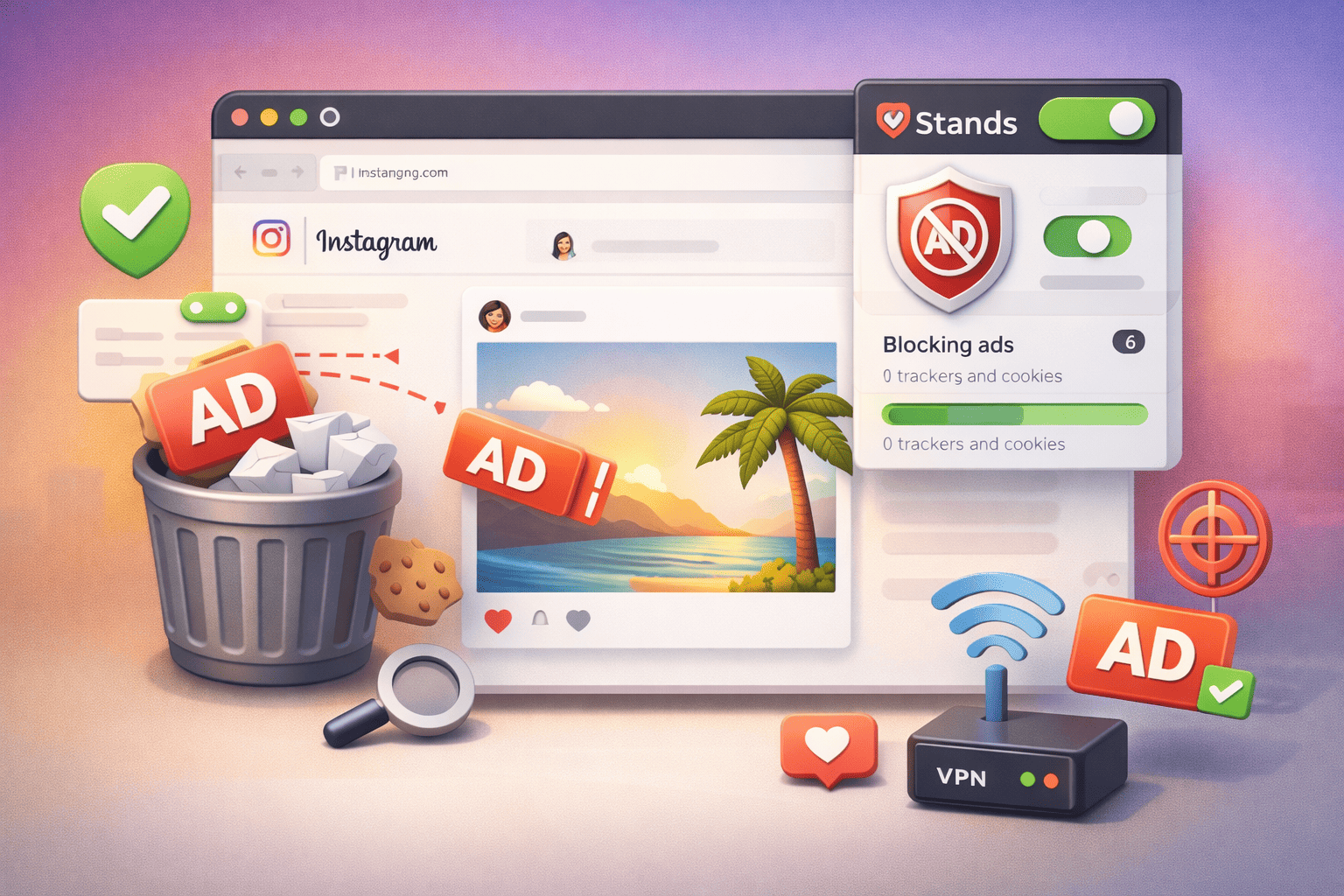
Using an ad blocker extension like Stands AdBlocker can be helpful when you use Instagram in a desktop web browser, such as Chrome, Edge & Firefox, not in the mobile app.
On Instagram Web, Stands can:
- Reduce ads loaded as web elements
- Improve Instagram page performance and visual cleanliness
What it can't do:
- Remove all ads embedded directly in the dynamic feed
- Block native ads within Instagram Stories or Reels loaded from the server
- Work within the Instagram mobile app
The main advantage of our Chrome adblocker is privacy and visual noise reduction, not the total elimination of ads.
Browse without distractions with a reliable Adblock for Edge.
How to Stop Ads in Instagram Using Built-In Settings
Instagram offers several options to control how ads are shown to you. However, if you want to learn how to stop ads on Instagram, you should know that there is no way to remove ads entirely.
Personalized Your Ad Experience
Instagram allows you to limit the personalization of ads, but not to disable disruptive advertising. These options control what data is used to decide which new ads you see, not how many ads appear.
From the Instagram app:
- Settings and activity > Accounts Center > Ads preferences > Ad topics.
Choose if you want to see fewer ads related to sensitive topics, such as alcohol, gambling, weight loss or politics. Instagram will still show ads, but you can manage which types you see.
- Settings and activity > Accounts Center > Ads preferences > Ad settings > Ad experience > Less personalized ads.
This section lets you limit how your data is used to show ads. By selecting this option, ads will no longer be based on your behavior inside the platform.
These are some helpful ways to reduce ads on Instagram based on personalization, without decreasing the number of ads. Ads will continue to appear with the same frequency, although they may be less relevant :)
Report All Inappropriate Ads
Instagram lets you manually hide or report ads directly from your feed, Stories or Reels. By tapping the three-dots on the ad, you can mark it as irrelevant, misleading, repetitive or inappropriate :)
When you report an ad:
- The system adjusts the type of ads you see.
- You are less likely to see ads that are similar in content or category again.
- The advertiser does not receive any personal information about you.
Note that reporting ads does not reduce advertising frequency. Instagram will continue to show ads but will try to vary their types to improve the user experience. It is a way of fine-tuning the algorithm!
Take a break from social media and learn how to deactivate Instagram account.

Block Ad Accounts
If you find ads from a specific advertiser appearing in your feed too often, Instagram allows you to block that advertiser straightforwardly.
The process is pretty simple:
- Start scrolling till you find an ad you want to block.
- Tap the three-dots on the ad
- Select “Hide ad” or “Not interested”
By doing so:
- You will no longer see those ads from your Instagram feed in that specific account
- It does not affect ads from other brand accounts
- It does not reduce the total number of ads in your feed
This option is useful when an advertiser is particularly intrusive.
Adjusting Ad Preferences
Meta offers ad settings on Instagram and Facebook, where you can review and modify how your advertising profile is configured. From this panel, you can:
- See why you are being shown a specific ad
- Review and remove automatically assigned ad topics
Limit ads on sensitive topics, such as:
- Alcohol
- Gambling
- Politics
- Scam ads
These settings influence the type of ads, not their volume. Instagram will continue to show ads on a regular basis, but with less alignment to the interests you have removed.
Do you need a break? Learn how to block someone on Instagram.

How to Stop Instagram Ads with a VPN or Private Browser Extensions
VPNs (virtual private networks such as NordVPN) and private browsers extensions are primarily used to protect the user's digital identity and reduce online tracking. Although many try to block ads on Instagram, their actual function is to limit ad personalization, not to eliminate advertising.
These services can:
- Hide your real IP address: Making it harder for Instagram to determine your precise location.
- Reduce cross-website tracking: Especially when you browse outside of Instagram on pages that use Meta advertising technologies.
- Limit location-based personalization: Showing you more generic ads rather than local or regional ones.
These are designed to improve privacy, not to change how Instagram inserts ads into your feed.
How to Permanently Stop Ads on Instagram
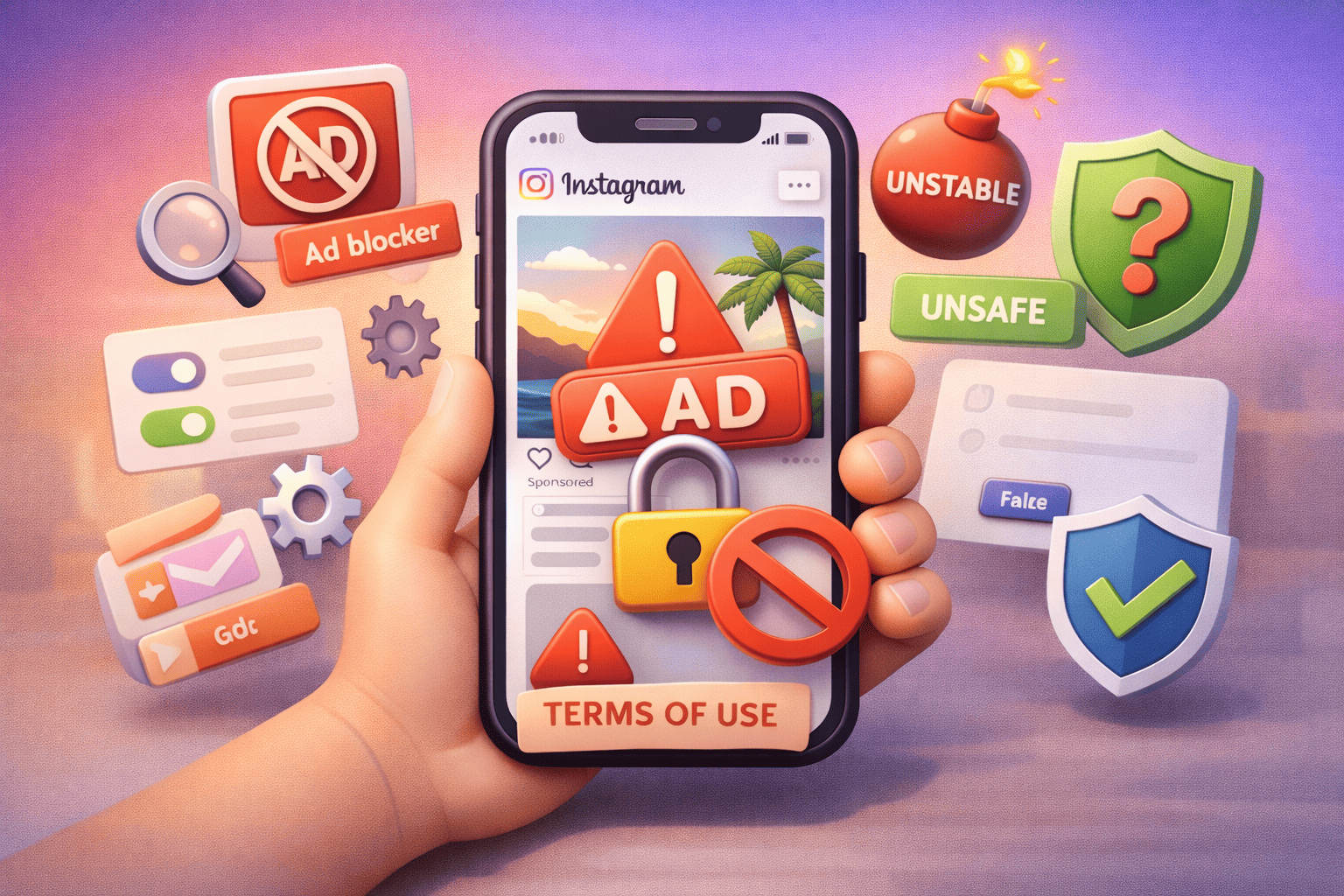
If you were wondering how to remove ads from Instagram entirely, you should know it is not possible. There is no legal or technical option to remove them. Any tool that promises “Instagram without ads” may be:
- Misleading
- Unstable
- Contrary to the terms of use
- Potentially unsafe
You can't remove Instagram ads, but you can reduce their impact, limit ad tracking, and improve your Instagram experience by using a powerful ad blocker such as Stands and the platform's built-in privacy and ad settings. Understanding all these limitations allows you to make informed decisions :)
Using Android? Browse ad-free with an Ad Blocker for Android.
FAQ: Blocking Instagram Ads
How to disable ads on Instagram completely ?
Instagram is an advertising-funded platform, so there is no official ad-free option or method to block all ads.
Is it safe to use Stands ad blocker ?
Yes. Stands is one of the most effective ad blockers that we recommend using since:
- Does not sell data
- Blocks trackers
- Works at the browser level
- Does not modify the Instagram app or break the law.
Will hiding or reporting ads affect future recommendations ?
Yes. It helps reduce similar ads, but it does not decrease the total number of ads.
How to turn off ads on Instagram without third-party tools ?
Using:
- Internal ad options
- Hide and report ads
- Device privacy settings
This does not block ads, it only adjusts their type.
Can I disable sponsored posts permanently ?
No. Sponsored content is part of the main feed and cannot be disabled.
Does Stands Ad Blocker work on all browsers ?
It works on:
- Chrome
- Edge
- Firefox
- Opera
- Chromium browsers
- It does not work within the mobile app.
Can I block ads on the Instagram mobile app ?
You can't block all ads on Instagram app. Neither iOS nor Android allow ads to be blocked within the app due to system restrictions and how Instagram loads content.

