
 Home »
Top 5 Ad Free Search Engines in 2026
Nowadays, the search market share is still dominated by Google, but more and more users are seeking an ad-free, faster and privacy-focused alternative search engine. A search engine with no ads provides a relevant search experience, free of distractions and paid results that distort information. Below, we explore the best ad free search engines if you want to find the best for your needs.
Benefits of Ad Free Search Engine?
Using an ad free search engine has multiple benefits, as it prioritizes user privacy and productivity.
- Emphasizes user privacy. Ad free search engines do not track user searches or store personal information to show you personalized advertising. Your search queries remain private and are not associated with a commercial profile.
- More relevant results. By not including sponsored links, results are based solely on quality and indexing, not on who pays the most.
- Smaller digital footprint. Some, such as Ecosia or Good, even combine online privacy with sustainable actions, unlike popular search engines.
- Transparency. These engines clearly explain how they generate revenue (e.g., subscriptions or donations), rather than relying on the sale of user data.
Discover the best search engine according to your search habits and block interruptions with a reliable pop up blocker.

Top Ad Free Search Engines Worth Trying in 2026
1. Kagi
Website: kagi.com
Kagi is considered one of the most advanced ad free search engines since its launch. Its model is based on subscriptions (5–25 USD/month) and offers Individual, Family, and Team plans, enabling it to deliver high search capabilities without advertising or data collection.
Subscription plans:
- Free Trial: 100 searches & Standard AI, Kagi Search, and an assistant with privacy-first tech.
- Starter - $5/mo + Sales Tax: 300 searches & Standard AI, Kagi Assistant.
- Professional - $10/mo + Sales Tax: Unlimited searches & Standard AI, Kagi Assistant.
- Ultimate - $25/mo + Sales Tax: Everything in Professional, plus Kagi Assistant.
Key features:
- Mainly uses its own indexing.
- Customization through filters and blocking of irrelevant domains.
- Superior speed and minimalist design.
- It does not track you and has no ads, unlike traditional search engines.
Kagi offers distinct advantages and is especially recommended for finding accurate information without commercial noise.

2. Mojeek
Website: mojeek.com
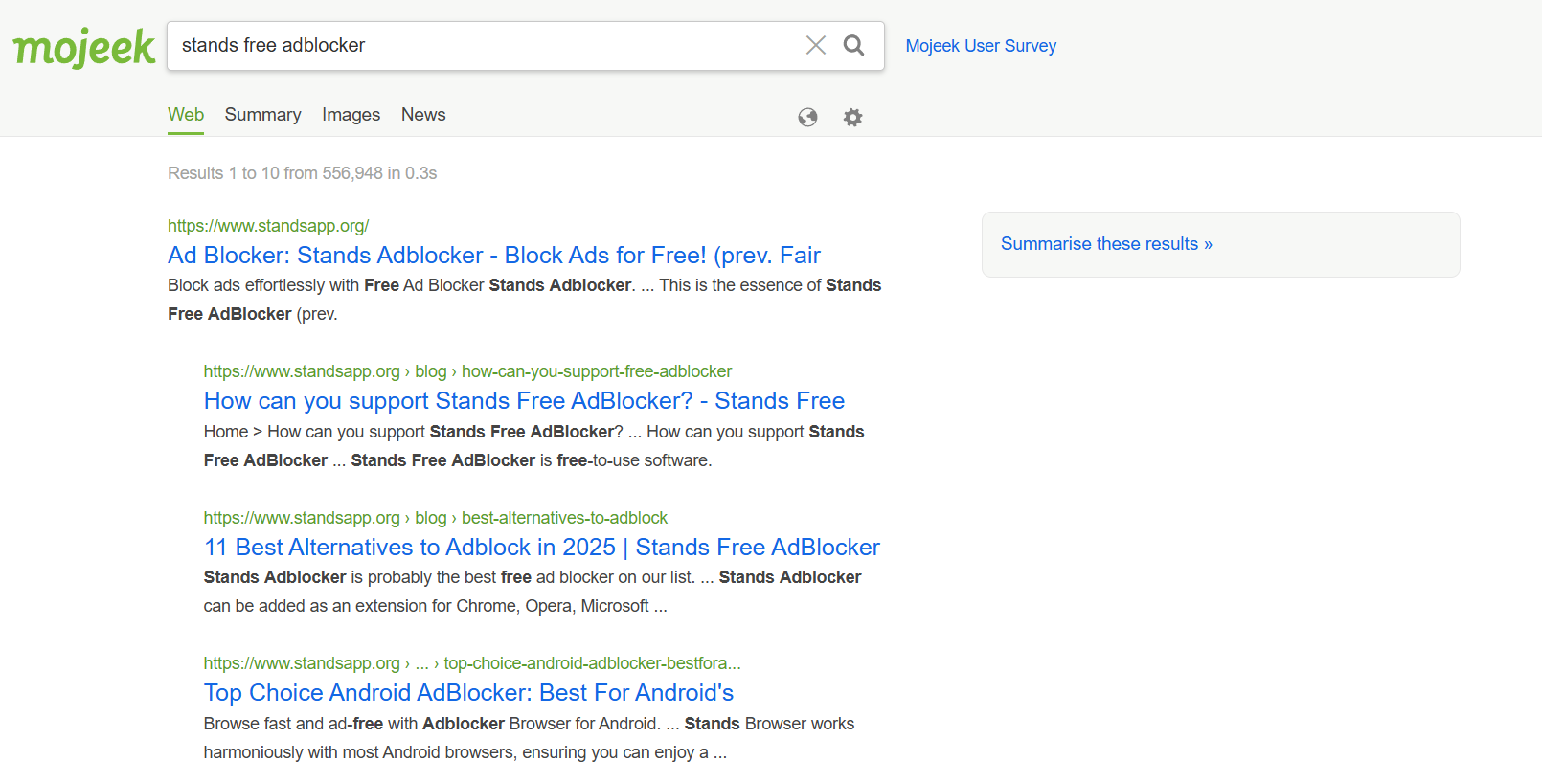
Mojeek is a search engine with no ads, independent of Google and Bing, with its own search index of over 6 billion pages.
Advantages:
- No ad search engine or user tracking.
- Mojeek is free.
- Use its own index and ranking, not relying on other major search engines' data.
- Results generated by its own crawler.
- Servers located in the United Kingdom have strict privacy policies.
- Displays more individual entries in its search results than Google search or Bing.
These types of search engines focus on offering technological autonomy and promoting a web free from the monopoly of large search engines.
3. Brave Search
Website: search.brave.com
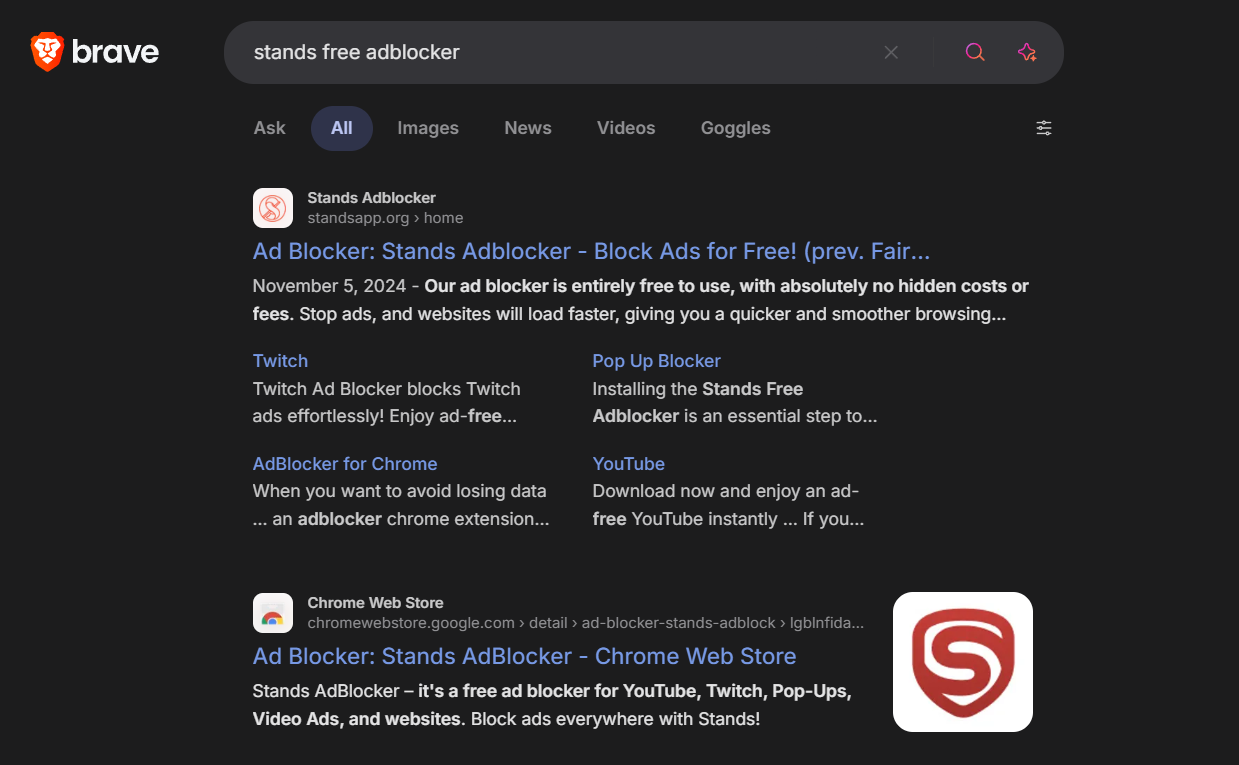
Developed by the Brave browser, Brave Search combines privacy, transparency, and personalization without ads. Since 2024, it has offered a free version with a few optional ads and a Brave Search Premium version that is completely ad-free.
Subscription plans:
- Brave Free version - Display ads, albeit in a privacy-respecting way.
Key features:
- Independent search engine with no ads, with over 30 billion indexed pages and a broad range of search.
- See search results ad-free.
- Integration with the Brave browser, which includes a native ad blocker.
Brave Search offers an ideal choice for users who prefer the Brave ecosystem and want maximum privacy without sacrificing speed :)
4. Andi
Website: andisearch.com
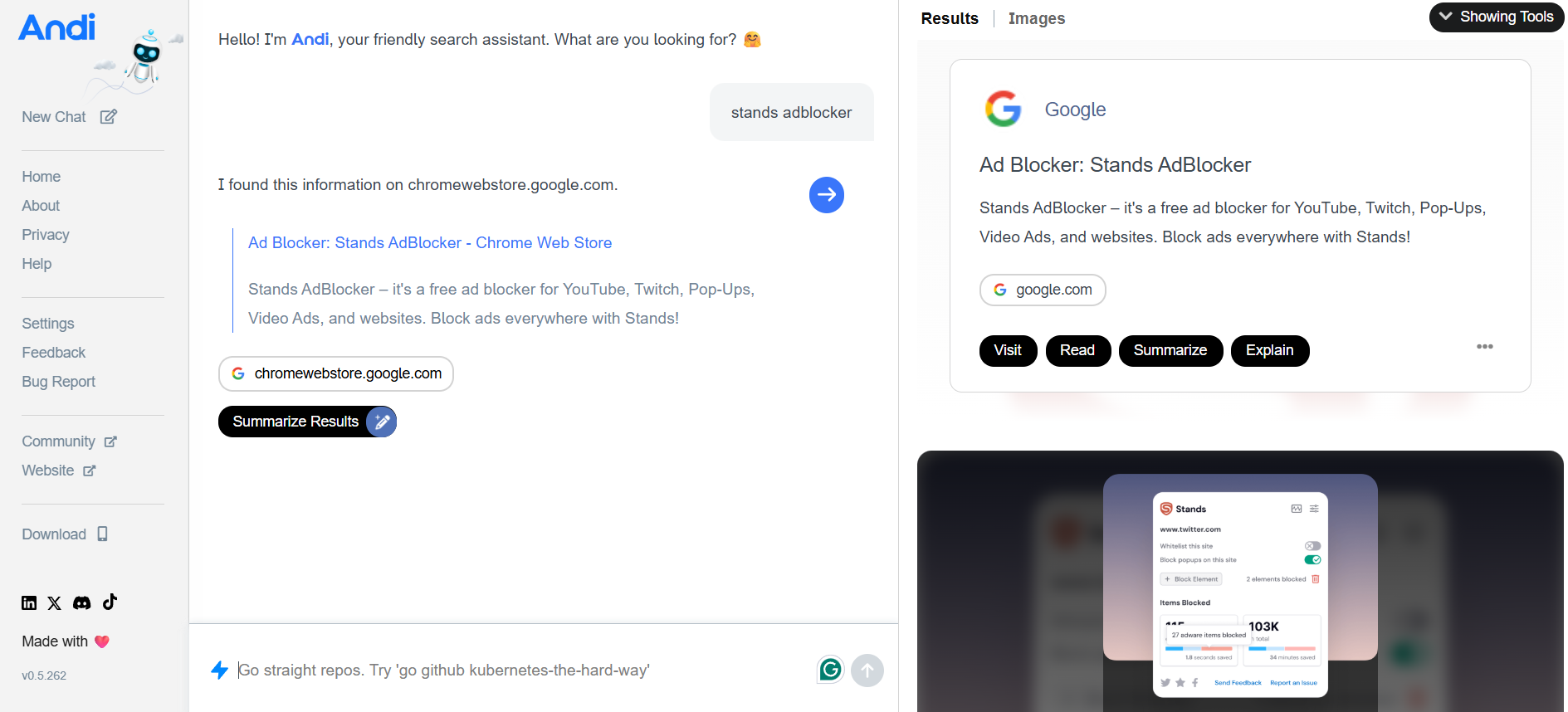
Andi combines web search with conversational artificial intelligence. Search engine without ads or tracking, offering clean answers.
Subscription plans:
- Andi search tool is entirely free.
- Andi Plus developer API coming soon.
Key features:
- Andi is entirely free forever.
- Andi Plus developer API coming soon.
- Answers search terms with chat-style summaries.
- Ad-free and privacy-focused with semantic search and generative AI answers.
- Filters misinformation and prioritizes verified sources.
- Tracking-free, no personal data collected.
- Compatible with desktop and mobile browsers.
Andi is an excellent choice for those looking for a ChatGPT-like search experience integrated with web browsing.
5. Good
Website: goodsearch.com
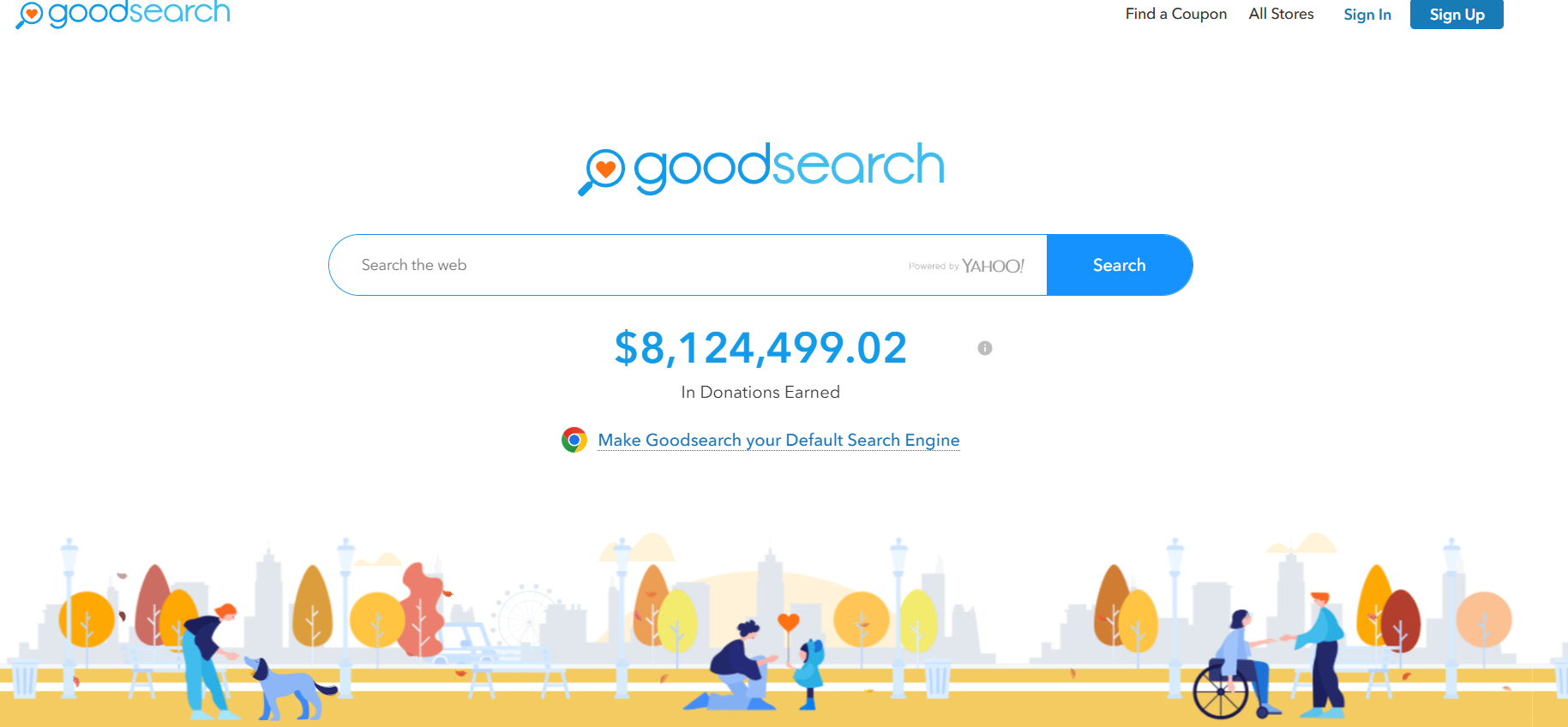
Good combines ad-free searches with social impact. Traditional search engines make money from ads and use users' data to personalize search results. GoodSearch uses a special tracking system to channel a portion of that ad revenue to charities.
Advantages:
- GoodSearch.com is a Yahoo-powered search engine that donates half its advertising revenue to the charities its users designate.
- Doesn't sell your data
- Based on an ethical and transparent model.
These specialized search engines prioritize relevance and transparency, eliminating the traditional model of sponsored ads in favor of a more ethical, personalized search experience :)
Other Privacy-Focused Search Engines
While some of these search engines include limited ads, some alternatives to Google still focus on privacy and user control. Find them all below :)
- Startpage. Startpage provides better privacy and displays Google search results without tracking users.
- Qwant. Based in France, it does not track or store data with third parties.
- DuckDuckGo. Browsers like DuckDuckGo are leaders in privacy, although it does display some non-personalised ads.
- Ecosia. Donates ad revenue to plant trees around the world, with complete transparency.
- Neeva (Legacy). The consumer version was discontinued in 2023, but it promoted the concept of ad-free search through a subscription.
Ready to learn how to watch YouTube without ads?
How to Block Ads on Any Search Engine
Even if you use private search engines, some external sites or results may display banners or pop-ups. To avoid them:
- Install a reliable ad blocker, such as Stands Adblocker!
- Enable tracking protection mode in your browser (Chrome, Edge, Brave, Firefox).
- Use filtered DNS (NextDNS, AdGuard DNS) to block ads at the network level.
- Avoid clicking on sponsored results and check that URLs are legitimate.
These measures ensure a clean, secure browsing environment across any search engine :)
Block Ads on any Search Engine with Stands Adblocker
Stands Adblocker is one of the most effective ad blockers and also removes trackers and cookies, without affecting page functionality.
Key advantages:
- Stands AdBlocker is 100% free.
- Compatible with Chrome, Edge, Brave, and other Chromium-based browsers, Firefox, and you will also find an adblock for Chrome on Android.
- Does not collect personal data or search history, providing private browsing.
How to install it:
- Visit standsapp.org.
- Download your Chrome AdBlocker for your browser.
- Personalize the ad-blocking filters and restart your browser.
- From then on, you'll enjoy clean, uninterrupted search engines without ads!
Why is Chrome so slow? Troubleshoot all issues.
FAQs About Ad Free Search Engines
Why do search engines have ads?
Ads are the main source of income for mainstream search engines like Google or Bing. They allow them to offer their service for free in exchange for showing sponsored results or ads targeted to your search history.
How do search engines without ads differ from typical search platforms?
The main difference is that they do not monetize your data or prioritize paid results. Instead of selling advertising, these engines use subscription models, donations & ethical funding to sustain their operations.
Is search engine without ads better for privacy?
Yes. In general, these engines do not create user profiles or track your searches. In addition, many search engines use HTTPS encryption and private servers that prevent your activity from being recorded or shared with third parties.
Can I set a no ad search engine as my default browser?
Yes. In Chrome, Edge, Firefox, and Safari, you can change the default search engine from Settings, then Search Engine and Manage Engines. Simply add the URL of your chosen search engine and select it as the default :)
Will I still get quality search results without ads?
Absolutely! Many of these search engines, especially Kagi and Brave Search, use their own indexes or combine data from multiple sources to deliver accurate, up-to-date results. And, by not including ads, the content is more reliable :)

