
 Home »
Stands AdBlocker vs Adblock Plus
If you’ve ever tried to watch a YouTube video and got hit with back-to-back ads, you already know why ad blockers exist. The real question isn’t whether you need one — it’s which one actually delivers. In this in-depth comparison of Stands AdBlocker vs Adblock Plus, we’ll break down what matters in 2026: Acceptable Ads, YouTube blocking, performance, Manifest V3 compatibility, and overall value.
Spoiler alert: not all ad blockers play by the same rules. Some quietly let ads slip through. Others go full “no nonsense” and block everything. Let’s get into it.
- What Are Stands AdBlocker and Adblock Plus
- Feature Comparison: Stands AdBlocker vs Adblock Plus
- The Acceptable Ads Controversy
- Ad Blocking Performance
- Performance and Resource Usage
- Privacy and Data Collection
- Manifest V3 Compatibility
- Ease of Use and Setup
- Who Should Choose Stands and Who Should Choose Adblock Plus
- Conclusion: Stands AdBlocker vs Adblock Plus
What Are Stands AdBlocker and Adblock Plus
Both tools fall into the “free browser extensions” category, but their philosophies couldn’t be more different. One aims to clean up your browsing experience completely. The other tries to strike a balance between ads and usability.
Stands AdBlocker Overview
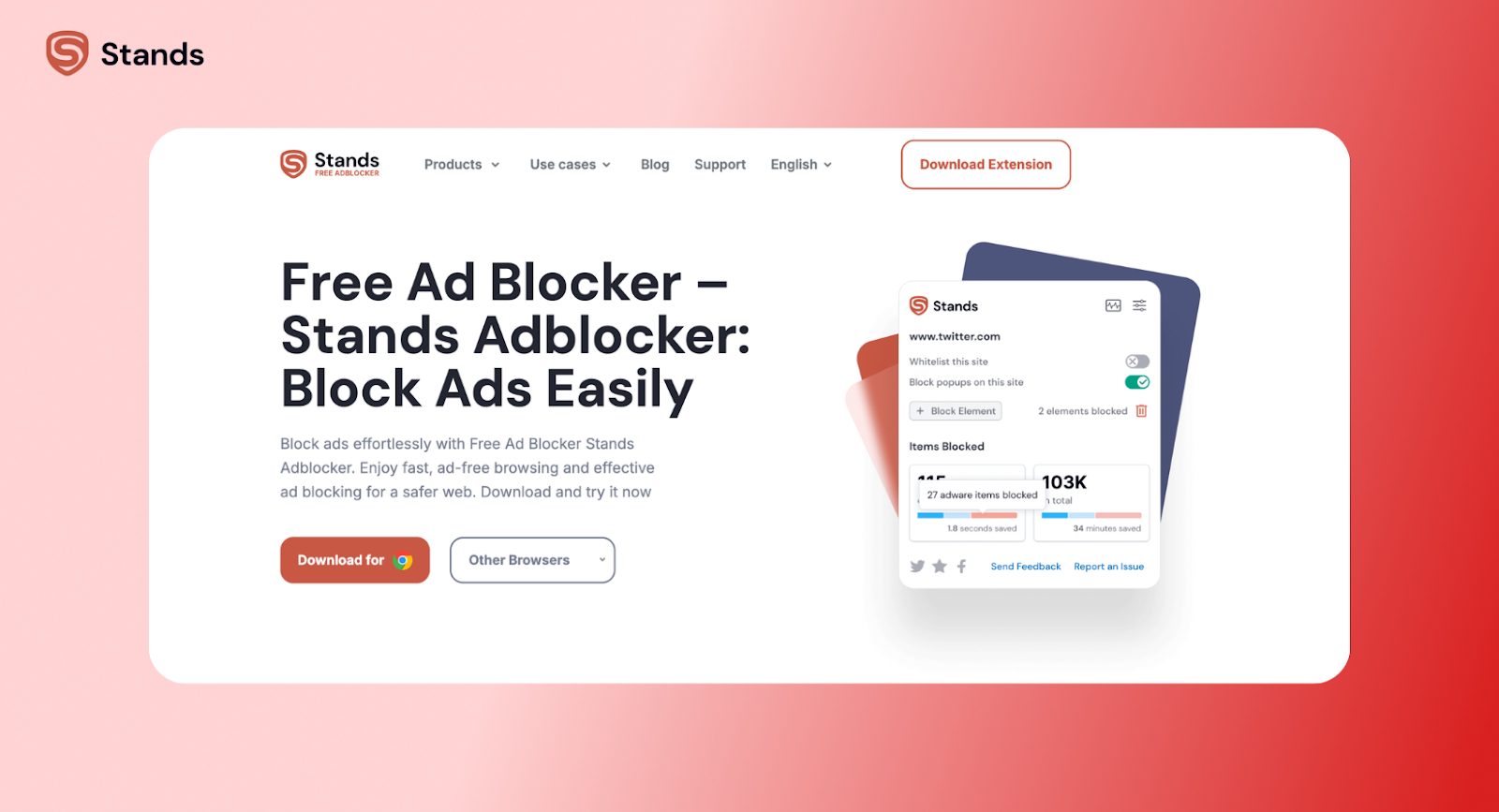
Stands AdBlocker is a relatively new but fast-growing ad blocker that focuses on simplicity and effectiveness. It’s designed to block all ads by default, with no exceptions.
Here’s the quick snapshot:
- Built for modern browsers: Chrome, Edge, Opera, plus offers an Android browser with a built-in ad-blocker
- Fully optimized for Manifest V3 (MV3-native)
- 3M+ users and a strong Chrome Web Store rating (4.79)
- Works seamlessly in the background with zero setup
It’s basically a “set it and forget it” content blocker. You install it, and your web browsing instantly feels cleaner, faster, and less annoying.
If you’re on Chrome, you can try Stands AdBlocker Chrome Extension and get the same streamlined experience.
Adblock Plus Overview
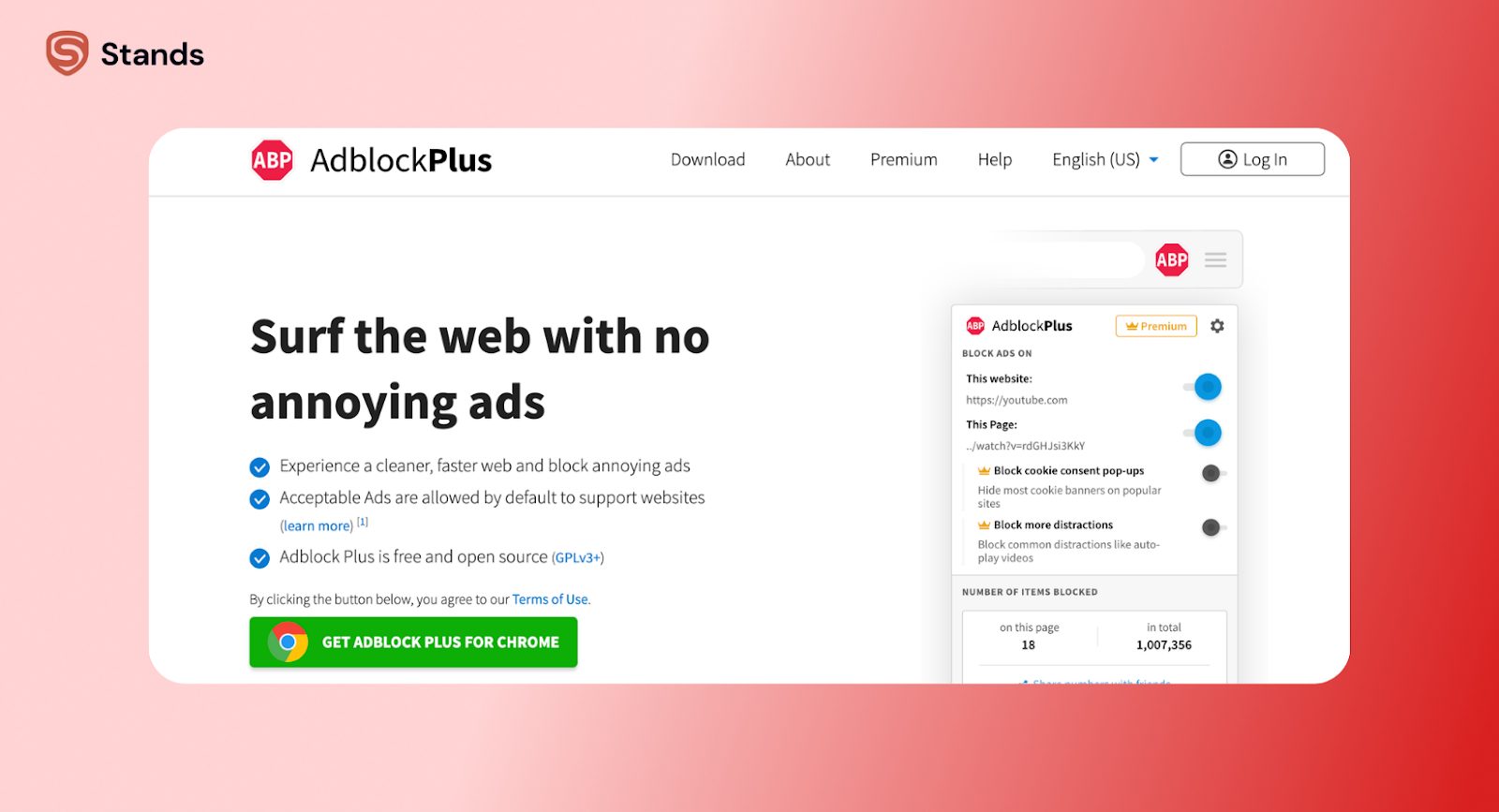
Adblock Plus (ABP) is the OG in the ad-blocking world. Launched back in 2005, it’s one of the oldest and most widely used ad blockers, with over 200 million users worldwide.
Key highlights:
- Owned by Eyeo
- Open-source project
- Supports Chrome, Firefox, Safari, and iOS
- Uses customizable filter lists
- Includes the “Acceptable Ads” program enabled by default
ABP helped popularize ad blocking in the first place, but over time, its approach has shifted toward allowing “non-intrusive ads” rather than blocking everything outright.
So while it’s still a popular ad blocker, the experience you get depends heavily on your settings.
Feature Comparison: Stands AdBlocker vs Adblock Plus
Here’s a side-by-side look at how these two ad blockers stack up:
| Feature | Stands AdBlocker | Adblock Plus |
| Price | 100% free | Free + optional paid ecosystem |
| Ads blocked by default | Yes (all ads) | No (Acceptable Ads enabled) |
| YouTube ad blocking | Reliable | Inconsistent |
| Manifest V3 support | Native | Adapted |
| Performance | Lightweight | Heavier |
| Filter list management | Automatic | Manual/customizable |
| Mobile support | Android | iOS + Android browsers |
| Open-source | No | Yes |
| Setup difficulty | One-click | Requires configuration |
| Whitelisting | Optional | Built-in (default behavior) |
At a glance, the biggest difference is obvious: Stands blocks everything, ABP filters selectively.
The Acceptable Ads Controversy
This is where things get interesting and a little controversial.
Adblock Plus introduced something called the Acceptable Ads program, which allows “non-intrusive ads” to pass through the ad blocker. Sounds harmless, right? Here’s the catch:
- Ads are allowed by default
- Large publishers can pay to be whitelisted
- Users have to manually opt out
In other words, you install an ad blocker… and still see ads.
For some users, that’s fine. The idea is to support websites without overwhelming users with intrusive ads. But for others, it feels like a bait-and-switch.
Stands AdBlocker takes the opposite approach. All ads are blocked by default, no paid whitelisting system, while users stay in control.
If your goal is to block ads completely — including banners, pop-ups, and ads on YouTube — Stands feels more aligned with that expectation.
Ad Blocking Performance
Let’s be real: performance is where ad blockers either shine or fall apart.
YouTube and Streaming Platforms
YouTube ad blocking is the universal stress test for any ad blocker :)
Stands AdBlocker handles it like a pro:
- Blocks pre-roll ads
- Stops mid-roll interruptions
- Works consistently even as YouTube updates its system
If you’re specifically looking for an ad blocker that works on YouTube, Stands is one of the more reliable options right now.
It also works well for streaming platforms — you can even block Twitch ads with Stands without jumping through hoops.
Adblock Plus, on the other hand, has had a rough time here:
- Users report ads slipping through on YouTube
- Blocking effectiveness varies depending on filter lists
- Frequent need for manual tweaks
So if you’re tired of ads interrupting your favorite YouTube video, ABP might test your patience.
Websites and Social Media
For general browsing, both tools do a decent job:
- Remove intrusive ads
- Improve page load speed
But again, ABP’s default whitelist means that some ads are still visible, and you need to disable Acceptable Ads manually.
Stands keeps things simple, with ads blocked across the board and no extra configuration needed.
That difference adds up over time — especially if you browse a lot.

Performance and Resource Usage
Not all ad blockers are created equal when it comes to performance.
Adblock Plus has historically been heavier with higher CPU usage, more RAM consumption, and slower on older devices.
That’s partly because of its legacy architecture and complex filter list system.
Stands AdBlocker, by contrast, is built for the modern web:
- Lightweight MV3-native extension
- Minimal resource usage
- Runs quietly without slowing down your browser
If you’ve ever had Chrome feel sluggish with too many extensions, switching to a lighter ad blocker can make a noticeable difference.
Privacy and Data Collection
No ad blocker is completely “zero data.” The real question here is how that data is used.
Adblock Plus leans into transparency and its open-source roots, which is a big plus for users who like to know what’s going on under the hood. At the same time, its broader ecosystem introduces a few nuances you should be aware of.
Adblock Plus approach to privacy:
- Open-source codebase, which adds transparency and community oversight
- Collects anonymous filter hit data to improve performance
- Acceptable Ads program involves interaction with advertisers and whitelisted partners
Stands AdBlocker takes a more streamlined approach. It focuses less on customization and more on delivering a clean, fully blocked browsing experience while still being upfront about its data practices.
Stands AdBlocker approach to privacy:
- Collects anonymized browsing data
- Maintains a clear privacy policy and Chrome Web Store transparency
- No ad-whitelisting partnerships or paid exceptions
Here’s a quick side-by-side view to make things easier to understand:
| Aspect | Stands AdBlocker | Adblock Plus |
| Open-source | No | Yes |
| Data collection | Anonymized browsing data | Anonymous filter data |
| Ad partnerships | None | Acceptable Ads program |
| Tracker blocking | Yes | Yes |
| Transparency style | Policy-based | Code-based |
As you can see, both tools are built to protect you from tracking, malware, phishing attempts, and malvertising attacks, so you’re covered on the basics either way.
However, Adblock Plus leans toward transparency and community-driven filtering, while Stands focuses on simplicity and strict ad blocking without exceptions.
Manifest V3 Compatibility
Adblock Plus has adapted to this shift by releasing an MV3-compatible version that continues to support up to 50 simultaneous filter lists while maintaining its core functionality. It still relies on its familiar system of customizable filters and the Acceptable Ads framework, so longtime users won’t feel completely lost after the transition.
Stands AdBlocker, on the other hand, was built specifically with MV3 in mind from the ground up. It didn’t have to retrofit older architecture, which shows in how smoothly it runs. During the transition, it even kept its Featured Badge on the Chrome Web Store, which says a lot about stability and performance. Everything is optimized to work efficiently within MV3 limits, so it feels fast without cutting corners.
In plain English, both ad blockers work in the MV3 world, but Stands feels more future-proof simply because it was designed for it from day one rather than adapted later.

Ease of Use and Setup
On paper, both are just browser extensions, but once you install them, the experience goes in two completely different directions.
With Stands AdBlocker, the process is refreshingly simple. You install it, and everything just works. There’s no second step, no hidden toggle, no “gotcha” moment where you realize some ads are still slipping through.
Stands AdBlocker experience:
- Install the extension → you’re done
- Ads are blocked immediately by default
- No settings to tweak or optimize
- No need to manage filter lists or whitelists
Adblock Plus, on the other hand, takes a more involved route. It works out of the box, but not in the way most people expect from an ad blocker. Some ads are still allowed unless you actively change the settings.
Adblock Plus experience:
- Install the extension → Acceptable Ads enabled by default
- Add or adjust filter lists for stronger ad blocking
- Fine-tune whitelist and customization options
To make it even clearer, here’s how the setup compares side by side:
| Step | Stands AdBlocker | Adblock Plus |
| Installation | One-click install | One-click install |
| Ads blocked immediately | Yes | Partially |
| Extra setup required | No | Yes |
| Default behavior | Blocks all ads | Allows some ads |
| Customization | Minimal | Advanced |
If you like to customize everything and control exactly which ads you see, Adblock Plus gives you that flexibility. But if you just want ads gone without fiddling around, Stands is the easier, no-fuss choice that gets straight to the point.
Who Should Choose Stands and Who Should Choose Adblock Plus
Choosing between different ad blockers isn’t about which one is “better, it’s about what you actually need.
Choose Stands AdBlocker If…
- You expect all ads to be blocked by default
- You care about reliable YouTube ad blocking
- You prefer a simple, user-friendly experience
- You use Chrome, Firefox, Edge, or Android
It’s especially good if you don’t want to think about filter lists, whitelists, or settings.
Choose Adblock Plus If…
- You use Safari or iOS (where Stands isn’t available yet)
- You support the idea of non-intrusive ads
- You prefer open-source software
- You want full control over custom filter lists
ABP still has its place — especially for users who like tweaking their setup.
Conclusion: Stands AdBlocker vs Adblock Plus
When you compare Adblock Plus vs Stands AdBlocker, the difference comes down to philosophy.
Adblock Plus tries to balance ads and usability. It allows some ads by default and gives users control over what to block.
Stands AdBlocker takes a more direct approach: block everything, keep it simple, and don’t make users jump through hoops.
In 2026, with ads getting more aggressive and harder to avoid, that simplicity goes a long way.
If you’re exploring more comparisons, you might also want to check out:

