
 Home »
Privacy Badger vs uBlock Origin
Privacy Badger and uBlock Origin are the big names when it comes to browser privacy, but in 2026, with Chrome’s Manifest V3 shook up extensions, uBlock Origin is mostly gone from Chrome, people are asking: do you need one, the other, or both?
In this article, we covered everything — consider it a full Privacy Badger review and uBlock Origin breakdown: tracker blocking, ad blocking, browser support after MV3, and whether running them together actually makes sense. As a bonus, we’ll show you how to get full Chrome protection when uBlock Origin alone can’t cut it :)
- What Are Privacy Badger and uBlock Origin
- Privacy Badger vs uBlock Origin: Feature Comparison
- How They Block Trackers Differently
- Ad Blocking Performance
- Privacy and Tracker Protection
- Should You Use Both Together
- Browser Compatibility After Manifest V3
- Privacy Badger vs uBlock Origin vs Stands AdBlocker: Full Comparison
- Which Should You Choose: Privacy Badger or uBlock Origin
- Conclusion
What Are Privacy Badger and uBlock Origin
Privacy Badger and uBlock Origin are both browser extensions that protect you online, but in very different ways. Knowing how they work makes picking the right one — or using both — much easier.
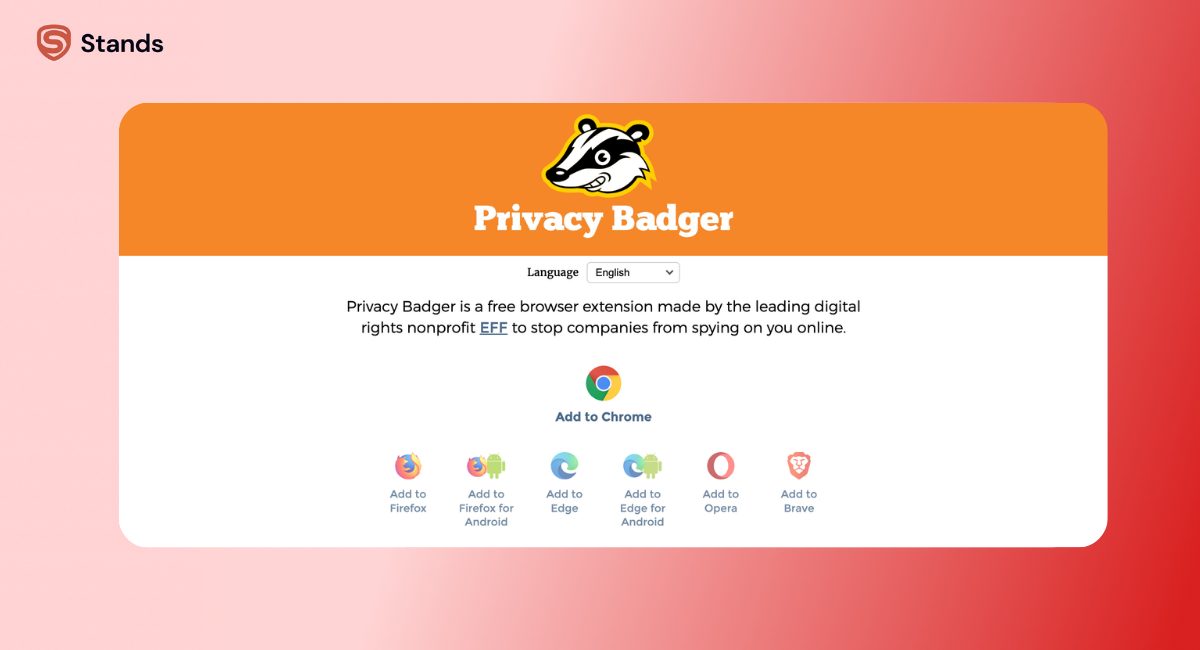
Privacy Badger — EFF's Anti-Tracking Tool
Privacy Badger is less of an ad blocker and more of a privacy bodyguard. It was created by the Electronic Frontier Foundation (EFF), a nonprofit focused on defending user rights online. That alone already tells you something about its priorities: it’s not trying to clean up your screen, it’s trying to stop companies from quietly building a profile about you.
When you browse the web, a lot of invisible third-party scripts load in the background. These scripts don’t just help websites function — many of them are designed to track you across multiple sites. Privacy Badger watches for domains that appear again and again across different websites and flags them as trackers.
Once identified, it blocks them in different ways:
- It can block the domain entirely
- Or it can allow it if it seems harmless
What’s important is that it doesn’t rely on a giant predefined list. Instead, it uses a pre-trained detection model (since 2020) that identifies tracking behavior based on patterns.
It also supports:
- Do Not Track (DNT) — older but still supported by some sites
So if your main concern is who is tracking me and how do I stop them, Privacy Badger is built exactly for that.
uBlock Origin — The Content Filtering Powerhouse
uBlock Origin is what most people think they need when they search for a browser extension to block ads.
It doesn’t just block ads — it blocks:
- Trackers
- Malware domains
- Annoying pop-ups
- Auto-playing videos
It does this using filter lists, which are essentially large databases of known bad actors. These lists are maintained by communities and updated constantly.
The most popular ones include:
- EasyList (ads)
- EasyPrivacy (trackers)
- Malware domain lists
But here’s where uBlock Origin goes a step further. It gives you control.
You can:
- Block specific elements on a page manually
- Create your own rules
- Enable advanced filtering modes
That’s why power users love it — you’re not just installing a tool, you’re getting a control panel for your entire browsing experience.
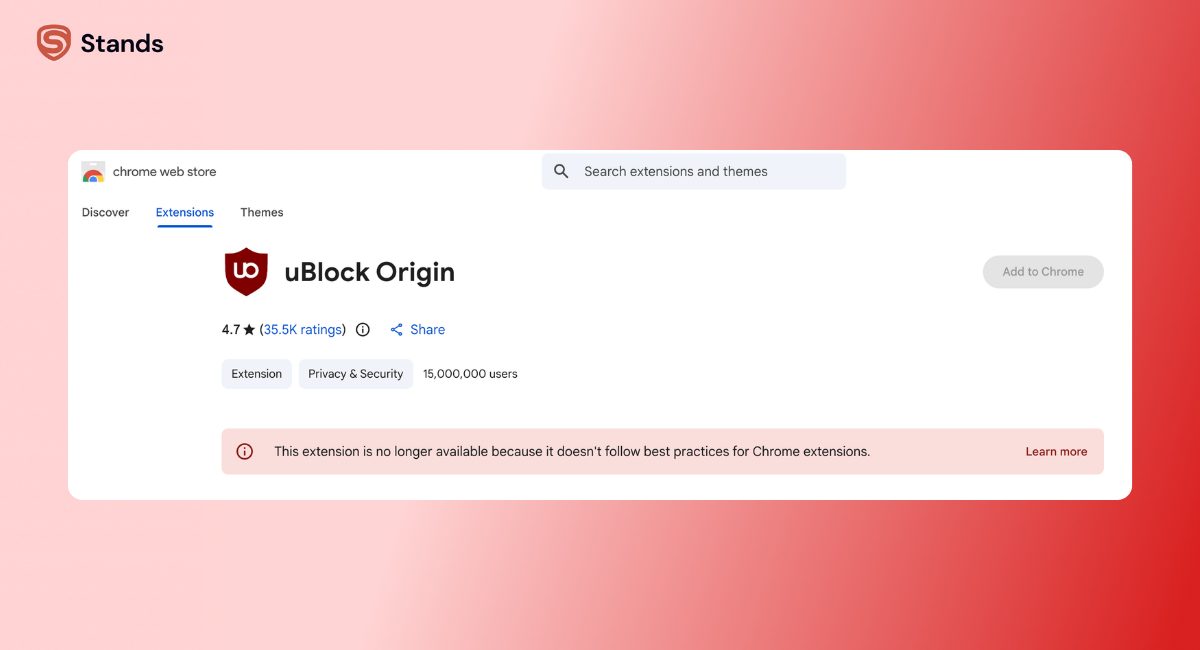
One catch in 2026: on Chrome, the full version is gone due to Manifest V3. What remains is uBlock Origin Lite, which is significantly more limited.
Privacy Badger vs uBlock Origin: Feature Comparison
| Feature | Privacy Badger | uBlock Origin |
| Main goal | Block trackers | Block ads + trackers |
| Blocking method | Behavior-based | Filter lists |
| Ad blocking | Minimal | Extensive |
| YouTube ads | Not blocked | Fully blocked (non-Chrome) |
| Tracker detection | Adaptive | Predefined |
| GPC support | Yes | No |
| Custom rules | No | Yes |
| Ease of use | Very beginner-friendly | Flexible but deeper |
| Chrome support | Full | Limited (Lite) |
| Data collection | None | None |
How They Block Trackers Differently
Privacy Badger's Algorithmic Approach
Privacy Badger doesn’t come with a giant “blocklist.” Instead, it observes behavior.
Let’s say you visit five completely different websites, and each one loads a script from the same third-party domain. That’s a red flag. Privacy Badger recognizes that pattern and assumes this domain is tracking you across sites.
Then it steps in.
You’ll see a simple slider interface:
- Green means everything is allowed
- Red means the domain is fully blocked
This system is simple on the surface, but it’s based on a deeper idea: trackers reveal themselves through repetition.
One important detail: before 2020, Privacy Badger learned in real time. But that created fingerprinting risks, so now it uses a pre-trained dataset instead. That makes it safer, but slightly less “adaptive” than it used to be.
uBlock Origin's Filter List Approach
uBlock Origin plays a different game entirely.
Instead of detecting behavior, it blocks based on known rules. These rules come from large, curated lists maintained by communities who track ad networks, analytics tools, and malicious domains.
This gives uBlock Origin a huge advantage:
- It can block things before they even load
- It can remove elements visually (cosmetic filtering)
- It can clean URLs by stripping tracking parameters
It also handles more advanced tracking techniques like:
- CNAME cloaking (where trackers disguise themselves as first-party domains)
- Embedded analytics scripts
The trade-off is simple: it’s only as good as its lists. If a tracker is brand new and not yet listed, uBlock Origin might miss it — at least temporarily.
Ad Blocking Performance
This is where the difference becomes obvious, even for a casual user.
With uBlock Origin installed (on a supported browser), websites look cleaner immediately:
- No pop-ups
- No autoplay videos
- No YouTube pre-roll ads
It’s not just about aesthetics either. Blocking ads also:
- Speeds up page loading
- Reduces data usage
- Improves battery life on laptops and mobile devices
Privacy Badger, on the other hand, doesn’t aim to remove ads. It only blocks ads that contain trackers.
That means:
- Some ads disappear
- Many stay visible
- YouTube ads are untouched
So if your goal is to block ads, Privacy Badger alone will feel incomplete.
Privacy and Tracker Protection
Now let’s flip the perspective.
Ad blocking is about comfort, and privacy protection is about control over your data.
Privacy Badger is built specifically for this purpose:
- It actively tries to detect tracking behavior, not just known trackers
- It sends GPC signals, which some regulations (like in California) recognize
- It’s backed by a nonprofit with no incentive to monetize your data
uBlock Origin still provides strong privacy protection, but in a different way:
- It blocks known trackers using EasyPrivacy
- It prevents many scripts from loading
- It reduces exposure to malicious domains
However, it doesn’t:
- Send GPC signals
- Automatically detect unknown trackers
In practice, this means Privacy Badger can occasionally catch something that slips through uBlock Origin’s filters — especially newer or less common tracking domains.

Should You Use Both Together
This is where things get a bit nuanced.
At first glance, using both Privacy Badger and uBlock Origin sounds like stacking two shields. More protection, right?
Sometimes yes, sometimes not.
If you’re using uBlock Origin on Firefox or Brave, you’re already getting:
- Strong ad blocking
- Strong tracker blocking
- Advanced filtering
Adding Privacy Badger on top gives you:
- GPC support
- A second layer of tracker detection
But the overlap is significant, and for many users, the difference is marginal.
On Chrome, the situation changes completely.
Because uBlock Origin is limited there, pairing Privacy Badger with another blocker becomes much more valuable. You’re essentially rebuilding what uBlock Origin used to do on its own.
Browser Compatibility After Manifest V3
Manifest V3 is the elephant in the room.
It’s a Chrome platform change that restricts how extensions can block content. In simple terms, it limits the power of traditional ad blockers.
Here’s how things look now:
- Chrome → Privacy Badger works fully, uBlock Origin is reduced to Lite
- Firefox → Both tools work at full power
- Edge/Opera → Similar to Chrome, but with fewer restrictions (for now)
- Android (Firefox) → Both are usable
So your browser choice now directly affects how effective these tools are.
Privacy Badger vs uBlock Origin vs Stands AdBlocker: Full Comparison
Here’s where a third player enters the picture, especially relevant for Chrome users.
Privacy Badger focuses on trackers. uBlock Origin focuses on everything but is limited on Chrome. That leaves a gap — particularly if you want a smooth, ad-free experience without tinkering.
Stands AdBlocker is designed specifically for this environment.
| Feature | Privacy Badger | uBlock Origin | Stands AdBlocker |
| Ad blocking | Limited | Excellent (non-Chrome) | Full |
| Tracker blocking | Strong | Strong | Built-in |
| YouTube ads | No | Yes | Yes |
| Pop-ups | Partial | Yes | Yes |
| Cookie banners | No | Partial | Yes |
| Chrome compatibility | Full | Limited | Full (MV3-native) |
Why Consider Stands AdBlocker
If you’re on Chrome, you’ve probably noticed things don’t block like they used to.
That’s not your imagination.
Privacy Badger will still block trackers, but ads — especially video ads — will keep showing up. uBlock Origin Lite helps, but it doesn’t have the same depth.
Stands AdBlocker fills that gap by being built for the new rules:
- Includes tracker blocking out of the box
- Requires no manual setup
If you want a simple solution, you can try Stands ad blocker for Chrome.
And if you’re targeting specific annoyances:
- A dedicated YouTube ad blocker
You can even extend the same idea beyond the browser — for example, learning how to block ads on Spotify or figuring out how to stop ads on Instagram.
Which Should You Choose: Privacy Badger or uBlock Origin
Choose Privacy Badger if…
You care more about privacy than visual clutter. You want a tool that quietly blocks trackers without requiring setup, and you like the idea of supporting a nonprofit-driven project.
It’s also a solid companion tool if you’re already using another ad blocker.
Choose uBlock Origin if…
You want full control. You want ads gone, trackers gone, and the ability to tweak how everything behaves.
It’s especially powerful on Firefox and Brave, where it still operates without restrictions.
For Chrome Users Who Want Ad Blocking and Privacy Together
Here’s the most practical setup right now:
- Privacy Badger → handles trackers and GPC
This combination gives you:
- Clean pages
- Reduced tracking
- Minimal setup
Conclusion
The whole Privacy Badger vs uBlock Origin debate often misses the bigger picture.
These tools aren’t direct competitors as they are built with different philosophies:
- Privacy Badger is about who is watching you
- uBlock Origin is about what gets loaded in your browser
Once you understand that, the choice becomes less about picking a winner and more about building the setup that fits your browsing habits.
At the same time, Stands AdBlocker fills the gap, and combined with Privacy Badger, it creates a balanced setup that blocks ads, prevents tracking, and improves overall data security.
If you’re also dealing with ads beyond the browser, guides like how to block ads on Spotify or how to stop ads on Instagram can help extend that clean experience across platforms :)

