
 Home »
AI Browsers: What They Are and Which Ones Are Worth Trying
For years, web browsers haven’t changed all that much. Sure, they got faster, tabs got prettier, and extensions got smarter. But the basic idea stayed the same: open a tab, search for something, read the page, repeat. Now AI is changing our routine.
AI is not just showing you websites; it helps you understand, summarize, and even act on information when you browse. Some can summarize long articles. Others help you research topics across multiple sites. And a few are already experimenting with automated tasks like comparing products or filling forms.
Let’s check what AI browsers actually are, why they’re suddenly everywhere, and if they are better than regular browsers :)
What Is an AI Browser?
An AI browser is a web browser that includes built-in artificial intelligence to help you work with content online.
The AI assistant works directly inside the browser. It can read webpages, summarize content, answer questions, and help with writing or research.
Typical features include:
- summarizing long articles
- explaining complex topics
- comparing information across multiple tabs
- helping write emails or notes
- organizing tabs automatically
Researchers and developers are already exploring how AI can assist with web navigation, including tools that analyze webpages and perform actions automatically.
Why AI Browsers Are Suddenly Everywhere
AI tools have spread across almost every corner of the internet: writing tools, coding assistants, search engines, and now browsers.
The reason is simple, and it is just that the browser is where most of our online work happens.
Instead of copying text into another AI tool, AI browsers bring that functionality directly into the page you’re reading. Simple as that. That means fewer steps when researching, summarizing information, or comparing sources.
Several companies are racing to build these new browsing experiences. Opera, for example, introduced its Aria AI assistant directly inside the browser so users can ask questions and generate content while browsing.
At the same time, completely new AI-first browsers are emerging that focus on automation and research workflows.
What Makes a Browser “AI-Powered”?
Not every browser with a chatbot counts as an AI browser. The more interesting ones go deeper and integrate AI directly into browsing tasks.
Here are some common features you’ll see.
AI page summaries
Have you ever opened a long article only to realize it’s going to take 20 minutes to read? Happened to the best of us :)
AI browsers can summarize pages instantly, so you can quickly scan the key points.
This is especially helpful for research-heavy topics or long guides.
Ask questions about a page
You can ask the browser questions about what you’re reading and not spend time on additional research.
For example:
- “Summarize this page.”
- “Explain this article in simple terms.”
- “What are the key takeaways?”
The AI reads the page content and generates an answer based on it.
Smart tab management
If you always end up with dozens of tabs open, AI browsers can help organize the chaos.
Some browsers automatically group tabs by topic, rename them based on the page content, or suggest closing unused tabs.
Writing assistance
Many AI browsers include built-in writing tools.
You can highlight text and ask the AI to:
- rewrite it
- shorten it
- explain it
- translate it
That’s helpful when writing emails, posts, or notes online.
Automated tasks
The newest AI browsers are experimenting with agent-style browsing.
Instead of just answering questions, they can try to perform tasks such as:
- comparing products
- filling forms
- collecting research from multiple sites
Some experimental browsers even aim to automate complex multi-step tasks across webpages.
Popular AI Browsers in 2026
Arc Browser
Arc gained popularity because it completely rethinks the browser layout.
Instead of the classic horizontal tab bar, Arc organizes browsing into “Spaces,” which makes it easier to separate work projects, research, and personal browsing.
Arc also introduced AI features that help summarize pages and assist with writing.
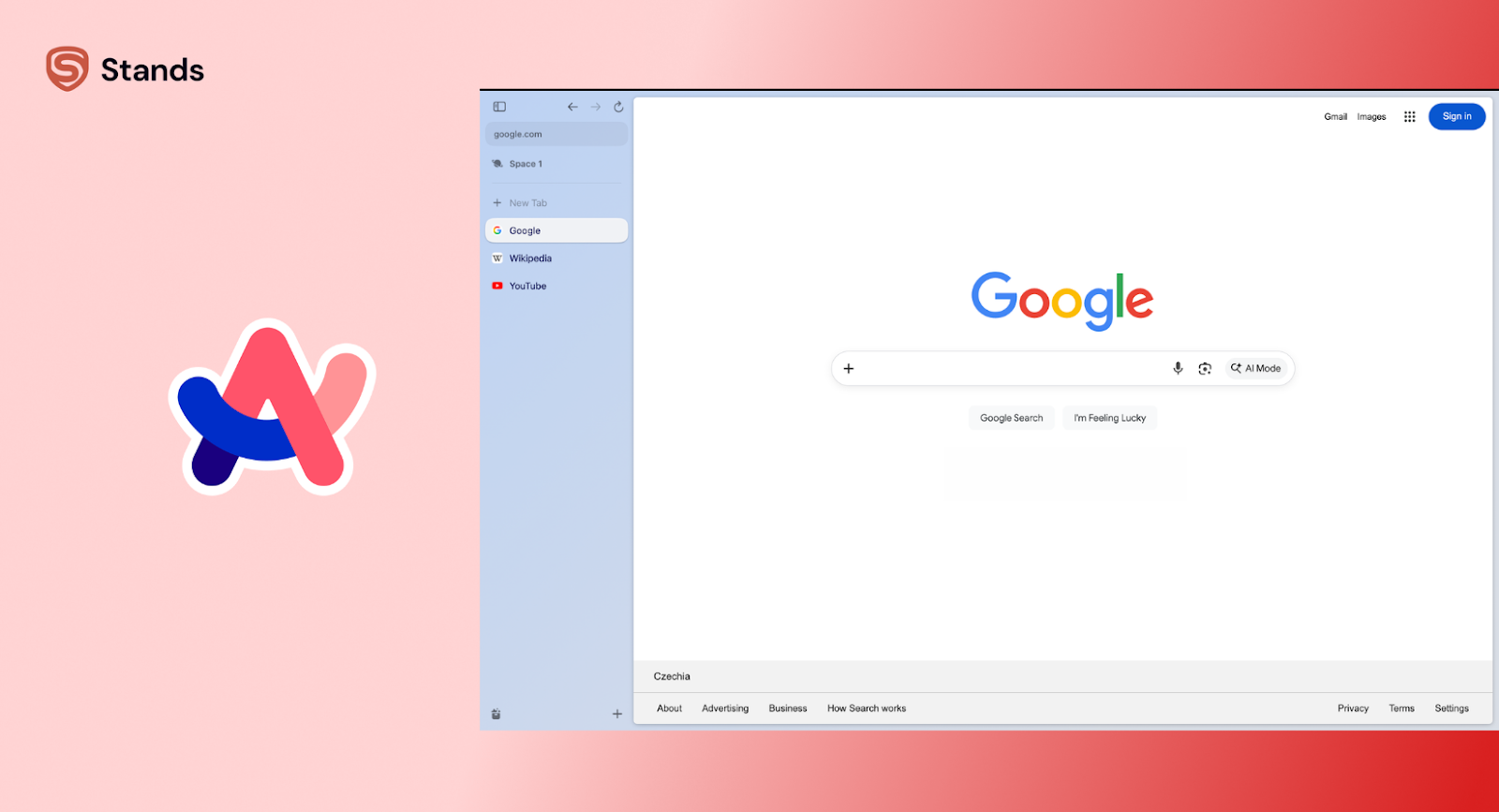
Arc Browser
Opera One
Opera One includes a built-in AI assistant called Aria.
You can ask it questions about a page, summarize content, or generate text without opening a separate AI tool. The assistant lives in the browser sidebar and is always available when you need it.
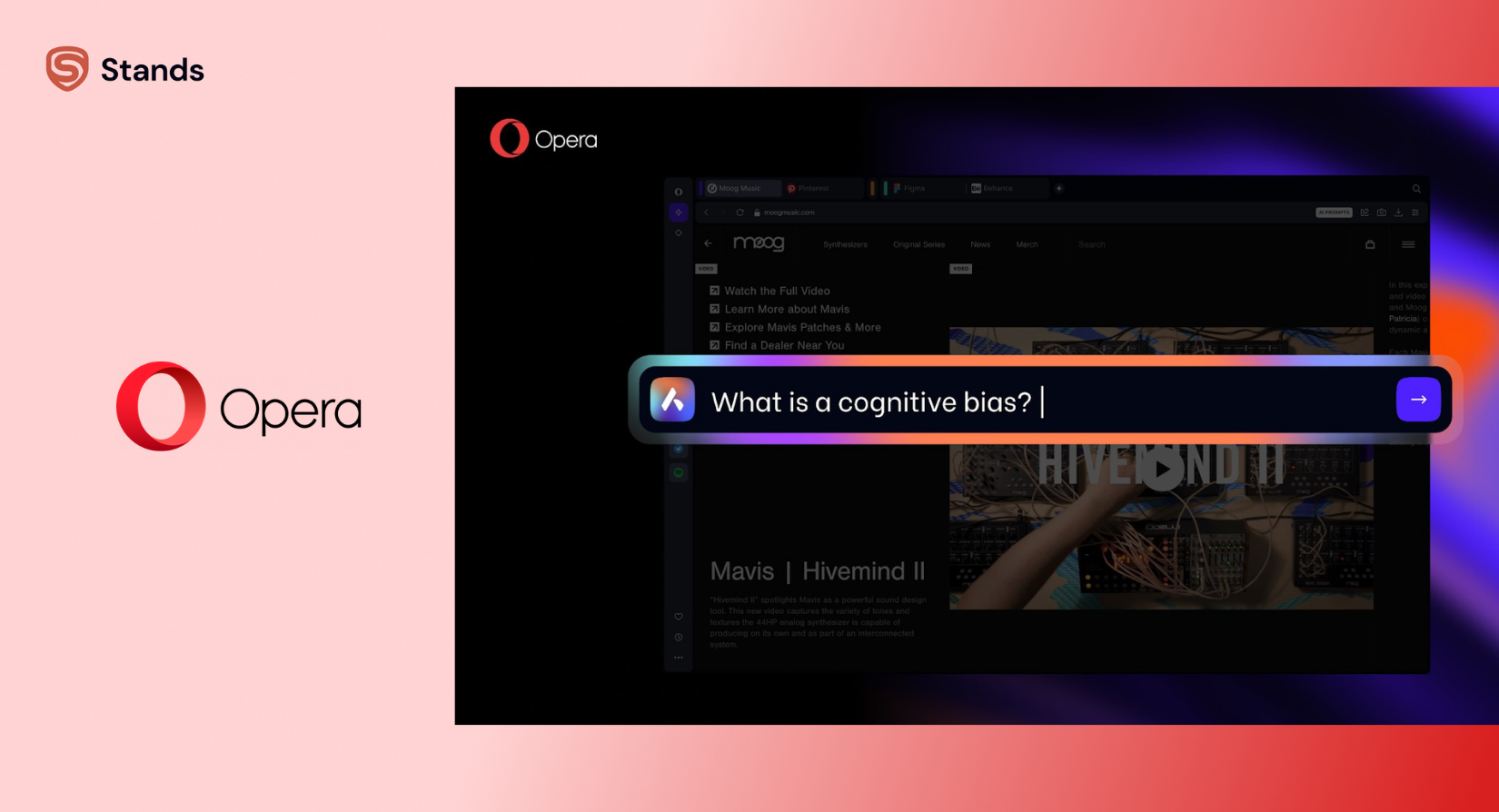
Opera One with Aira
Microsoft Edge with Copilot
Microsoft has been heavily integrating its Copilot AI assistant into the Edge browser.
Copilot can analyze webpages, summarize information, and help compare content across multiple tabs.
Because Edge already has a large user base, this integration could bring AI browsing to millions of users very quickly.
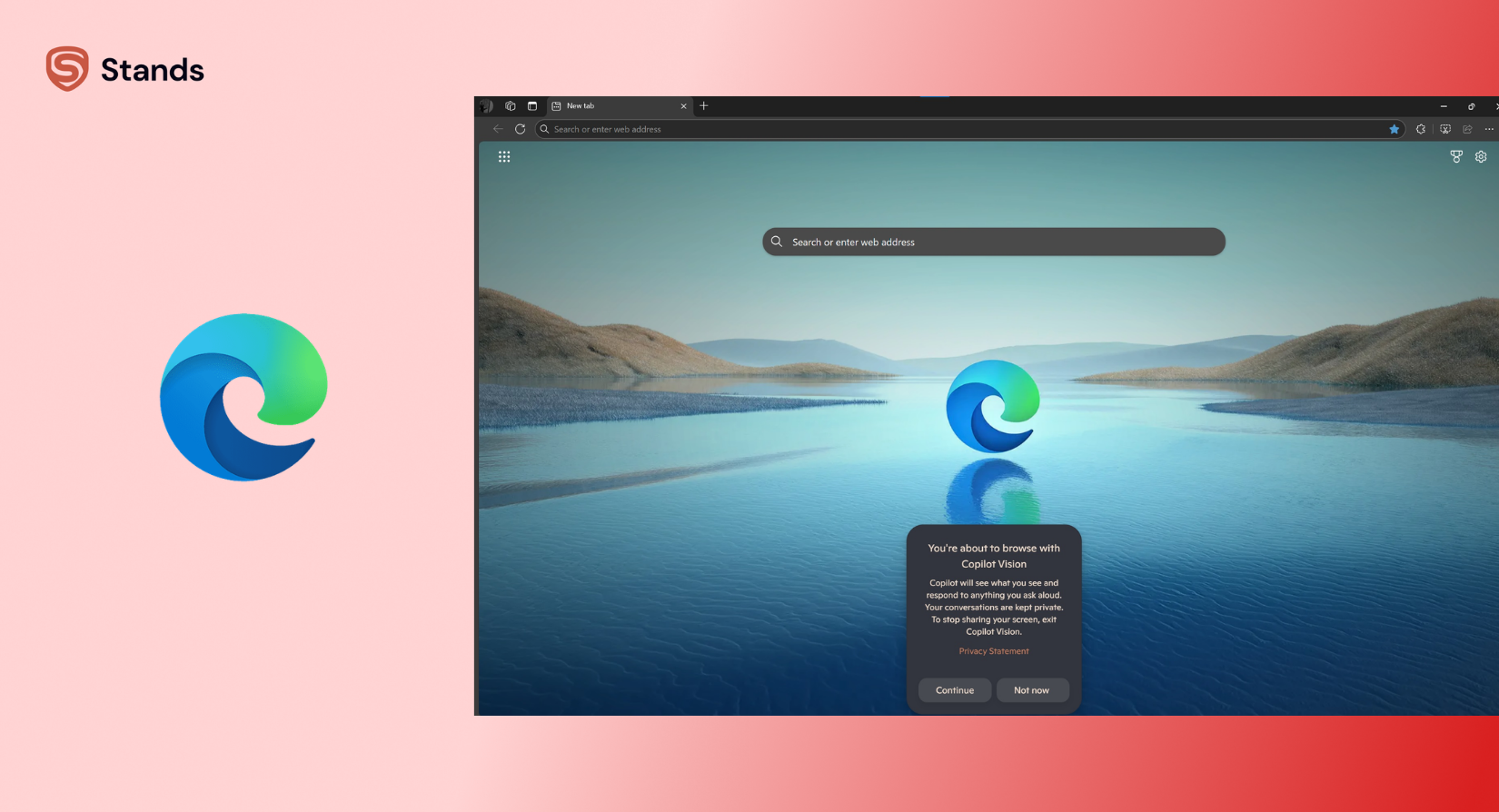
Microsoft Edge with Copilot
Chrome with Gemini
Google is also integrating AI into Chrome through its Gemini assistant.
Gemini can summarize webpages, answer questions about what you're reading, and help complete tasks directly in the browser.
Given Chrome’s popularity, AI browsing could quickly become mainstream.
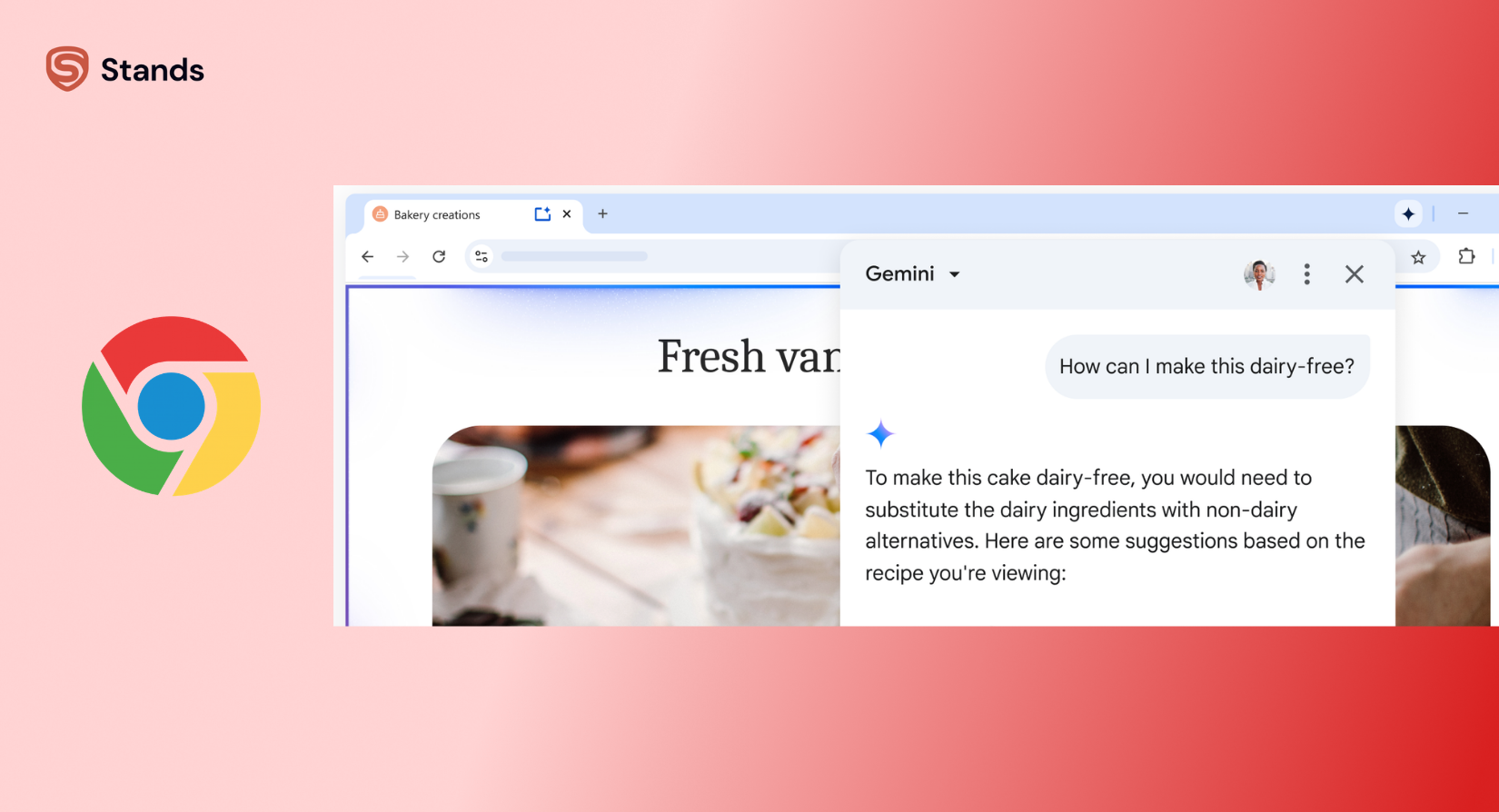
Chrome with Gemini
Atlas Browser
One of the more interesting new entrants is Atlas, an AI-powered browser integrated with ChatGPT-style capabilities.
Atlas combines browsing, search, and AI reasoning in a single interface so users can ask questions about webpages and analyze content while browsing.
The browser appears to be Chromium-based and may support Chrome extensions, although its ecosystem is still evolving.
If you want a deeper look at how Atlas works and whether extensions are supported, we covered it in detail here.
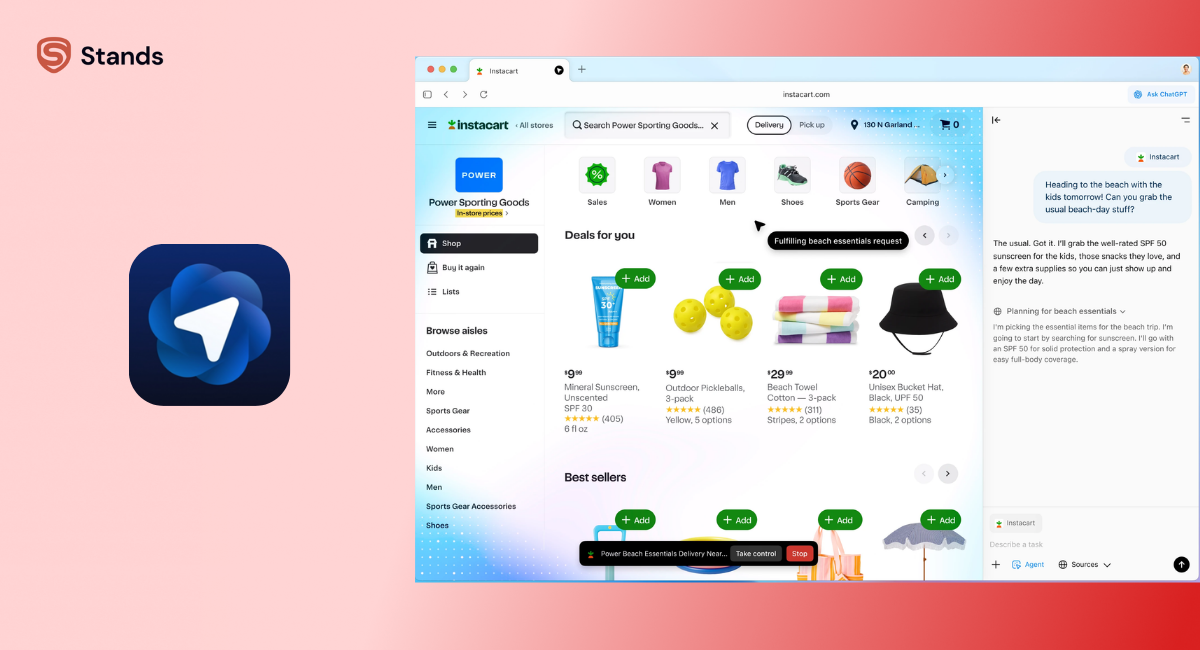
Atlas Browser
Comet Browser
Comet is a newer AI browser created by the team behind Perplexity. It’s built with research in mind, so instead of jumping between a dozen tabs, you can ask questions and explore answers right inside the browser.
Comet can analyze multiple pages, summarize information, and help you dig into a topic without constant searching.
Comet Browser
AI Browsers Aren’t the Only Way to Improve Your Browsing
AI tools can make browsing smarter, but they’re only one piece of the puzzle.
Another big factor that affects your browsing experience is how cluttered the web has become.
Ads, pop-ups, and trackers can slow down pages, distract you, and make browsing feel chaotic — especially if you’re working with lots of tabs or researching something.
That’s why many users use an adblocker in their browsers.
Tools like Stands Adblocker help remove intrusive ads and pop-ups, which can make pages load faster and keep your screen focused on the content you actually want to see.
Another good thing: Stands works with any Chromium-based browser and can be installed from the Chrome Web Store. Since many modern browsers run on Chromium — including Arc, Brave (with Leo AI), Opera (Aria AI), Microsoft Edge (Copilot), Vivaldi, Comet, and Atlas — the extension works there too.
So if you're experimenting with AI browsers, pairing one with an ad blocker like Stands can make the whole experience feel smoother. Less clutter, fewer distractions, and more room for the stuff you actually want to read.

And if you’re interested in making your browser less distracting overall, you might also like our guide on ADHD browsers.
It explains simple ways to reduce digital clutter and build a browser setup that’s easier to focus on.
Are AI Browsers Actually Better?
That depends on how you use the internet. As usual :) So, if you use it for research, learning, and productivity tasks, AI browsers can be incredibly helpful. They reduce the time spent searching, reading long pages, and comparing information across multiple sources.
But they’re still evolving. Some users feel AI browsers are simply traditional browsers with a chatbot added on top. Others worry about privacy, since AI assistants often analyze the content of pages you visit.
Like most new technology, the experience will likely improve quickly as the tools mature.
Conclusion
AI browsers aren’t magic. They won’t replace your brain, but they can save you some time, reduce scrolling, and make tabs feel less overwhelming.
When you combine them with tools like Stands Adblocker, they can make browsing smoother, cleaner, and more focused.
The web is getting smarter. Browsing is changing. And with AI, you might actually enjoy the ride instead of feeling buried under tabs and ads.
FAQ
1. Are AI browsers safe to use?
Yes. However, it still depends on the browser. Most reputable AI browsers process pages securely, but you have to always check their privacy policy.
2. Will AI browsers replace Chrome or Firefox?
Not yet. Most AI browsers are still experimental or layered on top of existing engines. They complement traditional browsers more than replace them.
3. Do AI browsers save my data?
Some AI features may analyze page content to process it. You need to make sure you read the privacy policy and adjust settings if needed.
4. Can AI browsers help you with productivity?
Absolutely. Summaries, tab organization, and writing tools can save time, especially for research and multitasking.

