
 Home »
Stands AdBlocker vs AdGuard
If you’ve ever fallen into the rabbit hole of comparing ad blockers, you already know how messy it gets. Everyone claims “best ad blocking,” “maximum privacy,” and “zero compromises.” But when it comes down to Stands AdBlocker vs AdGuard, the differences are actually pretty clear.
In this article, we will compare features, pricing, privacy, MV3 compatibility, and, yes, check the big one — how well they actually block ads on YouTube, Twitch, and everyday websites.
Let’s get into it :)
- What Are Stands AdBlocker and AdGuard
- Feature Comparison: Stands AdBlocker vs AdGuard
- Ad Blocking Performance
- Privacy and Data Protection
- Free vs Premium: Pricing Breakdown
- Browser Extension vs System-Wide Protection
- Manifest V3 Compatibility
- Ease of Use and Setup
- Who Should Choose Stands and Who Should Choose AdGuard
- Final Verdict: Stands AdBlocker vs AdGuard
What Are Stands AdBlocker and AdGuard
Both tools aim to block ads, stop trackers, and improve your web browsing experience. But the approach each takes is very different.
Stands AdBlocker Overview
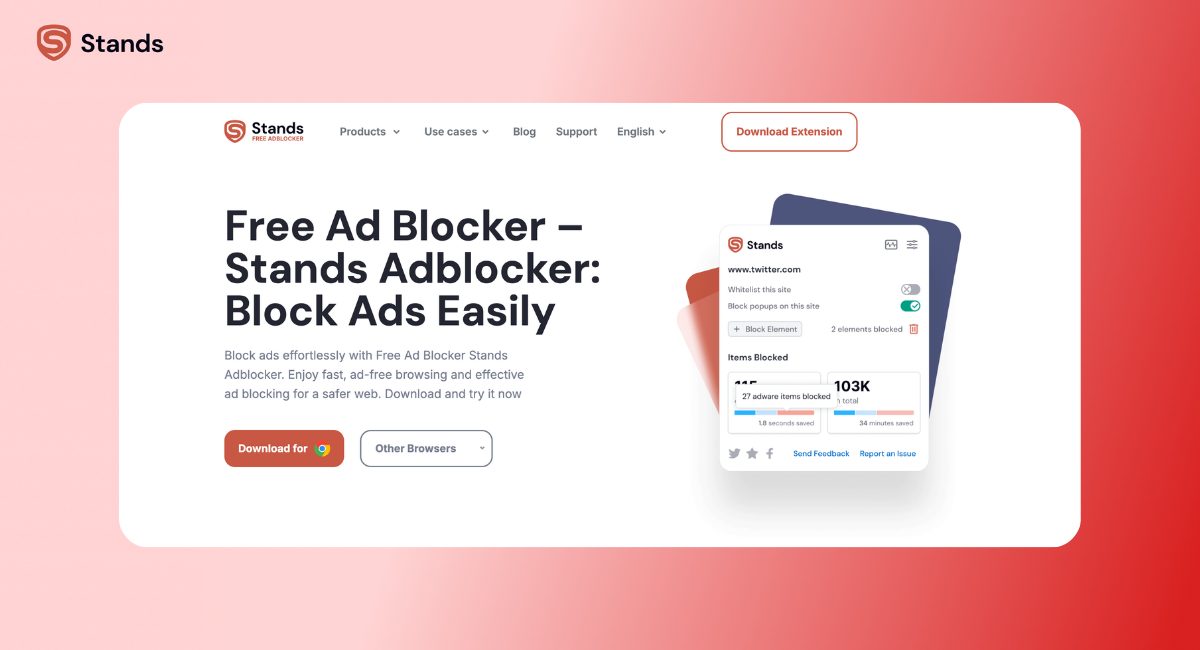
Stands AdBlocker is a browser-first, user-friendly solution. It’s perfect for users who want ad-free browsing without fiddling with settings. Install it, and it just works.
Key features:
- Built for Manifest V3, ensuring smooth Chrome compatibility
- Works on Chrome, Edge, and via Opera
- Lightweight and fast
- Android app available as a mobile browser
Stands focuses on simplicity. You get ad blocking and tracker protection with no account, no login, and no hidden fees.
AdGuard Overview
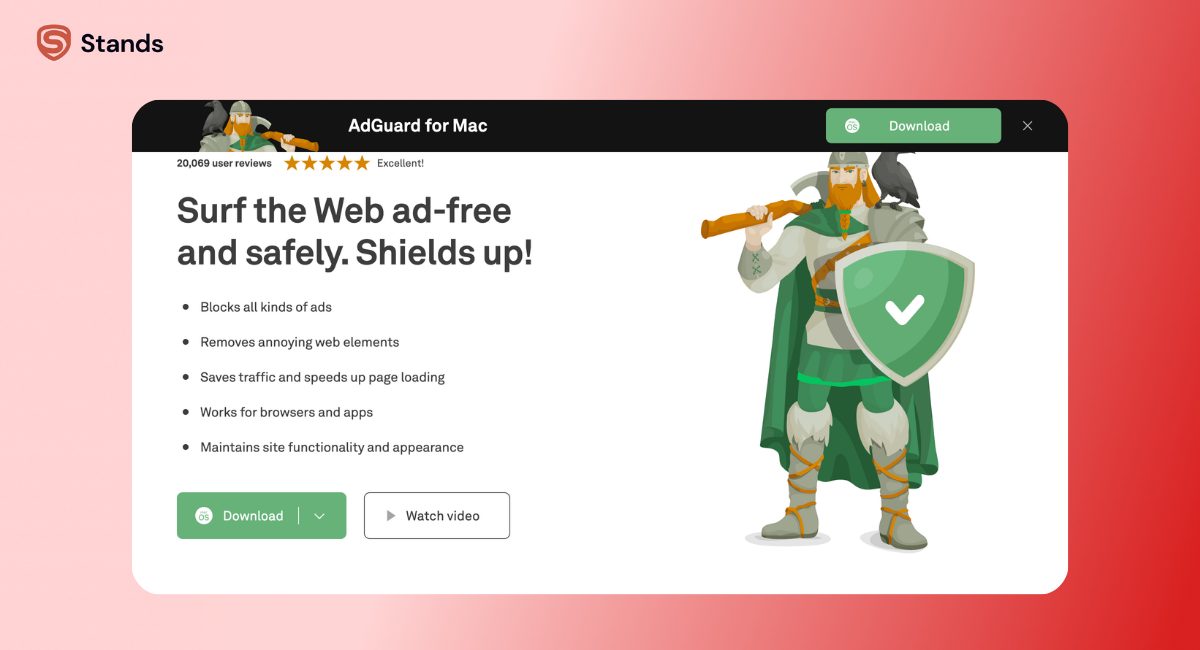
AdGuard is a more comprehensive tool. It offers browser extensions, standalone apps for desktop and mobile, and advanced privacy features.
Highlights include:
- Free browser extension for basic ad blocking
- DNS-level filtering for network-wide protection
- Stealth Mode and advanced privacy settings
- Custom filter lists for granular control
If Stands is “install and forget,” AdGuard is more like “configure and control everything.”
Feature Comparison: Stands AdBlocker vs AdGuard
Here’s how the two stack up side by side:
| Feature | Stands AdBlocker | AdGuard (Extension) | AdGuard (Premium App) |
| Price | Free | Free | Paid |
| Ad blocking | Comprehensive | Strong | Very strong |
| Tracker blocking | Yes | Yes | Advanced |
| YouTube ad blocking | Consistent | Good | Very strong |
| Twitch ads | Strong (see below) | Limited | Better |
| Cookie pop-up removal | Yes | Partial | Yes |
| Malware & phishing protection | Yes | Limited | Yes |
| DNS-level filtering | No | No | Yes |
| System-wide blocking | No | No | Yes |
| MV3 compatibility | Native | Adapted | Adapted |
| Ease of use | Very easy | Moderate | Advanced |
| Custom filter lists | Limited | Yes | Extensive |
Stands prioritizes simplicity and accessibility, while AdGuard focuses more on power and control, especially for advanced users.
Ad Blocking Performance
Features are one thing, although the actual performance is what matters to most of us.
YouTube and Streaming Platforms
This is where most ad blockers are tested.
- Stands AdBlocker blocks pre-rolls, mid-rolls, and YouTube Shorts consistently. It also handles Twitch ads well. Learn how to block Twitch ads with Stands.
- AdGuard’s extension performs well but may require filter tweaks.
To make it short and clear: both handle video ads, but Stands is more “set it and forget it.”
News Sites and Social Media
Banner ads, autoplay videos, sponsored posts, and cookie pop-ups are everywhere.
If you want simplicity, Stands wins. However, when it comes to customization, AdGuard takes the lead.

Privacy and Data Protection
Privacy is often the deciding factor. Both tools are transparent about data collection, but their approaches differ.
What Data Does Each Extension Collect
Stands AdBlocker collects anonymized browsing data, including URLs, search queries, and clickstream information. Personal identifiers are removed. No account or login is required. Privacy policy and Chrome Web Store listing are transparent.
AdGuard focuses on privacy-first practices. Minimal data collection, GDPR compliance, and optional advanced features like Stealth Mode make it suitable for privacy-conscious users.
Tracker Blocking Depth
Both block trackers, but the depth differs.
- Stands covers third-party trackers effectively across websites and streaming platforms.
- AdGuard goes deeper, especially with DNS-level filtering and custom filters.
Casual users may not notice the difference. Privacy-focused users will.
Free vs Premium: Pricing Breakdown
Stands AdBlocker
Everything in Stands is free. No premium tiers, no subscription prompts, no hidden charges. Ad blocking, tracker protection, cookie banner removal, and malware protection are available immediately after installation.
AdGuard
Free browser extension = basic features. Premium apps unlock system-wide blocking, DNS filtering, and advanced privacy tools. It’s ideal for users who want multi-device coverage or network-wide protection.
Browser Extension vs System-Wide Protection
Stands AdBlocker works in the browser, covering websites and streaming platforms effectively. Most users don’t need more.
AdGuard’s premium app extends protection to apps, games, smart TVs, and routers. DNS-level filtering covers the entire home network, making it ideal for multi-device households.
Manifest V3 Compatibility
Chrome’s shift to Manifest V3 changed the landscape. Stands was built with MV3 in mind and works seamlessly with it. AdGuard adapted its extension to maintain functionality. For details, see how Manifest V3 changed ad blockers.
Ease of Use and Setup
Most users want ad blocking with minimal effort. Stands excels here—install and forget. AdGuard requires more configuration, which is great for power users but adds a small learning curve.
Which ad blocker fits your needs
- Quick, hassle-free ad blocking → Stands
- Deep customization and privacy tools → AdGuard
- Avoid subscriptions → Stands
- System-wide blocking → AdGuard
- Browser-only focus → Stands
- Privacy and network coverage → AdGuard
Who Should Choose Stands and Who Should Choose AdGuard
Choosing the right ad blocker depends on your browsing habits and priorities. Some users want a clean browser experience without thinking about settings. Others want control over every aspect, including trackers, filter lists, and system-wide protection.
For Casual Browsers
If you want to focus on what you're reading, Stands is perfect for you. It helps you avoid distractions and makes browsing feel smoother. Stands is easy to install. It quickly gets rid of banners, pop-ups, and video ads. You do not have to do much to make it work. Stands removes distractions so you can enjoy your browsing experience.
For Privacy-Focused Users
Users concerned about privacy will appreciate AdGuard. Its Stealth Mode, advanced filters, and optional DNS-level blocking allow for finer control over data shared online.
For Multi-Device Users
If you want to stop ads on everything, not just the internet pages you visit, then you need something that works with all your devices, like your smart TV and your router. The special programs, from AdGuard, can help with that. They can block ads on all these things.
Stands is different; it works on the internet pages you visit. It is easy to use and does not take up a lot of space on your device.

Final Verdict: Stands AdBlocker vs AdGuard
There’s no best option; it really depends on what you need. Some people just want a browser that works smoothly, has no ads, and loads pages. That's it. They don't want to do work to get it.
Others want control over their browsing experience. They want to block trackers, create custom filter lists, and protect not only their browser but also their apps and network.
Stands AdBlocker is great for people who want an easy-to-use solution.
It works well for browsing, YouTube, and Twitch. You can just set it up and forget about it.
AdGuard is better for people who want more features and more control. It's good for those who care about their privacy and want to control devices and protect their whole network.
For comparisons with other tools, check out Stands AdBlocker vs uBlock Origin and Stands AdBlocker vs Total Adblock.

