Home »
 Boost your Microsoft Edge experience: Block ads, speed up browsing, and enjoy distraction-free navigation with Stands Adblocker.
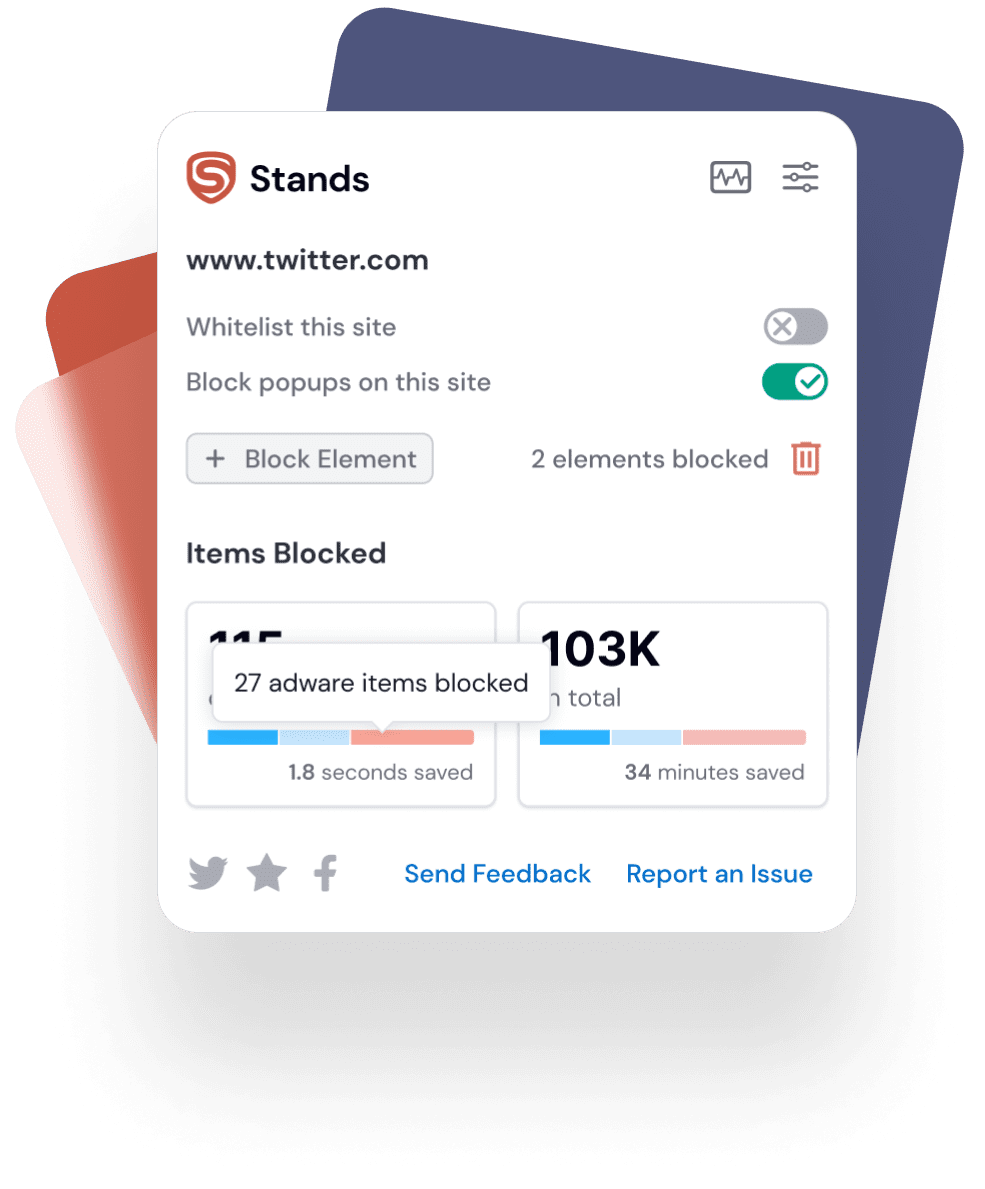

When you need to block distractions while browsing on Microsoft Edge, helping you stay focused on tasks.

When you want faster and more efficient browsing without lag caused by unwanted ads.

Block the invisible tracking cookies and scripts that companies use to track your browsing habits.
Block ads on YouTube, Twitch, and any site with the top adblocker for Edge.
Speed up browsing and reduce data use with the best Edge adblock extension.
Keep your favorite sites intact with the most reliable adblocker for Microsoft Edge
Enjoy your favorite videos without constant interruptions. Stands blocks all YouTube ads, including pre-rolls, mid-rolls, and sidebar banners, ensuring a smooth and seamless viewing experience.
Get back to the stream. Stands bypasses ad-delivery systems on Twitch, Hulu, and Vimeo, so you can watch live content without missing a single moment.
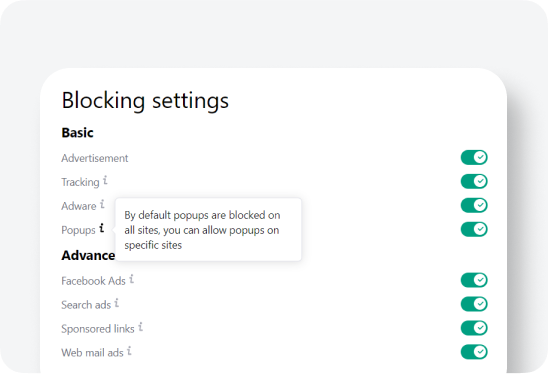
Tired of clicking a link only to be sent to an unwanted page? Stands is a highly reliable pop-up blocker that prevents deceptive pop-ups and full-screen redirects from ever showing up.

Between slow-loading pages that drain your battery, creepy ads tracking your every move, and deceptive pop-ups blocking your screen, browsing can get incredibly frustrating.
Stands is the easiest way to block ads and fix these issues instantly:
Stands speeds up your pages and saves laptop battery by stopping heavy ads from loading.
Our ad removal stops advertising companies from spying on what you do online.
We protect you by blocking fake download buttons and dangerous pop-ups before you can click them.
Read articles and watch YouTube videos without annoying ads getting in your way.

Getting started with the best free ad blocker for Edge takes less than a minute:
Visit the Store: Go to the Microsoft Edge Add-ons Store.
Install: Click the Get button and confirm the installation.
Enjoy: Stands is active immediately. You can click the puzzle piece (Extensions) icon in your toolbar to pin Stands and track how many ads you’ve blocked in real-time!

Visit our Support Page for answers to frequently asked questions about AdBlock for Edge by Stands.
Contact us via email, our contact form, or social media for personalized assistance.
If needed, uninstall and reinstall Stands Free AdBlocker for Edge.

Yes, Microsoft Edge supports ad blockers. Find Stands AdBlocker in the Microsoft Edge Add-ons Store: https://microsoftedge.microsoft.com/addons/detail/stands-adblocker/jccfboncbdccgbgcbhickioeailgpkgb.
Install the Stands Free AdBlocker from the Microsoft Edge Add-ons Store. It blocks ads automatically – customize settings for the best ad-blocking experience on Edge.
Yes, using an ad blocker in Microsoft Edge is legal. While some websites may restrict access, you have the right to manage your browsing experience.
Yes, Stands AdBlocker is completely free, making it accessible to everyone, even if they cannot donate.
Stands provides comprehensive ad removal. It blocks:
YouTube, Twitch, and video platform ads
Floating pop-up windows and screen overlays
Social media timeline ads (Facebook, X, LinkedIn)
Webmail banners (Gmail inbox ads)
Invisible third-party tracking scripts
To block ads on Microsoft Edge, simply install the Stands AdBlocker extension from the Edge Add-ons store. Once installed, our Microsoft Edge ad blocker will automatically start working to provide instant ad removal across all the websites you visit.

Based on 136k reviews
From more than 170 countries
In the Top 10 AdBlockers

“I am using this AdBlocker for over a year now and it has been my most preferable AdBlocker. Will continue using it for a long time”
“I love this AdBlocker. this is the only ad block ill ever use. whenever i get a new device, this is the first extension i instal. i used others before but this one, imho, is simply the best. it stays on top of things, it always blocks the ads, AND popups. i love this ad block so much”
“Great app, cleans web pages and saves your lifetime by disabling unwanted ads! Highly recommend”

Your form has been submitted
OK